Real-User Field Data (CrUX)
Alongside the lab test, LoadFocus shows real-user (field) data from the Chrome UX Report (CrUX), so you see what actual visitors experience, not just a single lab run.
Field data vs lab data
Lab data comes from a controlled, single audit run in a fixed environment, which is great for reproducible debugging and catching regressions. Field data is aggregated from real Chrome users over the trailing 28 days, so it reflects the range of devices, networks, and locations your visitors actually use. Both matter, and field data is what Google uses for the Core Web Vitals assessment.
The field-data panel
The panel shows the 75th-percentile (p75) value for each metric (LCP, INP, CLS, FCP, TTFB), colored good, needs-improvement, or poor, alongside a distribution bar that breaks down the share of visits in each band.
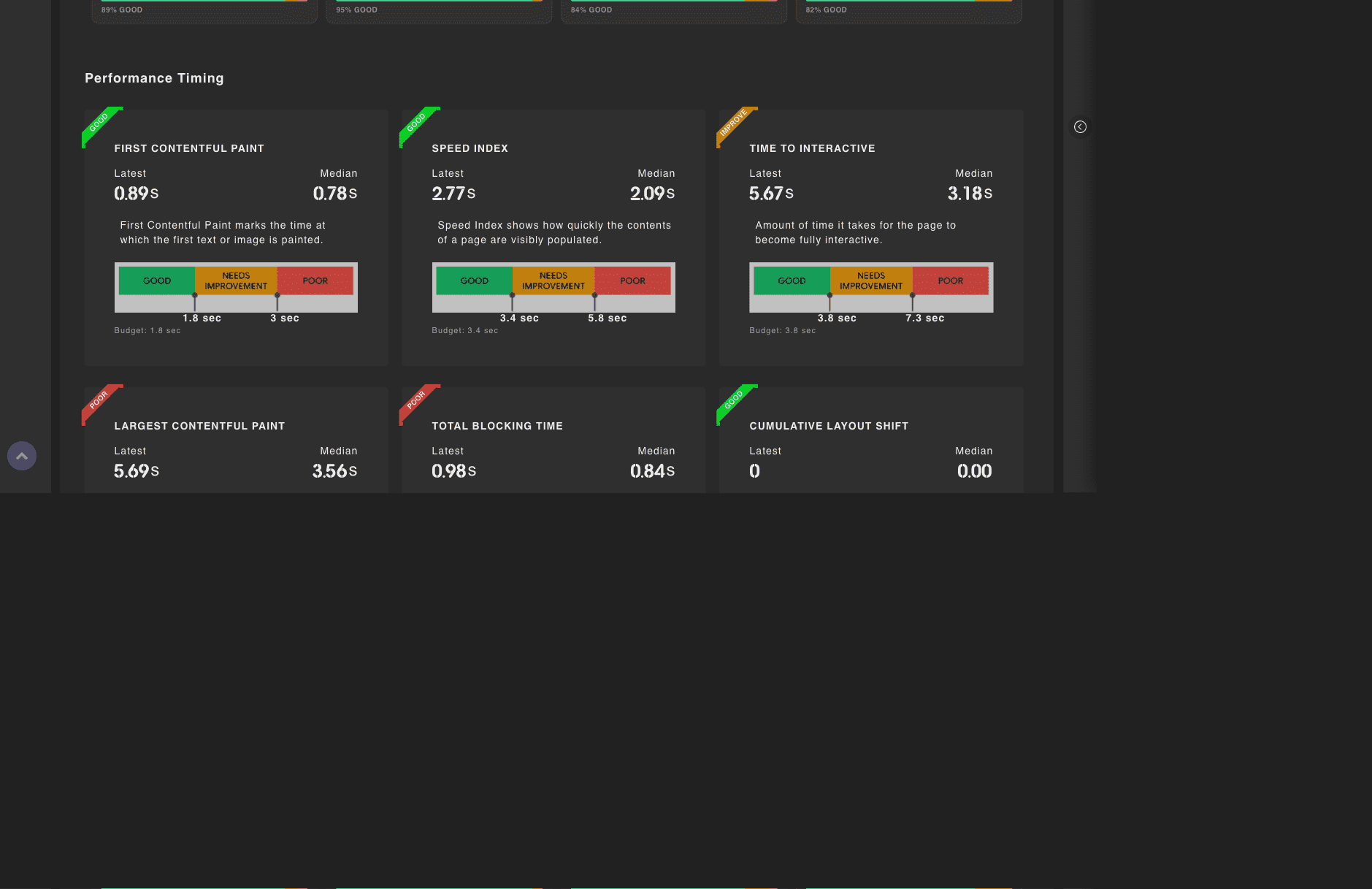
Core Web Vitals pass/fail badge
A badge marks whether the page passes the three Core Web Vitals (LCP, INP, CLS) on mobile field data. It gives you a single, at-a-glance verdict on whether real users are getting a good experience.
Weekly trend
Each metric's info sidebar shows a weekly p75 trend with good, needs-improvement, and poor bands, so you can see real-user performance moving over time and confirm whether your changes are helping.
Thresholds
Each metric is scored against the same thresholds Google uses for the Core Web Vitals assessment:
| Metric | Good | Needs improvement | Poor |
|---|---|---|---|
| LCP | <= 2.5 s | <= 4 s | > 4 s |
| INP | <= 200 ms | <= 500 ms | > 500 ms |
| CLS | <= 0.1 | <= 0.25 | > 0.25 |