What is Ramp Up Steps in Load Testing
What is Ramp Up Steps in Load Testing
The Ramp Up Steps property represents granularity of the requests, more steps results in a smoother pattern, check the chart for a better understanding.
This setting only applies to the Ramp Up Time.
This setting is similar also for JMeter Load Testing.
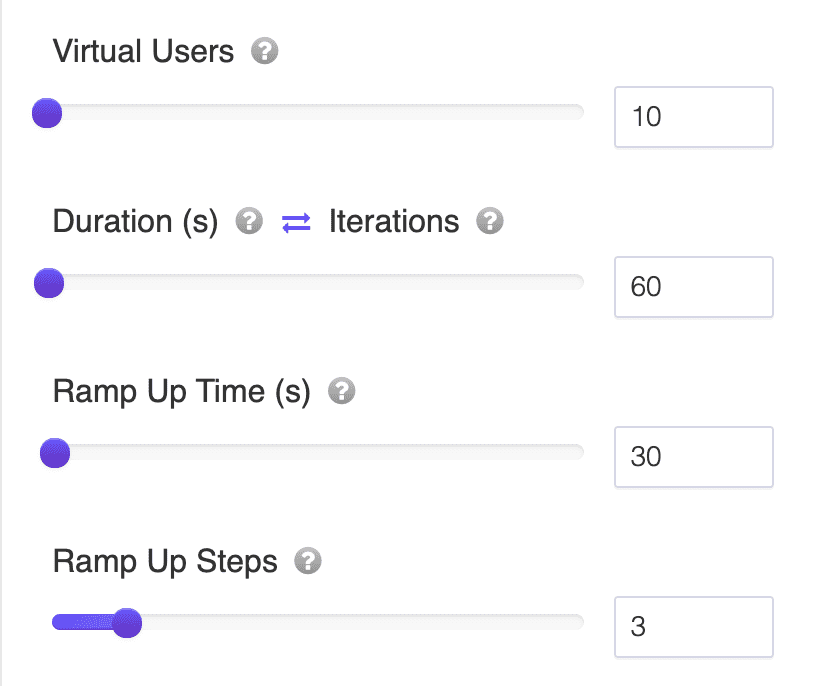
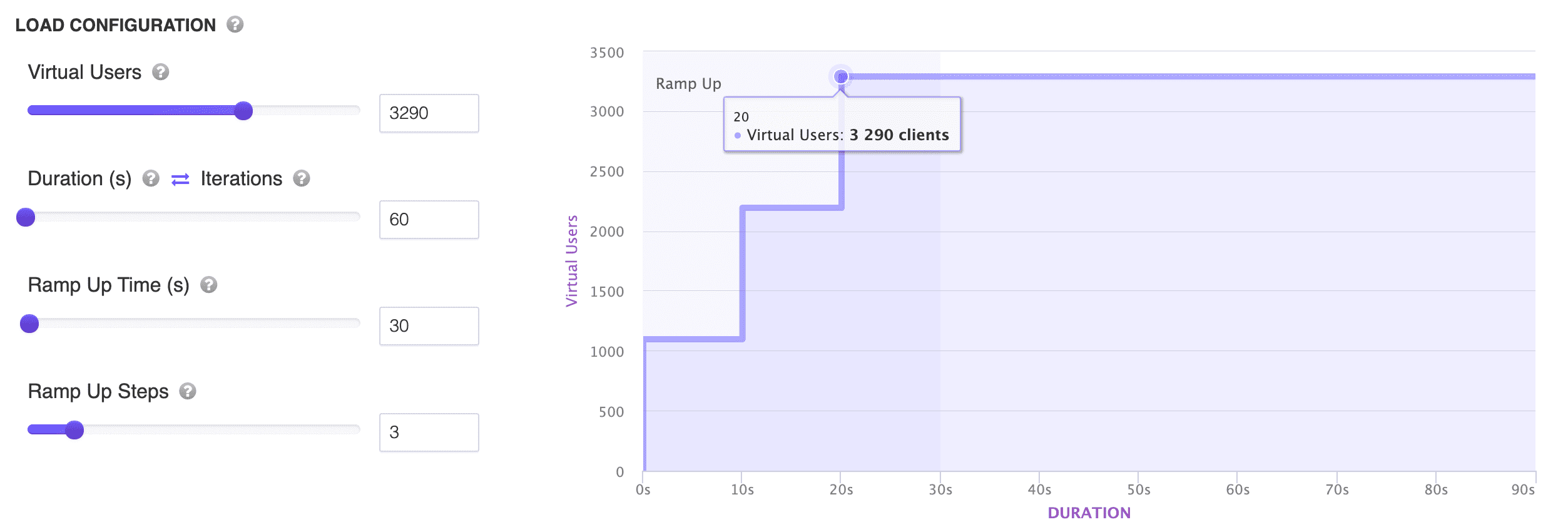
Note: You can slide the Ramp Up Steps setting to better visualize the load test you are about to run.
How Ramp Up Steps and Ramp Up Time Work Together
Ramp Up Time is how long it takes to go from zero to your full number of Virtual Users. Ramp Up Steps decides how that increase is divided up along the way. Instead of adding users one at a time, or all at once, LoadFocus adds them in batches: total Virtual Users divided by the number of steps, spread evenly across the Ramp Up Time.
That gives you two numbers worth knowing for any test:
- Users per step = Virtual Users / Steps
- Time per step = Ramp Up Time / Steps
A Worked Example
Say you configure 100 Virtual Users, a Ramp Up Time of 100 seconds, and 10 Ramp Up Steps. That works out to 10 new Virtual Users joining every 10 seconds, until all 100 are active at the 100 second mark. The chart on the test configuration page redraws as you move the slider, so you can see this staircase pattern before you ever start the test.
Why It Matters
A load test rarely needs to hit its peak traffic instantly, real usage builds up over minutes, not milliseconds. Ramping up in steps gives your infrastructure, autoscaling, caches, and connection pools time to react the way they would with organic traffic, instead of getting hit with a wall of requests at second zero. It also makes results easier to read: because users join in visible batches, you can look at your response time or error rate chart and see roughly which step introduced a problem, rather than only knowing something broke somewhere in a single instant surge.
Picking a Number of Steps
- Too few steps (say, 2 or 3) makes the ramp-up look like a handful of sudden jumps rather than a smooth build-up, which can trigger the same cold-start issues you were trying to avoid by ramping up at all.
- Too many steps relative to your Virtual Users wastes granularity. Ten steps for 5 Virtual Users means some steps add zero whole users, so the extra steps don't change the traffic pattern, they just add configuration you don't need.
- A reasonable starting point is one step for every 10-20 Virtual Users you're ramping up, adjusted based on how smooth you want the chart to look and how sensitive your system is to sudden increases.
This setting behaves the same way for JMeter load tests, where step-based ramp-up is a common pattern for simulating gradually increasing traffic.