What is Duration in Load Testing
What is Duration in Load Testing
The Duration property represents the Total duration of your load test, for how long the clients will hit your application.
This is independent of any Ramp Up Time.
This setting is similar also for JMeter Load Testing.
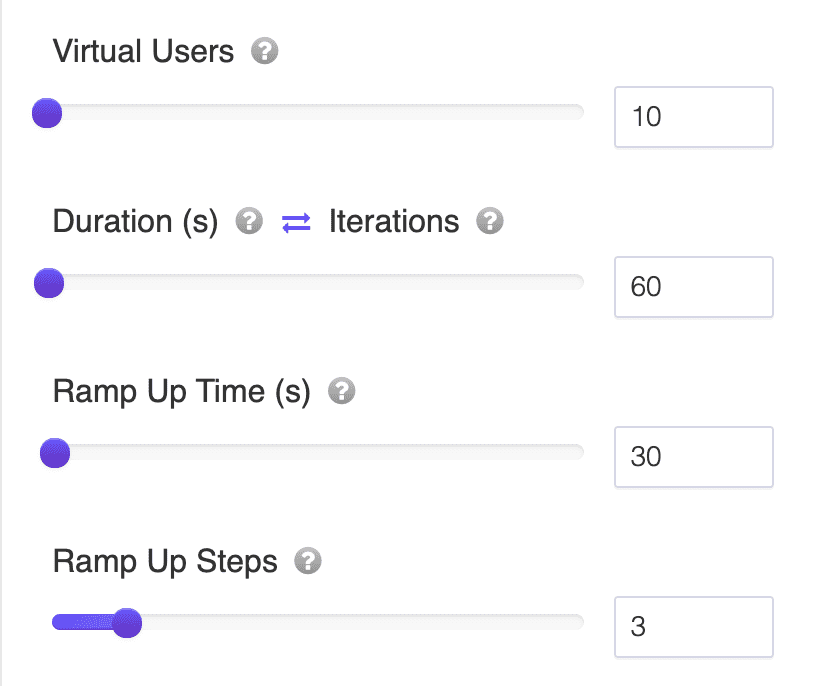
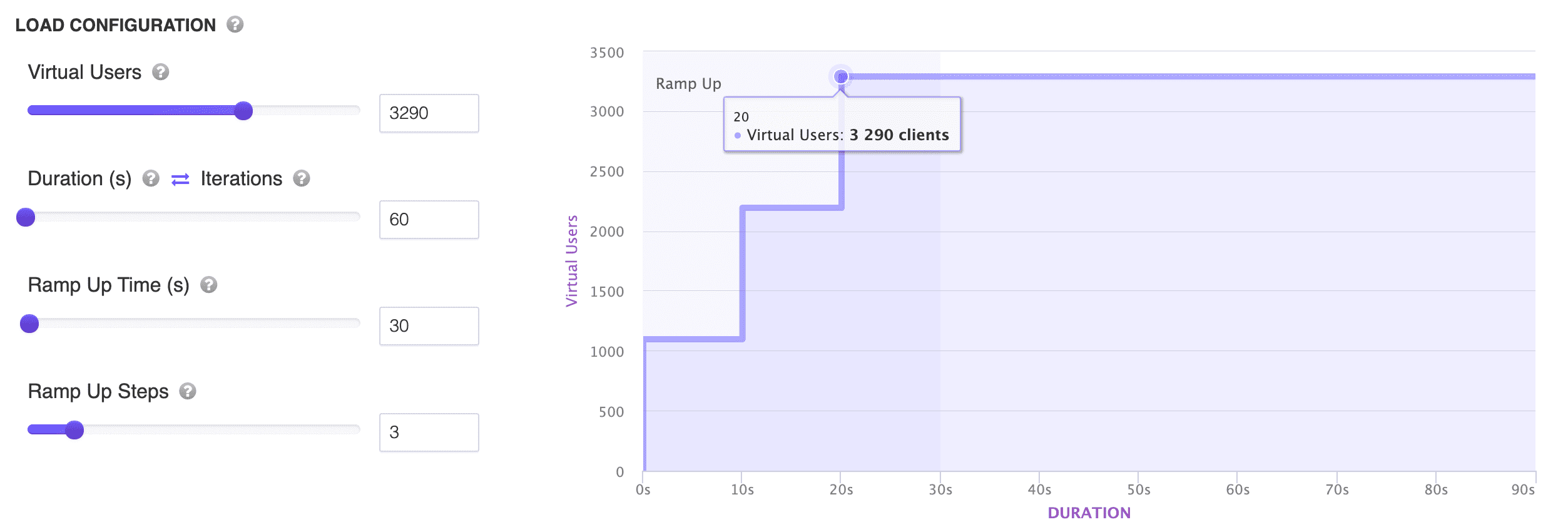
Note: You can slide the Durations setting to better visualize the load test you are about to run.
How Duration relates to Ramp Up Time
A load test's total wall-clock time is made up of two settings working together: Ramp Up Time brings your virtual users online gradually, and Duration is how long the test keeps running once it starts. In practice, the ramp-up period happens first, and Duration runs on top of it, so the total time your test executes for is roughly Ramp Up Time plus Duration.
For example, with a Ramp Up Time of 60 seconds and a Duration of 300 seconds, virtual users come online gradually over the first 60 seconds, and the test then keeps generating load with all virtual users active for another 300 seconds, for a total elapsed test time around 360 seconds. This is why Duration alone does not tell you the full length of a test, and Ramp Up Time alone does not tell you how long the sustained load lasts. They answer two different questions and need to be read together.
Duration vs. Iterations
Duration is one of two ways to define how long a test runs; the other is Iterations. A duration-based test keeps running until the configured time elapses, regardless of how many times each virtual user manages to complete its script in that window. An iteration-based test instead runs until every virtual user has completed a fixed number of iterations, however long that takes.
Duration is generally the right choice when you want a consistent, comparable time window across test runs, for example "run at peak load for 10 minutes", since it fixes the timing rather than the exact amount of work done. Iterations are a better choice when you care more about each virtual user completing a fixed amount of work, such as replaying a specific transaction a set number of times, and are less concerned with exactly how long that takes.
Choosing a Duration
Short Durations, under a minute, are useful for a quick smoke test of your load test configuration: they confirm requests succeed and response codes look right before you commit to a longer run. Longer Durations are what surface issues that only appear under sustained load, such as memory growth, connection pool exhaustion, or response times that degrade after a few minutes of continuous traffic. If you're trying to find sustained-load problems, choose a Duration long enough to run well past your Ramp Up Time. A test that ends right as ramp-up finishes never actually observes steady-state behavior.