Core Web Vitals Competitor Comparison
Add up to three competitor URLs to a monitor and LoadFocus overlays their real-user (Chrome UX Report) Core Web Vitals trend against yours, so you can see how you compare on what real visitors actually experience.
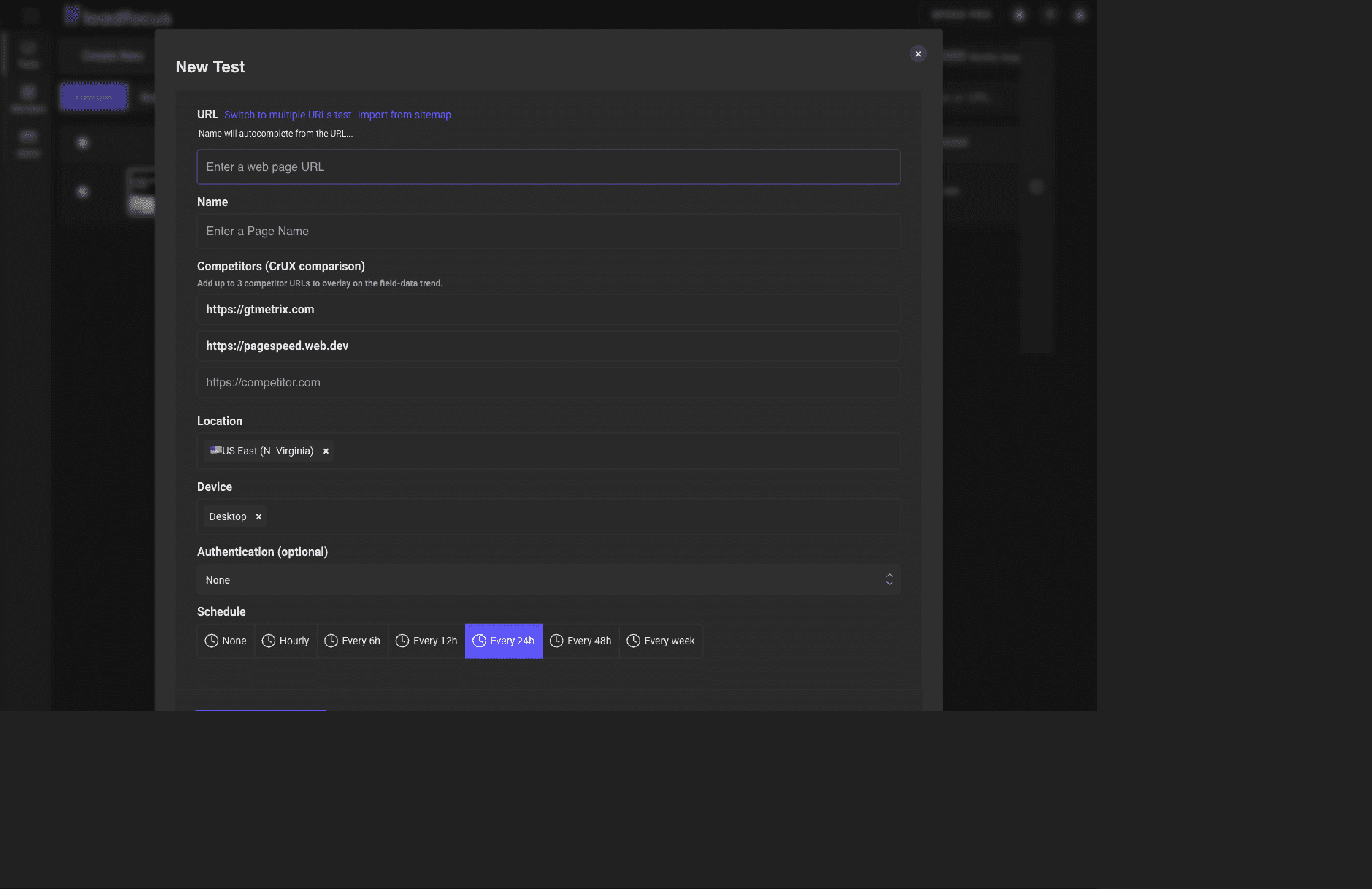
Add competitors
In the monitor's settings, the "Competitors (CrUX comparison)" field accepts up to three URLs. Enter the sites you want to benchmark against and save the monitor.
See the comparison
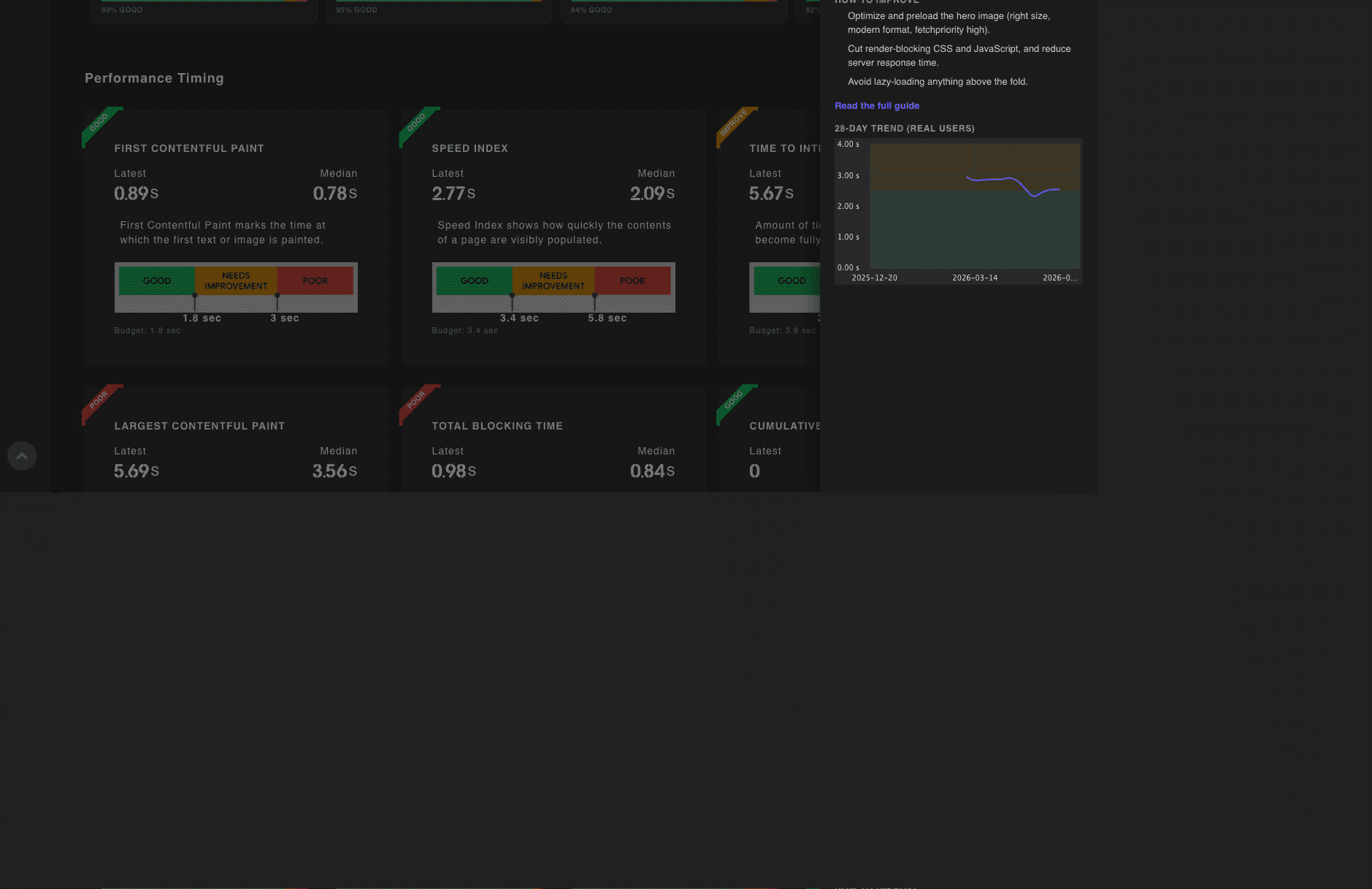
Open a Core Web Vitals metric's info sidebar on the result. Competitor lines overlay your weekly p75 trend, drawn dashed and aligned to the same weeks, so you can read the gap between you and each competitor at a glance.
Notes
The comparison uses field (CrUX) data only, so a competitor needs enough Chrome traffic to have a CrUX record. Competitor lines appear after the next daily field-data capture, so they may be empty right after you add them.