
Guide to Load Testing Event-Driven Systems 2026
Learn strategies for load testing event-driven systems. Discover tools and pitfalls.

Learn strategies for load testing event-driven systems. Discover tools and pitfalls.

Discover how synthetic traffic enhances performance testing by providing controlled scenarios. Learn its benefits, limitations, and best uses for success.
Optimize database connection pools for peak performance using load testing and proven strategies to ensure efficient and reliable database management.
Explore how HTTP/3 load testing transforms cloud testing strategies.

Optimize load test script maintenance with AI to reduce manual effort and improve efficiency. Streamline your testing process with smart automation.
Discover how multi-region deployment impacts load testing results, performance optimization, and reliability strategies for cloud-based applications.
Learn how to set performance budgets for web apps to optimize user experience and improve loading times in 2026. Boost your site's efficiency today.

Learn effective SaaS onboarding testing techniques to create load testing scenarios that enhance user experience and ensure smooth performance.
Discover how cache invalidation impacts testing accuracy and performance reliability in software development processes. Effective cache invalidation is…

Avoid API rate limiting during load testing with these strategies for API testers.
Learn how to configure OAuth2 load testing for APIs to ensure secure and accurate performance under stress. Improve your API testing process today.

Discover how network jitter impacts cloud load testing and explore effective strategies to manage its effects for reliable performance results.
Explore IoT load testing challenges and solutions for scalable, reliable platforms.
Serverless scaling is not a free pass. Why cold starts, concurrency limits and per-invocation cost make performance testing non-negotiable.

Idle: Just after startup, before any user or automated traffic. Nominal load: Typical daily activity, light user simulations or API calls.
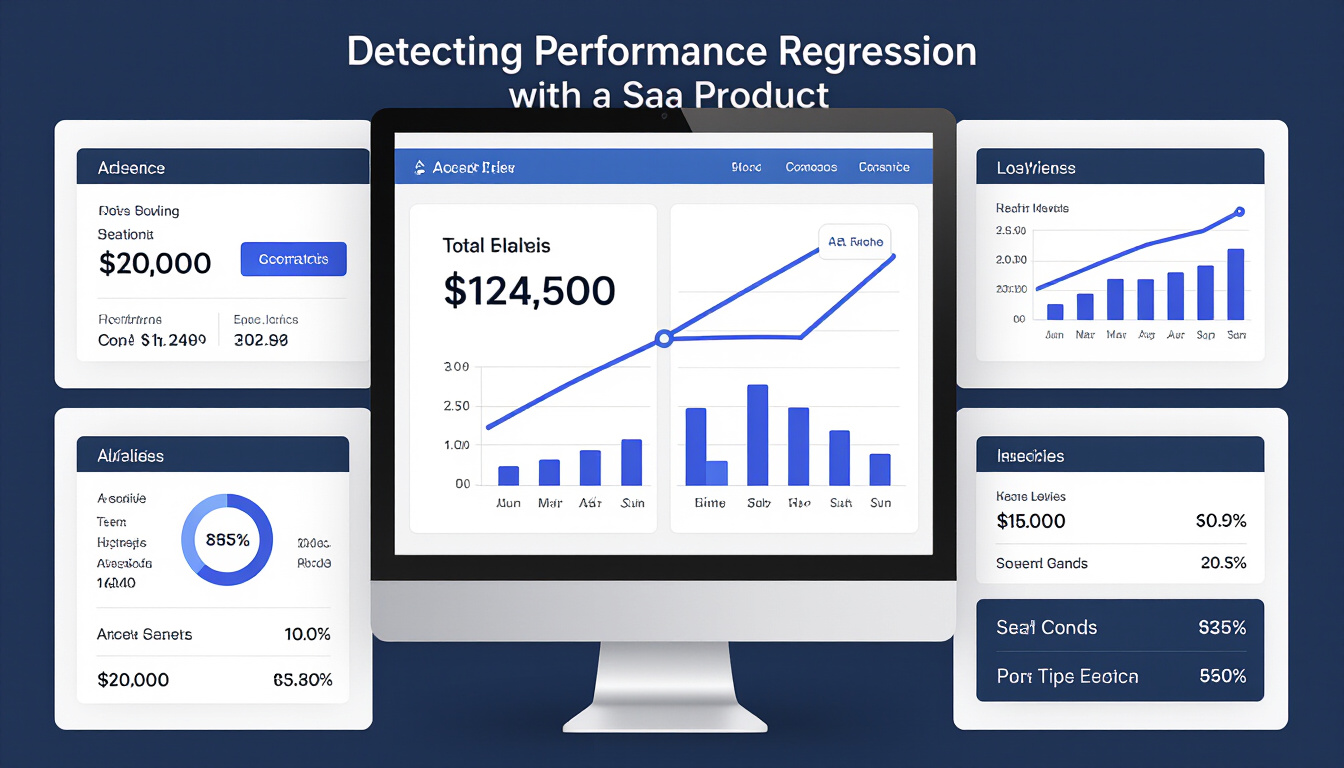
Explore how performance regression testing with automation identified critical issues in a SaaS product and maintained reliability.
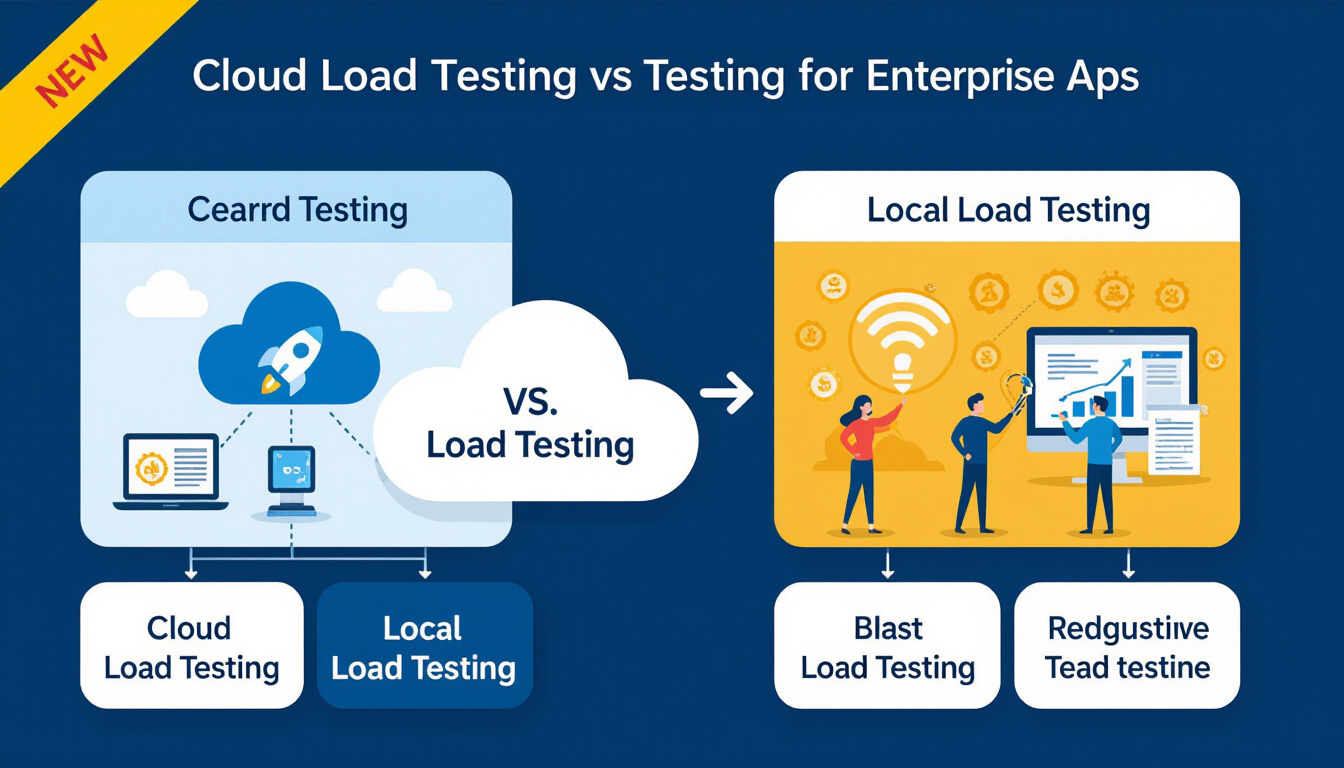
Cloud against local load testing for enterprise apps, compared on scalability, cost and accuracy, and the trade-offs each approach forces.

Explore how serverless computing transforms load testing strategies in 2026 and what testers must consider to stay ahead.

Learn how AI chatbots transform performance testing by improving scenario creation and analysis. Essential insights for QA teams to boost efficiency.
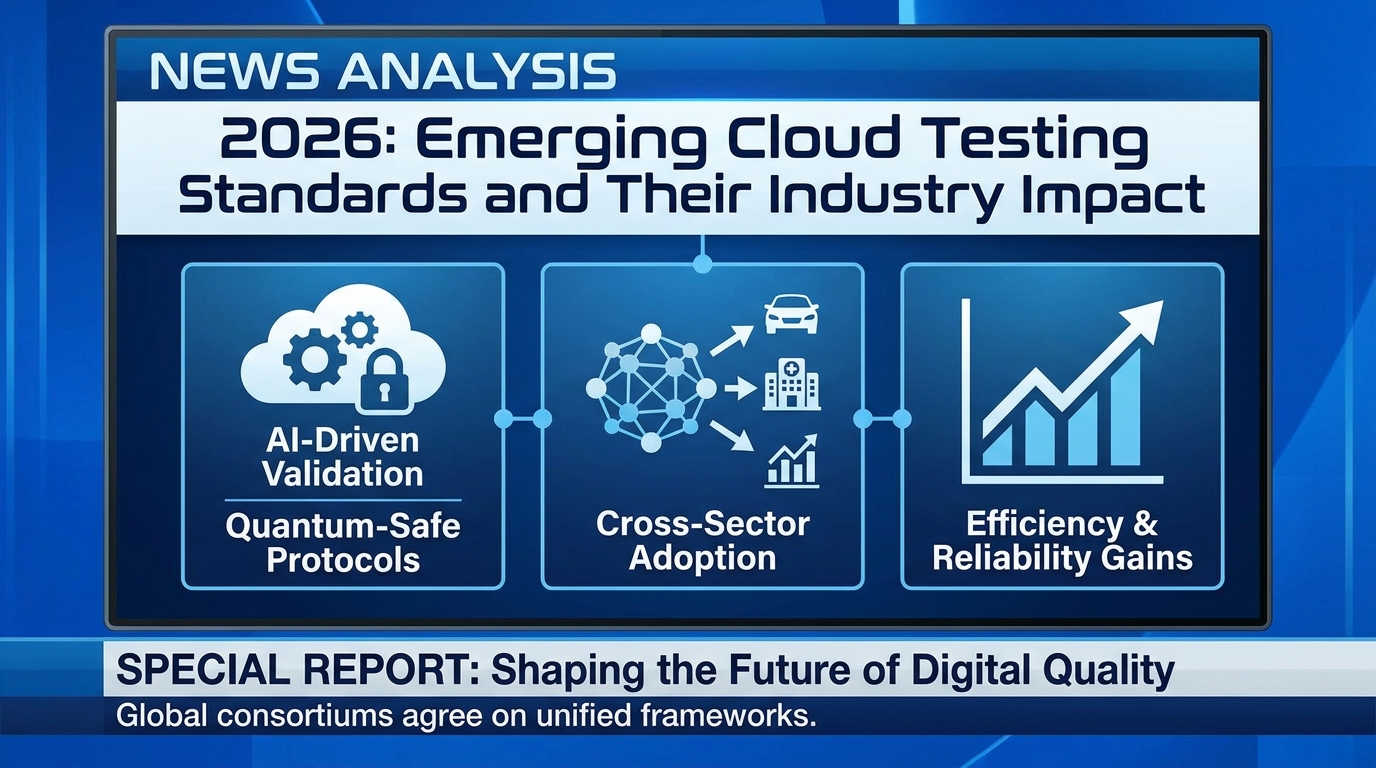
Explore the latest cloud testing standards in 2026, their impact on performance testing, and actionable strategies for organizations to stay ahead.

Explore how cloud testing supports sustainable software development by optimizing resource usage, reducing waste, and driving green IT initiatives.
Learn how load testing ensures top media streaming performance globally.
Why performance testing matters more for cloud-native apps in 2026, as rising complexity and user expectations reshape how teams test.

Explore the latest cloud testing standards in 2026, their impact on performance testing, and what organizations need to know to stay ahead.
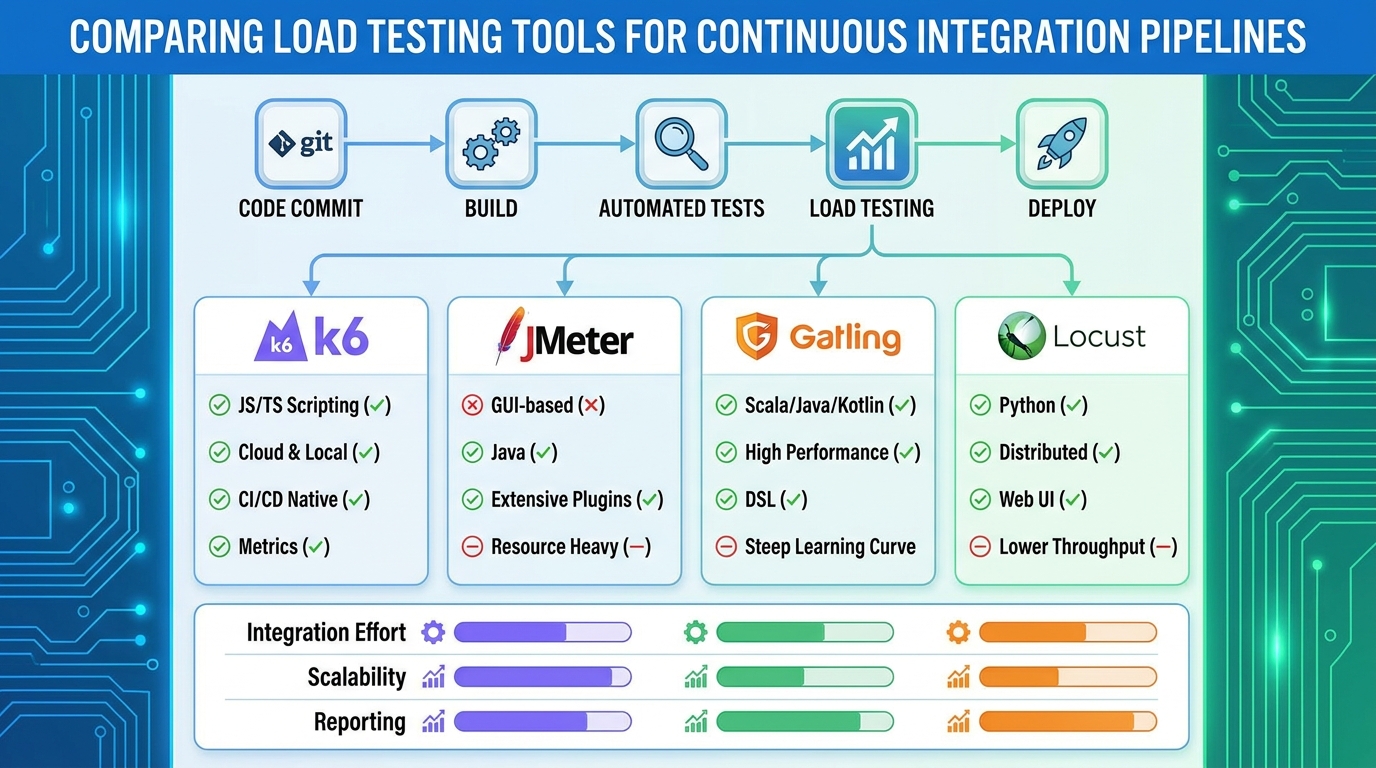
Discover the best load testing tools for CI/CD pipelines in 2026. Compare features, integrations, strengths, and real-world scenarios for DevOps teams.
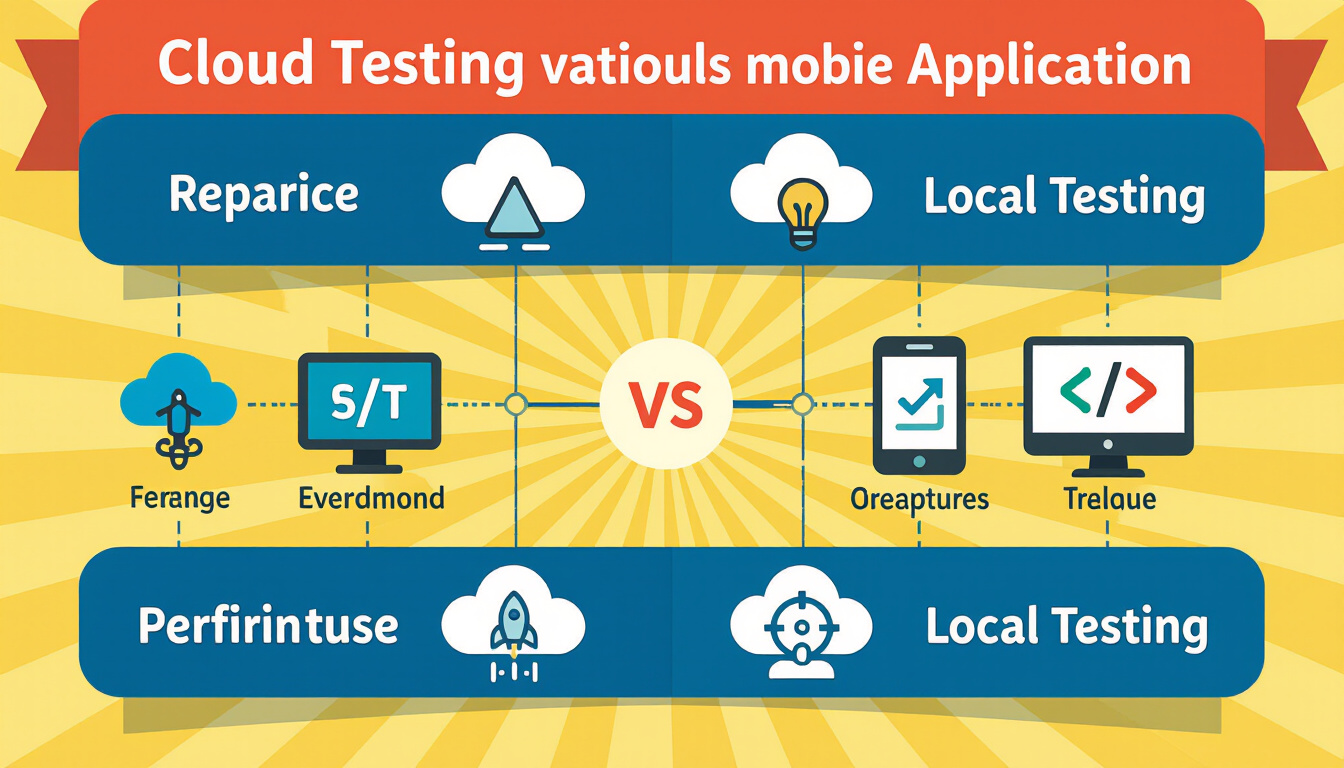
Explore a detailed comparison of cloud testing vs local testing for mobile performance testing. Learn which approach fits your needs in 2026.

Discover how targeted performance testing transformed mobile API performance for a global retail brand. Key strategies for mobile API performance in 2026.
A practical comparison of 10 API monitoring tools, what each is genuinely good at, which have real free tiers, and the open source options worth running.

Testing services individually misses the failures that appear when they call each other.

Edge computing moves work closer to users, so a single-region load test no longer represents them.

Growth exposed capacity limits that had been invisible at lower traffic. The fixes were architectural, so finding them late would have been expensive.
Open source is free to licence and expensive to operate at scale. Decide on who maintains the tests, since that determines what survives a team change.
A script that replays one fixed user hides caching effects and looks faster than reality.

AI is moving performance testing from scripted runs to continuous analysis of production-like behaviour.
Judge a platform on CI integration and result analysis, not on maximum virtual users.
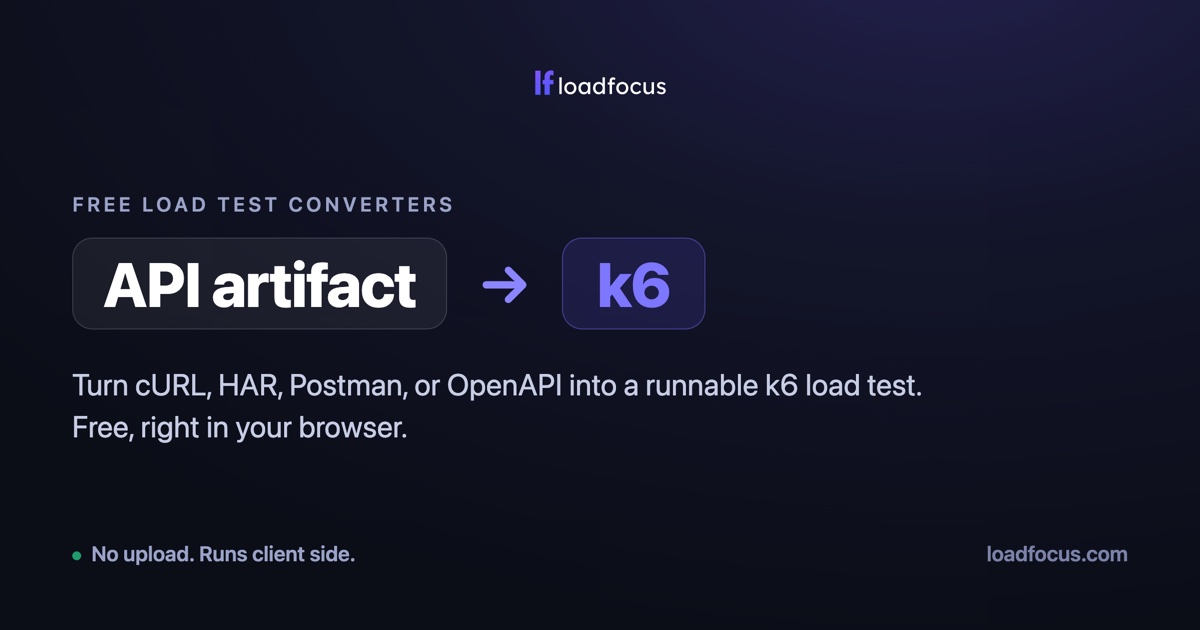
Turn a cURL command, HAR file, Postman collection or OpenAPI spec into a runnable k6 script or JMeter test plan, free in your browser.
Managed options mostly sell orchestration and retention rather than a faster engine. Decide by how often you run at scale, not by peak virtual users.
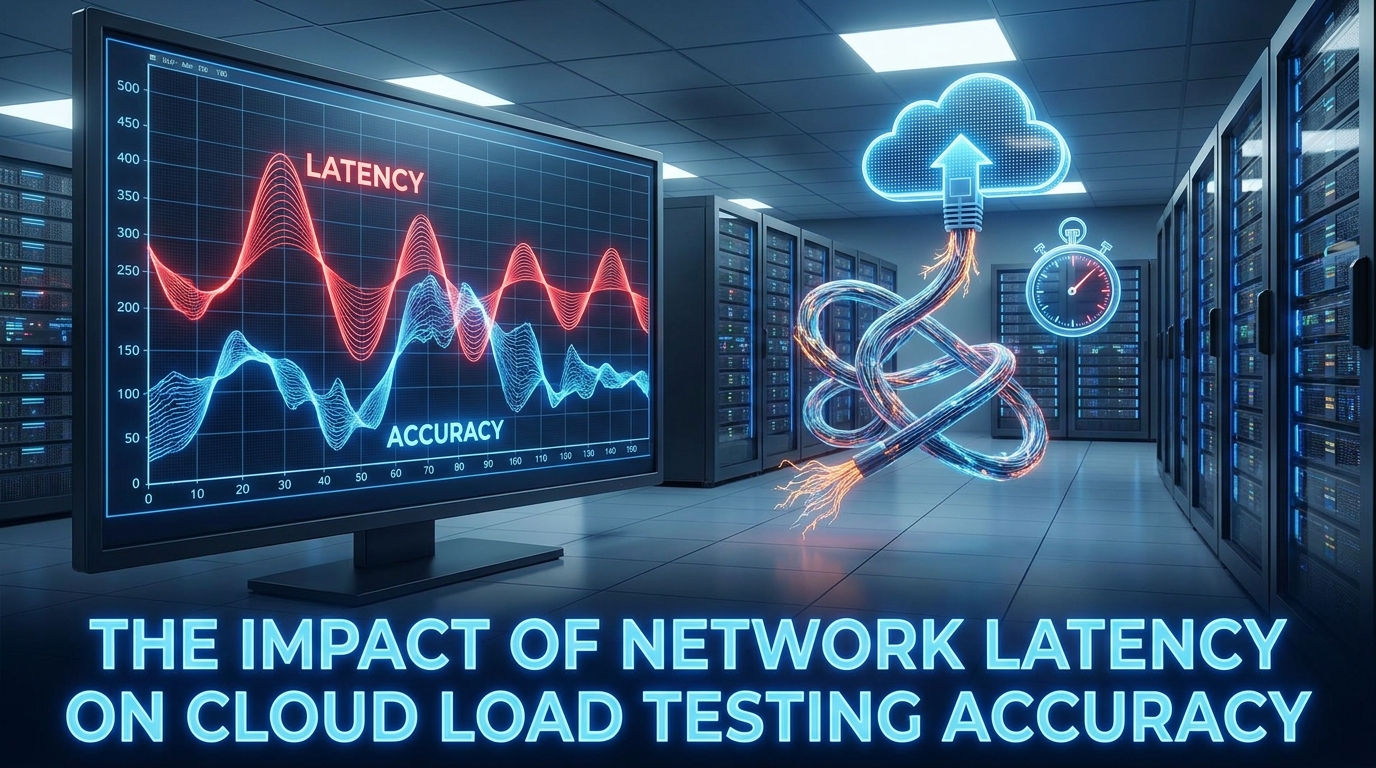
Latency between the load generator and your servers is added to every measurement.
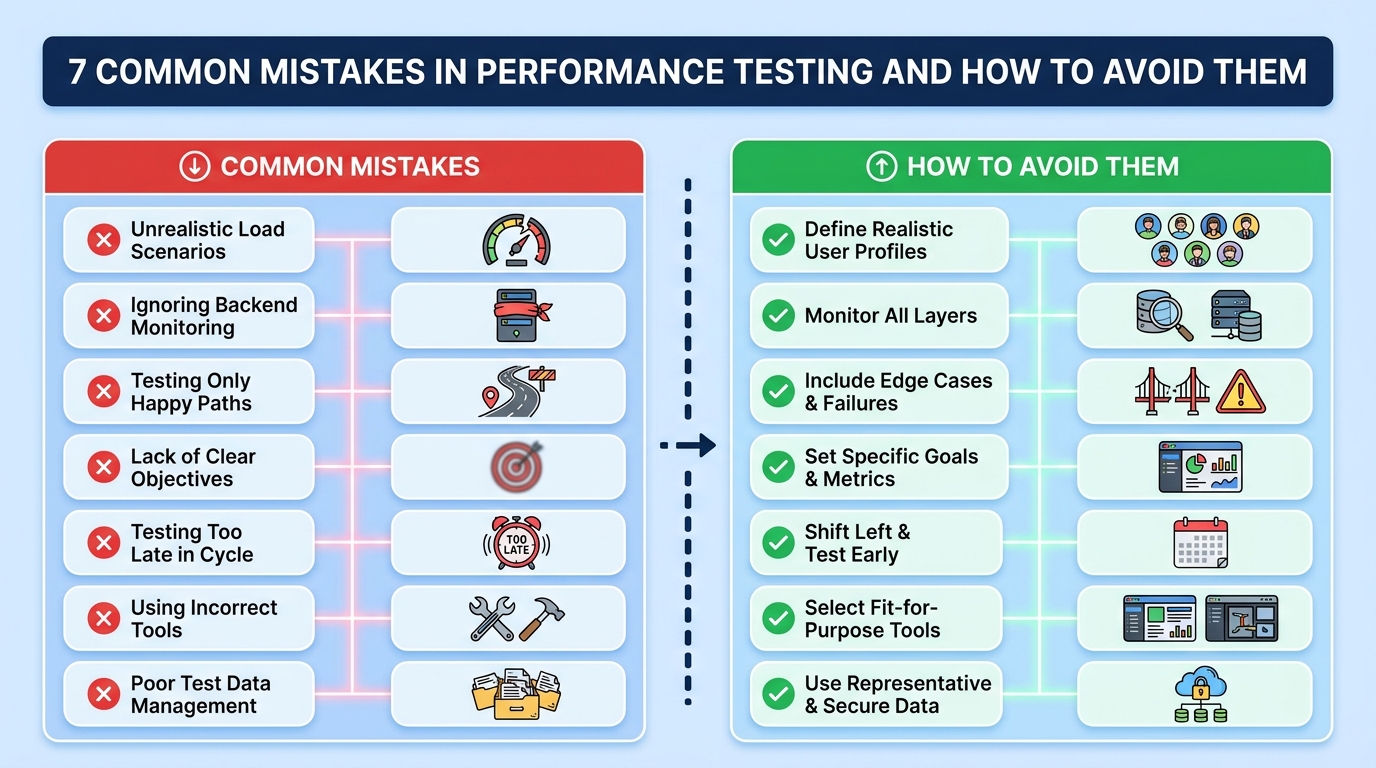
The common mistakes are testing too late, testing an unrepresentative environment, and measuring averages.

Test data is the exposure. Production copies in a test environment are the most common leak.
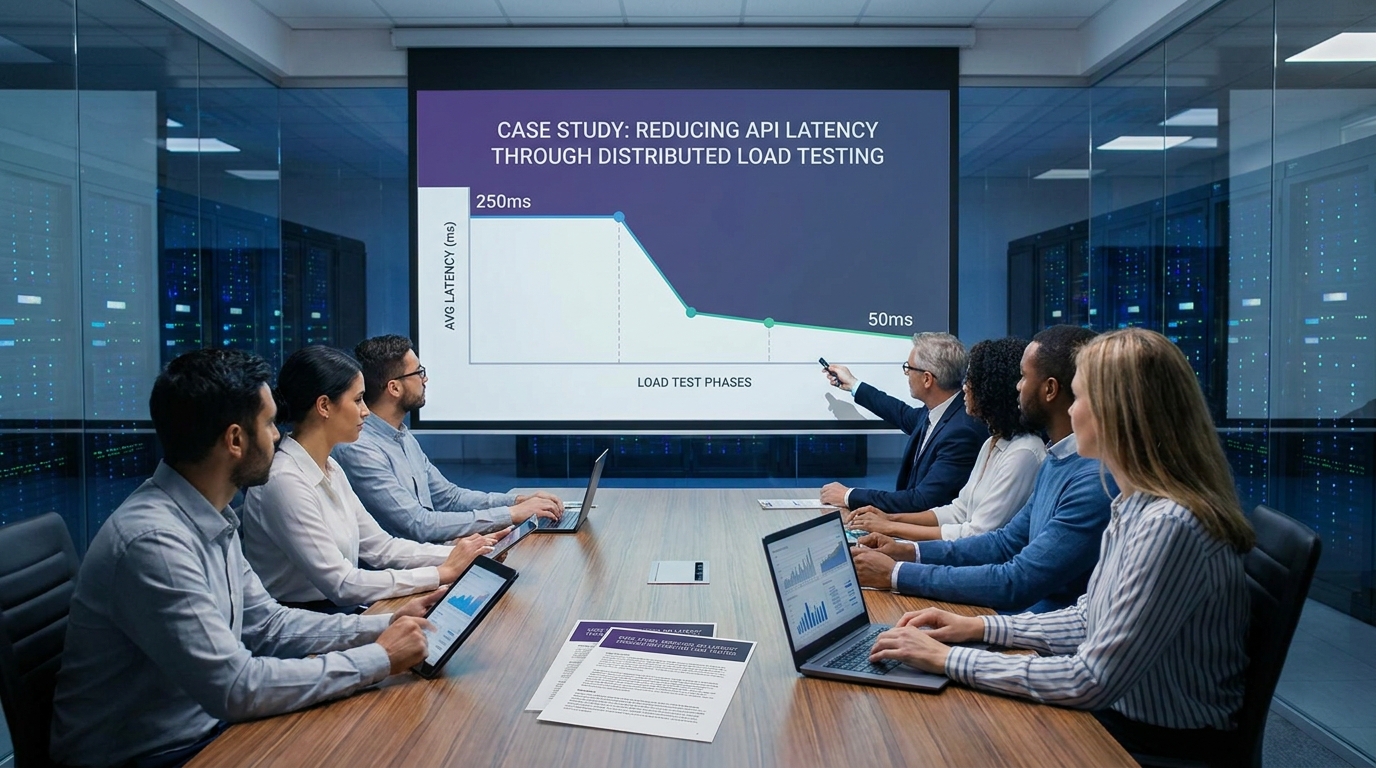
The fix came from finding which dependency dominated the tail, not the average. Re-testing after each change is what showed which one actually worked.
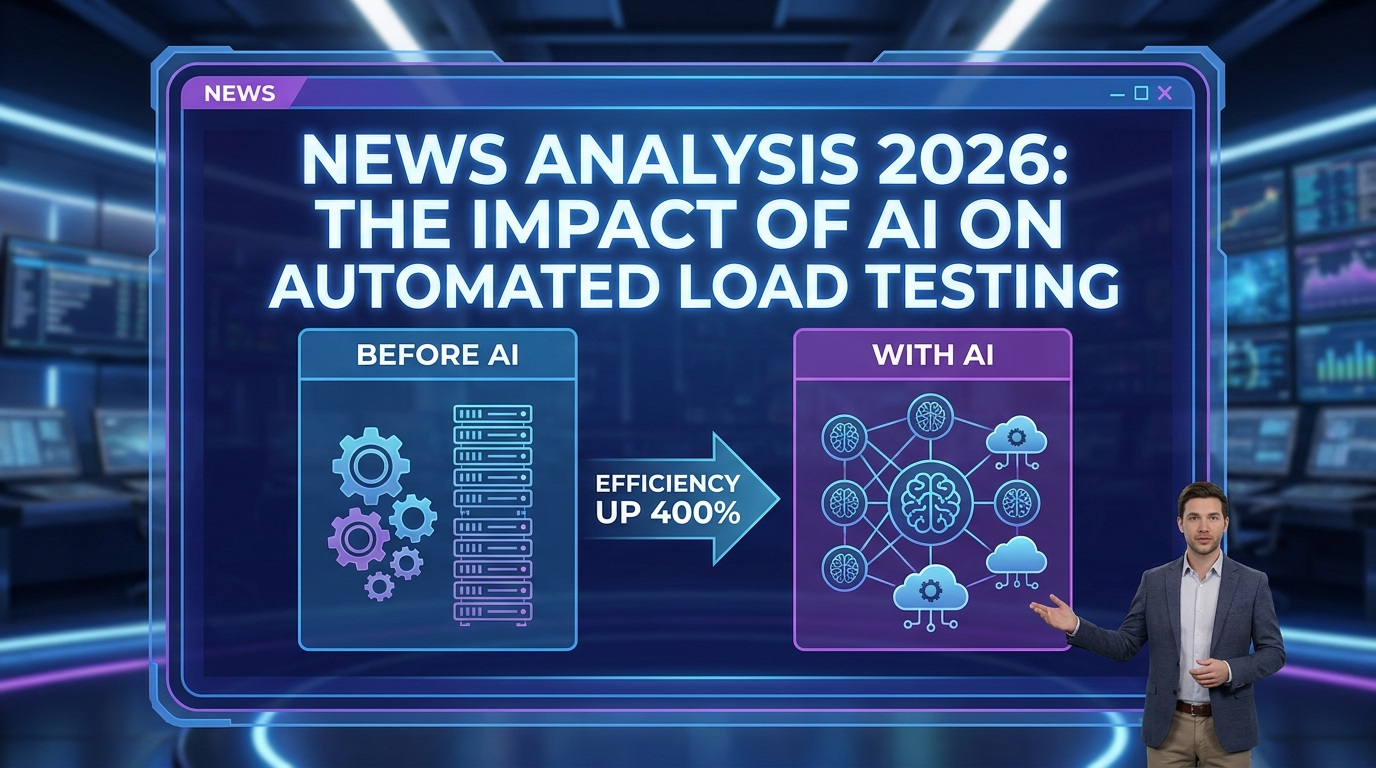
AI mainly changes test design: generating realistic scenarios instead of you hand-writing them.
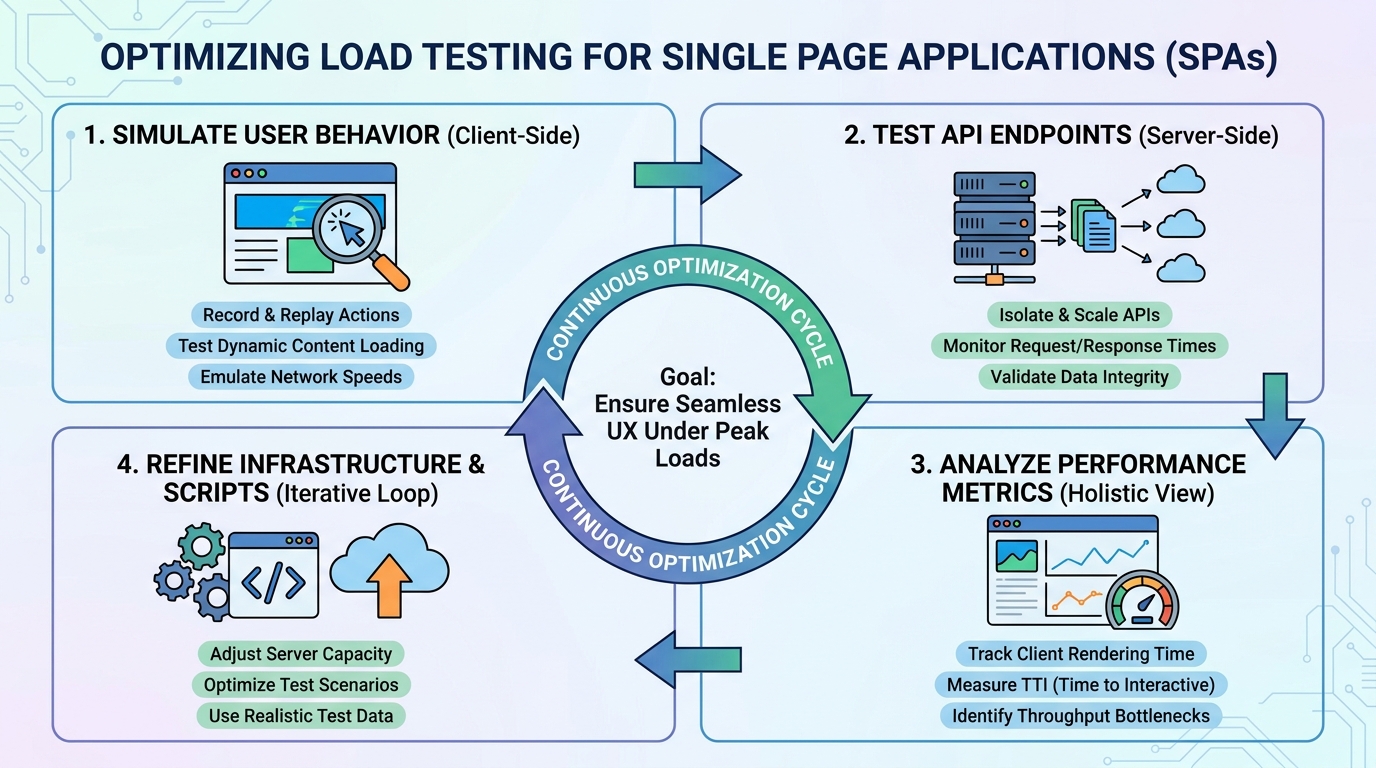
An SPA does its work after the initial HTML, so HTTP-level tests miss most of it. Test the API calls the app makes, weighted the way the app makes them.

Mobile users abandon faster and on worse networks, so the tolerance is lower than desktop. Test on throttled connections rather than office wifi.

JavaScript is usually the largest controllable cost on a modern page. Measure with a real device profile, since JS cost scales with CPU.
Performance engineering is a cycle across the lifecycle, not a test before release.
APM tells you what is slow in production; load testing tells you what will be slow before release.
Smoke testing verifies that a build's critical paths work before deeper testing starts. How it differs from sanity and regression testing, with examples.

Test error paths and auth, not just the documented happy request. Save requests as a collection so a one-off check becomes a repeatable test.

Unit tests check a piece in isolation; functional tests check behaviour a user would notice.

Batch testing groups related cases into one run, which cuts setup cost and shortens feedback.
Continuous integration tools compared: pipeline speed decides whether CI gets used, ecosystem fit saves weeks, and self-hosting means a runner fleet to run.

Without it every thread hits the same record and you measure a cache. CSV data sets are the usual mechanism; check the sharing mode matches your intent.
Performance testing companies in 2026: hire for a one-off launch rather than continuous testing, and ask whether they leave scripts behind or just a report.
The ramp-up period sets how quickly threads start, which shapes the whole test. Match the ramp to how traffic actually arrives for your application.

Concurrent, simultaneous and active users are three different numbers, and mixing them invalidates the test.

The hard part is realism: matching real user behaviour, data and think time.
Be able to explain status code choices, since that is where vague answers show. Knowing when REST is the wrong choice is as useful as defending it.

Soak testing finds leaks that a short run cannot, and spike testing finds recovery behaviour. Pick the type from the risk you are trying to retire.
Fail the job on a threshold. A report nobody opens changes nothing. Keep the pipeline test short and schedule longer soak tests separately.

Website accessibility testing tools catch about a third of issues automatically. Keyboard and screen reader testing find the rest, so fix at component level.

Website speed test tools for 2026: combine lab diagnostics with field data, test from your users' regions, and chase specific fixes rather than the score.

Cross-browser testing tools for 2026: test the browsers in your analytics, use real devices for rendering bugs, and run in parallel to keep CI viable.

Codeless testing tools let more people write tests, but they struggle with dynamic content, and recorded tests break on layout changes. Compare 10 options.

IoT testing tools for 2026: connectivity and protocol coverage matter more than device count. Simulate fleets, validate on real devices, test firmware updates.

Black box testing techniques that work from the specification: boundary values and equivalence partitions give the most coverage for each test written.
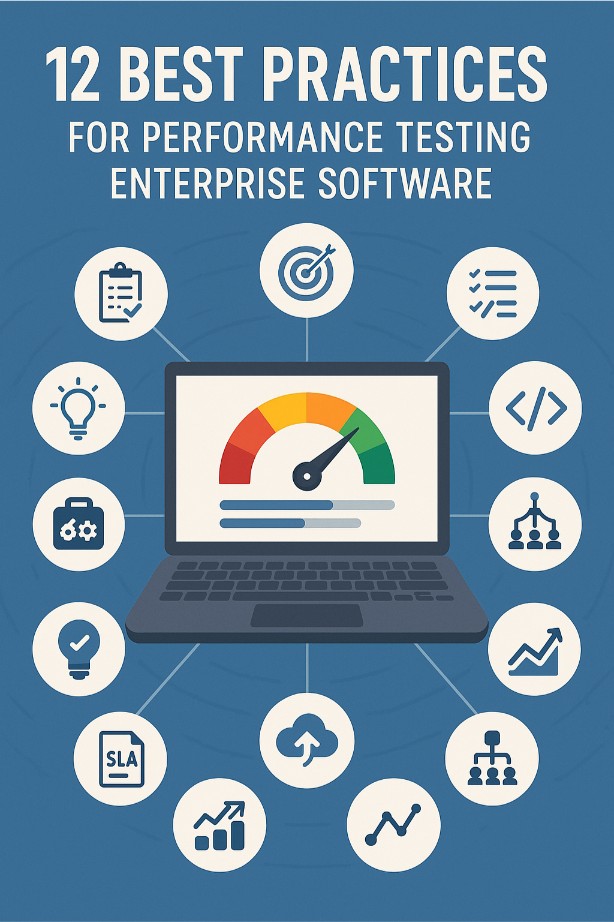
Performance testing best practices for enterprise software: set pass criteria first, use realistic data volumes, and test batch and integration windows too.
Performance testing benefits for your business: slow pages lose conversions, early testing costs less, and results should be framed as revenue protected.
DNS monitoring tools for 2026: DNS failures take everything down unseen by app monitoring, so check several resolvers and regions, plus expiry and DNSSEC.

Infrastructure monitoring tools for 2026: collect metrics, logs and traces, alert only on user-visible symptoms, and set a retention policy before costs grow.
Server monitoring software for 2026: agent-based for depth, agentless for coverage. Alert on saturation and error rate, and plan retention and alert routing.

Cloud security tools reviewed: misconfiguration causes more breaches than exploits, so start with posture management and keep alert volume triageable.

Web application testing tools for 2026: cover functional, performance and accessibility separately, and favour CI-friendly tools whose results you can diff.

Monitor what users experience first, then the infrastructure underneath it.

A comparison of 12 JMeter testing tools plus 3 open source options: what each is genuinely good at, and when a hosted runner beats maintaining your own…

Usability testing tools for 2026: five users surface most problems, recordings show what happened while interviews explain why. Test the task, not the UI.

Chrome extensions for testing in 2026: best for capture and inspection rather than running suites. Audit permissions first, since they see every page.

DevOps automation tools for 2026: automate build, deploy and rollback handoffs first, and prefer tools with wide integrations over ones that need a specialist.

Chromium is the open-source base; Chrome adds proprietary codecs, auto-update and Google services.
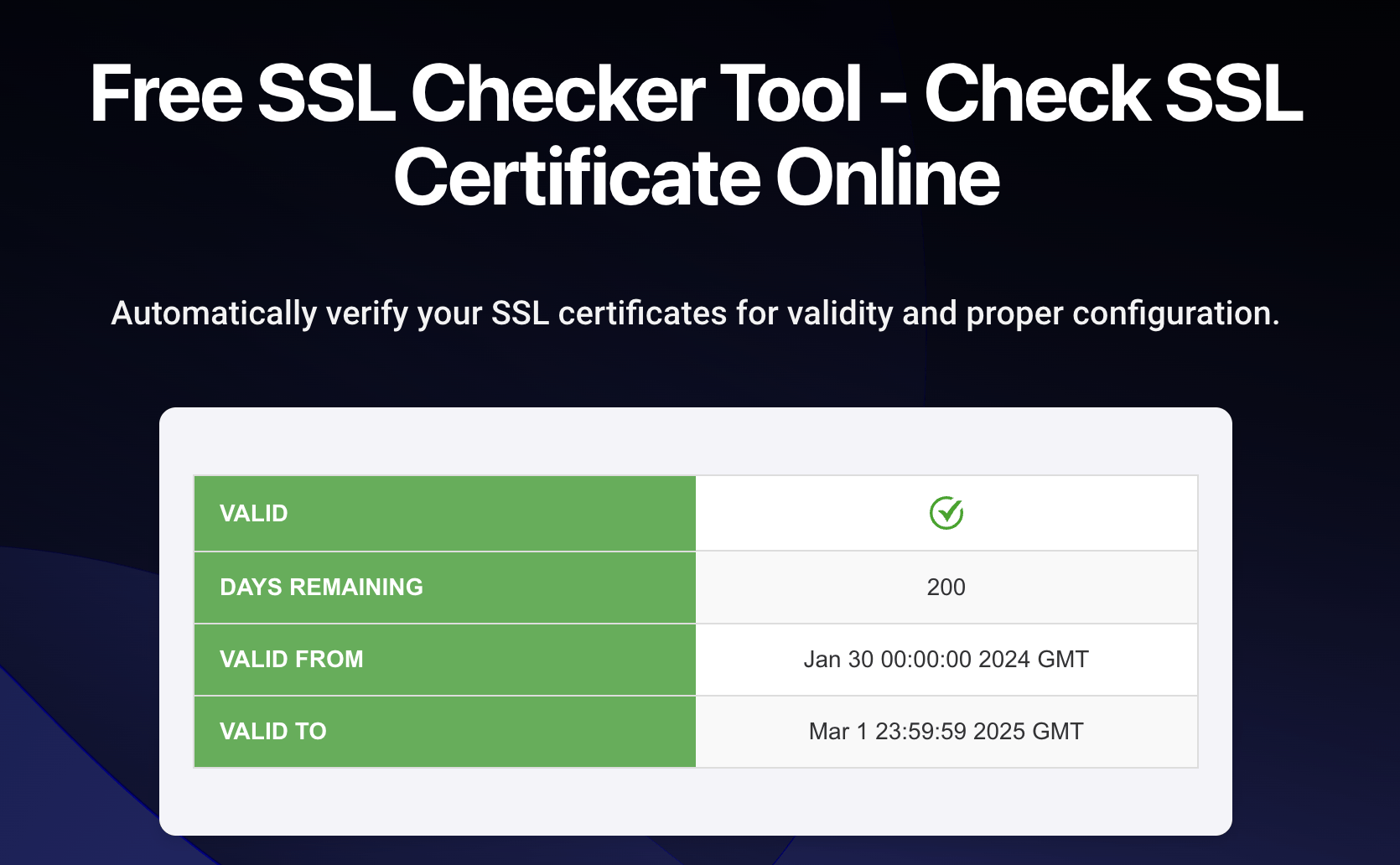
Free SSL checkers verify the chain, expiry and configuration. An incomplete chain works in browsers but fails in API clients, which is why it goes unnoticed.

Self-hosted status pages for 2026: a status page must not share infrastructure with what it reports on, and updates should come from monitoring, not by hand.
Core Web Vitals monitoring tools: lab tools diagnose, field data ranks. Track your top landing pages over time, since regressions arrive with deploys.

GraphQL clients for JavaScript and Node.js compared on caching strategy and bundle size, plus when a plain fetch wrapper is all your app actually needs.

Load testing tools for web apps, websites and APIs: choose on test authoring and maintenance, cloud load generation and CI integration before feature lists.

Monitor token acquisition end to end, not just that the host responds. Alert on latency as well as errors, since slow tokens time out downstream.
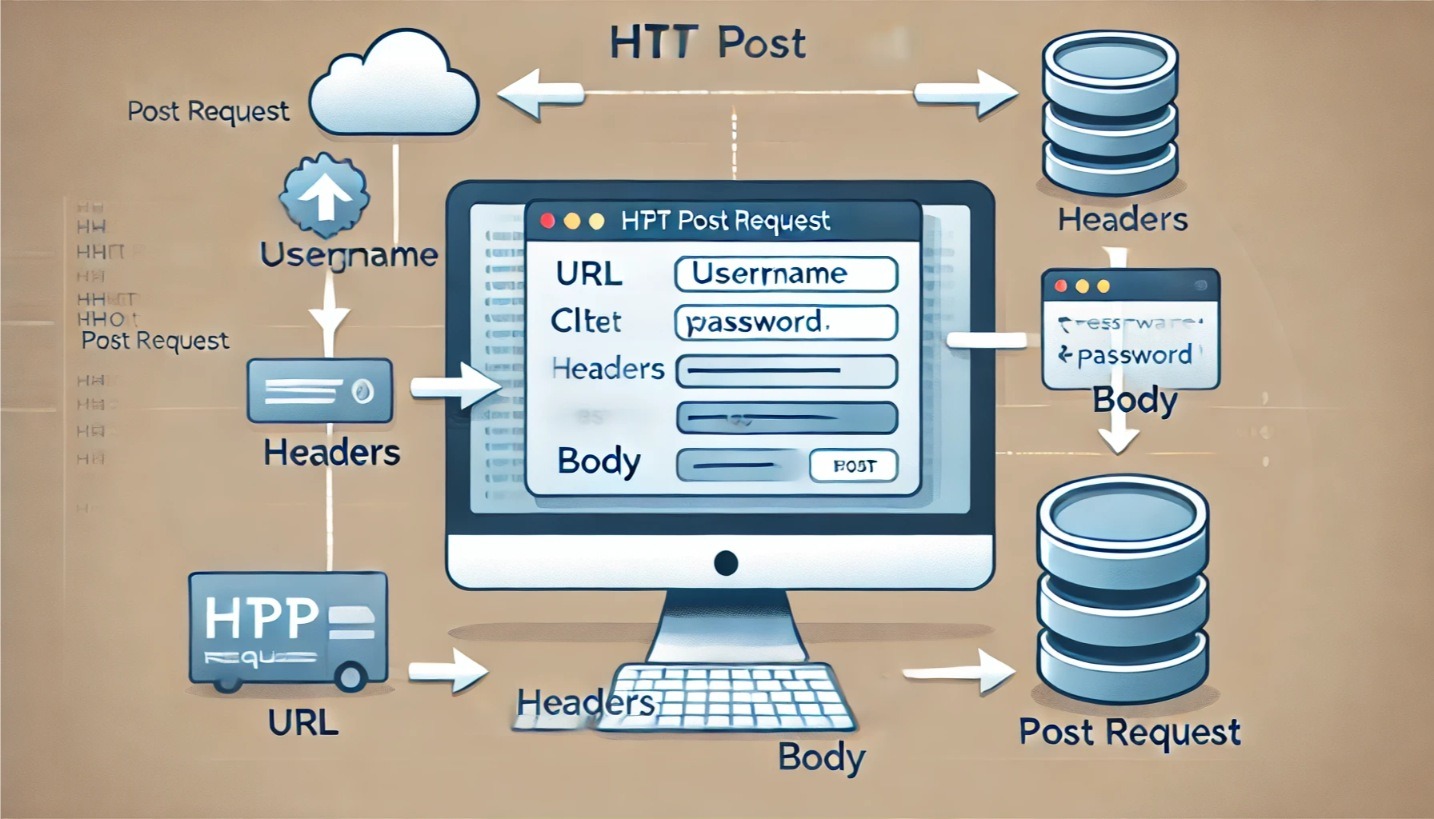
POST parameters travel in the body, not the URL, which is why they do not appear in logs.
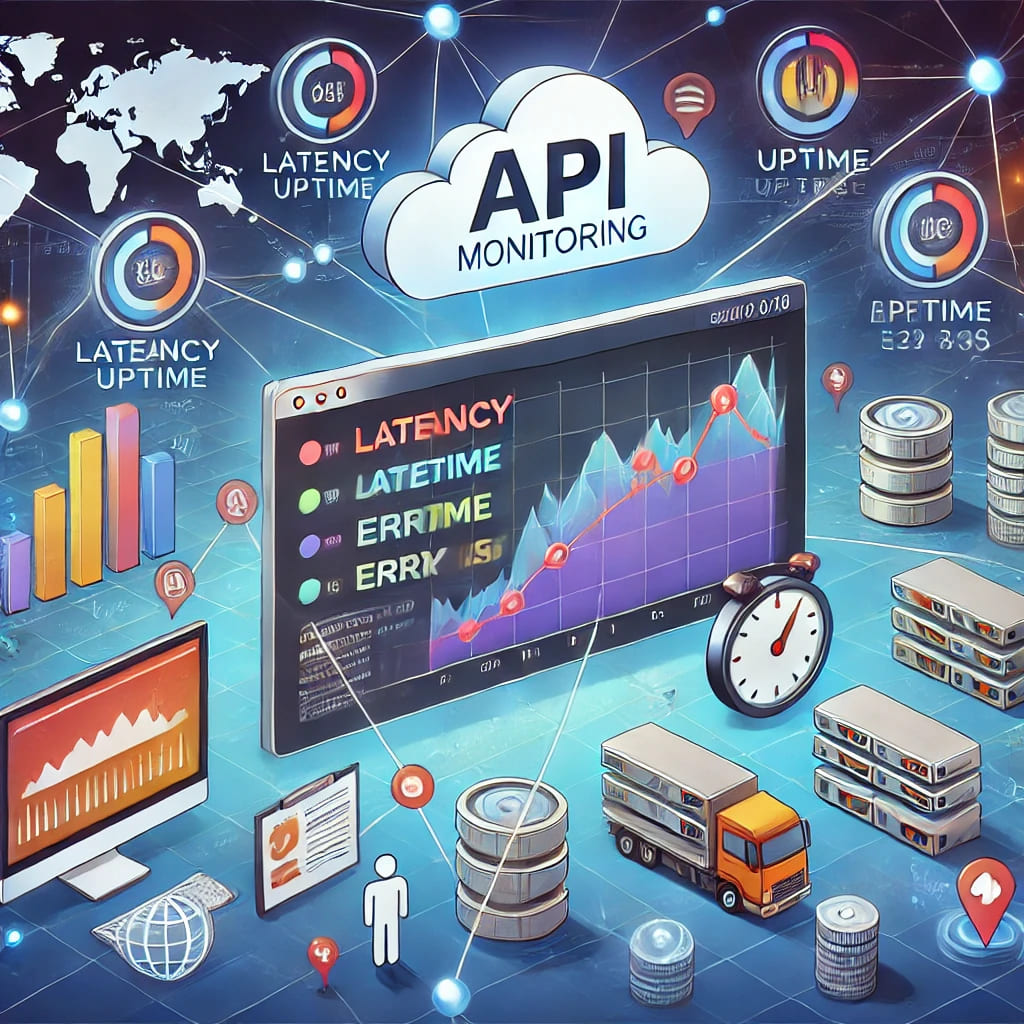
API monitoring catches failures between your services and the customers depending on them.

The recurring obstacles are environment parity, test data and interpreting results. Most of them are planning problems rather than tooling problems.

WebdriverIO drives both browsers and mobile apps through the WebDriver protocol. Choose it when you need one framework across web and mobile.

Puppeteer controls headless Chrome and suits scraping, PDFs and screenshots as much as testing.

QA is broader than finding bugs: it covers process, risk and release confidence.

Dive into LoadFocus's enhanced user experience with contextual documentation. Streamline your onboarding and understand metrics with in-app guidance.

Load test an Azure Web App without crashing it. Autoscaling reacts after load arrives, so test the scale-out itself, not the steady state.

Load test a PHP site with Apache JMeter. PHP scales by process, so the worker pool usually caps you long before the code itself does.

Backend metrics can look healthy while the page users see is still slow. Measure on a real device profile. Desktop numbers flatter almost every site.

Keep the pipeline fast. A suite people skip because it is slow provides no safety at all.
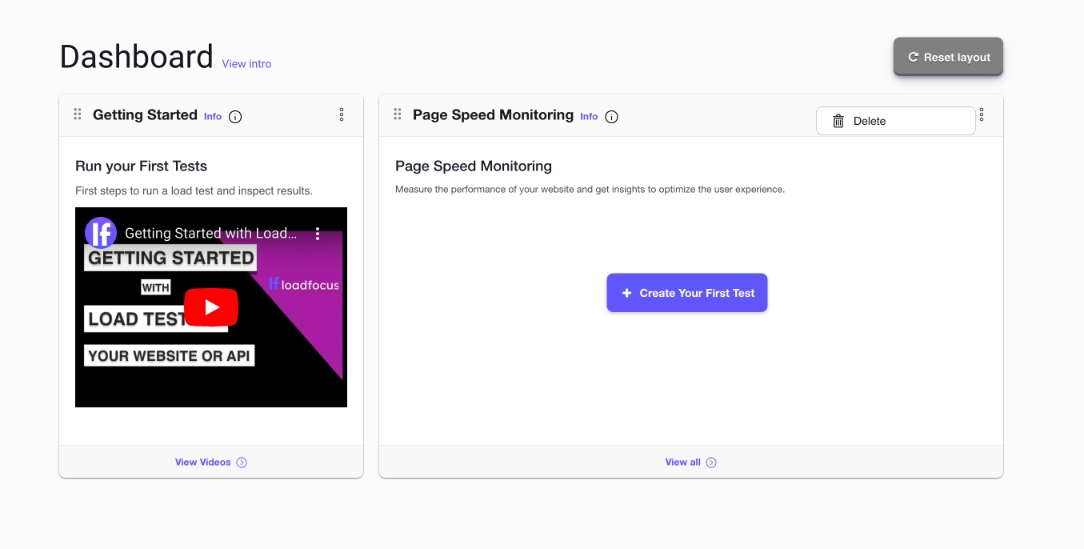
A dashboard is only useful if it shows the few numbers you act on. Arrange widgets around a question you ask often rather than around what is available.

CPU utilisation shows whether the server is working or waiting, which changes the diagnosis.

Users judge speed in the first couple of seconds, and most sites lose them there. Measure before assuming; the obvious culprit is often not the cause.

Notes capture why a run looked the way it did, which raw metrics never record. Write the note at the time. The context is gone within a week.

Test OAuth-secured APIs in JMeter: fetch the token once, extract it with a JSON extractor, reuse it in a header manager, keep it out of timed samples.
A CSV data set gives each virtual user different inputs, which is what makes a test realistic.

Scheduled checks turn Core Web Vitals from an occasional audit into a trend you can act on.
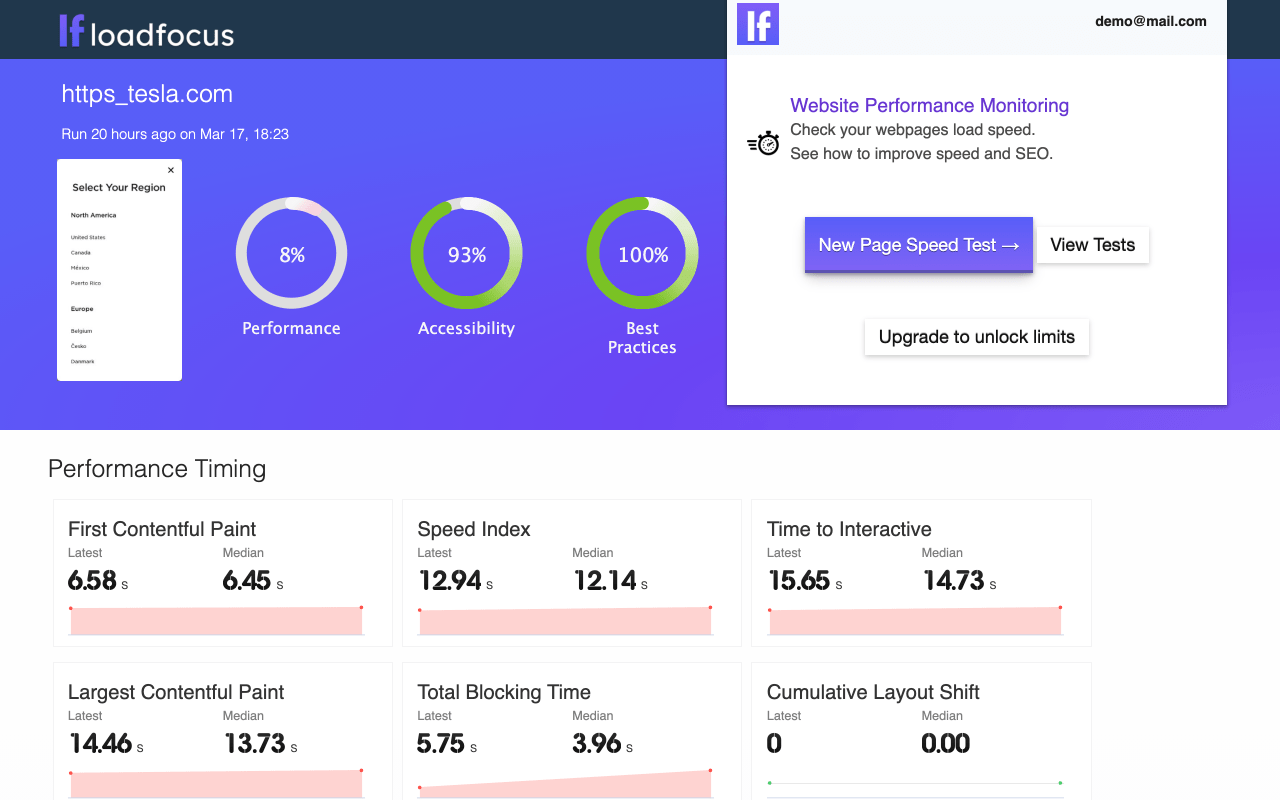
SEO monitoring catches silent breakage: a noindex shipped by accident, or a redirect chain.
An alias saves typing the full JMeter path on every launch. Point the alias at the version you actually intend to run if several are installed.

Load test the endpoints your clients actually call, weighted the way they call them. Assert on the response body as well as the status code.
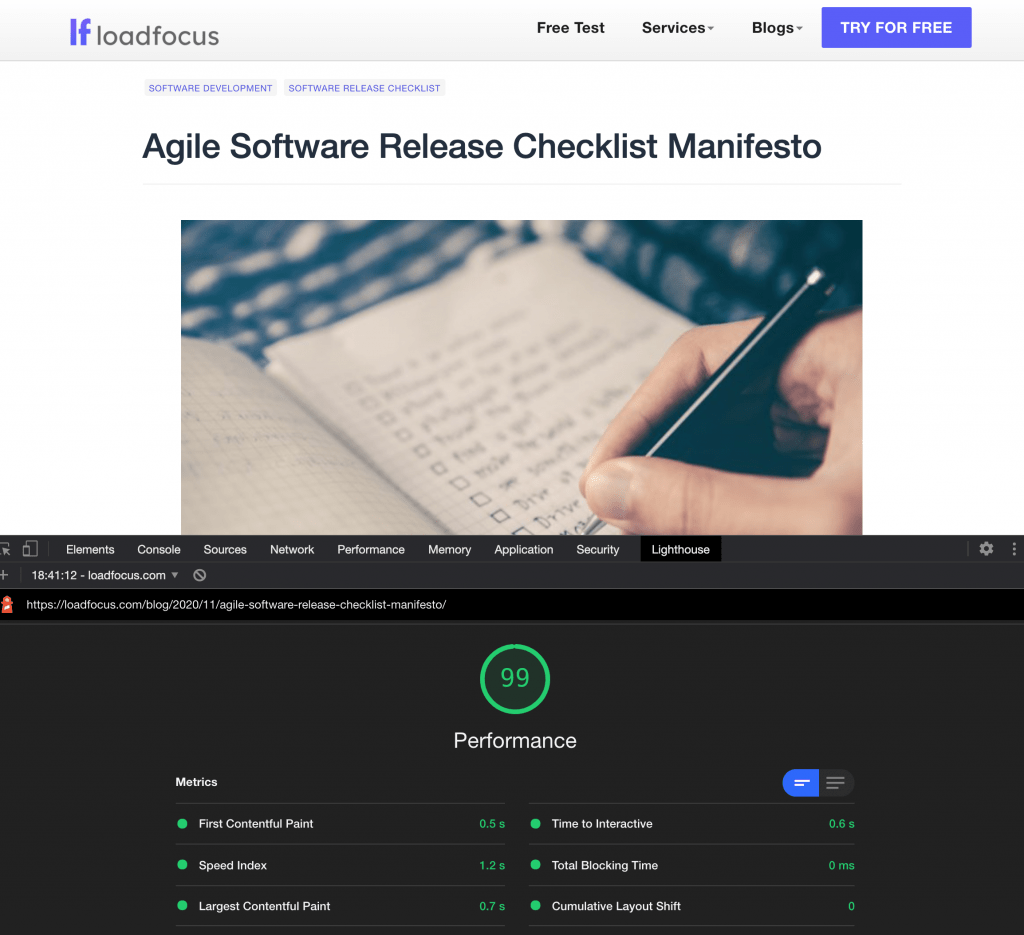
Caching plus image optimisation covers the majority of the available gain. Audit plugins periodically. Each one adds queries and assets to every page.

JMeter runs elements in a fixed order: config, pre-processors, timers, samplers, post-processors, assertions, listeners. The rules that trip people up.

Releasing often only works if the pre-release checks are automated and identical every time.
JMeter builds a test plan of thread groups and samplers, then runs it as concurrent Java threads.
Use brew –prefix to locate the install rather than guessing the path. Edit the properties file there, and remember an upgrade can replace it.
JMeter defaults to a small heap, which causes out-of-memory failures on large tests.
The Plugins Manager handles dependencies, which manual jar copying does not. Install it once, then add and update plugins from inside JMeter.
The with-plugins option was removed when Homebrew dropped formula options. Install JMeter first, then add plugins with the JMeter Plugins Manager.
Install Apache JMeter on macOS with Homebrew or the archive, fix the Java version, and start it from the terminal. Then run the same script in the cloud.
Cypress runs in the browser alongside your app, which makes debugging far more direct.
Selenium IDE is the fastest way to capture a journey, and the worst way to maintain one. Use it to draft a test, then export and clean up the locators.
Running Lighthouse from an extension gives you an audit without leaving the page you are testing.

FMP tried to capture when the main content appeared, rather than the first pixel. Use LCP for anything current; FMP appears mainly in older reports.
A recovery plan that has never been executed is an assumption, not a plan. Test the restore, not just the backup; backups fail silently at restore time.

Stress testing pushes past expected load to find the breaking point and the failure mode. How the system recovers matters as much as where it broke.

TestCafe needs no WebDriver, which is why a working suite is possible in half an hour.

E2E tests earn their cost only on the journeys that make money; everything else belongs lower in the pyramid.

Include think time. Removing it produces a load pattern no user creates. Start below expected peak and ramp, so you can see where behaviour changes.

Puppeteer's click waits for the selector, but not for the element to be genuinely interactive.

Categories let one suite be sliced by speed or area, so CI can run the fast set per commit.

The closer the parity, especially in data and scale, the more useful it is. A staging environment that drifts from production gives false confidence.

Compare the same viewport and state, or the diff is dominated by noise. Review differences rather than gating on pixel equality, which fails constantly.

linkText matches the full visible text; partialLinkText matches a substring.

Puppeteer captures viewport, full-page or single-element screenshots.

A campaign delivers its traffic in minutes, which is a spike rather than a load curve.

Debugging transpiled code needs source maps, or breakpoints land on the wrong lines.

A proxy between the device and the network is the only reliable way to see native app traffic.

A DataProvider feeds many input sets into one test method, which keeps cases out of the code.

Two ways to save Apache JMeter results: the -l flag with jmeter.save.saveservice properties for CSV, or XML for the full sample detail. With examples.

Backgrounding and resuming is where state bugs surface, so it belongs in the test suite. Verify state after resume, not just that the app reopened.

Explicit waits target a condition; implicit waits apply a blanket timeout to every lookup.
A 500 means the server failed, so the answer is in its logs rather than the request.

Hover needs the Actions class; a plain click will not trigger CSS or JS hover states.
Above-the-fold render time matters more than total page load. Measure the change in conversion, not just the change in milliseconds.

Continuous mobile emulation turns a one-off check into a trend you can act on. Alert on regression rather than reviewing every run.

ID is fastest and most stable; CSS is the practical default when there is no ID.

UI steps let you script a real journey rather than checking a single URL.

Start Apache JMeter from the command line with -n -t -l -e -o, why GUI mode skews results, and how to run the same JMX at scale in the cloud.

The XPath Extractor pulls values out of an XML or HTML response for use in later requests.

Chrome DevTools can copy an XPath, but the generated one is usually position-based and brittle.

The Select class exposes getOptions() for real select elements. Assert on the option text or value, not the count alone, which passes on the wrong list.
A CSV of credentials gives each virtual user a distinct login, which is what makes auth load realistic.

Response times alone cannot tell you whether the server is saturated or merely waiting.
Extras and ExtrasLibs are a pair, and installing only one is the usual cause of missing elements.

Clearing cookies does not clear local storage, so state survives between tests. Execute localStorage.clear() through the driver's JavaScript executor.

Combine a large HTTP load with a small number of real browser sessions. Watch client-side metrics, since the server can be fast while the page is not.

A test plan is about scope and risk: what you will not test matters as much as what you will.

CSS selectors are faster and more readable than XPath for most cases. If a locator needs a comment to explain it, the page needs a test hook instead.
JMeter is free, Java-based, and runs on any OS, which makes it the usual starting point.
Response time testing explained: what response time is, how to measure it, why p95 beats the average, and what a good response time is.
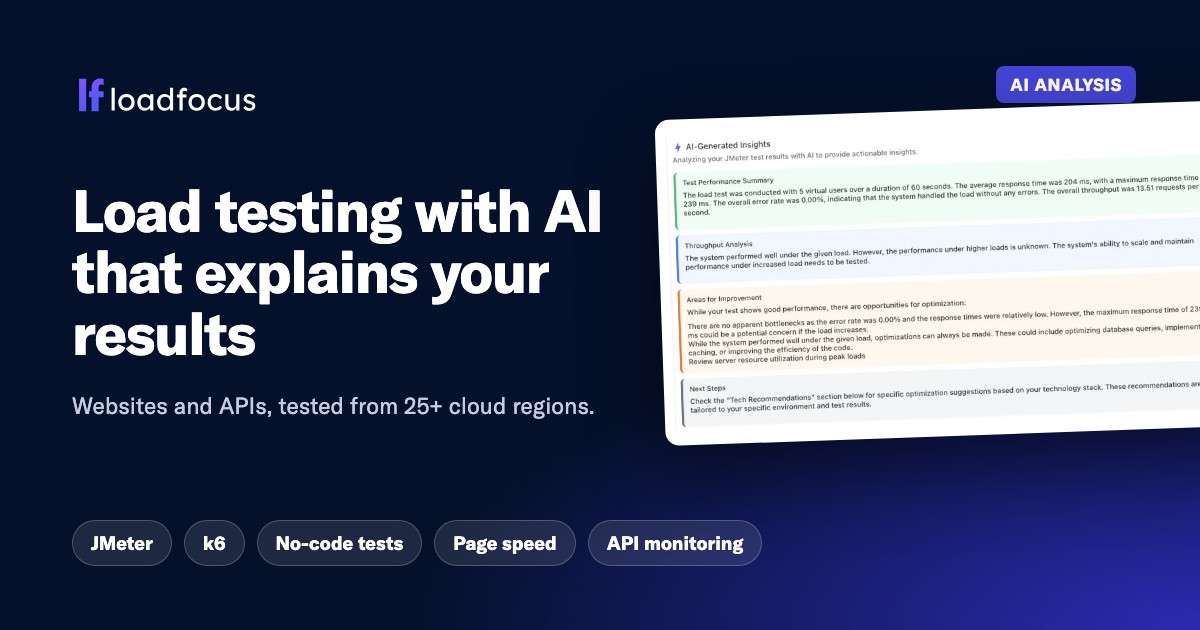
Load test websites and APIs from 25 cloud regions, monitor page speed and uptime, and get AI analysis that explains your results in plain English.