Key takeaways
- JMeter builds a test plan of thread groups and samplers, then runs it as concurrent Java threads.
- Each thread is a simulated user, so machine resources cap how many you can generate.
- Listeners are for debugging. Leaving them on during a real run distorts the result.
JMeter offers the ability to simulate a number of users sending various HTTP/HTTPS requests to a server application.
Apache JMeter is not limited to HTTP/HTTPS, it supports other protocols like FTP, SMTP, and much more.
JMeter does not execute the Javascript from the HTML pages and it does not render the HTML received from the request.
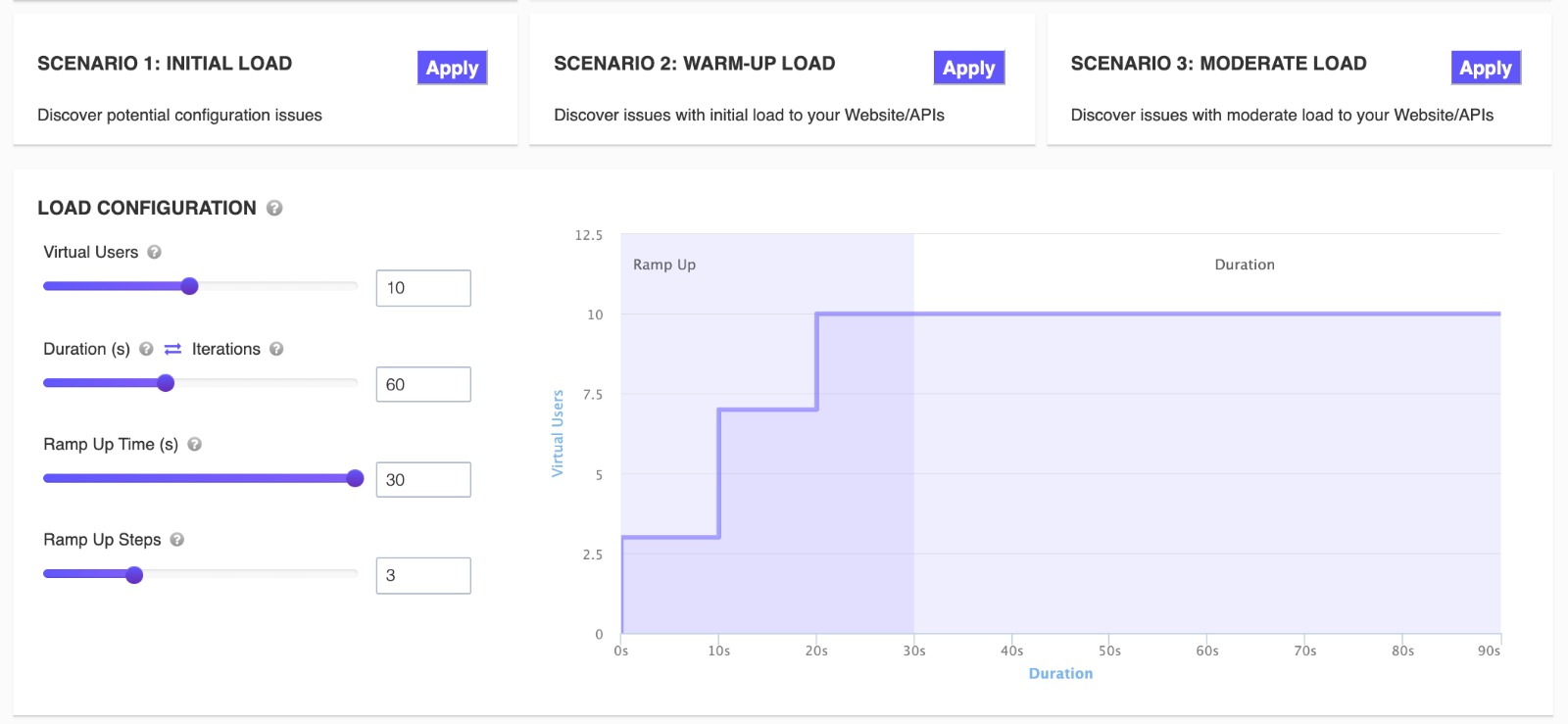
Running an Apache JMeter Load Test in the Cloud from LoadFocus
JMeter adds load to a server in order to analyse the overall behaviour of the system under test.
You should be familiar with the order of execution for elements inside a Apache JMeter script file.
Written by Bogdan Vazzolla.
LoadFocus is a cloud performance, load and stress testing tool which provides the infrastructure to run tests with thousands of concurrent users, from multiple cloud locations, in less than a few minutes, keep history of the results, compare different runs to inspect performance improvements or performance degradation. It also supports running JMeter load tests from the cloud.
Frequently Asked Questions
How does JMeter simulate users?
It runs a test plan of thread groups and samplers as concurrent Java threads, where each thread is one simulated user sending requests. It also supports protocols beyond HTTP, including FTP and SMTP.
Does JMeter render pages or run JavaScript?
No. It does not execute JavaScript from the HTML or render the page, so it measures the server side rather than what a browser finally displays.
Why turn listeners off for a real run?
Because they consume memory and CPU on the load generator and distort the result. Use them while building the plan, then disable them and run headless.