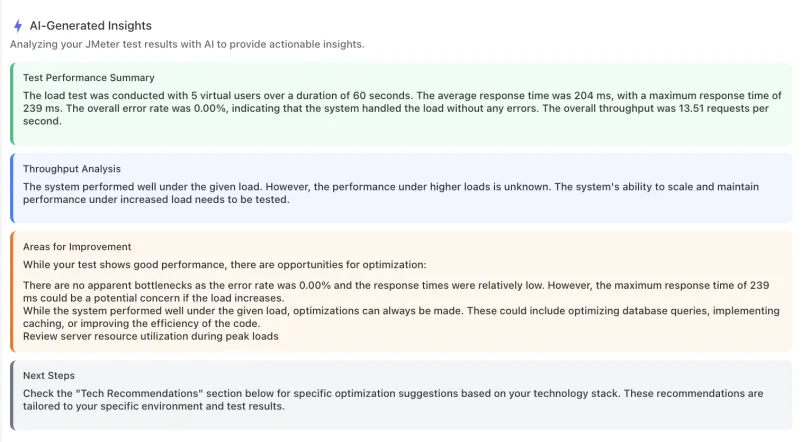
Continuously monitor your API responses for speed, performance, and availability: API uptime monitoring, API response time monitoring and API latency monitoring in one tool.








25cloud regions
1month of data retention, free
10,000runs a month, free
1 minfastest check frequency, on paid plans
API Performance Monitoring: Response Time and Latency
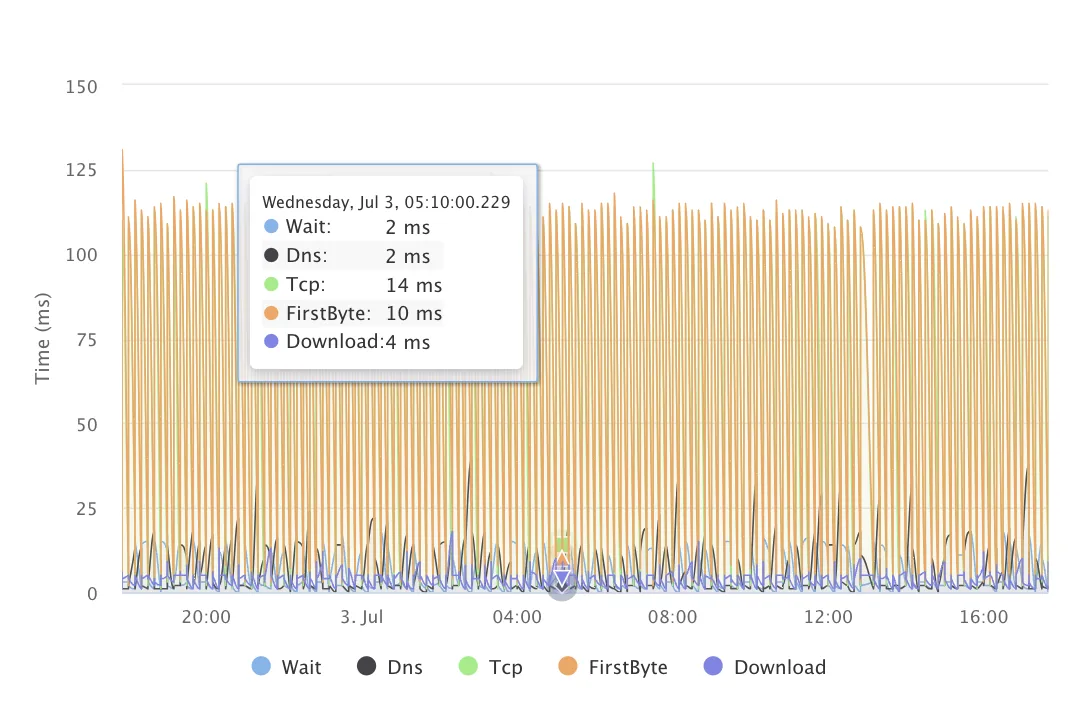
See where each request spends its time
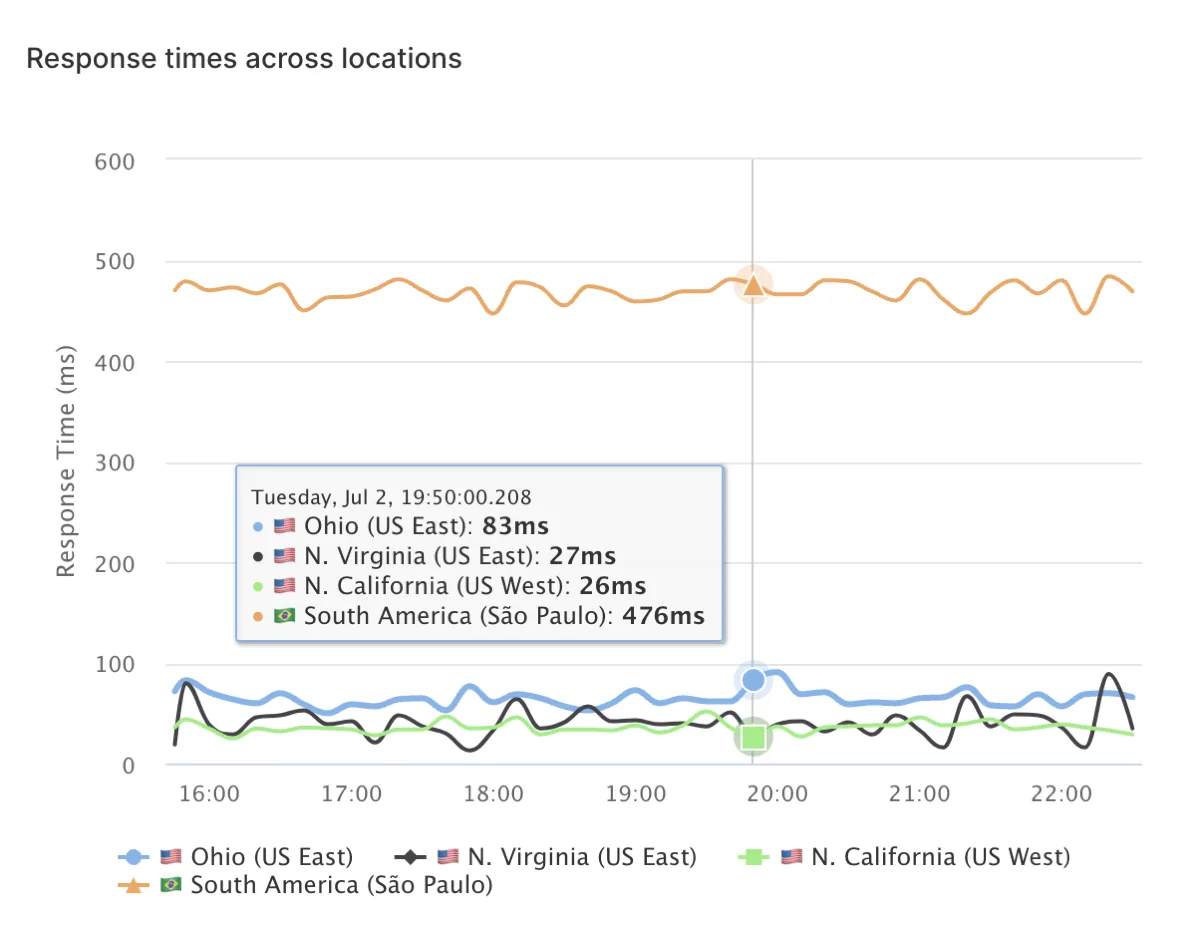
Every run splits the response time into wait, DNS, TCP connect, first byte and download, so you know which part slowed down.
Catch slow before it is down
Set a degraded threshold on response time and get warned when an endpoint slows down, before it starts failing.
History long enough to spot drift
Free keeps a month of results, Starter 3 months and Professional 12, so gradual slowdowns show up on the charts.
Advantages of Real-time API Availability Monitoring
Checks as often as every minute
Free checks every 5 minutes; Starter and Professional check every minute.
Fewer false alarms
Retries, a consecutive-failure threshold and a minimum number of failing locations stop one flaky region from paging you.
Alerts on failure and on recovery
Get notified by email, Slack, Microsoft Teams or webhook on every plan, plus Discord, PagerDuty and Opsgenie on paid plans, and again when the API is healthy.
Comprehensive API Health Analysis
Assert on more than the status code
Check the status code, response body, headers and response time, so a 200 with the wrong payload still fails.
Multi-step checks for real flows
Log in, pass the token to the next request and check every step, with variables and secrets kept out of the check itself.
SLA reports from real checks
SLA and SLO reports turn the check history into uptime figures you can share with customers.
Choose LoadFocus for API Monitoring
Monitoring and load testing in one account
When a check shows an endpoint slowing down, run a load test against it from the same account to find its limit.
Status pages included
Publish a status page driven by your checks, with one page included on the free plan.
Monitoring as code
Define checks in YAML and deploy them from CI with the CLI, or manage them from an AI assistant through the MCP server.
Global API Monitoring from Europe, the Americas and Asia
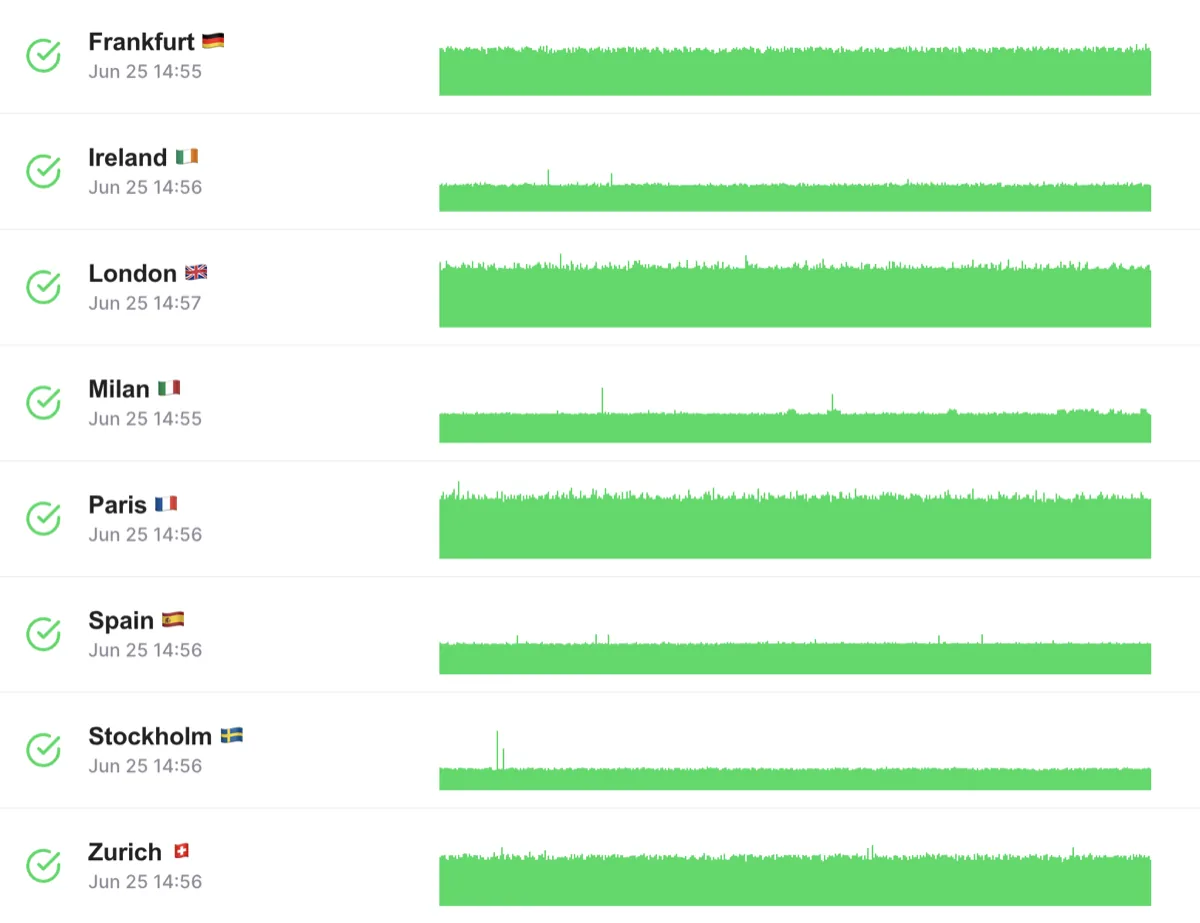
Run each check from several regions
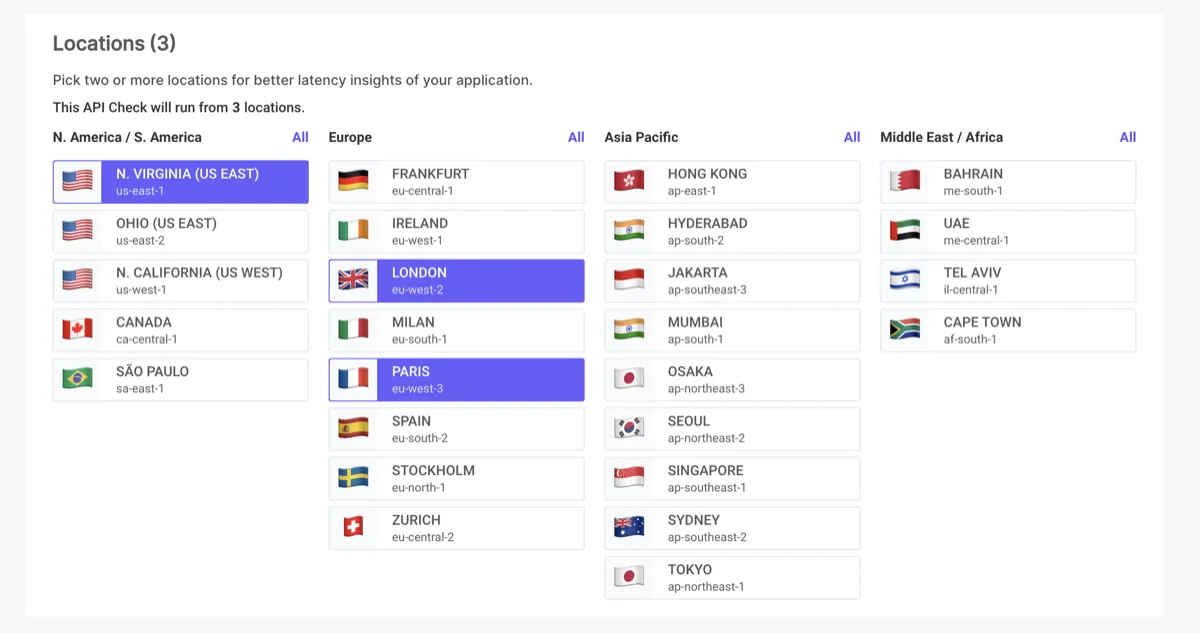
Free and Starter run a check from up to 6 locations at once, and Professional from up to 22.
25 regions to choose from
Regions across the Americas, Europe, the Middle East, Africa and Asia Pacific, including Virginia, São Paulo, Frankfurt, London, Mumbai, Tokyo and Sydney.
A regional problem or a real outage?
Per-location results show whether an API is down everywhere or only slow from one part of the world.
Browser Checks and Multistep API Flows
Do your user flows break between API calls?
Replay real Playwright scripts across 25 regions to catch failures in login, checkout, and other critical paths before your users do.
Chained Requests with Data Passing
Pass values from one step to the next: pull a token from the login response and inject it into the next request header. No scripting workarounds needed.
Reusable Code Snippets
Share common logic across checks with require('./snippets/name'). Update the snippet once and every check that uses it picks up the change.
TCP, DNS and Heartbeat Monitors
Need to monitor more than HTTP?
TCP monitors verify that any port is open and accepting connections. DNS monitors confirm your records resolve to the right values from 25 regions.
Heartbeat and Cron-job Monitoring
Send a ping after each scheduled job runs. If the ping stops arriving, LoadFocus alerts you. Catches silent failures in background jobs, data pipelines, and batch processes.
Catch What HTTP Checks Miss
A TCP check tells you the database port is open. A DNS check catches propagation issues. A heartbeat check tells you the nightly backup actually finished.
Status Pages, Dashboards and Check Groups
Want a single view of all your service health?
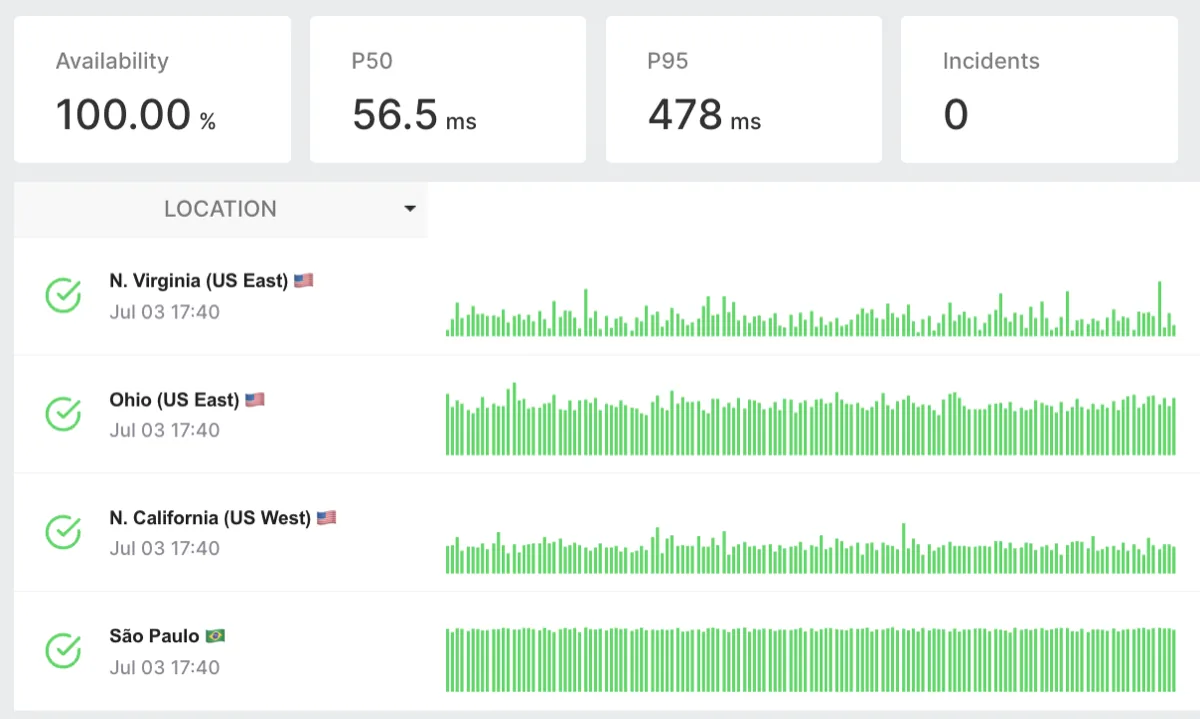
Public and private status pages show real-time uptime, incident history, and response time charts. Subscribe your customers to incidents the moment they start.
Check Groups and Maintenance Windows
Group related checks together and mute alerts during planned maintenance windows. No alert storms during deployments, no false pages to your on-call team.
Dashboards for Every Team
Shared dashboards surface the checks your team cares about. Every metric in one view, from API response times to uptime percentage across regions.
Monitoring as Code and OpenAPI Import
Want to manage your monitors the same way you manage your infrastructure?
Define checks in YAML or JSON and push them via the API or CLI. Version-control your monitoring config alongside your code and roll out monitor changes in CI.
OpenAPI and Swagger Import
Point LoadFocus at an OpenAPI 3.x or Swagger 2.0 spec and it generates one monitor per operation automatically. No manual setup for each endpoint.
Consistent Coverage from Day One
New endpoints added to your spec get monitors on the next import. Deleted endpoints get cleaned up. Your monitoring stays in sync with your API as it evolves.