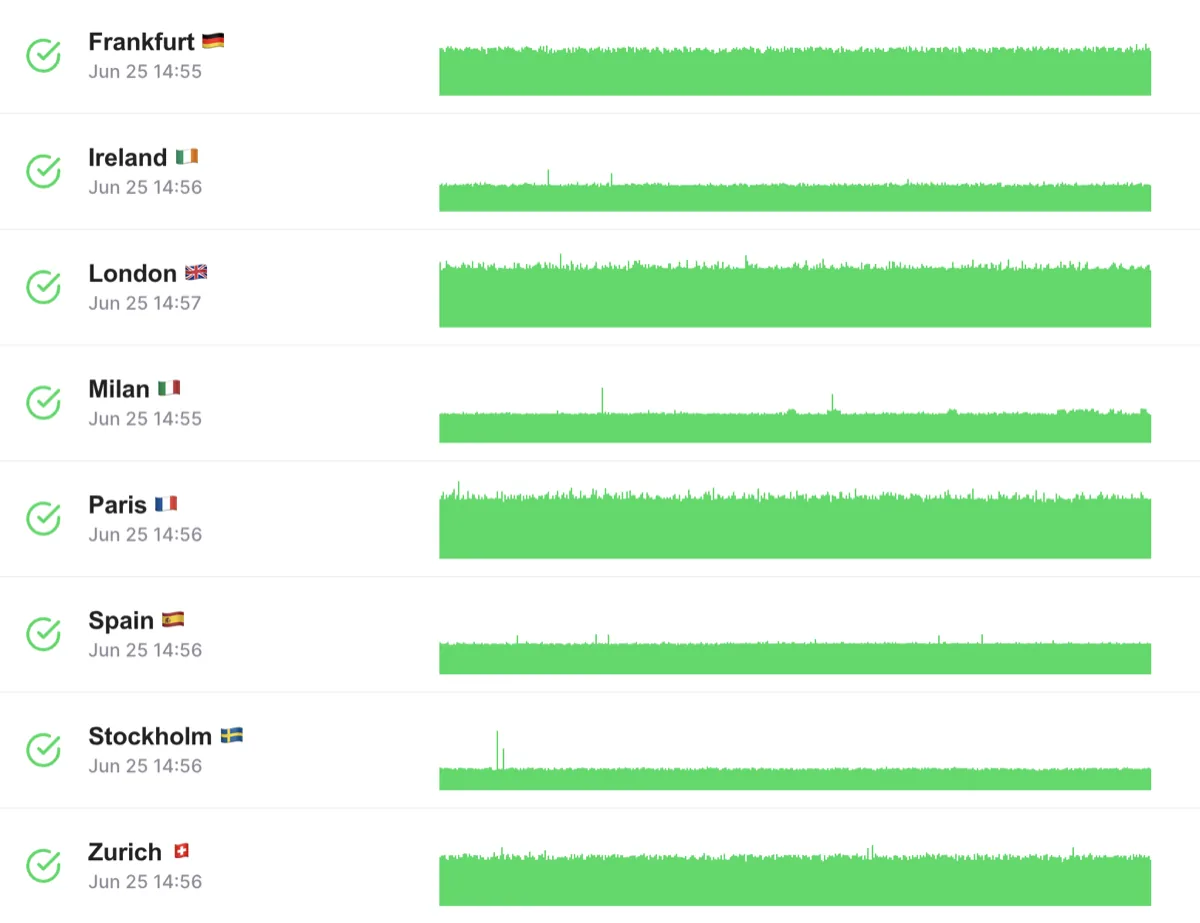






Run Your JMeter Scripts in the Cloud, Unchanged
Upload your .jmx and set the load in the browser
Your CSV data and plugins come along
Test length to match the goal
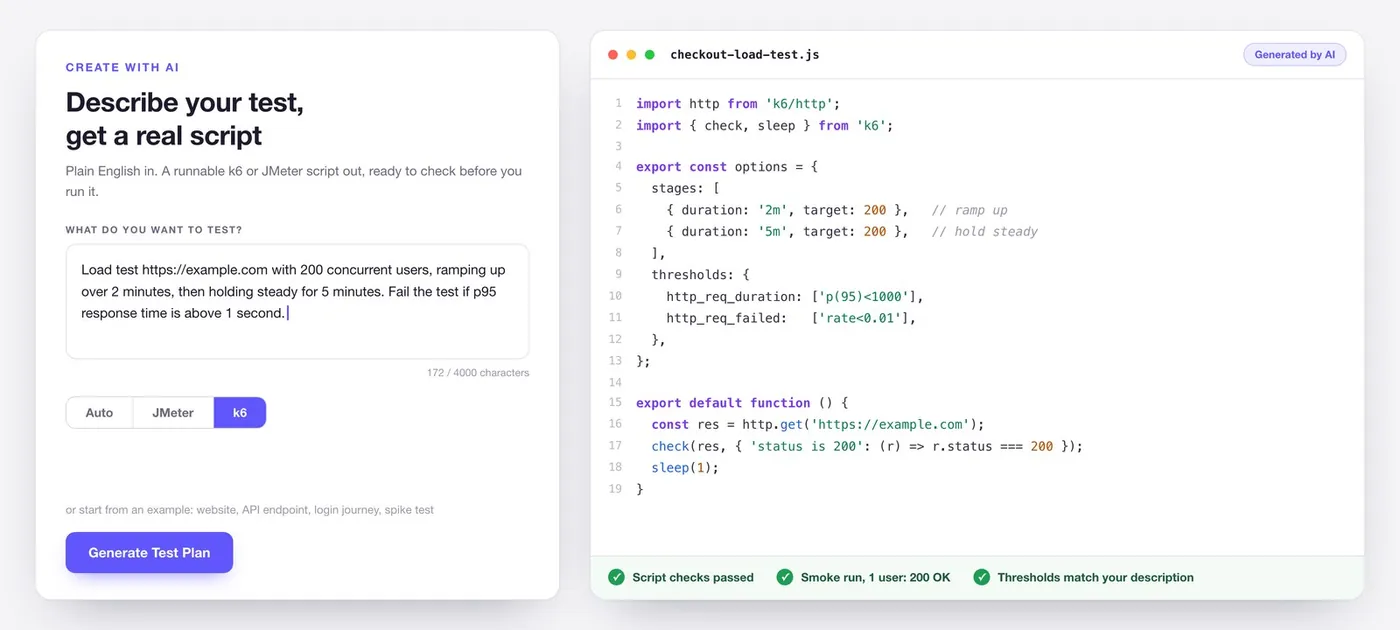
Create with AI
Describe your test, get a real script
Distributed JMeter Testing Without Managing Servers
No load generators to build or babysit
Results you can come back to
Compare against a baseline
Realistic Traffic From Several Cloud Regions
Traffic from several regions at once
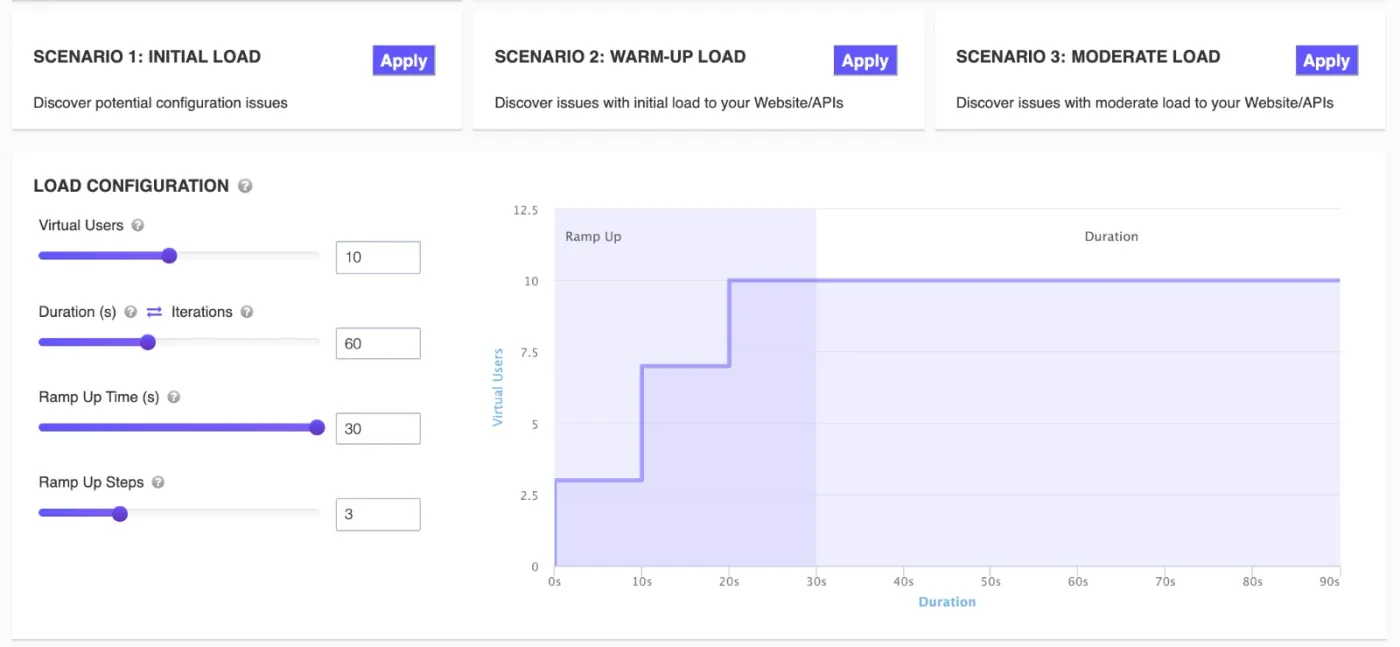
Ramp up the way real traffic does
Split the load by region
Large JMeter Load Tests for Teams
Room for the big tests
Teams with shared tests
Reports you can hand over
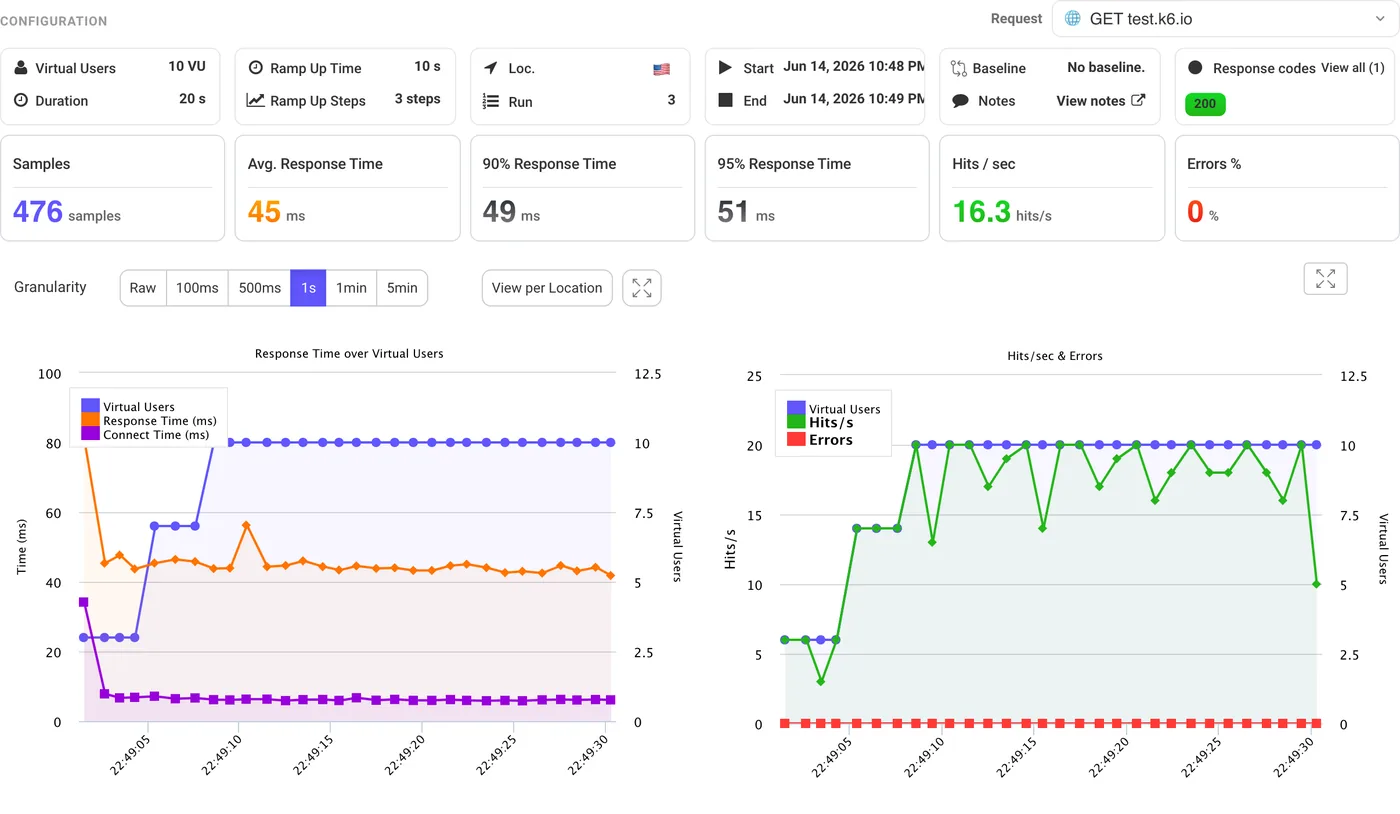
JMeter Results Broken Down by Region
Each region's numbers, side by side
25 regions on every plan
Find CDN and routing problems
How JMeter Load Testing Works with LoadFocus
Upload Your JMeter Test File
Select Global Test Locations
Run Your Performance Test
Analyze the Detailed Results
JMeter Script Validation
Validate Your .jmx Scripts Before Testing
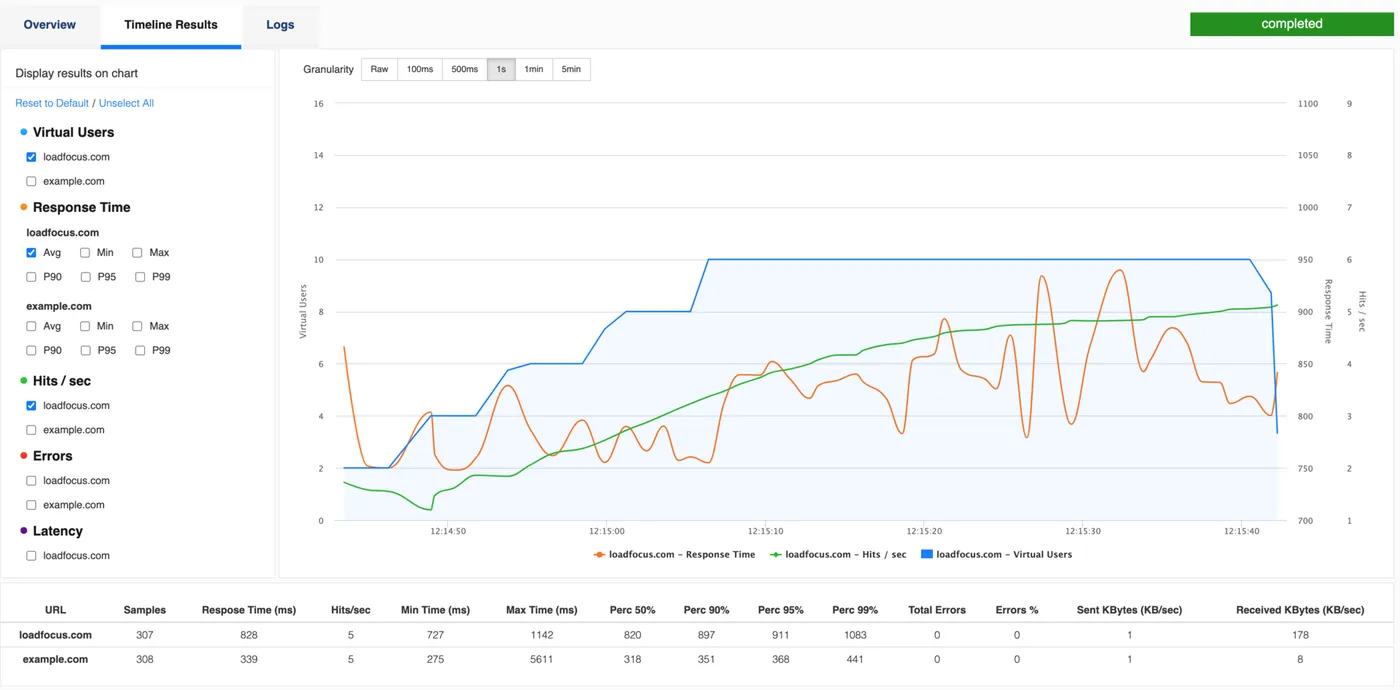
Multi-Location Load Testing
Global Testing in a Single Run
How It Works:
Benefits:
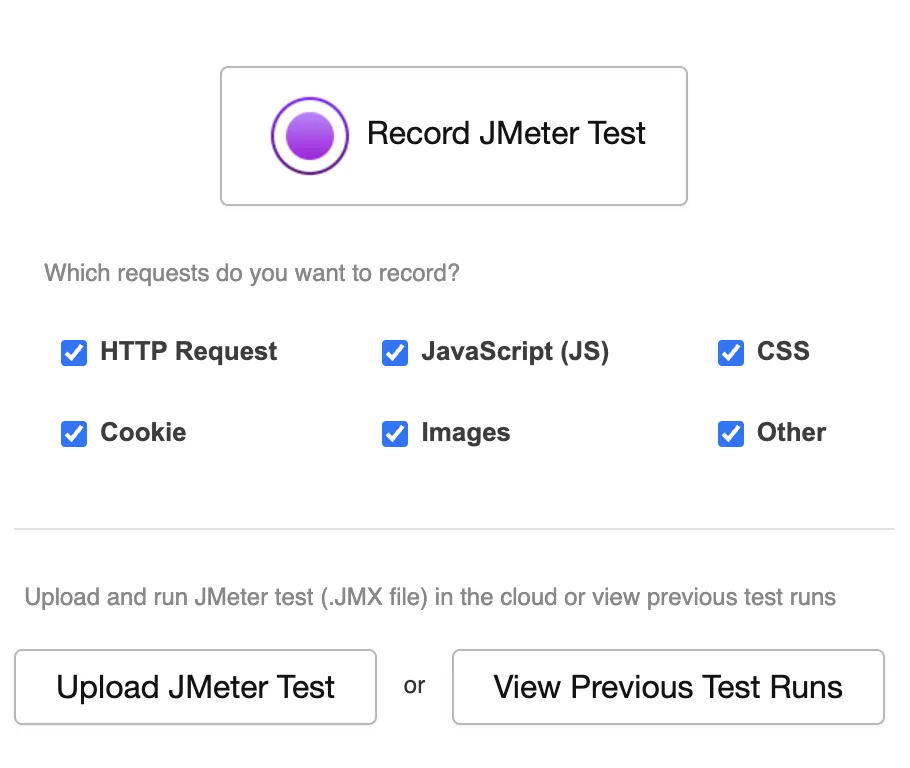
Record & Generate JMeter Scripts
Effortless Cloud Load Testing
How It Works:
Benefits:
JMeter Results in Datadog and Azure Insights
Connect with Leading APM & Reporting Tools
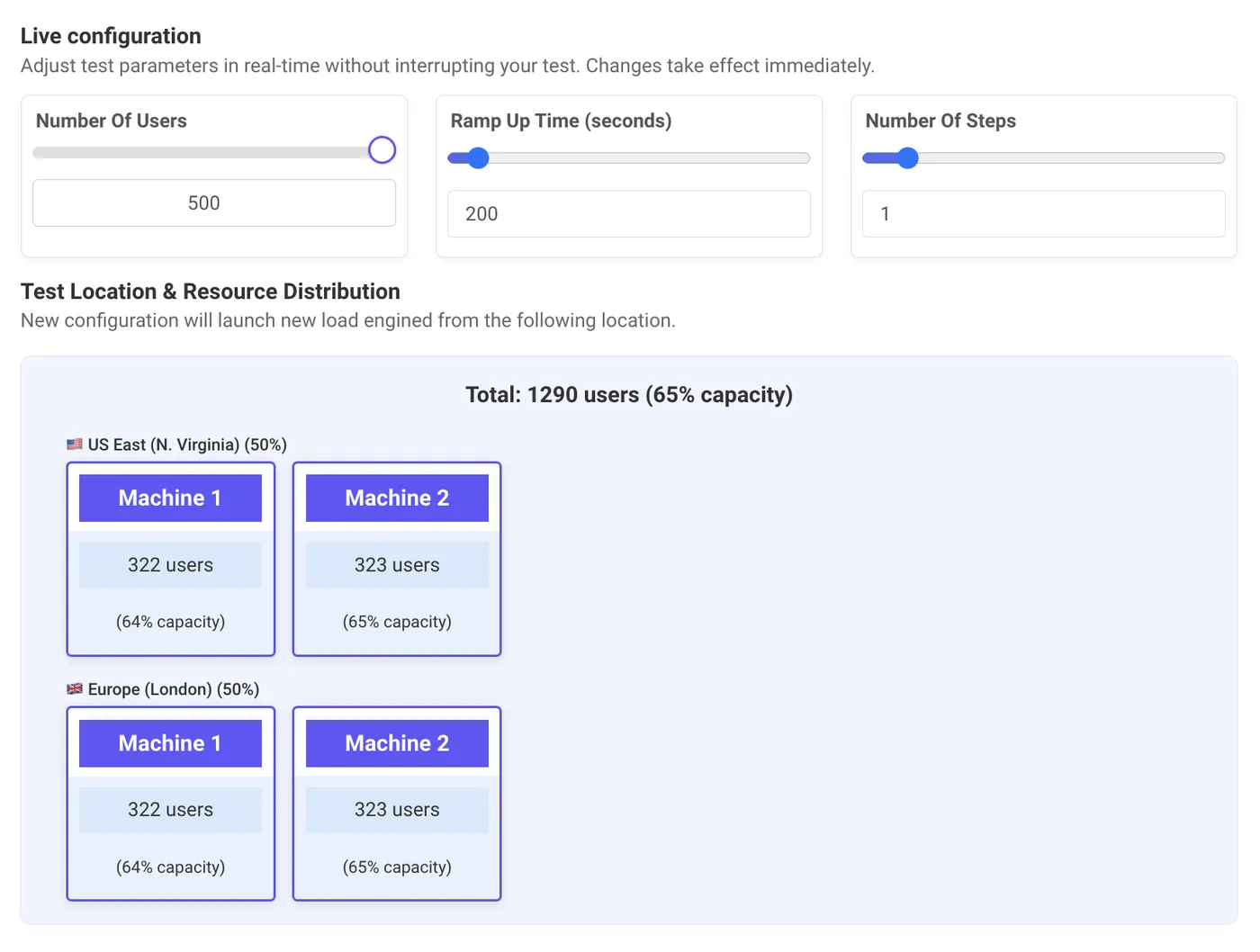
Change the Load While the Test Runs
Adjust Load Tests on the Fly
Features:
Benefits:
Watch Response Times and Errors as the Load Grows
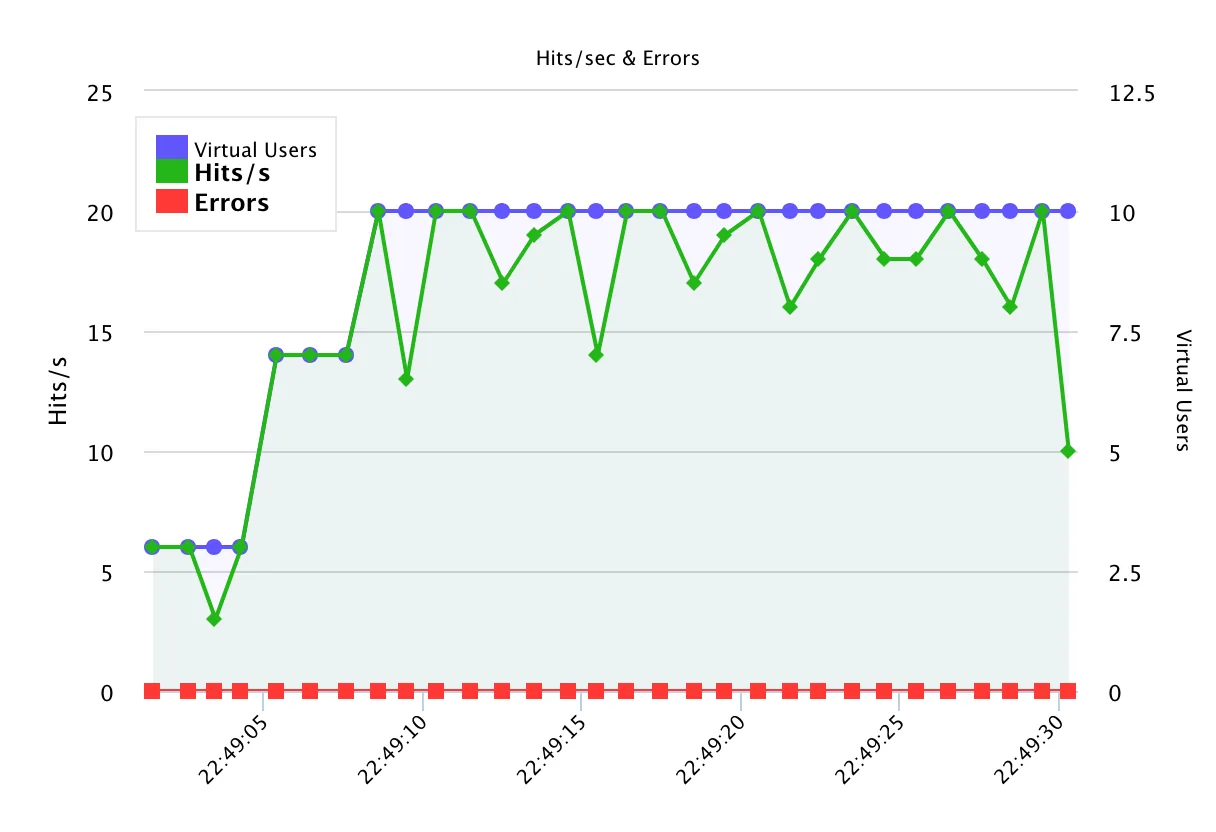
JMeter in the Cloud: LoadFocus vs BlazeMeter, OctoPerf, LoadView, JMeter Desktop
If you've already built .jmx scripts, the question isn't whether to use JMeter, it's where to run it. Here's how the major JMeter cloud platforms compare on the things teams actually care about. Competitor details as published on each vendor's website, October 2026.
| Capability | LoadFocus | BlazeMeter | OctoPerf | LoadView | JMeter Desktop |
|---|---|---|---|---|---|
| Run existing .jmx unmodified | Yes, drag-and-drop | Yes | Yes | Yes | Native |
| Distributed JMeter (managed, no SSH) | Yes, fully managed | Yes | Yes | Yes | Manual remote setup |
| Cloud test locations | 25 AWS regions | 56+ locations | 78+ regions (AWS, Azure, Digital Ocean) | 40+ locations (AWS, Azure) | Self-managed |
| AI analysis of test results | Yes, explains slow endpoints | Yes, AI-powered analytics | Driven from an AI assistant | Not listed | No |
| Free plan or free tests | Free plan: 10 VUs, 60 s | Free plan: 50 VUs, 20 min, 10 tests/month | Free plan: 50 VUs, 20 min | Up to 5 free tests | Free OSS (self-host) |
| CI/CD plugins (Jenkins, GitHub, GitLab) | Yes. REST API + webhooks | Yes | Yes | Yes | Self-built |
The JMeter Metrics That Actually Tell You Something
JMeter spits out dozens of numbers. These four are the ones that decide whether you ship, or roll back.
Throughput (req/s)
Requests JMeter actually completed per second. If your plan targets 800 req/s but throughput plateaus at 450, you've found your ceiling, likely a thread pool, DB connection pool, or downstream rate limit.
Response Time (median, p90, p95)
JMeter reports median, 90th, and 95th percentile response times. The median lies; p95 tells the truth. A p95 above 1 second on a checkout flow means real users are dropping out, even if median looks fine.
Error %
Percentage of samples that failed (HTTP 5xx, timeouts, assertion failures). The single best signal that you've crossed your capacity ceiling. Pair with continuous API monitoring after launch so you catch regressions in production, too.
Active Threads (VUs)
Concurrent virtual users JMeter is currently running. Compare with throughput: if active threads keep climbing but throughput stalls, the system has saturated, extra users just queue.
JMeter in the Cloud vs Running JMeter Locally
Local JMeter caps out at a few hundred threads before the JVM heap, network, and CPU on your laptop become the bottleneck. And distributed mode means master/slave setup, SSL keystores, and firewall rules. LoadFocus runs your .jmx scripts on dedicated cloud infrastructure from 25 regions with no setup and no per-VU license.
From laptop to cloud in one upload
Drag a .jmx file in. We provision the load generators, distribute the threads across regions, and stream results back in real time. No master/slave configuration, no firewall rules, no Java heap tuning.
Realistic geo-distributed traffic
Run the same test from US East, US West, EU, APAC, and more. Simultaneously. See how response times shift by region, catch CDN misconfigurations, and prove your service holds up for users where they actually live.
Scale without rewriting your test
The .jmx that ran 200 threads on your machine runs 20,000 here. Thread Groups, CSV data, JSR223 samplers, plugins. All preserved. Bump the load up and down between runs with a slider, not a refactor.
AI analysis on any result
Run an AI analysis on any finished test and get a plain-language summary: which endpoints regressed, which error codes appeared, where p95 latency crossed your SLO, and what to look at first. Save hours of manual report-reading.
Other ways to run JMeter in the cloud
LoadFocus is one of three common ways to run a JMeter test plan at scale. Here is what each one asks of you in setup, and what you keep.
Self-hosted distributed JMeter
The software is free, but you provision the controller and load generators, open the RMI ports, keep JMeter and its plugins identical on every machine and gather the results yourself. You keep full control of the network and the data.
BlazeMeter
A commercial service that runs JMX files in its cloud. Setup is light; in return you work inside its interface, plans and limits.
LoadFocus
Upload the JMX unchanged and run it from 25 cloud regions, with live results and AI analysis in the browser. There is a free plan to try it on a real test.
Compare in detail: BlazeMeter alternative · Apache JMeter alternatives · JMeter testing tools compared
Want LoadFocus engineers to run JMeter for you?
If you don't have a performance engineer in-house, or you need an independent third-party report, LoadFocus offers expert-led load testing services. We write the JMeter scripts to your scenarios, run them at scale from 25 regions, and deliver a report with bottleneck analysis and ranked recommendations.
Explore load testing servicesWhat is JMeter load testing and why do I need it?
How does LoadFocus JMeter testing differ from using JMeter locally?
Can I use my existing JMeter scripts with LoadFocus?
How many virtual users can I simulate in a test?
Do I need technical skills to use LoadFocus for JMeter testing?
How do I interpret the test results?
Can I integrate LoadFocus with my CI/CD pipeline?
Is there a free trial available?
How do you do JMeter load testing step by step?
What is the difference between JMeter and Postman for load testing?
What is the best tool for load testing in the cloud?
Are JMeter and LoadRunner the same thing?
Can I schedule recurring JMeter load tests?
Further reading
In-depth guides on the same topic from the LoadFocus blog.
Outgrown your testing tools?
Load test websites and APIs from 25 cloud regions, monitor page speed and uptime, and get AI analysis that explains your results in plain English.Start for free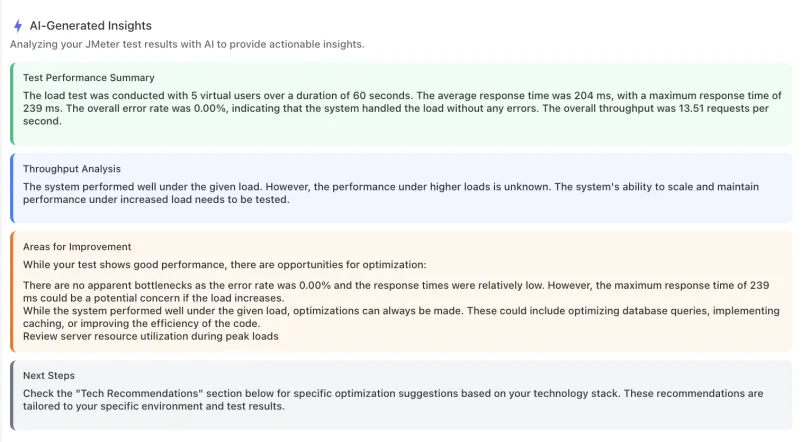
We'll help you get started
Learn
Browse our documentation covering everything from use cases to getting-started guides and videos.
Explore
Product news, test locations, IPs to whitelist and white-label reports.
Get Started with JMeter Cloud Testing Today
Boost site performance and handle high traffic seamlessly.Load Test Your Website→