Key takeaways
- Judge a platform on CI integration and result analysis, not on maximum virtual users.
- Geographic distribution matters as soon as you have users outside one region.
- Anything you cannot trigger without a person present will not stay in the pipeline.
Is Your Infrastructure Ready for Global Traffic Spikes?
Unexpected load surges can disrupt your services. With LoadFocus’s cutting-edge Load Testing solutions, simulate real-world traffic from multiple global locations in a single test. Our advanced engine dynamically upscales and downscales virtual users in real time, delivering comprehensive reports that empower you to identify and resolve performance bottlenecks before they affect your users.
Filter Out the Noise: How to Identify the Right Cloud Testing Platform
Start with Non-Negotiables, Not Marketing Promises
Selecting a cloud testing platform is a high-stakes decision for IT managers and QA leads. The market is crowded with vendors touting AI, speed, and integration, but the real test is whether a platform delivers the core capabilities your team genuinely needs. Begin by defining your non-negotiables – features that are essential for your workflows and compliance requirements. Ignore the buzzwords and focus on the practical: does this platform support your critical test environments, scale with your releases, and keep your data secure?
What Separates the Real Contenders
Not all cloud testing solutions are created equal. Platforms lacking essential features may appear cost-effective, but they often lead to operational headaches. For instance, if your team needs to simulate thousands of concurrent users and the platform can’t scale resources on demand, your test cycles will stall. Scalability is consistently cited as a top priority, as organizations must run parallel tests and manage fluctuating workloads without bottlenecks.
Another crucial factor is test environment coverage. If your platform only supports browser-based apps but your roadmap includes mobile or IoT, you’ll be forced to patch together multiple tools or risk missing critical defects. As highlighted in Gartner’s report, platforms with multi-environment support see a measurable increase in defect detection rates, underscoring the importance of breadth in test coverage.
Think your website can handle a traffic spike?
Fair enough, but why leave it to chance? Uncover your website’s true limits with LoadFocus’s cloud-based Load Testing for Web Apps, Websites, and APIs. Avoid the risk of costly downtimes and missed opportunities—find out before your users do!
The High Cost of Missing Critical Features
Choosing a platform without advanced automation or AI-driven test maintenance leads to ballooning manual work. As Dr. Lisa Morgan, a software testing strategist, notes, “AI integration in cloud testing platforms is transforming how teams identify and fix defects faster, ultimately improving software quality.” If your platform lags here, expect longer release cycles and more opportunities for human error.
Security is another non-negotiable. Enterprises increasingly put security at the center of their decisions. Lacking features like strong encryption or audit trails isn’t just inconvenient – it puts compliance and customer trust at risk.
What a Practical Checklist Helps You Avoid
- Wasting budget on platforms that can’t scale with your needs
- Lock-in to tools that limit testing coverage and integration
- Manual workarounds for missing automation or poor reporting
- Exposure to compliance gaps or insecure test data management
- Productivity bottlenecks from clunky interfaces or weak collaboration
A clear, criteria-driven approach lets you filter out the noise, focus on platforms built for modern QA practices, and avoid traps that only show up when it’s too late to switch. The right selection filter doesn’t just save time – it protects your roadmap, your release velocity, and your reputation with every test run.
Comparison Table: 5 Key Features at a Glance
Choosing the right cloud testing platform comes down to understanding which features directly impact your ability to deliver reliable, high-performing software. Below, you’ll find a side-by-side comparison of the five most important capabilities. This overview highlights strengths, trade-offs, the ideal use cases for each feature, and a qualitative sense of typical pricing models.
LoadFocus is an all-in-one Cloud Testing Platform for Websites and APIs for Load Testing, Apache JMeter Load Testing, Page Speed Monitoring and API Monitoring!
| Feature Name | Key Strength | Key Limitation | Best For | Pricing Model |
|---|---|---|---|---|
| Scalability & On-Demand Resource Allocation | Handles variable workloads; supports rapid parallel test execution | Resource spikes can lead to temporary cost increases | Projects with fluctuating test volumes or tight release cycles | Usually pay-as-you-go or usage-based |
| Comprehensive Test Environment Support | Enables testing across mobile, web, API, and IoT; increases defect detection | Broader coverage may require steeper learning curve for setup | Teams needing cross-platform, cross-device coverage | Tiered by environment type or concurrency |
| Advanced Automation & AI-Driven Testing | Speeds up test creation and maintenance; improves test coverage | AI-driven tools may miss nuanced or novel bugs without manual review | Organizations seeking to reduce manual testing effort | Often subscription-based with premium for AI features |
| Strong Security & Compliance Features | Ensures data protection; supports regulatory compliance (GDPR, HIPAA, SOC 2) | Advanced security may require additional configuration and oversight | Companies in regulated industries or with sensitive customer data | Frequently included in higher-tier or enterprise plans |
| User-Friendly Interface & Collaboration Tools | Improves productivity; reduces onboarding friction; enables real-time analytics | Some platforms prioritize simplicity over depth of advanced features | Distributed teams and agile workflows | Generally included, additional integrations may cost extra |
How to Read This Table
Decision-makers should weigh feature strengths against their likely trade-offs. For example, if your team’s test loads spike around releases, scalability is non-negotiable. If your workflows demand strict compliance, prioritize platforms with strong security certifications. Pricing models can vary widely, so clarify what’s included before committing. The most effective cloud testing platform is the one that addresses your team’s unique mix of requirements without forcing unnecessary compromises.
Scalability and On-Demand Resource Allocation
Scalability is not a luxury in cloud testing – it is the backbone. When businesses work with increasingly complex applications and unpredictable user traffic, the ability to scale testing resources up or down instantly can make or break release velocity. The best cloud testing platforms have moved beyond static environments in favor of dynamic, elastic provisioning that responds directly to workload demands.
Key Insight: True scalability in a cloud testing platform allows teams to accelerate release cycles without locking themselves into fixed infrastructure costs or compromising on test coverage.
Why Scalability Can’t Be an Afterthought
Many teams discover the limitations of inflexible test environments only when it’s too late – during a critical release sprint or when onboarding a new product line. If the platform lacks scalable resource allocation, test cycles get bottlenecked. You end up with queues of test jobs waiting for capacity, which delays feedback and increases the likelihood of last-minute surprises in production. Scalability is essential for handling fluctuating workloads and parallel execution.
Parallel test execution is where the scalability advantage becomes concrete. Instead of running test suites serially, scalable platforms let you split tests across many nodes – shrinking full regression cycles from hours to minutes. This is especially valuable for performance and load testing, where simulating thousands of virtual users in real time is non-negotiable. When test velocity translates directly to release velocity, every bottleneck in provisioning becomes a business risk.
Teams working with complex microservices or global user bases see real pain when they can’t spin up new resources as needed. The result: missed deadlines, higher defect escape rates, and unnecessary resource spend as teams overprovision just to be safe. The ability to scale on demand lets you dial in the right level of capacity for each test run, not just the maximum you might need once a year.
Best Practices for Managing Costs
While elastic scaling brings clear benefits, it introduces a new challenge – cost unpredictability. Runaway expenses can occur if teams launch large-scale tests without oversight or forget to decommission idle resources. This is especially true in organizations moving from fixed on-prem infrastructure to cloud testing for the first time.
The solution is a combination of process and platform features. Start by setting clear resource quotas and alerting on your cloud testing platform. This prevents accidental overspend and keeps teams accountable. Platforms typically offer real-time dashboards to monitor usage spikes and estimate costs, but policy matters just as much as tooling. Establish a review process for large-scale or ad-hoc test runs – especially those simulating peak load or covering multiple environments in parallel.
- Tag and categorize test jobs by project or team to allocate costs accurately and identify outliers quickly.
- Schedule heavy test runs during off-peak hours when provider costs might be lower or when team capacity is available for real-time monitoring.
- Automate teardown of temporary resources immediately after test completion to avoid lingering charges.
- Review usage reports monthly to identify patterns and adjust quotas proactively.
It’s also worth acknowledging a practical limitation: at very large scales, costs can become unpredictable. Test runs that simulate extreme user loads or cover vast permutations of devices and browsers can generate cloud bills that surprise even seasoned managers. The best approach is transparency – use detailed reporting to understand where spend is going, and be ready to tune test scope as needed without compromising on critical coverage.
The Bottom Line: Scaling Smarter, Not Just Bigger
A modern cloud testing platform must do more than offer on-demand infrastructure. It needs to provide dynamic scaling, support for parallel test execution, and effective cost management tools that keep efficiency in focus. When these capabilities are built in – and reinforced through team process – organizations unlock faster feedback cycles and higher confidence in every release. Just as importantly, they avoid the hidden tax of overprovisioning and can scale back as easily as they scale up, ensuring that every dollar spent on testing brings direct value to product quality.
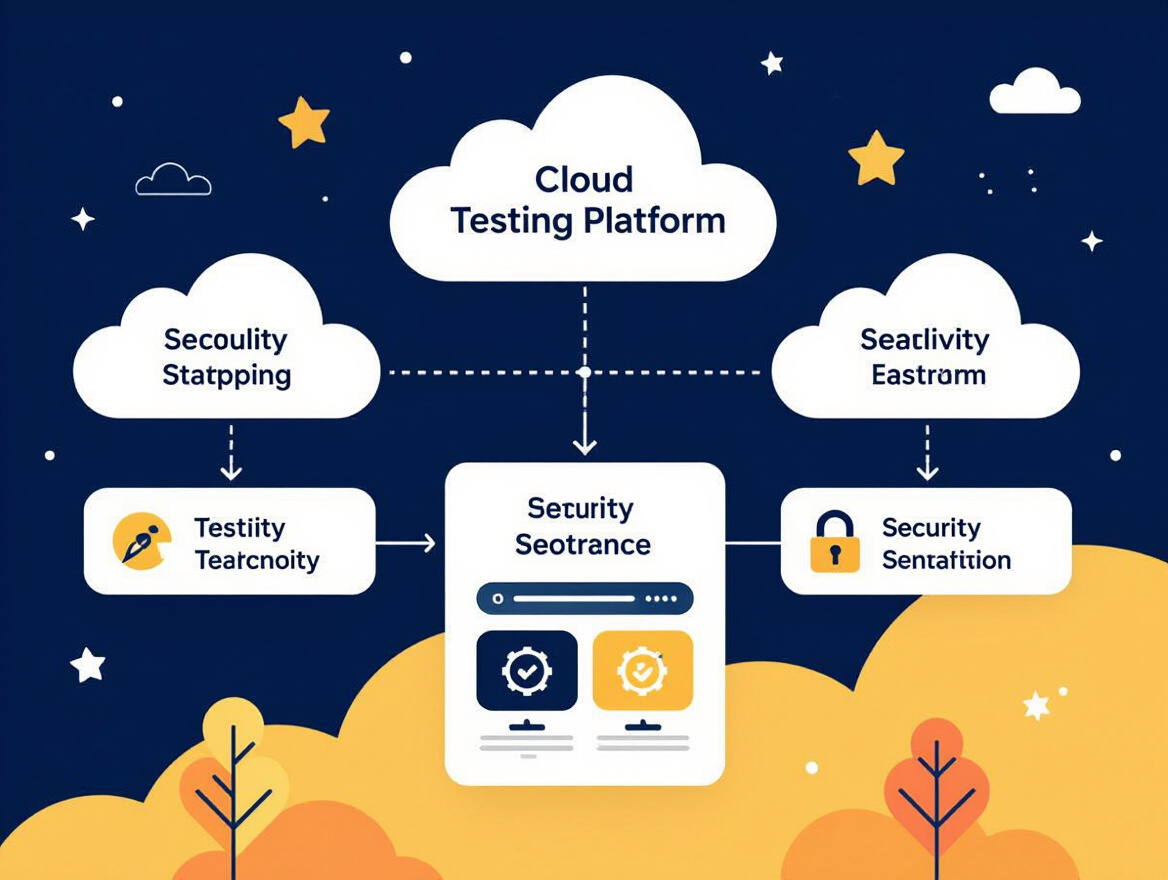
Comprehensive Test Environment Support
Modern software rarely lives in a vacuum. You’re not just building for the web. Mobile devices, APIs, and IoT endpoints all need thorough testing to catch the issues that surface only when systems interact in the real world. Environment diversity is about more than just running the same test on Chrome and Firefox. It’s about covering every context your users might encounter: different operating systems, device models, network conditions, and third-party integrations.
Gartner’s report emphasizes that multi-environment support boosts defect detection rates. When your cloud testing platform can spin up native iOS and Android devices, mirror API calls across dozens of endpoints, and simulate IoT interactions, you’re realistically reproducing what happens in production. This is fundamentally different from pure scalability, which is about how many tests you can run in parallel or how quickly you can flood an API with traffic. Environment coverage addresses quality from the standpoint of breadth, not just scale.
Key Insight: The more platforms and environments your cloud testing platform covers, the more real-world bugs you’ll catch before release.
Some platforms focus not just on load and performance for web apps or APIs but also offer flexibility to extend testing to a range of environments. This is crucial if your team supports everything from responsive web apps to sensor-based IoT platforms. When your testing coverage matches your deployment reality, you’re no longer waiting for users to report device-specific bugs after launch.
Integration with Modern DevOps Pipelines
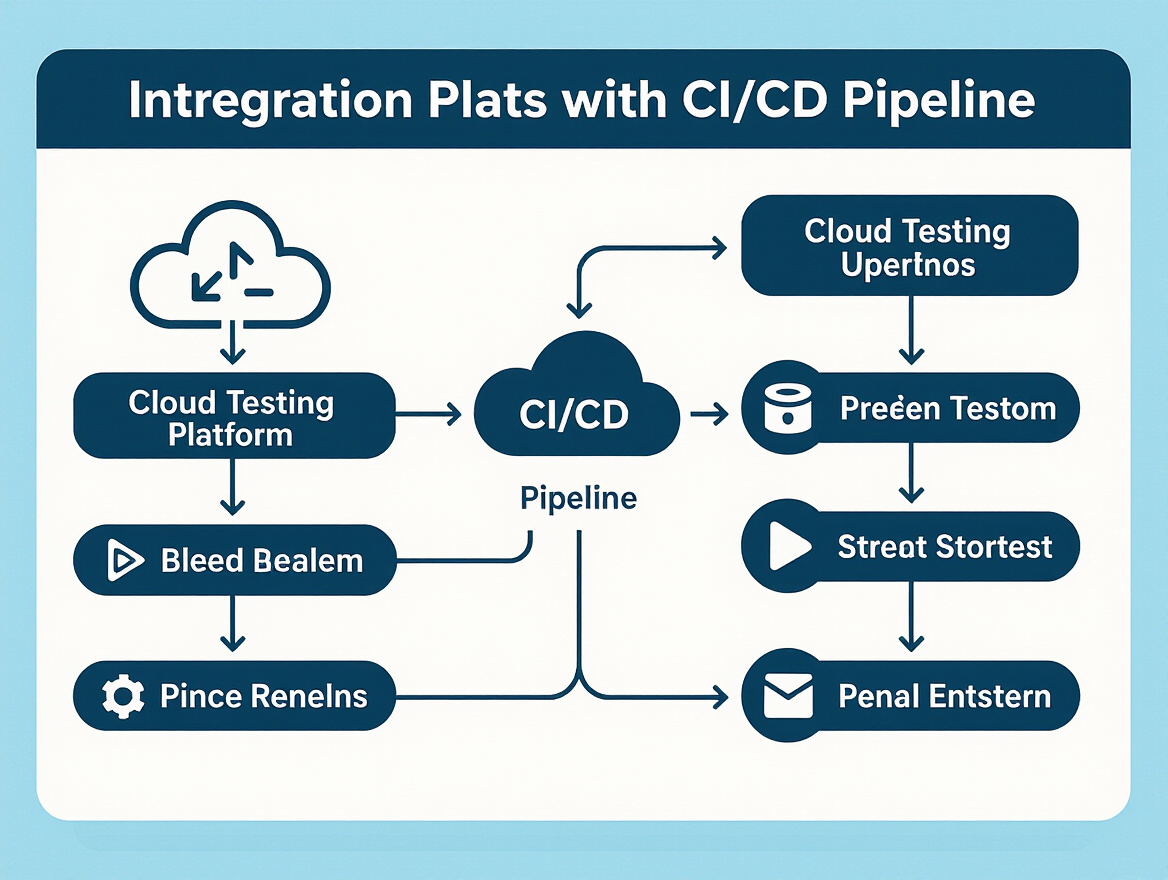
Test environments don’t operate in isolation. Effective teams wire their cloud testing platform directly into existing DevOps pipelines. With direct integrations for Jenkins, GitLab, Azure DevOps, and similar tools, you can trigger comprehensive environment tests with every pull request or merge. This approach enables continuous testing: every code change gets validated against the exact suite of platforms and devices your customers use.
Why does this matter? First, it eliminates the bottleneck of manual handoffs between QA and development. Second, automated environment provisioning means your CI/CD jobs don’t stall waiting for scarce devices or environments to become available. Third, the feedback loop is tighter – developers receive actionable defect reports from real device matrices within minutes of committing code. That’s a significant contrast to the old world of test farms and overnight regression suites.
Table: Environment Coverage Matrix
| Platform | Web | Mobile | API | IoT | Custom Devices |
|---|---|---|---|---|---|
| LoadFocus | Yes | Limited* | Yes | Via API Simulation | Configurable |
| BrowserStack | Yes | Yes | Limited | No | No |
| LambdaTest | Yes | Yes | Limited | No | No |
| Postman Cloud | No | No | Yes | Limited* | No |
| AWS Device Farm | No | Yes | Limited | Via SDK | Limited* |
*Note: “Limited” indicates partial or indirect support, such as emulated environments or support via API simulation rather than on-device execution.
Limitation: Setup Complexity for Highly Customized Environments
No platform is perfect, and setup complexity remains a real hurdle – especially for niche or highly customized environments. If you’re supporting legacy hardware, proprietary IoT protocols, or unique mobile device variants, configuring and maintaining these environments in a cloud testing platform can require significant manual effort. There’s often a tradeoff: broad coverage and convenience for mainstream platforms, but extra work for edge cases.
Still, for most organizations, the upside of realistic, multi-platform testing easily outweighs the configuration overhead. As applications become increasingly interconnected, the ability to test across a true spectrum of environments isn’t just a nice-to-have – it’s essential for delivering quality software that stands up in production.
Advanced Automation and AI-Driven Testing
The most effective cloud testing platforms no longer treat automation as a bonus – they make it the backbone of software quality. What sets the leaders apart is how they embed AI-driven features to reshape test creation, execution, and maintenance. The days of brittle scripts and endless manual updates are fading. Instead, teams are seeing faster cycles, cleaner test runs, and fewer late-stage surprises.
Key Insight: AI-powered automation in cloud testing platforms slashes manual effort and test maintenance, but true software quality still depends on thoughtful integration with exploratory testing practices.
AI-Powered Test Creation in Action (Before/After)
Manual test creation and upkeep has always been a grind – slow, error-prone, and difficult to scale as applications evolve. AI now changes the equation. Here’s how:
| Before: Manual Workflow | After: AI-Driven Workflow |
|---|---|
|
|
The difference isn’t just speed. With a manual process, teams spend hours rewriting scripts after a minor UI change, and manual oversight means more chance of missed logic or typos. With AI-driven testing – like what’s available in modern platforms – test suites adapt much faster. Testers are freed to focus on complex scenarios, while repetitive work shrinks dramatically.
Why does the “after” version work better? First, it eliminates the lag between application changes and test updates. Second, automation reduces manual errors – AI doesn’t forget to update a locator or miss a new workflow. Finally, it scales naturally as complexity grows, so teams can handle more coverage without hiring an army of testers.
Balancing Automation with Exploratory Testing
No matter how advanced your automation, it’s not a silver bullet. Over-relying on AI and automation can blind teams to unexpected bugs or usability issues – especially those that don’t follow predictable patterns. Automated scripts excel at regression and validation, but exploratory testing remains critical for uncovering edge cases and real-world failures that algorithms might miss.
The best-performing teams blend both. They let AI handle the repetitive, high-volume checks but reserve space for manual, creative testing sessions. This mix uncovers bugs that pure automation can’t predict, such as quirky user flows or integration hiccups. Missing these edge cases is a real risk for teams that automate everything and skip manual review.
In practice, this means using your cloud testing platform’s AI tools to take the grunt work off your plate, then reinvesting that time in deeper exploratory sessions. That’s where you’ll find the most stubborn or surprising defects – ones that only surface when a human is curious enough to look beyond the script.
As AI continues to evolve inside cloud testing platforms, the challenge shifts from just automating more to automating smarter – without losing the human insight that catches what algorithms miss. The future of quality is not automation or manual: it’s a deliberate mix that plays to the strengths of both.
Strong Security and Compliance Capabilities
Security and compliance are not optional features for a cloud testing platform. They are baseline requirements for any organization that handles sensitive data or operates in regulated industries. The risks of a data breach or a compliance failure extend far beyond fines – they can seriously damage trust and operational continuity. That’s why the leading platforms put comprehensive security controls at the center of their architecture.
Encryption and Secure Access: Protecting Data at Every Stage
Cloud testing involves moving potentially confidential test data across networks and storage layers. The best platforms enforce end-to-end encryption both in transit and at rest, so your test data remains protected from interception or unauthorized access. Granular access controls are equally critical. Role-based permissions restrict who can view, run, or modify tests, reducing the risk of accidental or malicious actions. This level of control is essential for teams with varying levels of responsibility – from QA engineers to external auditors.
Audit Trails: Transparency and Accountability Built In
Auditability is a cornerstone of compliance. A modern cloud testing platform provides detailed audit trails that log every significant action – test executions, configuration changes, user logins, and more. These logs aren’t just checkboxes for regulatory frameworks like GDPR, HIPAA, and SOC 2. They’re practical tools for incident response and internal governance, supporting investigations and demonstrating compliance during external reviews.
Key Insight: Security and compliance features are only effective when they are deeply integrated and auditable, not bolted on as afterthoughts.
Security Features Checklist
| Feature | Description | Compliance Supported |
|---|---|---|
| Data Encryption | Encrypts data in transit and at rest for all test assets | GDPR, HIPAA, SOC 2 |
| Role-Based Access Control | Customizes user permissions based on job function | GDPR, SOC 2 |
| Comprehensive Audit Trails | Records all user and system actions for traceability | GDPR, HIPAA, SOC 2 |
| Third-Party Security Certifications | Undergoes independent audits to validate practices | GDPR, SOC 2 |
Limitation: Integration Complexity with Legacy Systems
No security discussion is complete without acknowledging the real-world challenges. Integrating a secure, compliant cloud testing platform with legacy systems often means wrestling with incompatible data formats or outdated authentication schemes. Organizations subject to strict regulatory oversight may find that connecting cloud-based tools to on-premises or legacy databases requires extensive customization and close collaboration with internal security teams. This isn’t a dealbreaker, but it does add time and complexity to onboarding – especially when compliance audits are on the line.
As cloud testing continues to mature, the platforms that combine rigorous security controls with clear auditability will remain the preferred choice for risk-conscious engineering teams.
User-Friendly Interfaces and Collaboration Tools
A cloud testing platform that’s simple to use isn’t just about aesthetic appeal. For most teams, it’s about getting answers faster and keeping everyone aligned, especially when developers, QA engineers, and product owners are scattered across time zones. Intuitive dashboards and real-time analytics form the backbone of this experience, turning complicated test results into actionable insights without a steep learning curve.
Modern platforms focus on streamlined dashboards that surface meaningful metrics at a glance – average response times, error rates, and peak load events all in one place. Instead of wading through raw logs or manually exporting data, teams get a unified view where trends and anomalies jump out immediately. This clarity is crucial when you’re working under tight release schedules or supporting business-critical applications.
Collaboration Features for Distributed Teams
Distributed teams don’t have the luxury of walking over to a colleague’s desk to untangle a failed test suite. That’s where built-in collaboration tools come in. Platforms with integrated communication features – like tagging teammates on an issue, sharing annotated reports, or leaving contextual comments – make it far easier to resolve problems quickly and maintain momentum. Cloud testing platforms with strong collaboration features can improve defect resolution times by up to 25%.
For example, some platforms enable multiple stakeholders to review load test results simultaneously, leading to faster consensus and fewer bottlenecks. The ability to embed dashboards into team chats or project management tools keeps everyone focused on the same objectives without needing to jump between systems.
Collaboration in Action: Before and After Real-Time Analytics
| Before Real-Time Analytics & Collaboration | After Real-Time Analytics & Collaboration |
|---|---|
|
|
This shift transforms how teams work. What used to take hours or days – chasing context, clarifying ownership, and circulating updates – now happens almost instantly. Problems are surfaced, discussed, and assigned in one place, regardless of where team members are located.
Limitation: Less Control for Power Users
There is a tradeoff. The same features that make a cloud testing platform easy for newcomers can frustrate power users who want advanced customization or granular control. Highly abstracted dashboards might not expose every variable or setting, limiting the ability to tweak complex scenarios or automate bespoke workflows. Teams with specialized needs may find themselves looking for API access or scripting capabilities not present in the most user-friendly tools.
For most organizations, the productivity gains from intuitive interfaces and built-in collaboration outweigh these drawbacks. Still, it pays to assess whether your team needs “just enough” usability or demands full control under the hood.
Emerging Trends in Cloud Testing Platforms (2026)
Containers and Serverless Architectures Take Center Stage
The cloud testing platform space has shifted dramatically as organizations embrace containers and serverless computing. Containerization, using tools like Docker or Kubernetes, brings a new level of environment consistency – test environments can be spun up, scaled, and torn down with precision. This tackles the long-standing “works on my machine” problem and enables more reliable, repeatable test outcomes.
Serverless testing is also gaining traction, allowing teams to run tests without the need to provision or maintain servers. This model fits especially well for burst testing or unpredictable workloads, where resource requirements can spike. Teams only pay for what they use, making on-demand resource allocation even more granular and cost-effective.
AI-Driven Predictive Analytics Redefine Test Planning
AI is not just automating test scripting – it’s now powering predictive analytics that spot potential bottlenecks or failure points before code hits production. Leading platforms have moved beyond reactive dashboards to provide actionable forecasts. By analyzing historical load patterns, AI models can recommend which scenarios are most likely to cause outages during a big launch. This approach helps teams prioritize test coverage where it matters most, rather than relying solely on intuition or past incidents.
Innovation Rewards Early Adopters
Adopting these trends early means more than just keeping up with the industry. Teams that integrate containerized test environments or serverless runs see faster feedback cycles and reduced friction between development and QA. When predictive analytics highlight where failures may occur, you gain time to address issues proactively, rather than fire-fighting after deployment.
There’s a clear upside for organizations willing to experiment: shorter release cycles, improved defect detection rates, and cost control, especially for large or complex projects. Platforms with real-time insights and AI-powered analysis illustrate how embracing these innovations can directly drive better performance and reliability.
- Containers ensure consistent, scalable test environments – critical for modern DevOps pipelines.
- Serverless options cut costs and complexity for unpredictable testing workloads.
- AI-powered predictive analytics shift testing from reactive to proactive, improving risk management.
As cloud testing continues to evolve, keep an eye on how these trends mature and which platforms invest in making them accessible and reliable at scale. Early mover advantages are real, but long-term value comes from choosing solutions that balance new capabilities with proven reliability.
Limitations and Nuances: What a Cloud Testing Platform Can’t Solve
Data Sovereignty and Regional Compliance
No matter how sophisticated the cloud testing platform, it can’t remove the friction around data sovereignty. Enterprises in healthcare, finance, or public sectors often face non-negotiable requirements to keep test and production data within specific regions, thanks to regulations like GDPR or HIPAA. Even when a platform claims multi-region support, you’re still at the mercy of your vendor’s data center locations. If the test data must remain in-country, you may find your cloud provider’s regional coverage insufficient – or too costly to scale. This is not just a box-ticking exercise; audits and compliance reviews expect evidence, which means you’ll need to validate where your data flows and how it’s stored during every phase of testing.
Latency and Network Dependencies
Latency doesn’t disappear just because you’re testing in the cloud. In fact, cloud-based load testing sometimes adds new network variables. For example, running a performance test from a remote region can introduce artificial delays, skewing results compared to traffic from your primary user base. If your audience is concentrated in Asia, but your test is running from North America, you’ll see response times that don’t reflect real user experiences. Even the most advanced platforms can’t eliminate the reality that network latency is part of the testing equation, not a problem that can be engineered away entirely.
Legacy Integration Hurdles
The promise of a plug-and-play cloud testing platform often hits a wall with legacy systems. Mainframes, on-premise data stores, or tightly coupled enterprise apps don’t always play nicely with cloud-based test runners. This shows up in two ways: technical friction (firewalls, VPN requirements, unsupported protocols) and organizational resistance, where security or infrastructure teams block external access to critical test environments. Cloud testing can modernize part of your stack, but it won’t magically bridge multi-decade architectural decisions or siloed systems overnight.
Balanced Testing Strategies: Manual vs. Automated
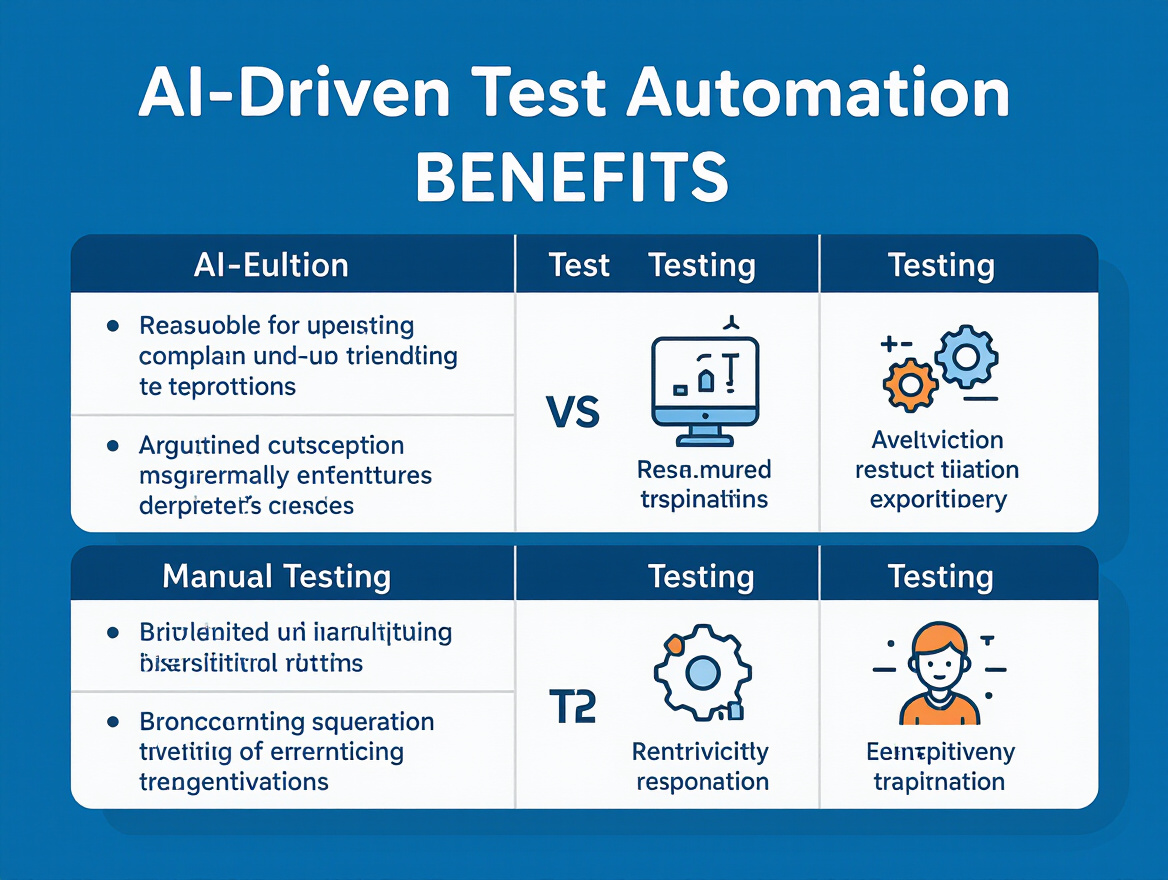
Another misconception: more automation is always better. While AI-driven automation improves speed and coverage, relying exclusively on scripted tests can leave edge cases or usability issues overlooked. Manual exploratory testing remains crucial, especially for subtle bugs or interface quirks automation can’t catch. The best teams combine both approaches, using automation for scale and repeatability and targeted manual testing for depth and nuance.
Ultimately, choosing a cloud testing platform is about understanding these boundaries. No tool removes every challenge, but the right awareness helps you build a smarter, more resilient testing strategy.
How to Choose: Decision Framework for Cloud Testing Platforms
Step 1: Assess Your Organization’s Priorities
Choosing a cloud testing platform starts with a clear-eyed assessment of what matters most to your team. Are you looking to support high-traffic events, or is your focus on comprehensive device and browser coverage? For some, scalability is mandatory to ensure tests don’t choke under peak loads. Others may need strong security features to pass regulatory audits. Take time to map your specific business drivers before diving into feature lists. Involve stakeholders from development, QA, security, and compliance to surface both technical and business constraints early.
Step 2: Map Features to Business Needs
To avoid being swayed by glossy feature checklists, anchor your selection process with a simple mapping table. This helps keep vendor pitches grounded in your actual requirements. Here’s how core business needs align with must-have features and the kind of questions that cut through marketing noise:
| Business Need | Critical Feature | Evaluation Question |
|---|---|---|
| Handle unpredictable test volumes | Scalability & On-Demand Resource Allocation | How quickly can you scale test environments up or down, and what usage limits apply? |
| Test across diverse environments (web, mobile, APIs) | Comprehensive Environment Support | Which OS, browsers, and devices are covered, and is IoT testing supported? |
| Accelerate release cycles | Advanced Automation & AI Testing | Does the platform offer AI-powered test generation or self-healing scripts? |
| Meet strict regulatory or enterprise security needs | Strong Security & Compliance | What compliance certifications are held, and how is sensitive test data protected? |
| Support collaboration for distributed teams | User-Friendly Interface & Collaboration Tools | How does the platform facilitate real-time collaboration and reporting? |
Step 3: Vetting Vendors – Key Questions to Ask
- What experience do you have supporting customers in my industry or with similar scale?
- Can you provide examples of integrations with our existing CI/CD tools?
- How is pricing structured for spikes in usage or additional environments?
- What support is available for onboarding and ongoing troubleshooting?
- How do you address data locality and sovereignty concerns?
- What is your approach to platform updates and downtime notifications?
A disciplined approach to evaluating cloud testing platforms keeps you focused on the needs that matter, not the flashiest demo. By mapping priorities to features and pressing vendors with targeted questions, you position your team to choose a solution that fits now and in the future.
Frequently Asked Questions
Is a cloud testing platform really more scalable than traditional solutions?
Scalability is a primary reason organizations move to a cloud testing platform. Unlike on-premises setups, you can provision resources on demand and handle varying workloads without infrastructure bottlenecks. If your test volume spikes during a release cycle, the platform can allocate more servers immediately – no hardware upgrades or delays.
How well do cloud testing platforms support complex, multi-environment tests?
The best cloud testing platforms cover mobile, web, API, and even IoT environments in a single workflow. Broad environment support leads to improved defect detection, and integrations with CI/CD tools like Jenkins and Azure DevOps ensure tests are always running against the latest builds. If you need to test across devices, operating systems, and browsers, confirm that your platform supports this level of coverage before committing.
What’s the real impact of AI-driven automation in cloud testing?
AI in cloud testing platforms means less manual scripting and more accurate, self-maintaining test suites. AI-powered test generation helps surface defects faster and reduces the time spent fixing brittle tests. You’ll spend less effort updating scripts after code changes, freeing up time for exploratory testing and analysis. However, AI cannot replace all human judgment – manual, creative testing remains important.
Are cloud testing platforms secure enough for enterprise workloads?
Security is front and center for vendors in this category. Look for encryption, granular access controls, and compliance certifications like GDPR, HIPAA, or SOC 2. Beyond the basics, audit trails and detailed reporting help with both regulatory compliance and internal accountability. Always verify the platform’s security claims and, if you’re in a regulated industry, request documentation or third-party audit results.
What practical challenges should teams expect during adoption?
Moving to a cloud testing platform isn’t frictionless. Integration with legacy tools can be tricky, especially if you depend on custom workflows. Teams sometimes face latency issues or data residency concerns, depending on where test data is processed. It’s wise to prioritize platforms with extensive APIs and flexible integration options. Also, over-relying on automation can leave edge cases unexplored – balance AI with thoughtful manual testing to avoid surprises.
For IT managers and testers weighing their options in 2026, the right cloud testing platform should make your test cycles faster, smarter, and easier to manage. Focus on platforms that openly address their limitations instead of promising one-size-fits-all solutions. This level of clarity is what separates strong contenders from the rest of the field.
Crafted with PostNext app