Key takeaways
- A dashboard is only useful if it shows the few numbers you act on.
- Arrange widgets around a question you ask often rather than around what is available.
- Review the layout occasionally. Dashboards accumulate widgets nobody reads.
As a developer or QA tester, you know how important it is to have all the relevant information about your applications in one place. That’s why we at LoadFocus have created a new feature that allows you to customize your dashboard with widgets that show the metrics you care about the most.
How it works
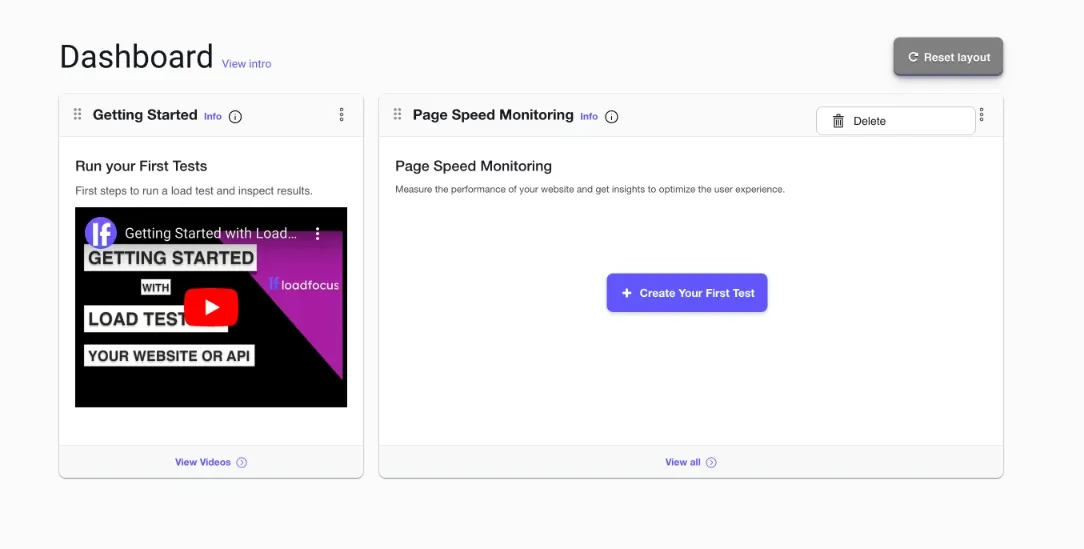
With LoadFocus, you can now add, remove, and rearrange widgets on your dashboard, giving you complete control over what you see.
See how easily it is to customize your Testing Dashboard
Want to keep an eye on your page load times? Add the Page Speed Monitoring widget.
Need to track your load tests? Add the Load Testing widget.
With a variety of widgets to choose from, you can create a personalized dashboard that meets your specific needs.
To customize your dashboard, simply drag and drop widgets to rearrange them or click the “Delete” menu item to remove them. You can also click the “Reset Layout” button to return your dashboard to its default state.
One of the best things about this feature is that it makes your work easier and more productive. Instead of sifting through a bunch of irrelevant data, you can focus on the metrics that matter most. Plus, with the ability to rearrange your widgets, you can put the most important data at the top of your dashboard, so it’s always front and center.
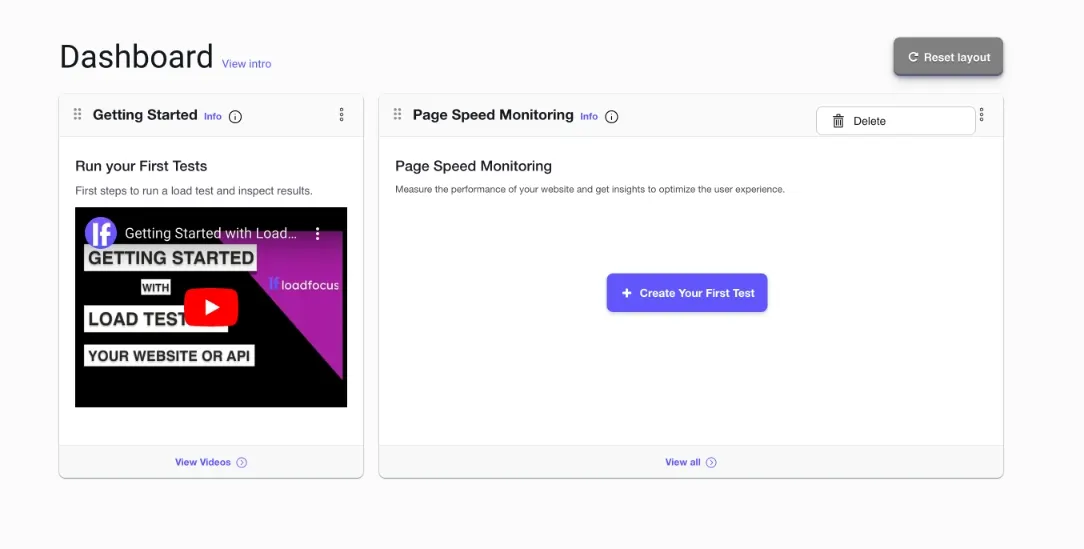
Drag and drop to re-arrange widgets on the Dashboard
In conclusion, LoadFocus‘s customizable dashboard widgets feature is a game-changer for anyone looking to increase their productivity and efficiency. With this feature, you can create a personalized dashboard that meets your specific needs, giving you complete control over what you see. So, what are you waiting for? Log in to your LoadFocus account and start customizing your dashboard today!
Frequently Asked Questions
What can I put on the dashboard?
Widgets for the metrics you follow, added, removed and rearranged as you like, so page speed, load test results and monitoring sit together in one view.
How should I decide what goes on it?
Arrange it around a question you ask often rather than around everything available. A dashboard earns its place by showing the few numbers you actually act on.
Does the layout need revisiting?
Occasionally, yes. Dashboards accumulate widgets that made sense once and are now scenery, and the noise makes the useful panels harder to see.