- Basic Performance Metrics
- Single Location Test
- Desktop Device Only
- Limited Insights
Create with AI
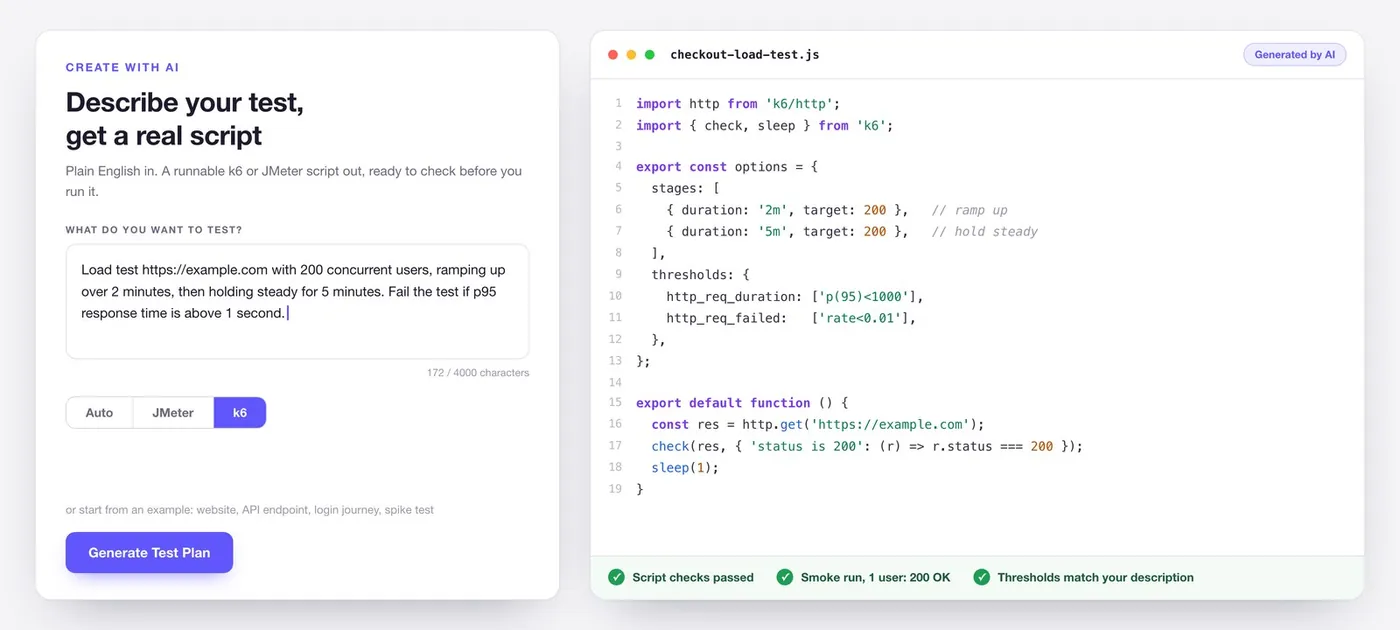
Describe your test, get a real script
Write what you want to test in plain English and LoadFocus builds the script for you, in k6 or JMeter.
Try Create with AIYou get the actual script, not a black box. Read it in the built in code editor, check it for problems, run a single user smoke test to prove it works, and let AI fix what it finds before you run at full load.
AI-Powered Performance Analysis for Your Load Tests
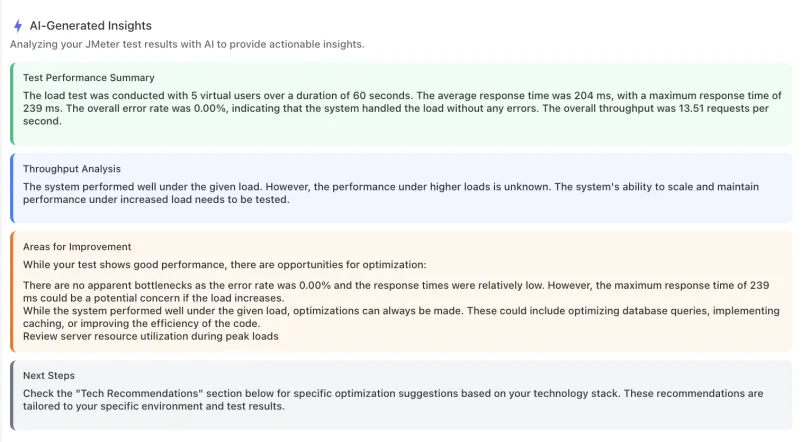
Instant AI Performance Insights
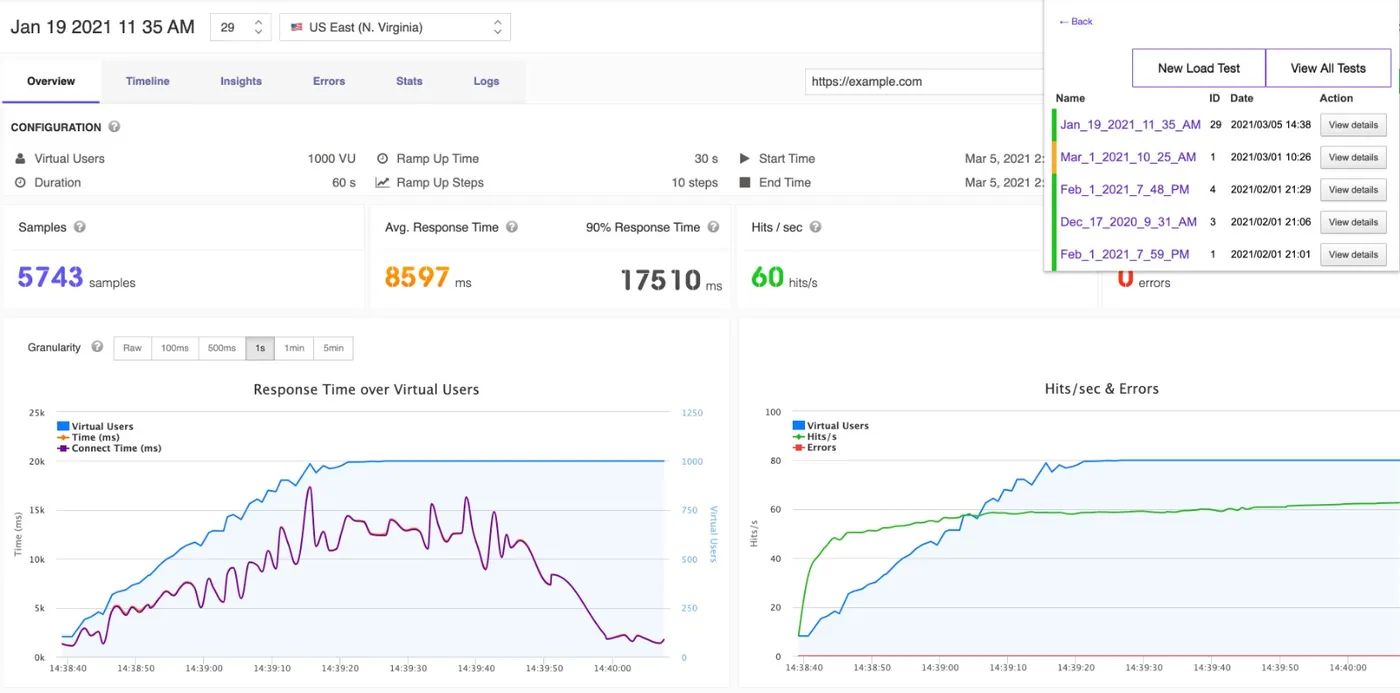
Run a load test and get an AI-generated summary of performance bottlenecks and concerns within seconds.Our AI engine processes your test metrics (response times, error rates, throughput, percentiles) and produces a structured performance summary highlighting the most critical issues.
No manual analysis required. Get a clear picture of your application's performance behavior instantly.
No manual analysis required. Get a clear picture of your application's performance behavior instantly.
Get Started
Tech Stack-Aware Recommendations
Specify your technology stack and receive optimization recommendations specifically tailored to your infrastructure.
Get StartedWhether you run Java with Spring Boot, Node.js with Express, Python with Django, or any other combination, the AI delivers tuning commands and configuration snippets specific to your technologies.
Not generic advice. Exact JVM flags, Nginx configs, database query hints, and framework-specific settings.
Not generic advice. Exact JVM flags, Nginx configs, database query hints, and framework-specific settings.
Intelligent Bottleneck Detection
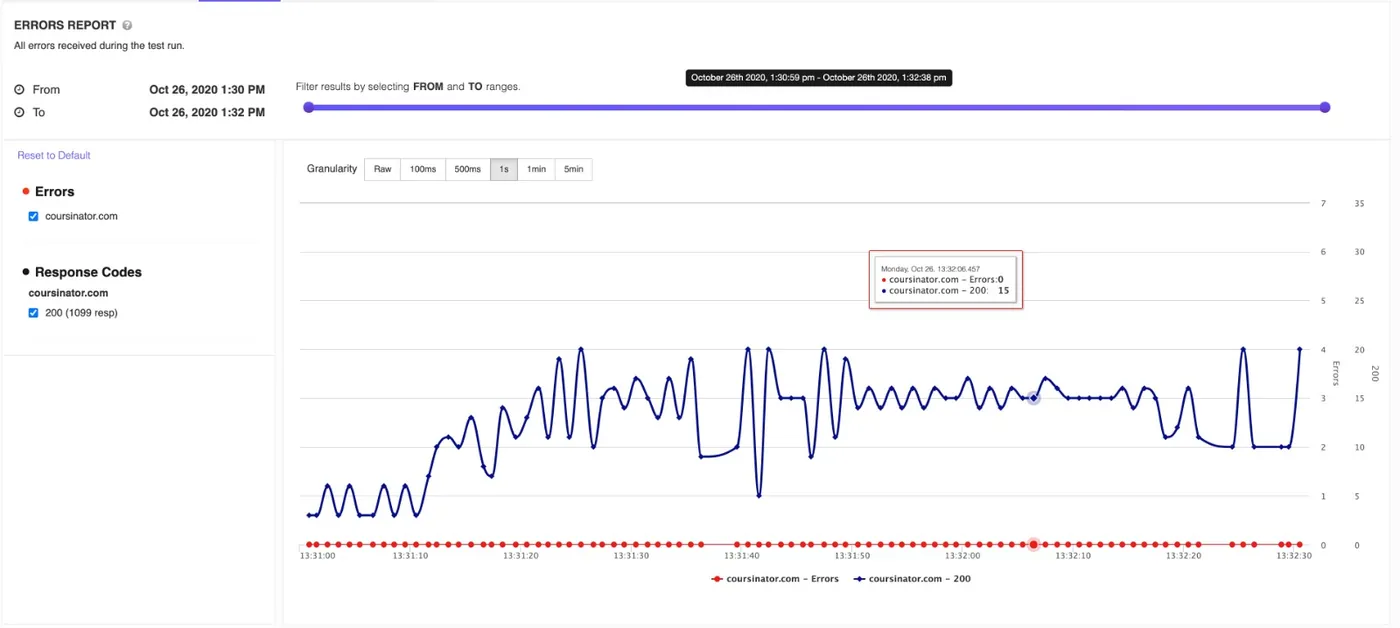
AI identifies CPU, memory, database, and network bottlenecks from your load test metric patterns.
Get StartedThe analysis correlates response time degradation with concurrent user ramp-up to pinpoint exactly when and where your application starts struggling under load.
Get root cause analysis that connects symptoms to specific infrastructure or code-level issues.
Get root cause analysis that connects symptoms to specific infrastructure or code-level issues.
From Insights to Action
Actionable Optimization Steps
Every recommendation comes with specific commands, configuration snippets, and query optimizations you can apply immediately.
Get StartedNo more translating vague suggestions into actual changes. Copy-paste connection pool configs, caching directives, index creation statements, and server tuning parameters directly from the analysis.
Architecture & Scaling Guidance
Receive recommendations for horizontal scaling, caching strategies, microservices decomposition, and event-driven patterns.
Get StartedThe AI evaluates your load test results in the context of modern cloud architecture patterns and suggests structural improvements.
From load balancer configuration to database sharding strategies, get scaling advice grounded in your actual performance data.
From load balancer configuration to database sharding strategies, get scaling advice grounded in your actual performance data.
Cost Efficiency Analysis
Optimize your infrastructure spend with AI-driven right-sizing recommendations and resource allocation suggestions.
Get StartedGet suggestions for reserved instances, CDN optimization, connection pooling, and other cost-saving measures based on your actual usage patterns revealed by load tests.
Works with cloud, JMeter and k6 tests
Analyze results from both LoadFocus Load Tests and JMeter test executions with the same powerful AI engine.
Get StartedWhether you run a cloud load test, a JMeter script or a k6 script, the AI analysis adapts to your test type and gives relevant, contextual insights.
AI Analysis on Every Plan, Free Included
Every LoadFocus plan includes AI analysis: 3 analyses every 30 days on Free, 5 on Starter and Basic, 10 on Essential, 50 on Pro and 100 on Enterprise.
View PricingIf you need more, credit packs top up your allowance.