Key takeaways
- SEO monitoring catches silent breakage: a noindex shipped by accident, or a redirect chain.
- Alerts matter more than dashboards, because these failures are invisible until traffic drops.
- Watch the handful of pages that bring traffic rather than every URL you own.
SEO is very important for your website, it brings customers to your website and keeps your business rolling.
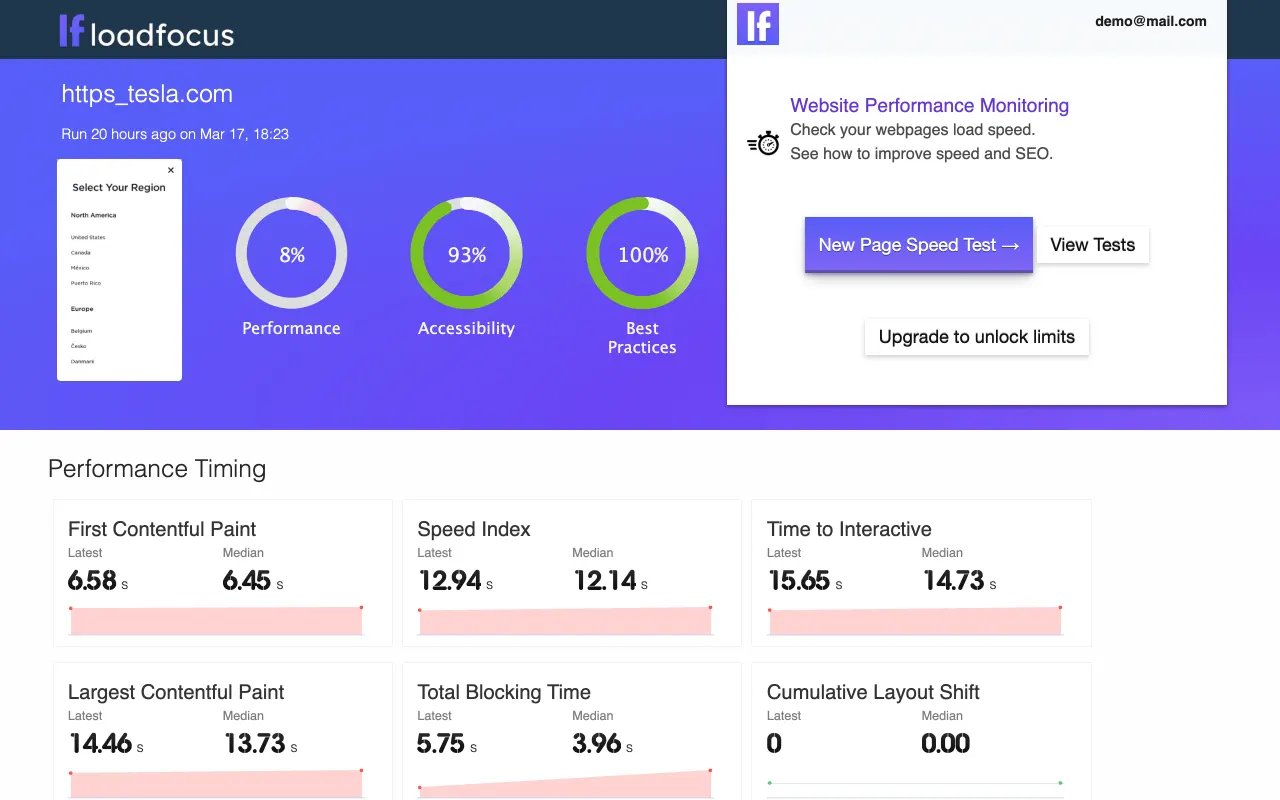
Using the SEO Monitoring tool from LoadFocus you can audit the SEO of your website’s landing page, or any new or existing web page present on your domain.
You can start SEO monitoring for free in less the 30 seconds, here are the steps:
Start Monitoring your Website
- Go to https://loadfocus.com/page-speed-monitoring and click New Test
- Add your full website URL (i.e. https://example.com) and schedule your SEO test to run every 1H, 6H, 12H or 24h.
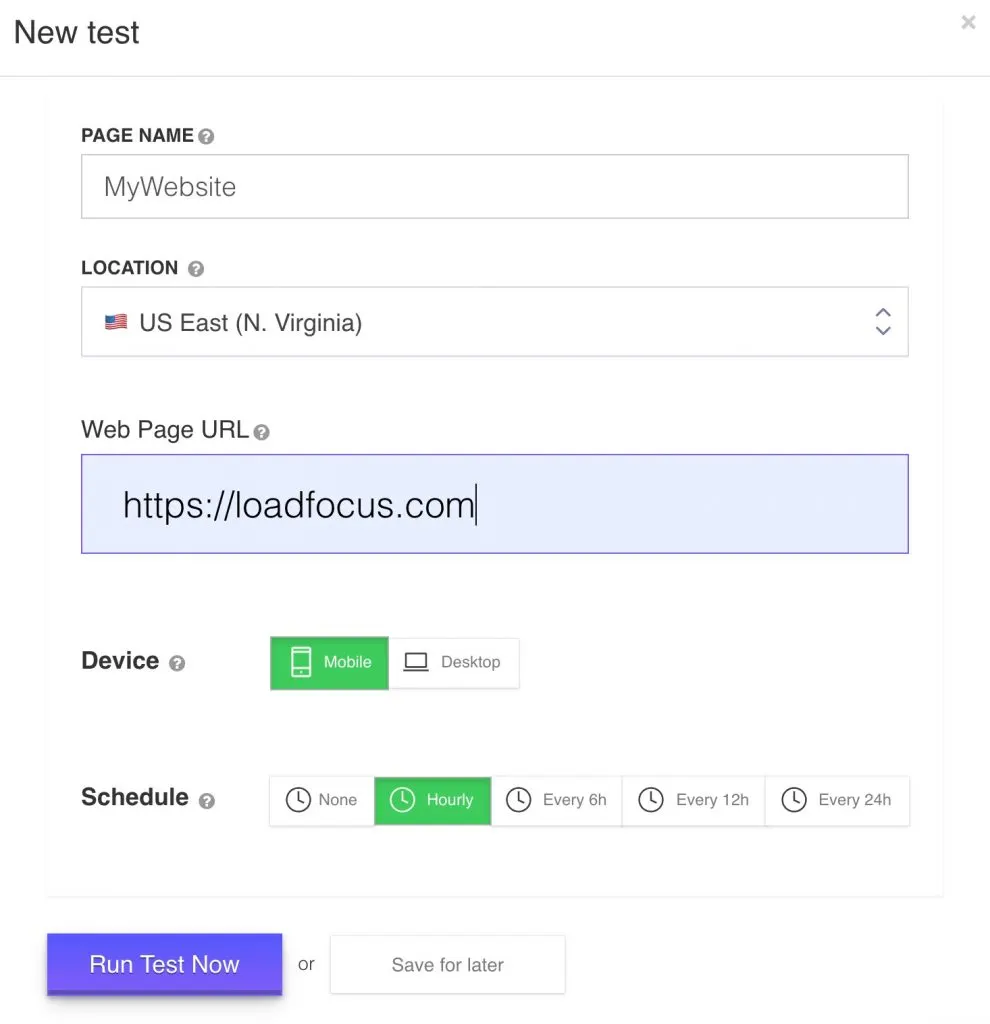
Create new Performance and SEO monitor in just seconds
2. Select the Location from where your web page will be tested
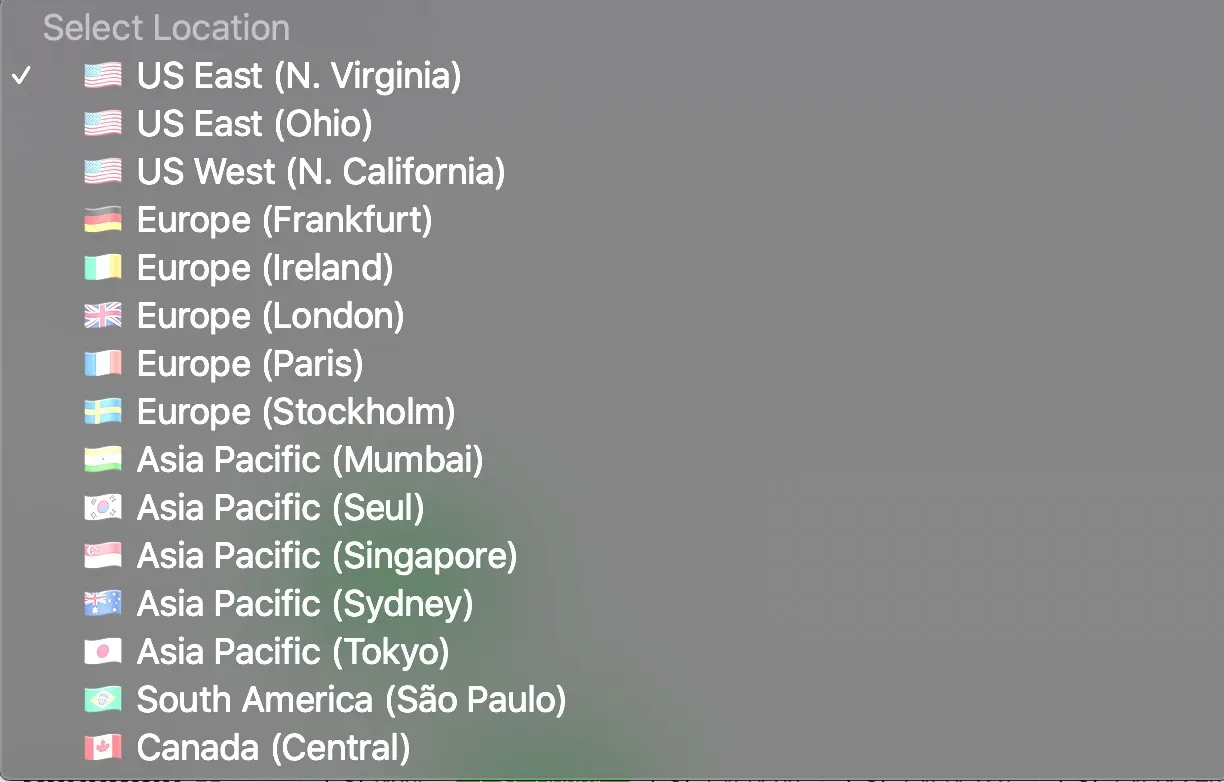
Run tests from multiple world locations based on your users’ location
Create SEO Monitoring Alert
Choose desired alert, SEO alert in our case:
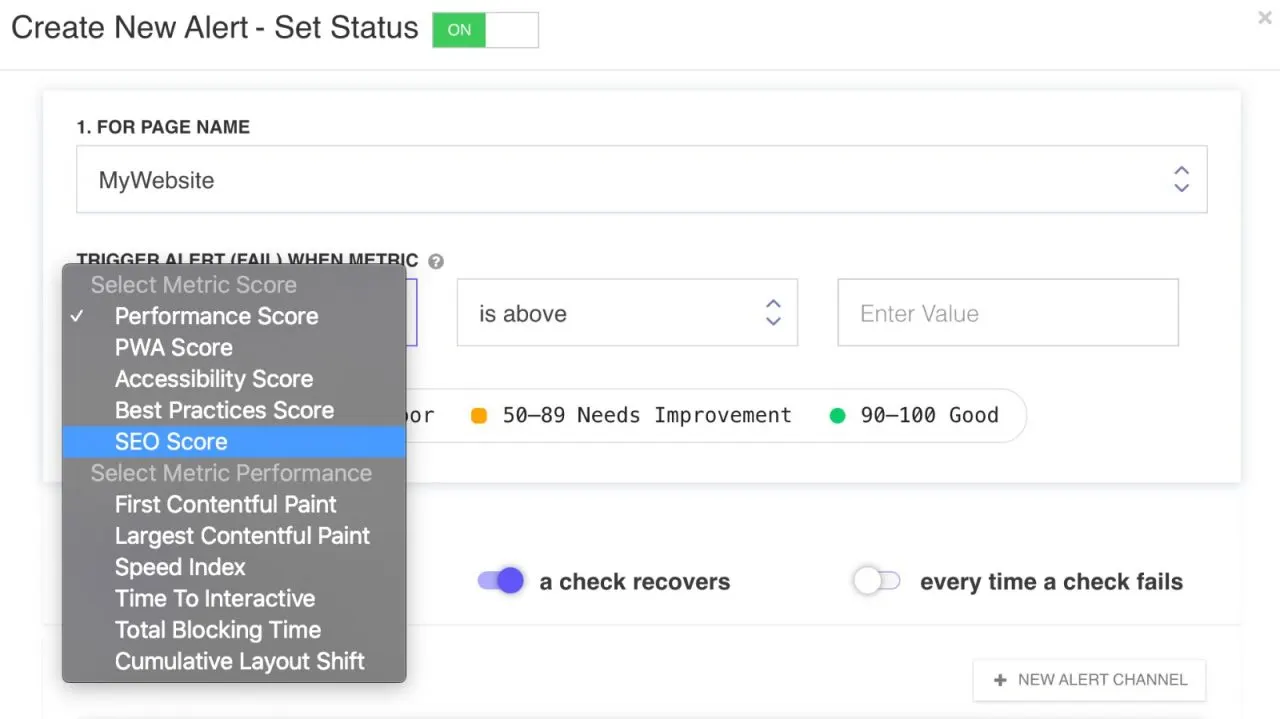
Choose from a whole list of scores and performance metrics
Configure SEO alert to get notified when SEO score changes
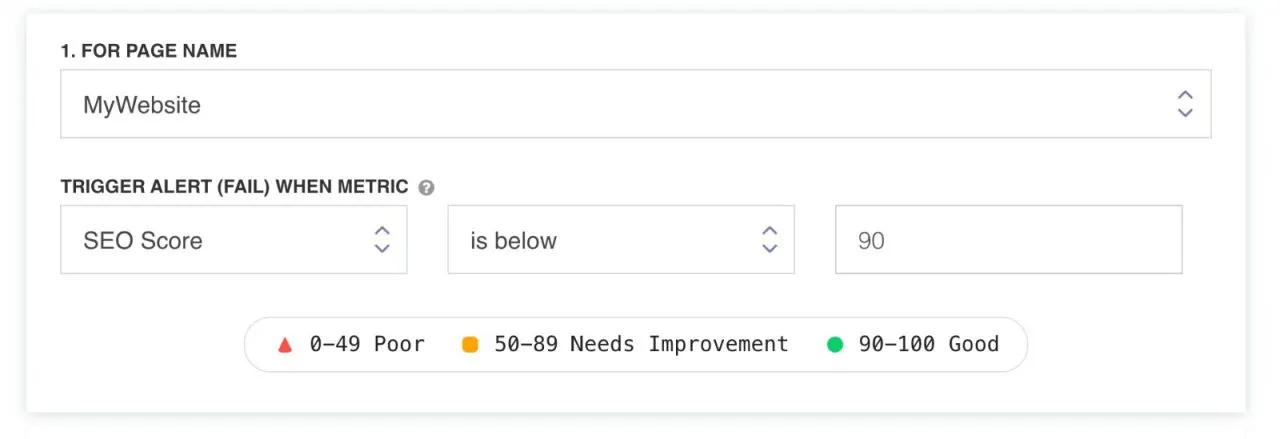
Get alerted when the score is below 90
Add alert channel: Email, Slack, Microsoft Teams
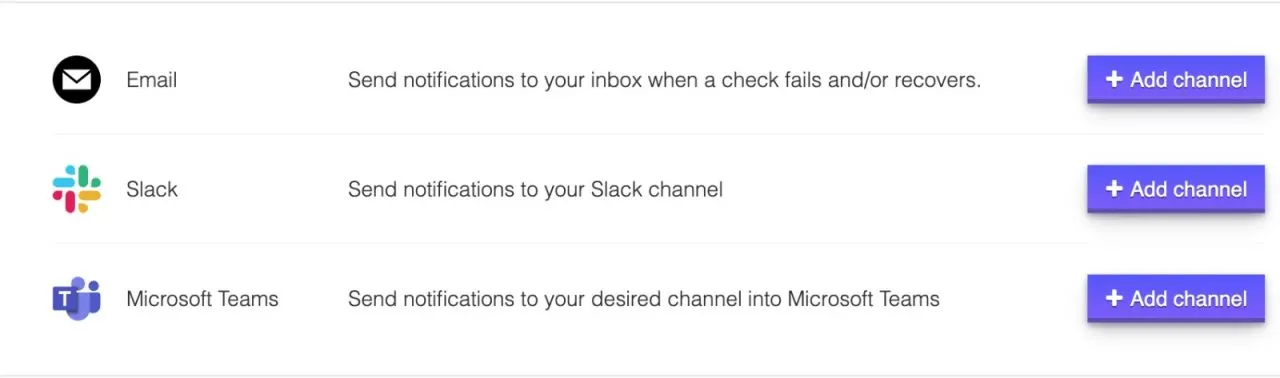
Adding new Alert Channels for your scheduled monitors
Monitor SEO alert status
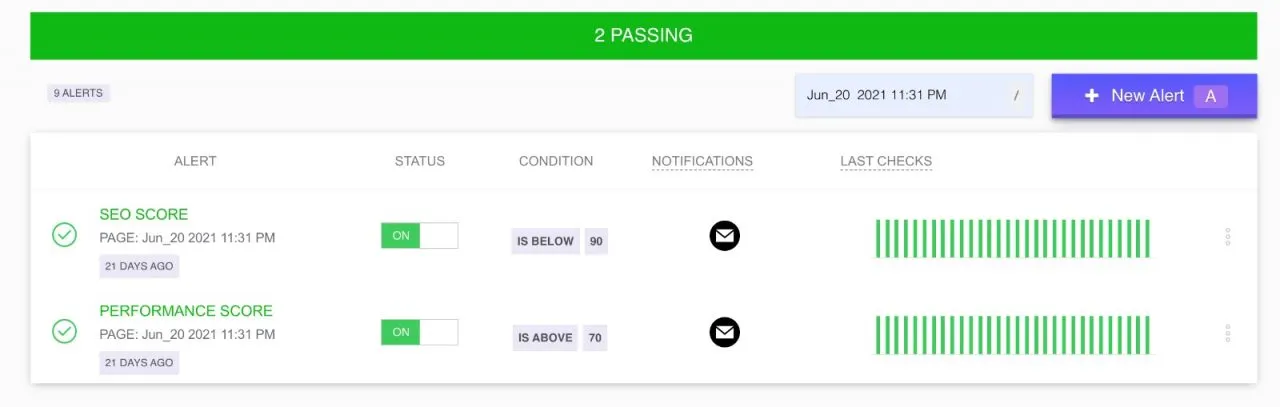
SEO Monitoring with LoadFocus
Start Monitoring Today
- Go to https://loadfocus.com/monitor-website-performance
- Create a LoadFocus account: https://loadfocus.com/pricing and start monitoring the SEO for your entire website.
- Make use of the Chrome Extension for easier test results inspection.
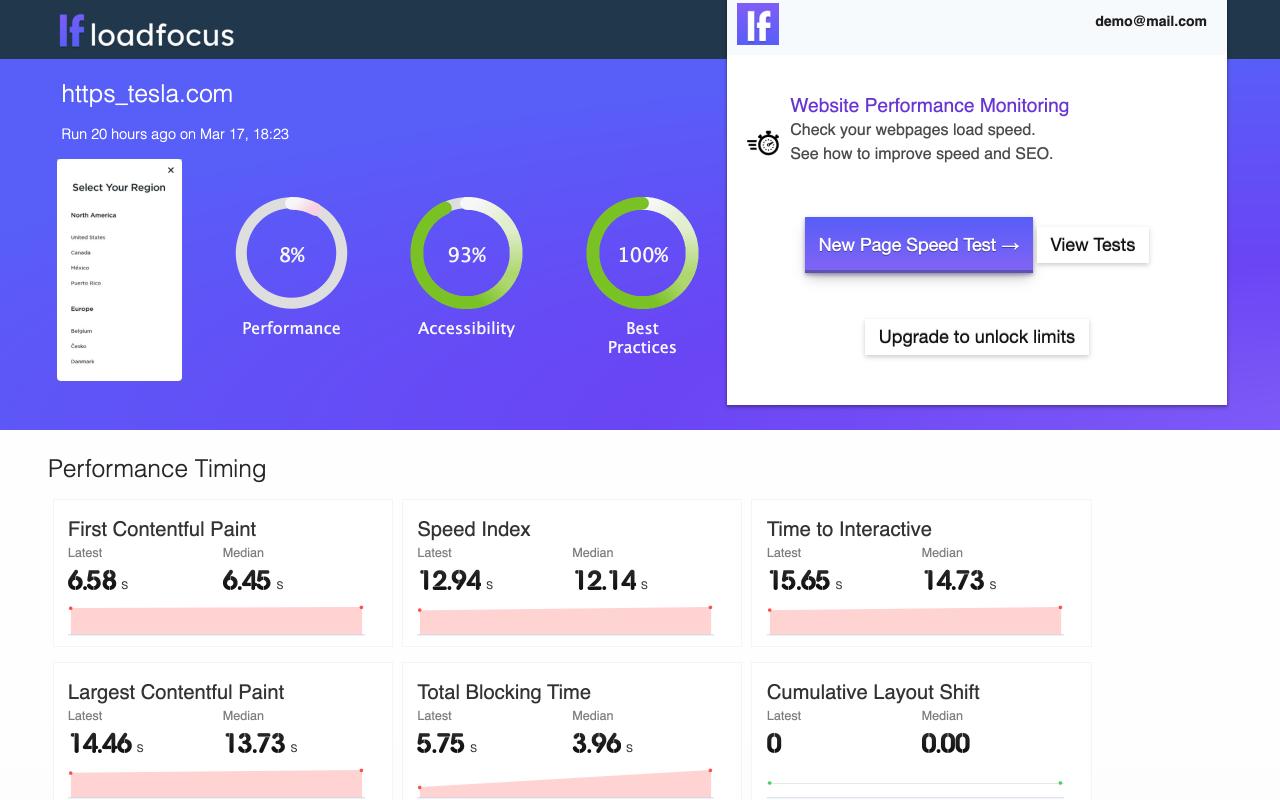
Use the Chrome Browser Extension for Website Performance Monitoring
Check here, for more details on website performance and Core Web Vitals.
Written by Bogdan Vazzolla.
LoadFocus is a cloud testing platform, a load and stress testing tool which provides the infrastructure to run tests with thousands of concurrent users, from multiple cloud locations, in less than a few minutes, keep history of the results, compare different runs to inspect performance improvements or performance degradation. It also supports running JMeter load tests from the cloud and monitoring and audit web and mobile performance.
Frequently Asked Questions
What does SEO monitoring actually catch?
Silent breakage. A noindex shipped by accident, a redirect chain, a canonical pointing somewhere wrong. None of these look like an outage and all of them cost traffic.
Why alerts rather than a dashboard?
Because these failures are invisible until traffic drops, and by then you are working backwards from a lagging indicator. An alert tells you the day it happened.
Should I monitor every URL?
No. Watch the handful of pages that bring traffic. Monitoring everything produces noise that trains people to ignore the alerts.