Key takeaways
- Selenium IDE is the fastest way to capture a journey, and the worst way to maintain one.
- Use it to draft a test, then export and clean up the locators.
- Recorded selectors break on the next layout change, so treat them as a starting point.
Selenium IDE is an open source record and playback tool used. Easy to use and fast in generating UI functional test cases.
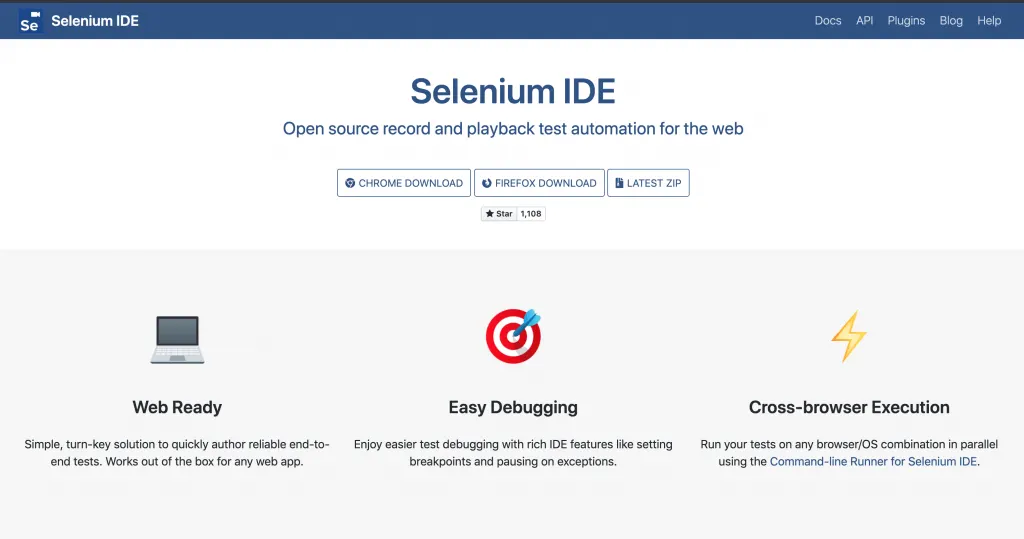
End to End testing is quite fast when you create tests from the Selenium IDE Chrome Extension or Firefox Add-on.
Debugging tests, setting breakpoints, running an UI test to a specific test step work out of the box the new version of Selenium IDE.
Test suites are available in order to group previously generated test cases, and exporting your test cases is a click of a button away.
Concurrent execution of test cases is available from the command-line (terminal) and which lowers your execution time.
Multiple selector fallback happens automatically, basically when you click and record a test case and interact with an element, Selenium IDE generated 3-5 fallback selectors, so that in case first selector fails, Selenium IDE automatically verifies the other selectors before failing the test step.
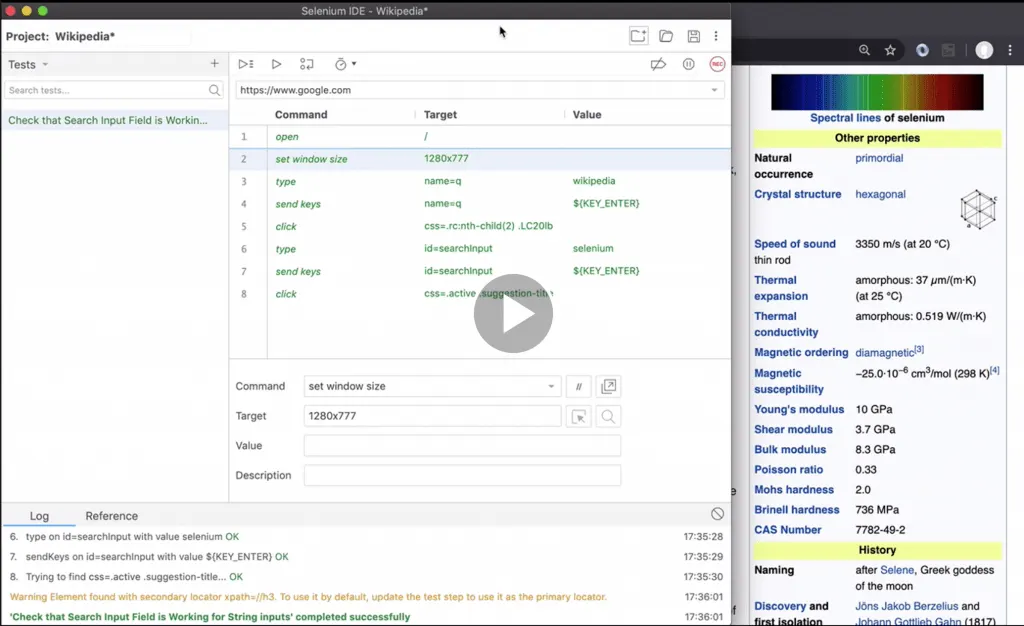
You can have a look in more depth with the new Selenium IDE course created Understand Selenium IDE Test Automation Tool #seleniumide course

Frequently Asked Questions
What is Selenium IDE good at?
Capturing a journey quickly. Recording a flow takes minutes and gives you a working draft far faster than writing it by hand.
Why not keep the recorded test?
Because it is the worst thing to maintain. The generated locators describe the current page structure and break on the next layout change.
What is the sensible workflow?
Record to draft, then export and clean up the locators before it goes into the suite. Treat the recording as a starting point rather than the finished test.