Key takeaways
- You can generate a k6 script or a JMeter
.jmxplan from a cURL command, HAR file, Postman collection or OpenAPI spec instead of writing it by hand. - Conversion runs in your browser, with no account. You only sign in to run the result as a cloud test.
- The result is a starting point: it replays the requests you gave it. Add data variation, think time and assertions before you scale it.
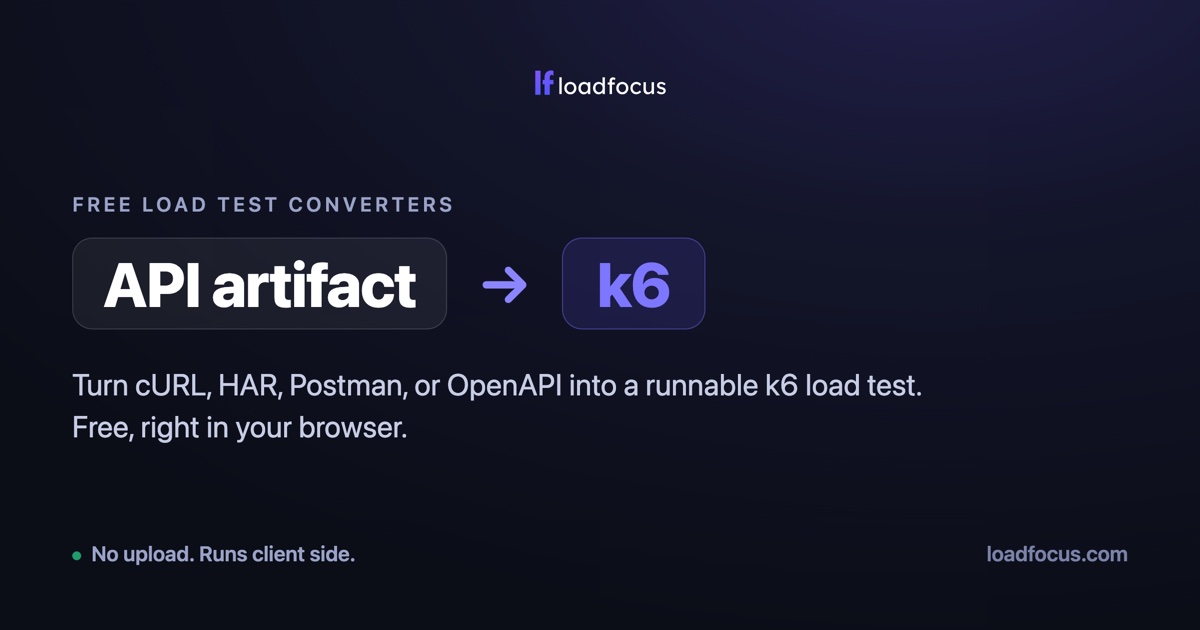
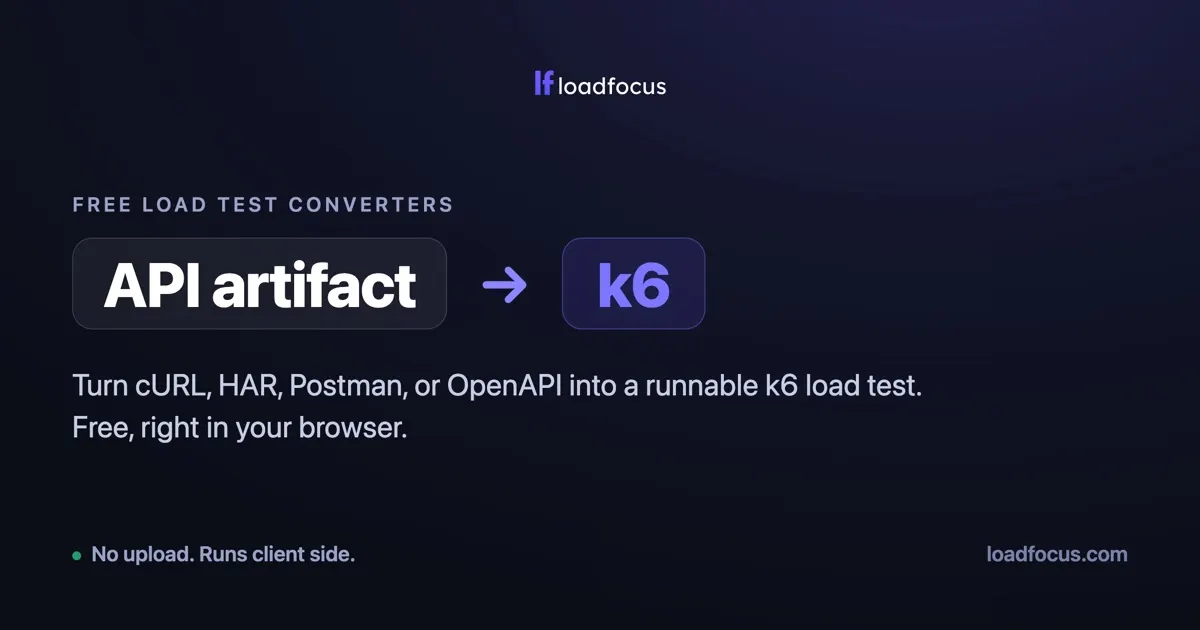
Writing a load test script from scratch is the boring part. You already have the request you want to test: it is sitting in your browser’s network tab, in a Postman collection, or described in an OpenAPI spec. LoadFocus converts a cURL command, a HAR file, a Postman collection or an OpenAPI spec into a runnable k6 script or JMeter .jmx test plan. You can use the free public converters without an account, or the same import panel on the New k6 Test and New JMeter Test pages, which attaches the generated script to a test you can run in the cloud.
What can you import into a load test?
- cURL: any
curlcommand, including the “Copy as cURL” option in your browser’s network tab. - HAR: an HTTP Archive exported from your browser’s dev tools. In the in-app import, static assets such as images, CSS and fonts are filtered out by default so the test focuses on API calls. The free HAR converter has two checkboxes, “Include images, CSS and JS” and “Include other sites (embeds, analytics)”, for the same choice.
- Postman: a collection exported as JSON. Collection variables are resolved where possible.
- OpenAPI: an OpenAPI or Swagger spec. When a request has no example body, one is generated from the schema.
Which source should you start from?
The choice changes what ends up in the test, so it is worth a minute.
| Source | What it carries | Good for | Watch out for |
|---|---|---|---|
| cURL | One request: method, URL, headers, body | Hammering a single endpoint, reproducing a bug | Nothing about the order of calls |
| HAR | A recorded session: every request with headers, cookies, query string and body, in order | Replaying a real user flow such as login, browse, checkout | Recorded tokens and session ids go stale, and third-party calls are noise |
| Postman | A saved collection of requests grouped in folders | Teams that already keep their API tests in Postman | Postman scripts and environment values are not part of the converted requests |
| OpenAPI | The API contract: paths, operations, parameters, schemas | Covering every endpoint, not one session | Generated bodies are schema-shaped, not realistic data |
A HAR file is the format defined in the HAR specification: a JSON log with an entries array, where each entry holds a request (method, URL, headers, cookies, query string, optional post data), a response and timings. A load test only needs the requests. A Postman collection (v2.1 schema) is a list of item entries, each usually one request, plus collection variables and event scripts. Those scripts are JavaScript that Postman runs, so a converter that only builds requests does not carry their logic over. Postman refers to variables as {{base_url}}, and the value can live in an environment rather than in the collection, which is why a converted URL sometimes needs a manual check. An OpenAPI document describes operations under paths, with the base URL in servers, and may attach an example to a request body.
LoadFocus’s own advice on the converters hub matches this: use a HAR when you have one, because it captures headers you would not think to write, and use OpenAPI when you want API coverage rather than the replay of one session.
Option 1: use the free converters
Nothing to install and no signup. The conversion runs in your browser in JavaScript and your request does not leave the page. Pick the source and the target:
- To k6: cURL to k6, HAR to k6, Postman to k6, OpenAPI to k6
- To JMeter: cURL to JMeter, HAR to JMeter, Postman to JMeter, OpenAPI to JMeter
Or start from the converters hub. Copy or download the result. A free signup is only needed when you want to run it as a cloud load test.
Option 2: import inside LoadFocus and run it in the cloud
Log in, open the New k6 Test or New JMeter Test page and expand the Import from cURL, HAR, Postman or OpenAPI panel above the script upload. Paste a command, or choose a file (the format is detected from the file name, and uploading a file starts the import). The converted script is attached to the test as if you had uploaded it, with a “Preview generated script” you can copy or download. If the test has no name yet, it takes the request host.
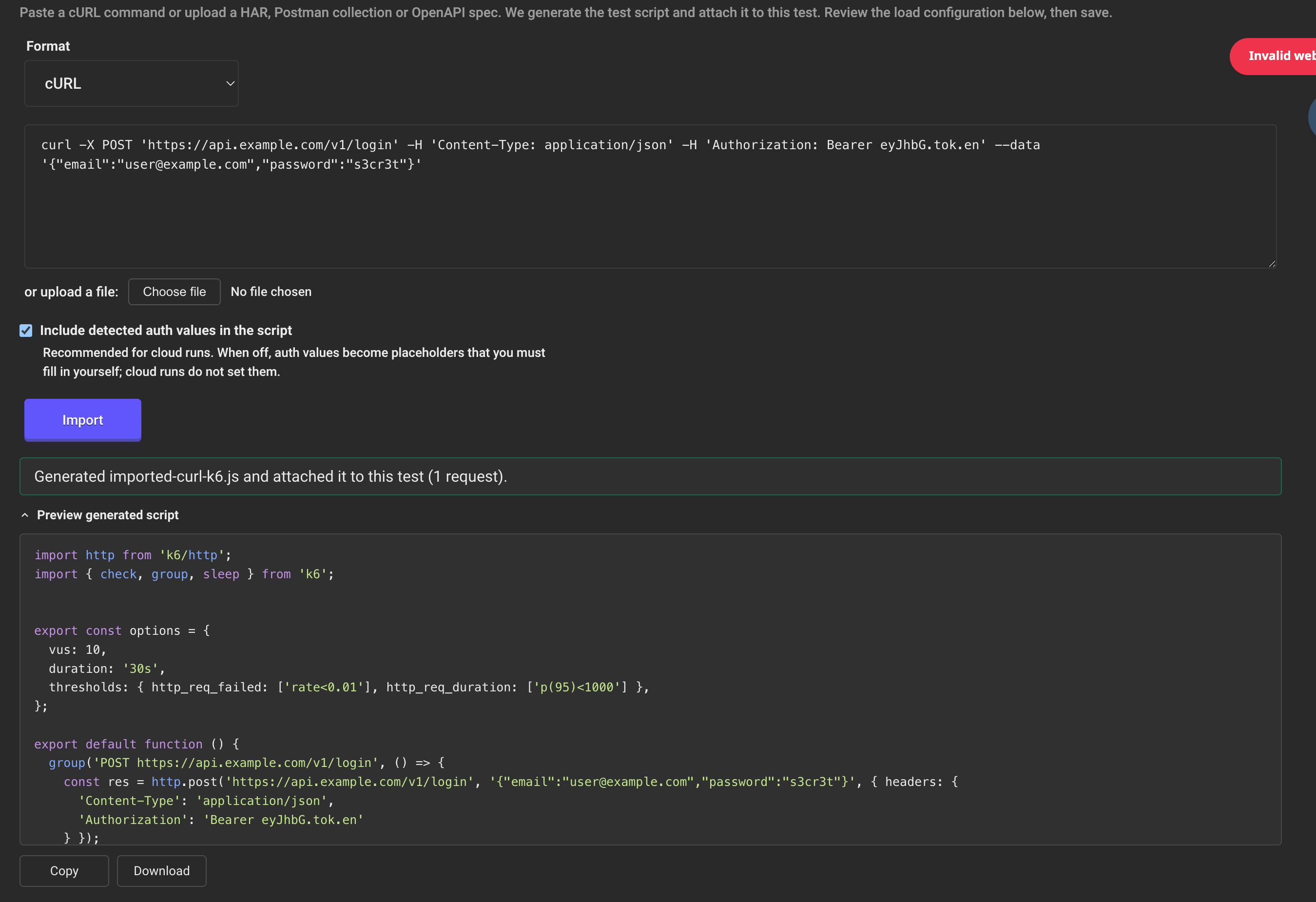
Then set virtual users, duration and locations and run it. For k6 the generated options block (VUs, duration) is a default for local runs: the Load Configuration you set in LoadFocus takes precedence in cloud runs. LoadFocus runs k6 and JMeter tests from 25 AWS regions, and importing again replaces the previously imported script but leaves files you uploaded yourself alone. A JMeter test keeps one .jmx file, so a new import or upload replaces the old plan.
How are auth headers handled?
Real requests carry Authorization, Cookie or API-key headers, and the two entry points treat them differently:
- In-app import: the checkbox “Include detected auth values in the script” is on by default. The detected values are written into the script so the test authenticates on the first cloud run. Turn it off and they become placeholders (
__ENVvariables for k6, User Defined Variables for JMeter). Cloud runs do not fill those placeholders in, so authentication fails until you supply values. - Free converters: cookies, tokens and auth headers are pulled into
__ENVvariables (k6) or User Defined Variables (JMeter) instead of being hard-coded, so you set them yourself.
Either way, treat a script with live tokens in it as a secret, and remember a recorded session token may expire before your test runs. Keeping the browser’s headers and cookies matters beyond authentication: a request that works in the browser but goes out without them is a common reason for 500 errors in a load test.
What does the generated script look like?
Given this command:
curl -X POST 'https://api.example.com/v1/login' \
  -H 'Content-Type: application/json' \
  -H 'Authorization: Bearer your-token' \
  --data '{"email":"user@example.com","plan":"pro"}'
the k6 output has this shape (illustrative: your converter’s output may differ in detail, so read the preview before running it):
import http from 'k6/http';
import { check, group, sleep } from 'k6';

export const options = {
  vus: 10,
  duration: '30s',
  thresholds: { http_req_failed: ['rate<0.01'], http_req_duration: ['p(95)<1000'] },
};

export default function () {
  group('POST https://api.example.com/v1/login', () => {
    const res = http.post('https://api.example.com/v1/login',
      '{"email":"user@example.com","plan":"pro"}',
      { headers: { 'Content-Type': 'application/json', 'Authorization': 'Bearer your-token' } });
    check(res, { 'status is 2xx': (r) => r.status >= 200 && r.status < 300 });
  });
  sleep(1);
}
The thresholds syntax is k6’s own: http_req_failed: ['rate<0.01'] fails the run if more than 1% of requests error, and http_req_duration: ['p(95)<1000'] fails it if the 95th percentile exceeds 1,000 ms (k6 thresholds). Choosing JMeter instead gives you a .jmx test plan built from the same request.
What to change before you scale the imported test
The importer reproduces the requests you gave it. LoadFocus’s docs say the imported JMeter plan is a starting point: assertions, timers and correlation are not added. Plan on these edits:
- Vary the data. Replaying one user’s exact requests many times mostly tests caching and a single database row. Feed unique emails, ids and search terms from a CSV or generated values, as in data-driven load testing for complex user journeys.
- Handle dynamic values. CSRF tokens, session ids and anything the server issues per session must be extracted from an earlier response, not replayed from the recording.
- Add think time and assertions. Real users pause, and a 200 with an error page in the body still counts as a success unless you check the body.
- Check the thresholds suit the test. The sample p(95) of 1,000 ms is a placeholder, not a recommendation.
If you are choosing between the two output formats, k6 vs JMeter compares them.
Try it
Grab a cURL command or a Postman collection you already have and convert it at loadfocus.com/load-testing-converters. To run it against real cloud load, pick a plan. More detail in the docs: Import to k6 and Import to JMeter.
Frequently Asked Questions
Do I need an account to convert a cURL, HAR, Postman or OpenAPI file?
No. The free converters work in your browser with no signup. You only need an account to use the import panel on the New Test pages or to run the script as a cloud load test.
Is my HAR file or cURL command uploaded to a server?
LoadFocus says conversion runs in your browser and the source does not leave the page. A HAR from a logged-in session still contains your cookies and tokens, so share generated scripts as carefully as the recording.
Why does the converter leave out images, CSS and fonts from my HAR?
A load test of an API or page flow rarely needs the static files a browser fetched along the way, and including them skews results towards your CDN. The in-app import drops them by default, and the free HAR converter lets you tick “Include images, CSS and JS” if you want them.
Is the imported script ready to run as a load test?
It runs, but it is a replay of one user. Parameterise the data, extract dynamic values such as session tokens, and add think time and assertions before raising the virtual users.
Does it convert Postman scripts and tests?
The converter builds requests from the collection. Postman pre-request and test scripts are JavaScript that run inside Postman, so rebuild any checks you need as k6 checks or JMeter assertions.
Sources
- LoadFocus converters: load-testing-converters, har-to-jmeter, k6-load-testing (October 2026)
- LoadFocus docs: Import to k6, Import to JMeter (October 2026)
- HAR format: HAR specification and the W3C Web Performance WG draft (October 2026)
- Postman variables and collection format: Postman variables, Collection v2.1.0 schema (October 2026)
- OpenAPI: OpenAPI Specification 3.1.0 (October 2026)
- k6 thresholds: Grafana k6 docs, Thresholds (grafana.com/docs/k6/latest/using-k6/thresholds) (October 2026)