
Why Edge Locations Are Essential for Cloud Testing
Learn why edge locations are key in cloud load testing for better performance.

Learn why edge locations are key in cloud load testing for better performance.
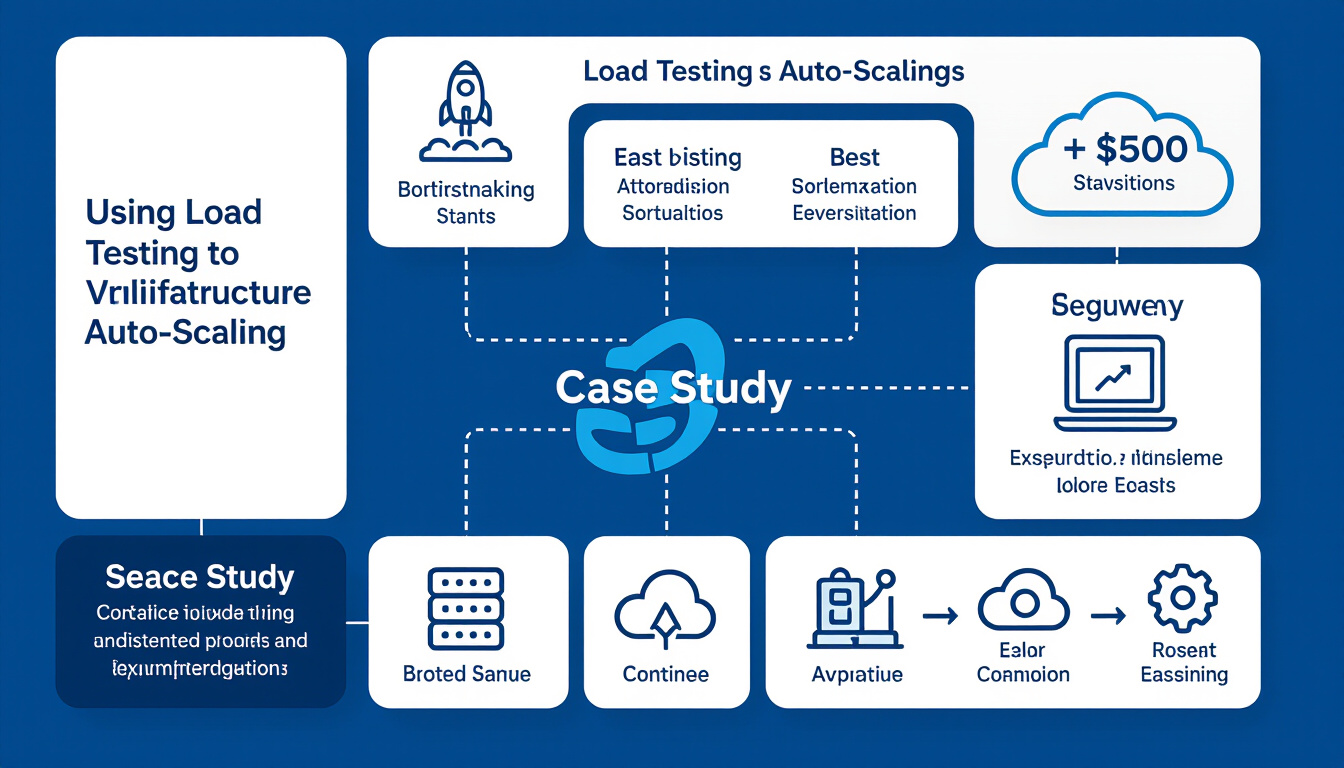
Ensure reliable infrastructure auto-scaling with load testing for optimal cloud performance.
Discover the best load testing solutions for 2026 by comparing cloud and on-premise options. Learn about scalability, cost, and integration factors.

Performance testing security is essential in 2026 to ensure applications are resilient and protected against vulnerabilities. Prioritize it for safer…
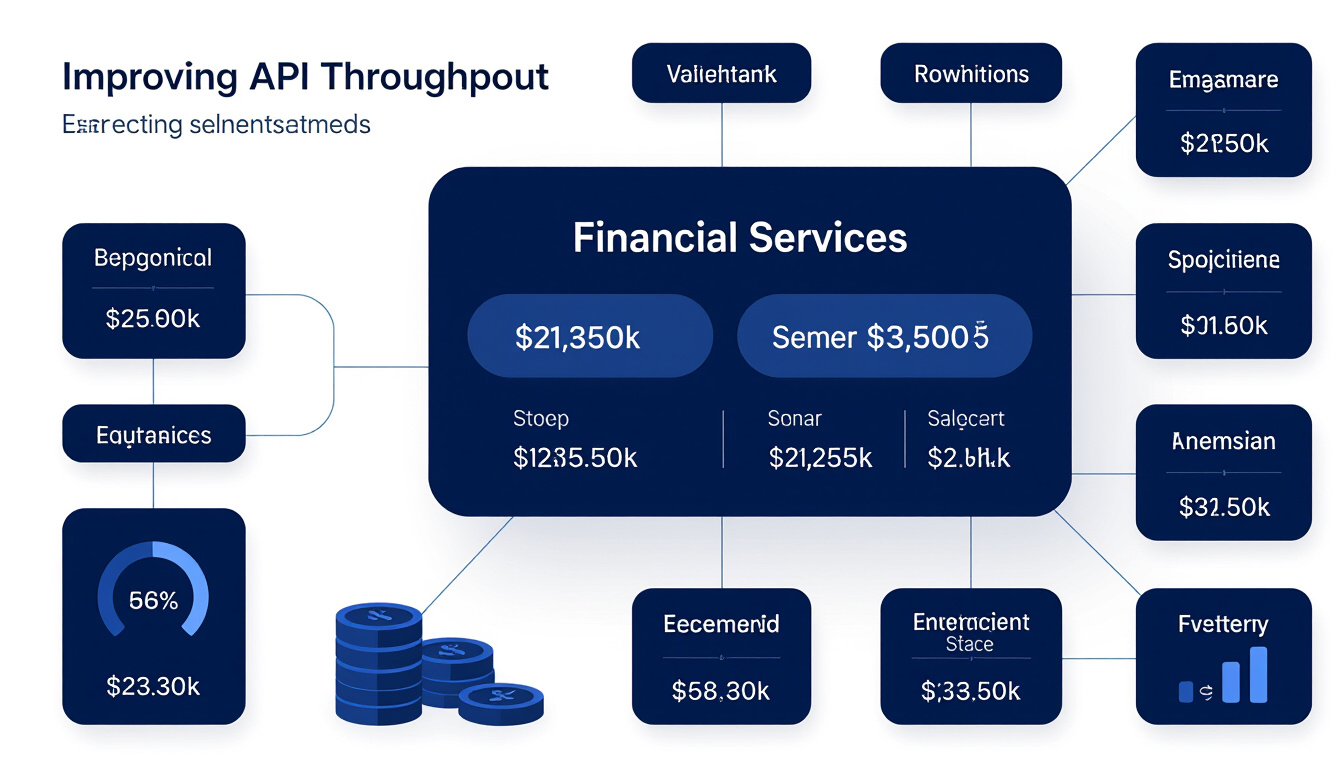
Discover how LoadFocus improved API throughput to boost performance and reliability for financial platforms, ensuring faster and smoother operations.

Discover essential strategies for load testing multi-tenant SaaS applications, including tenant isolation and resource management for cloud environments.
Compare cloud testing pricing models for 2026: Pay-As-You-Go vs Subscription. Find cost-effective solutions.
Design effective load tests for progressive web apps, considering PWA architecture and caching in 2026.

AI-driven automated test script generation enhances test coverage and improves software quality through faster and more accurate testing processes.

Traffic spikes during a product launch? ML model input data drifts, causing slower predictions? A new API integration introduces untested code paths?

Master serverless architectures performance testing in 2026 with practical strategies, tools, and solutions for cold starts, scaling, and real-world load.
Discover 10 common API performance issues and how to detect them. Actionable tips for API developers and testers to optimize API reliability and speed.

Set up end-to-end multi-cloud performance testing, with distributed load generation, vendor-agnostic tooling and cost controls that hold.

Explore quantum computing's 2026 impact on cloud testing, opportunities, and challenges.

Explore how 5G networks reshape cloud testing with ultra-fast speeds, low latency, and network slicing, driving performance innovation in 2026.

A checkout speed case study: backend tuning and server-side caching under peak load, and the continuous testing that kept the gains honest.

Learn why performance testing in 2026 must include accessibility metrics to create inclusive and high-performing digital experiences for all users.
Compare scripted and codeless API load testing tools in 2026. Discover strengths, limitations, and decision criteria to optimize your API's performance.
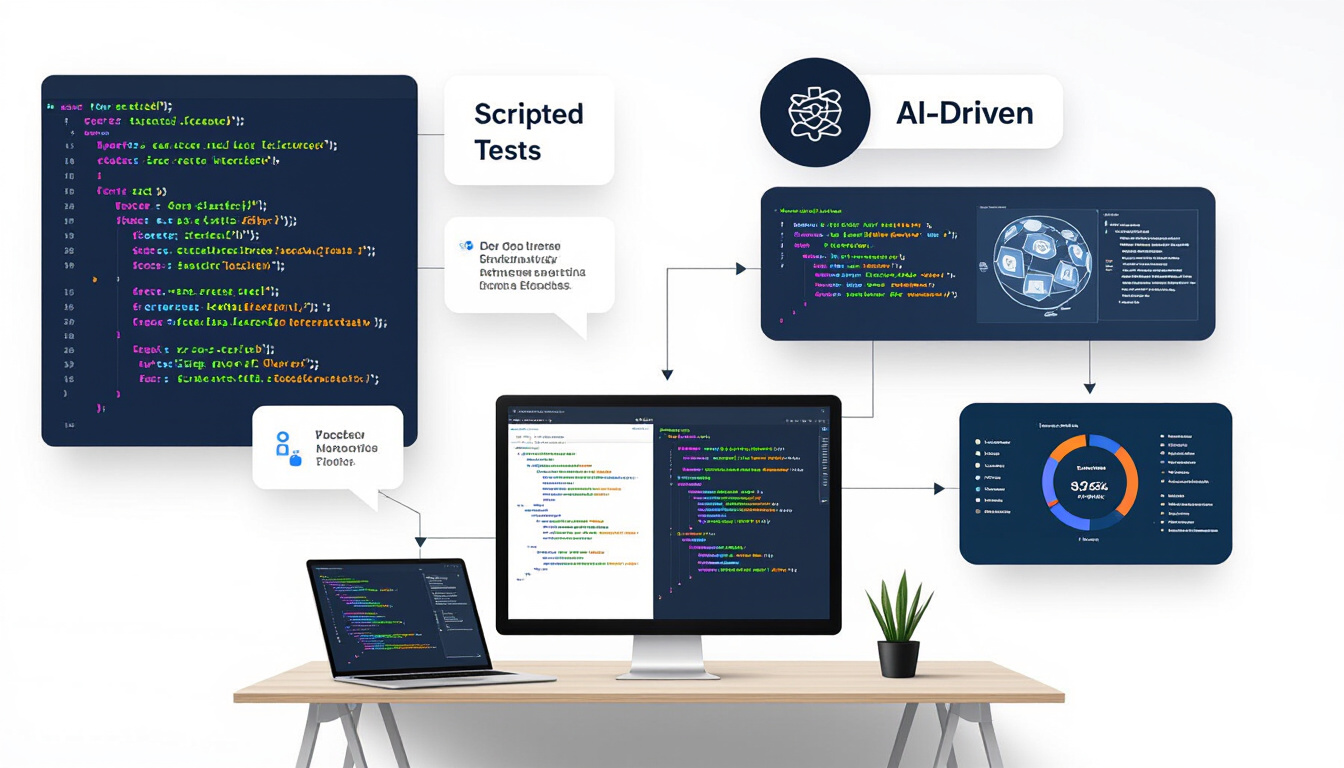
Explore scripted vs AI-driven load testing approaches. Learn strengths, limitations, and decision criteria for 2026 performance optimization.
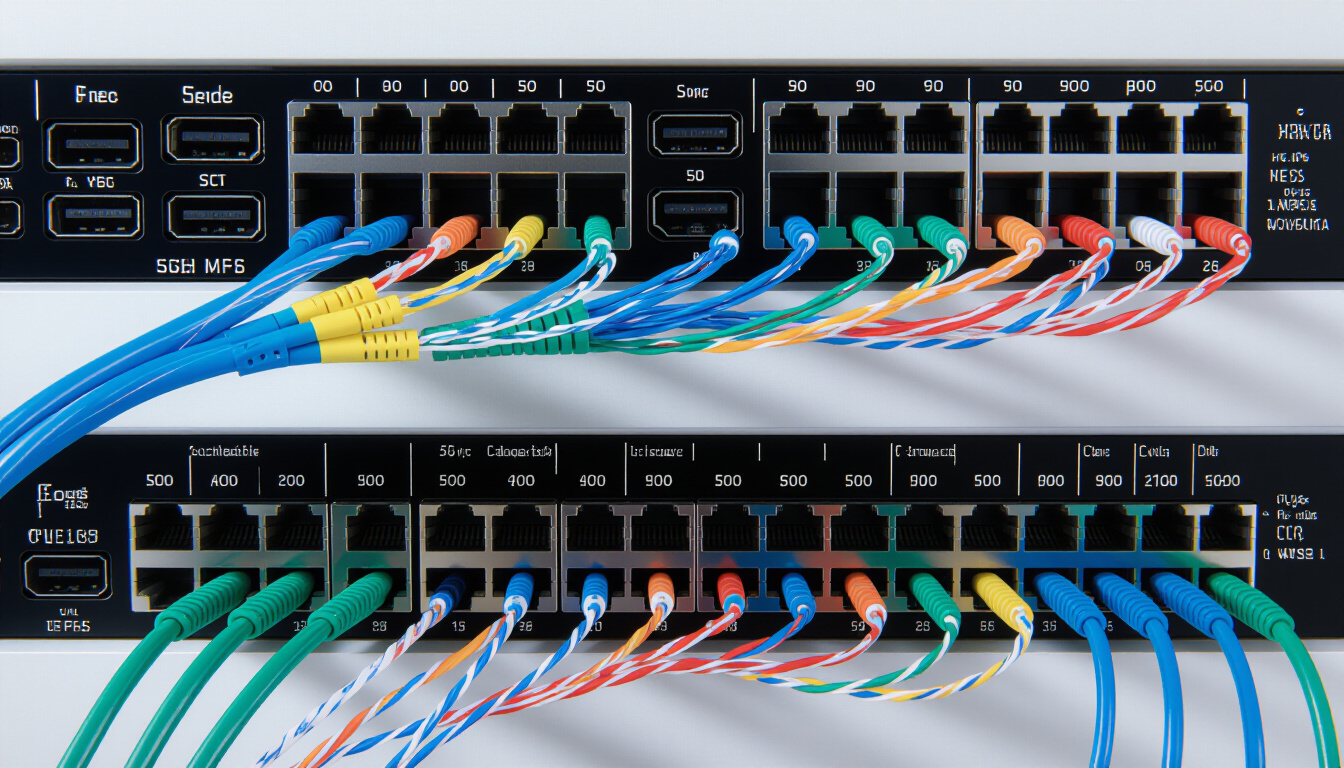
Seven network protocols testers should know in 2026, and how TLS handshakes, HTTP/2 and QUIC change what a load test actually measures.
Translate load testing results into business KPIs like conversion rates and customer satisfaction to drive strategic decisions.
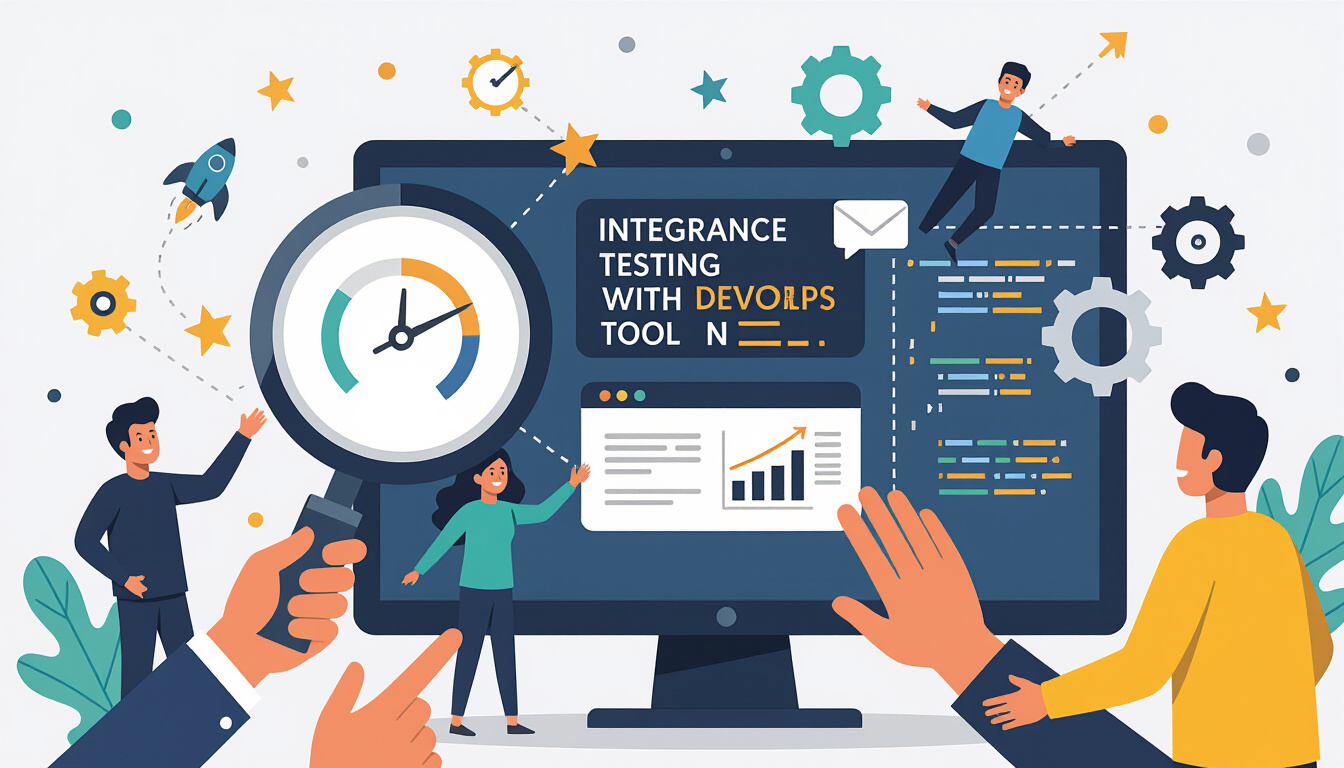
Embed performance testing in DevOps for continuous feedback, faster releases, and optimized reliability.
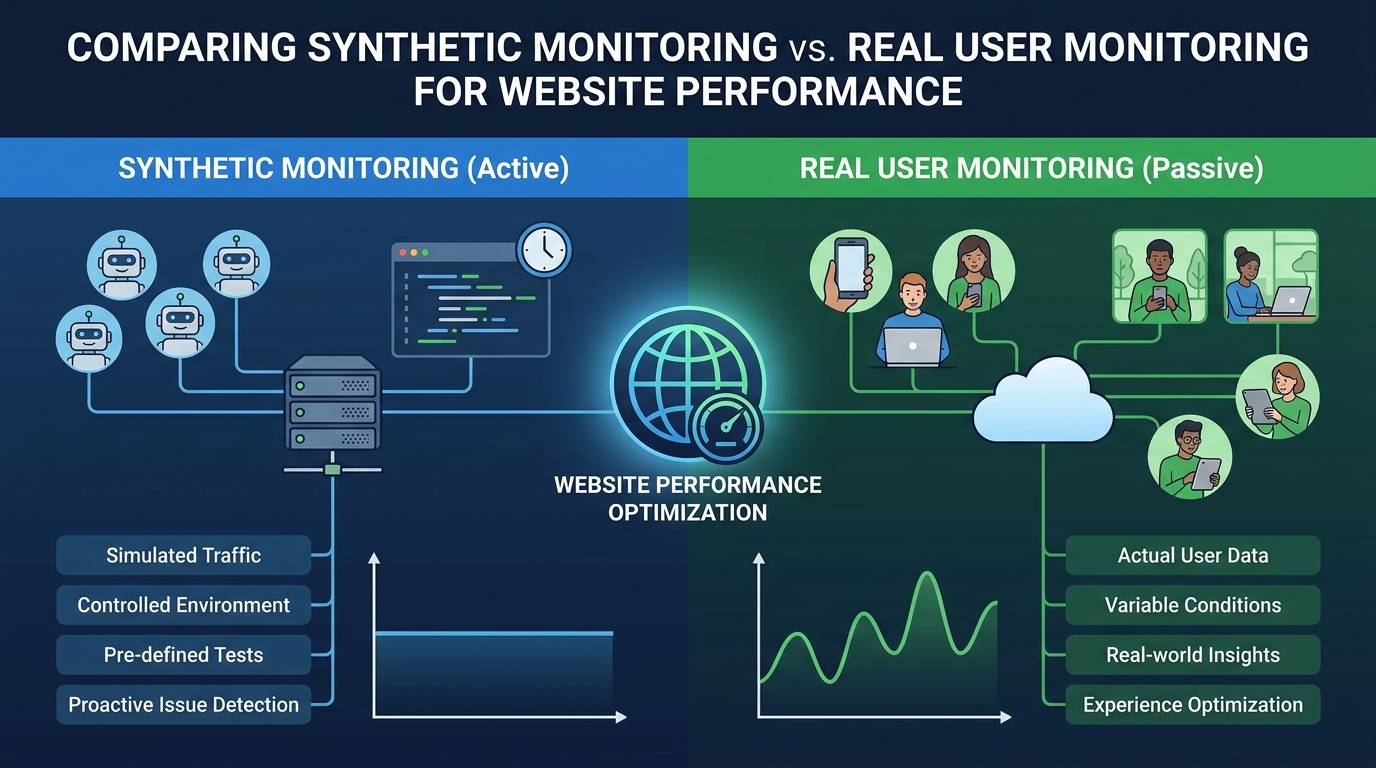
Synthetic monitoring against real user monitoring: what each one sees, where they disagree, and how to decide which belongs in your stack.

Endurance testing and soak testing are the same practice: normal load held for hours. What it catches, how long to run it, and how to read the trend.

Spike testing applies traffic suddenly instead of ramping. Why autoscaling and cold caches fail in that window, and why recovery is half the test.

Volume testing increases the data a system holds rather than the user count. What it finds, how to run one, and how to read the curve it produces.

External monitoring catches outages your internal dashboards cannot see, because it fails the same way users do.
Performance testing before release finds problems too late to design around.

OAuth2 makes load testing harder because tokens expire mid-test and refresh adds its own latency.
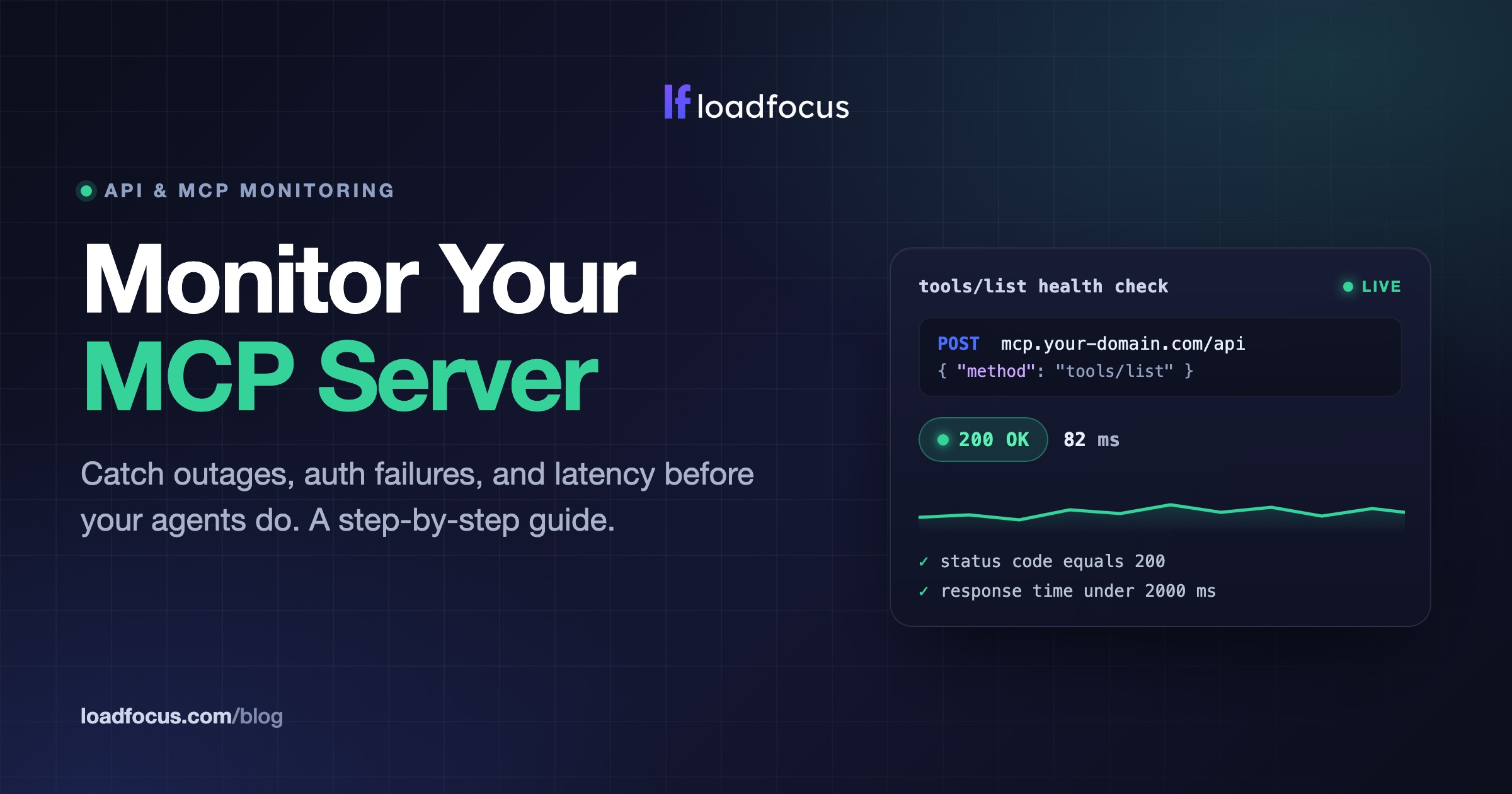
Learn how to monitor an MCP server for uptime, auth, and latency. A step-by-step guide to a JSON-RPC tools/list health check with alerts.
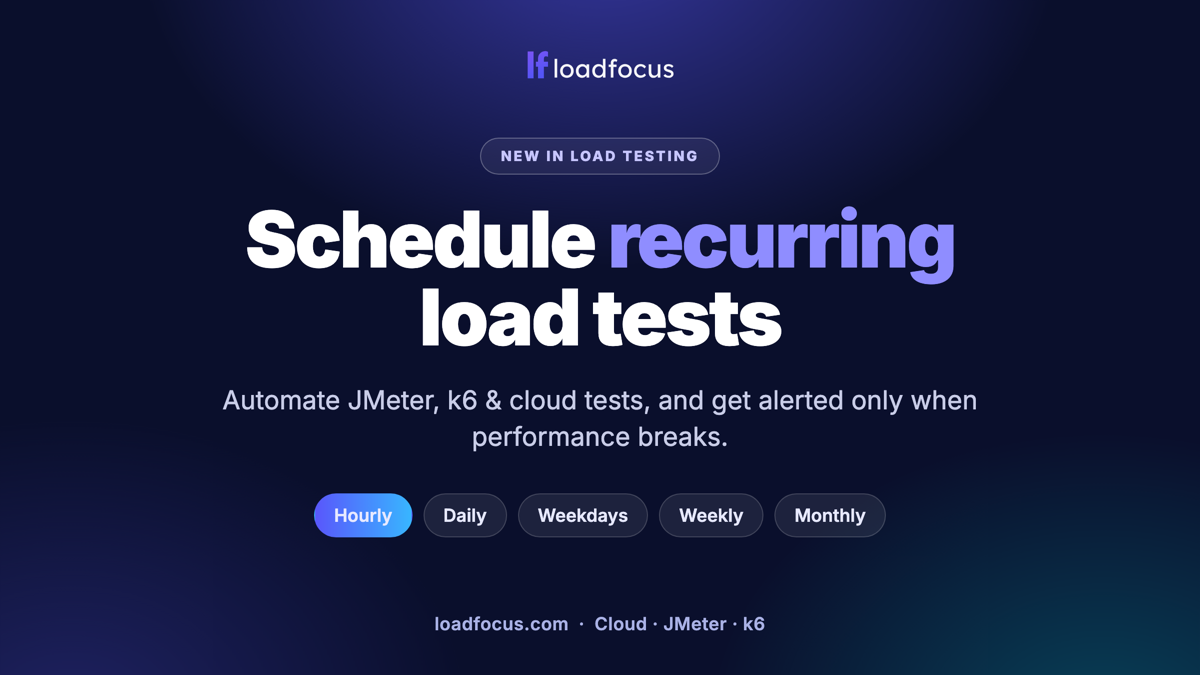
A scheduled test only helps if it alerts, since nobody reads a passing report. Match frequency to deploy cadence rather than running nightly by default.

Mix journeys by real proportion rather than testing each endpoint evenly. Vary data per user, or caching makes the system look faster than it is.

The recurring challenges are test data, environment parity and cost control, not tooling.
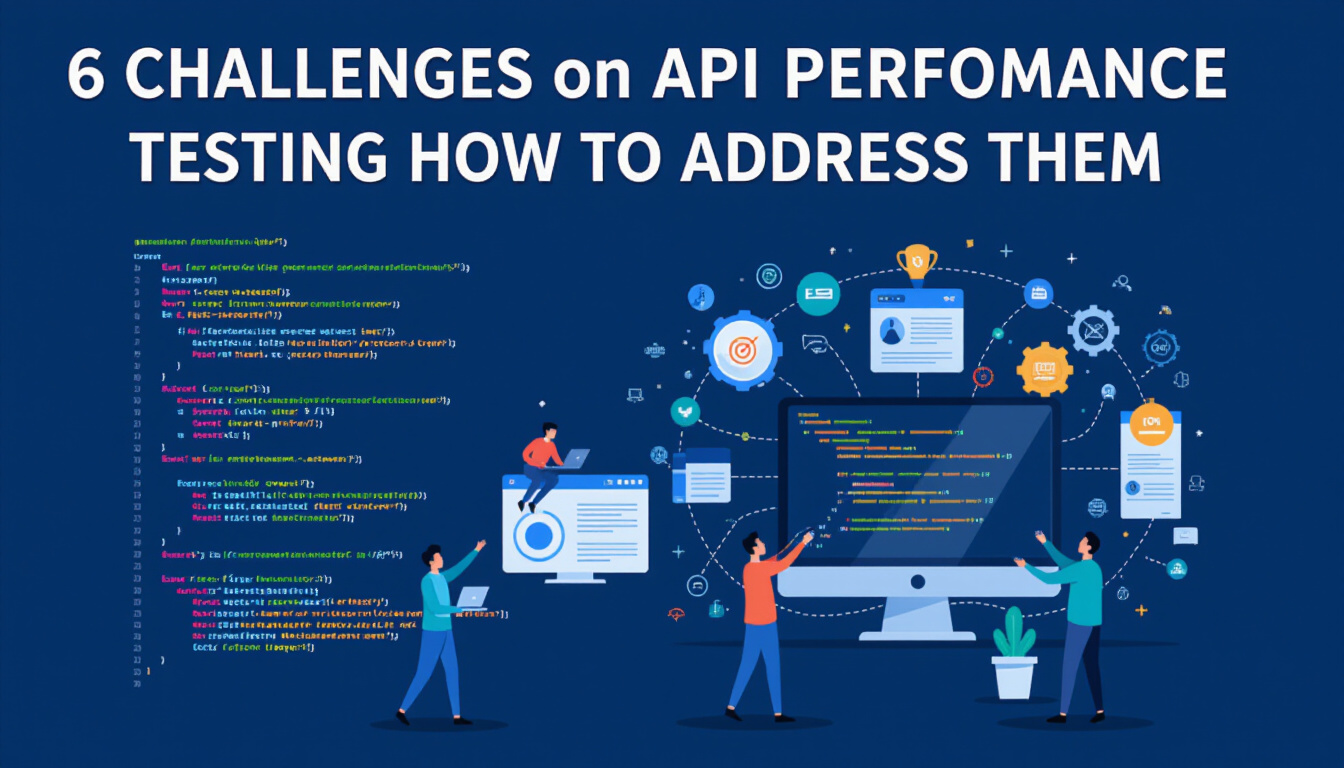
Most API performance problems are not the API: they are authentication, data setup and rate limits.
k6 vs JMeter compared in practice, plus Gatling, Locust and LoadRunner: scripting language, protocols, CI/CD, reporting and what scaling really costs.
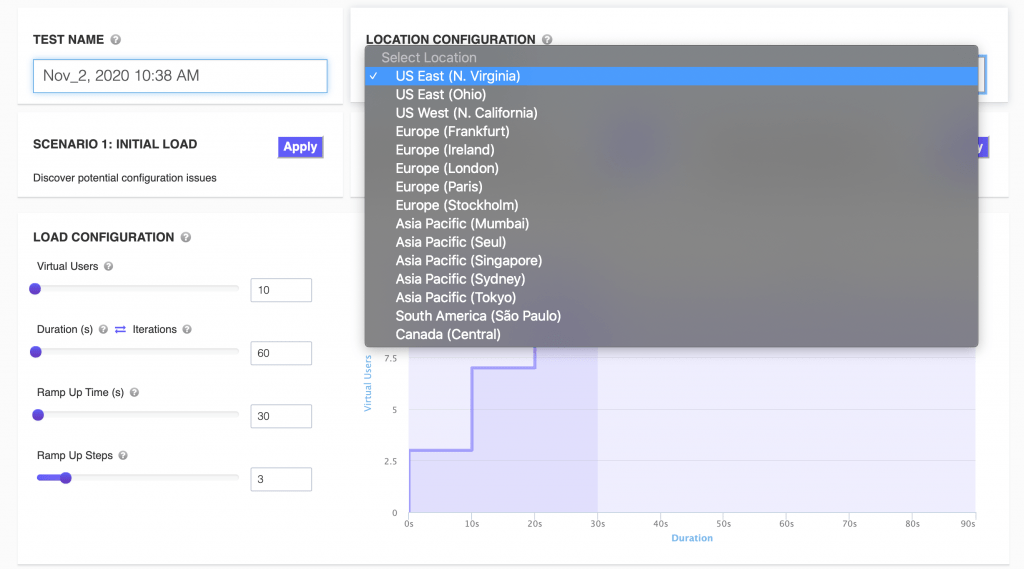
A virtual user simulates one person's session, pauses included. How VUs differ from requests per second, and why think time decides the ratio.

Load tests verify how your system behaves under expected traffic. Stress tests push past it to find the breaking point.

Cold starts make serverless latency bimodal, so averages describe neither case.
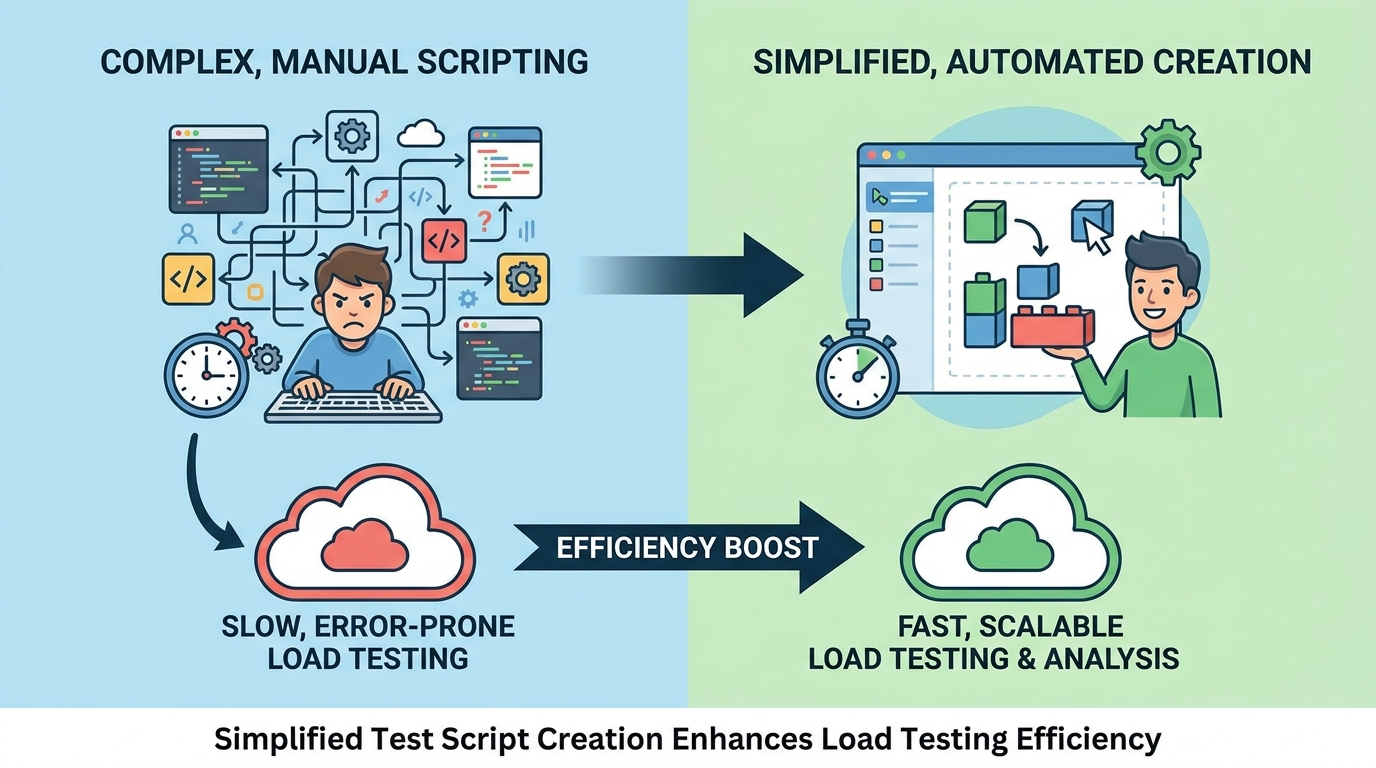
Most load testing time goes on writing and maintaining scripts, not on running them.
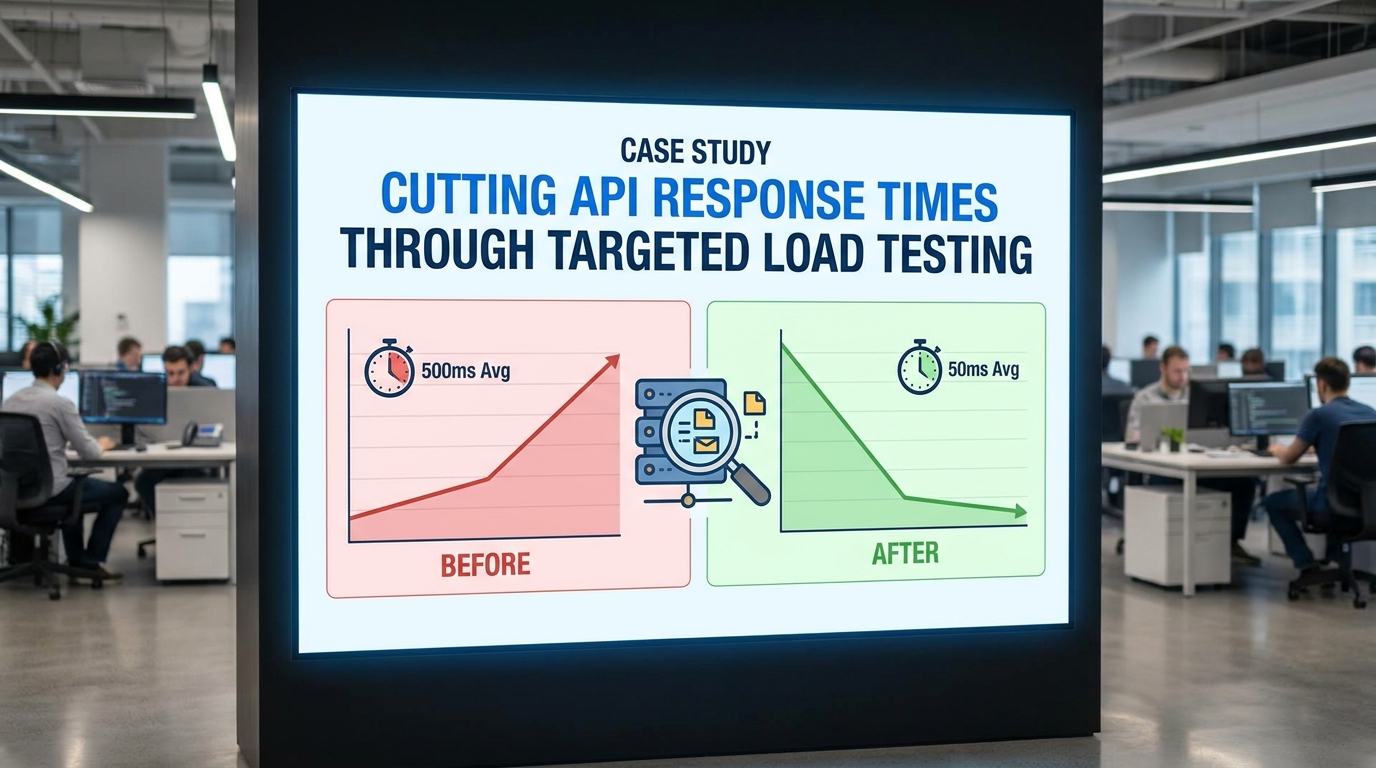
The bottleneck was found by measuring, not by guessing at the obvious candidates. Re-test after each change so you know which one actually mattered.
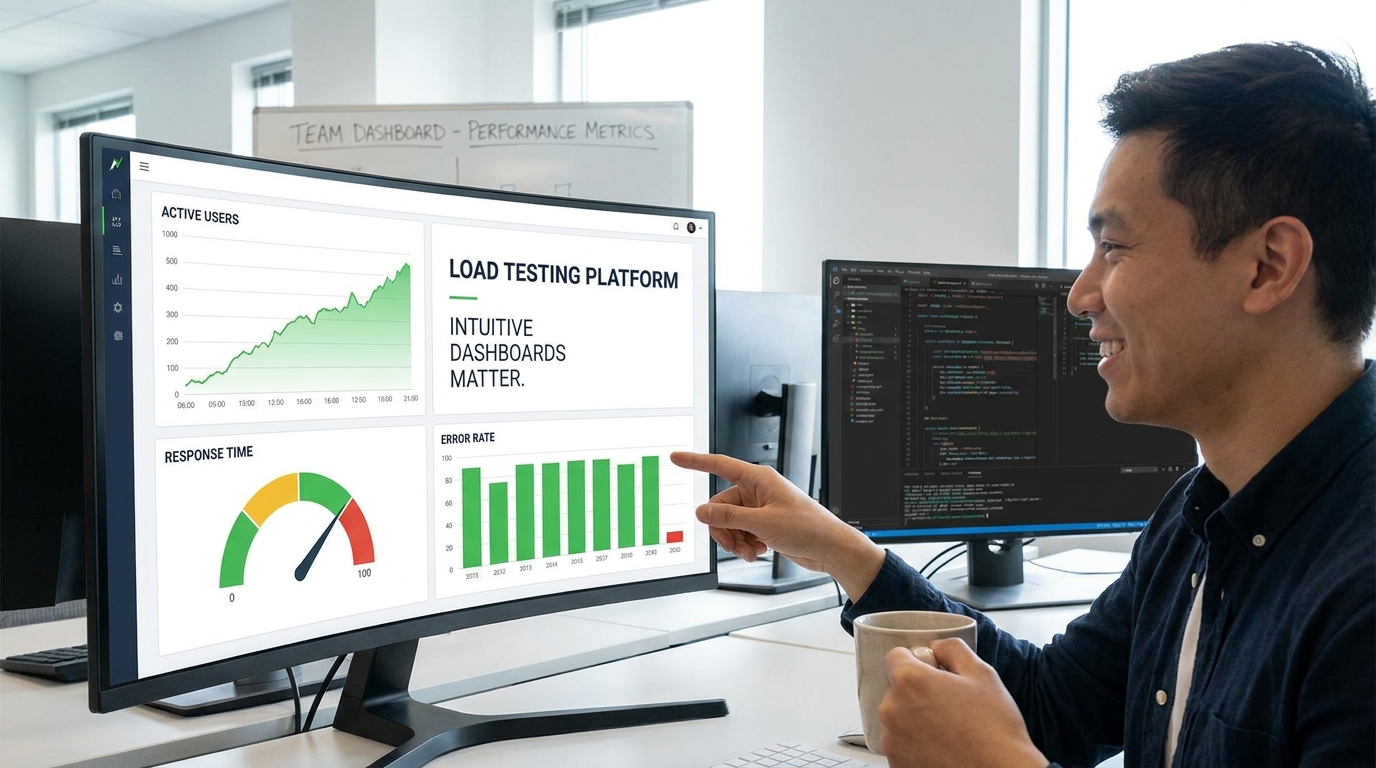
Usability drives adoption more than feature depth in testing tools. Show the few numbers that trigger a decision, not everything the platform can plot.
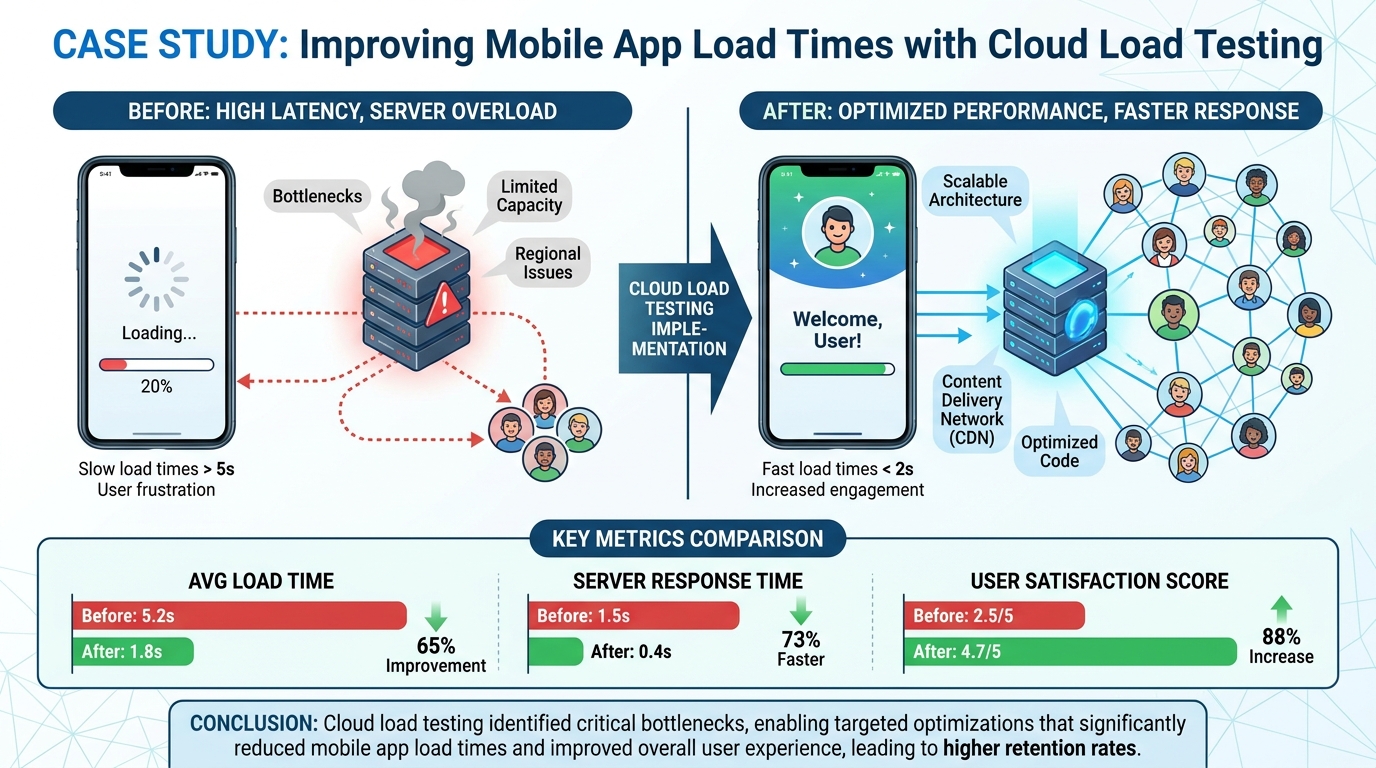
Mobile load time is dominated by network conditions rather than device speed. Testing from real regions surfaced delays that local testing never showed.
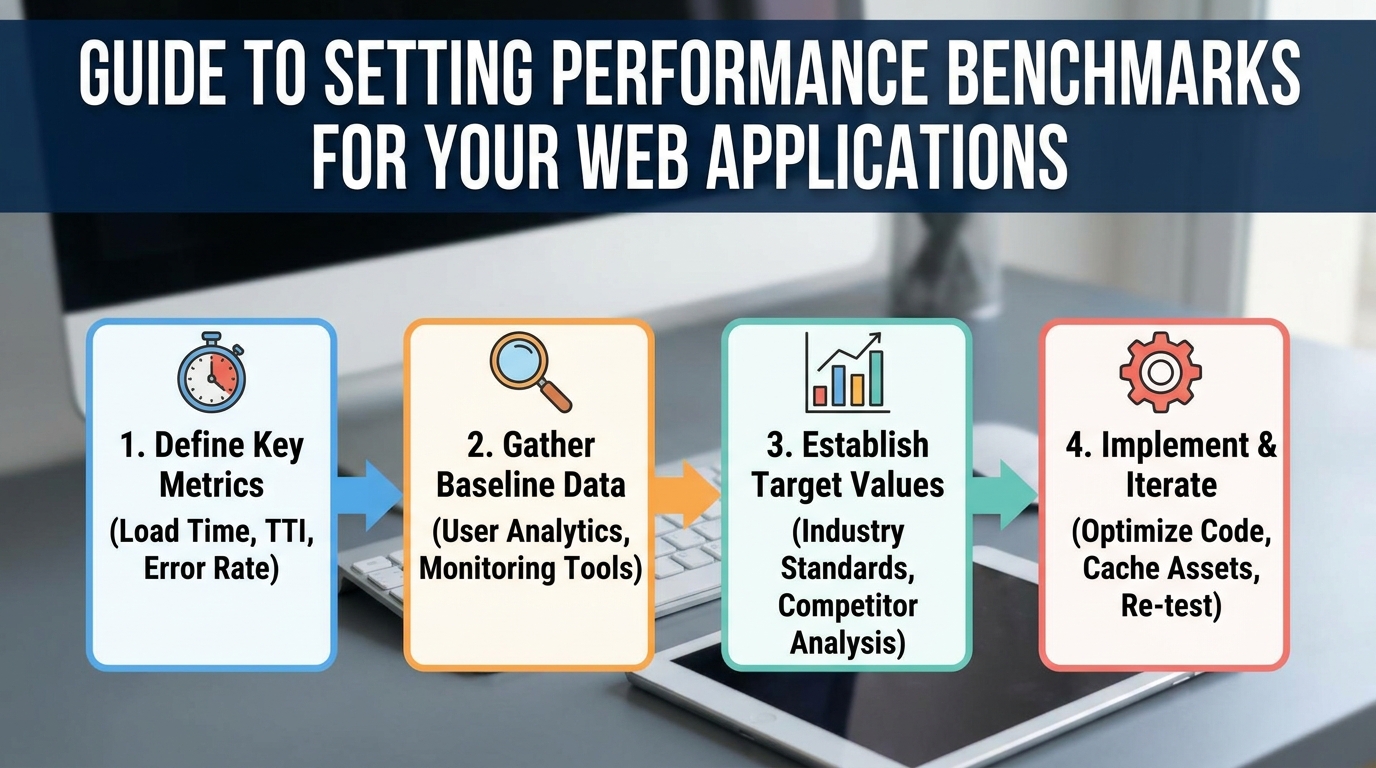
A benchmark is only useful against a stated target, not as an isolated number.
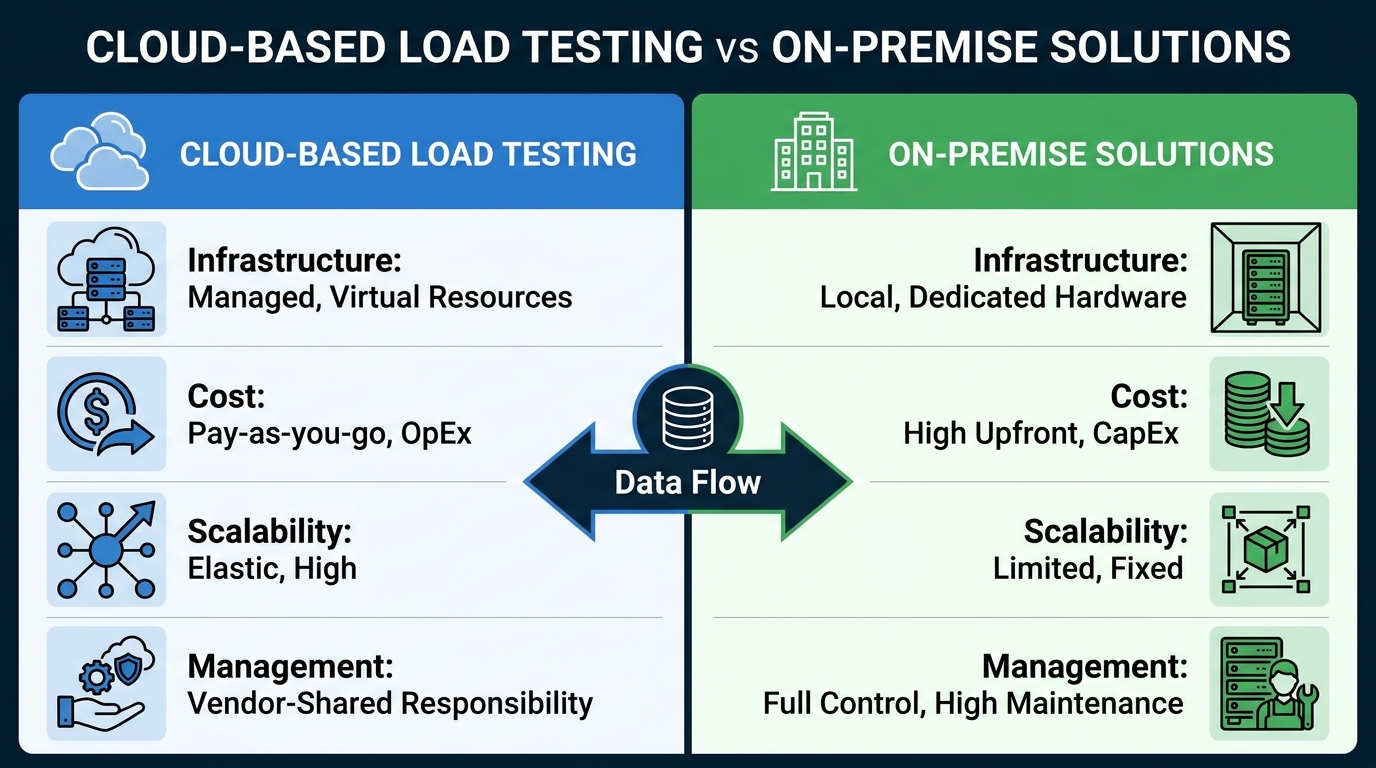
Cloud wins for startups on time to first test; on-premise wins only with strict data residency needs.
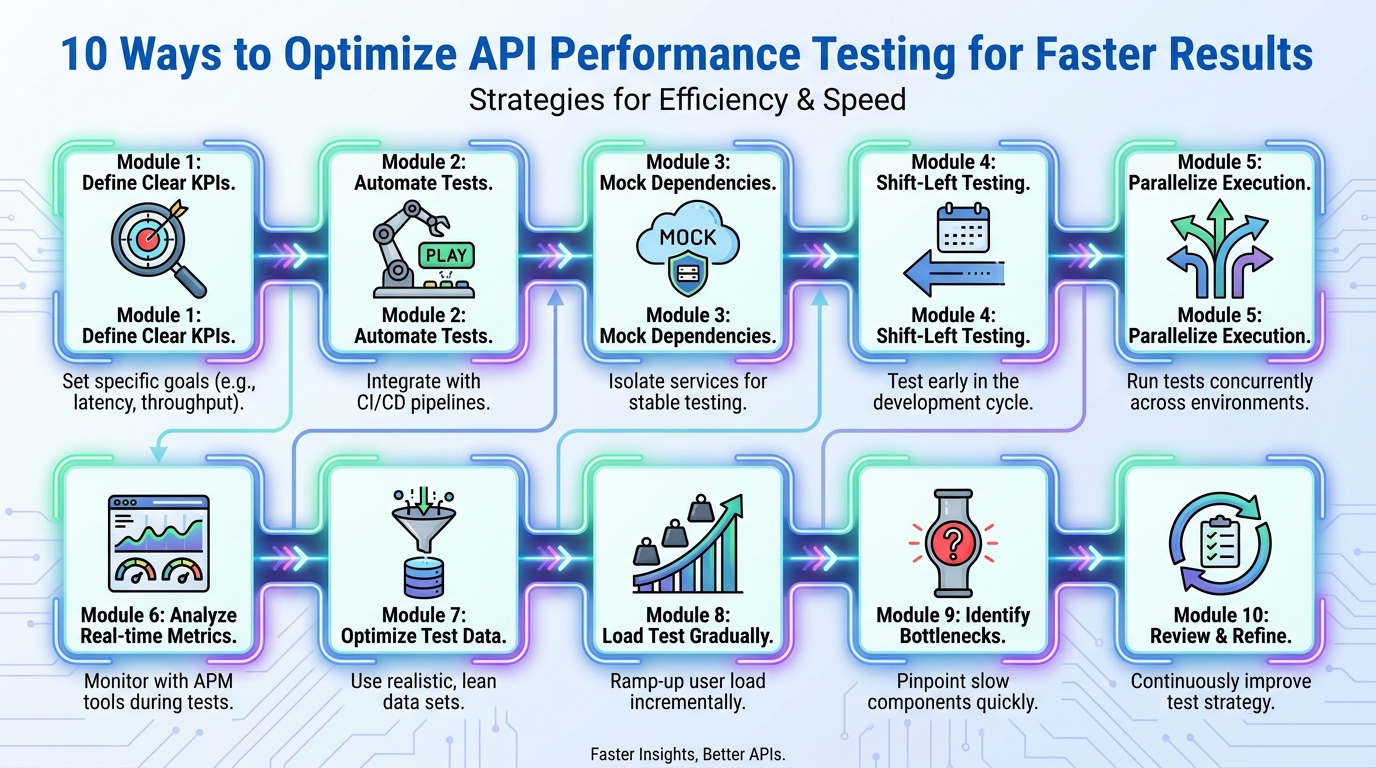
Most API test time goes on setup and data, not on the requests themselves.
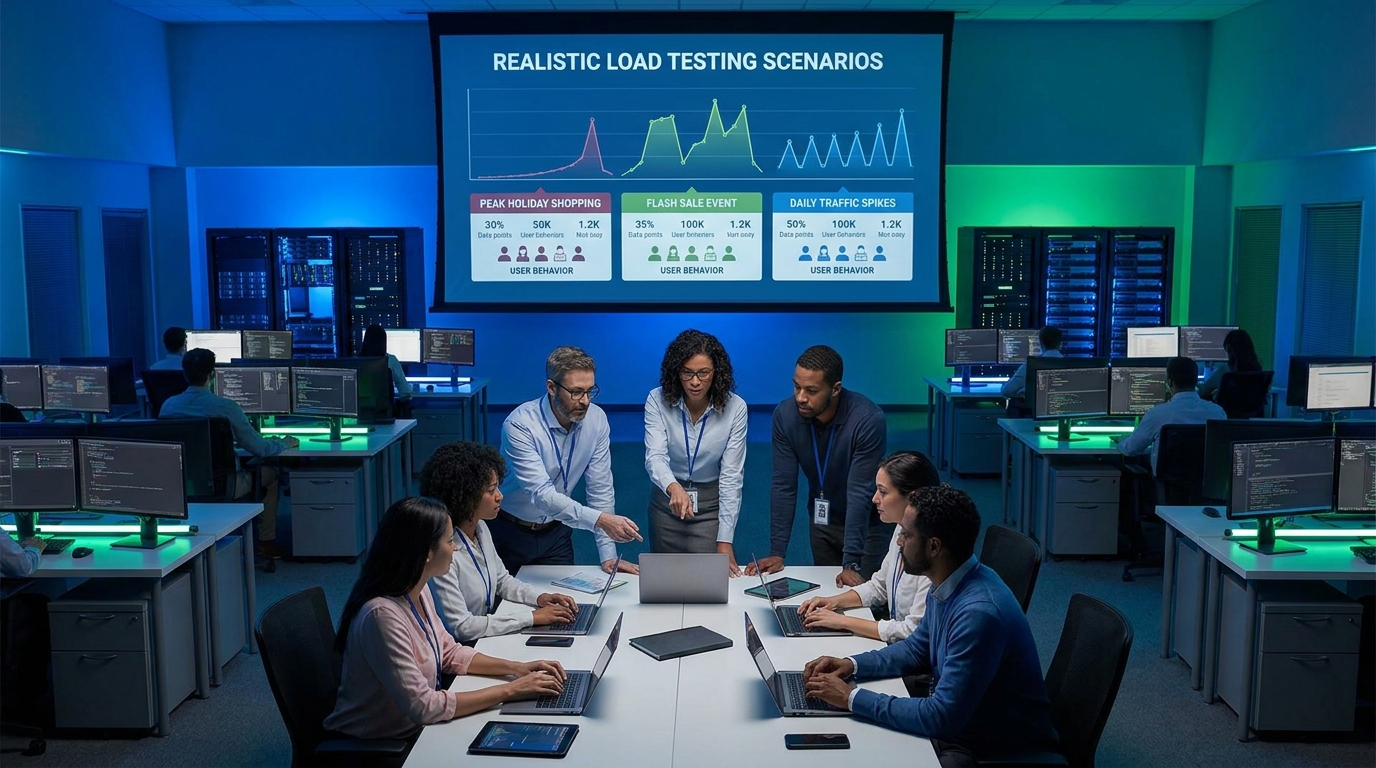
Model the funnel: browsing, search, cart and checkout have very different costs.
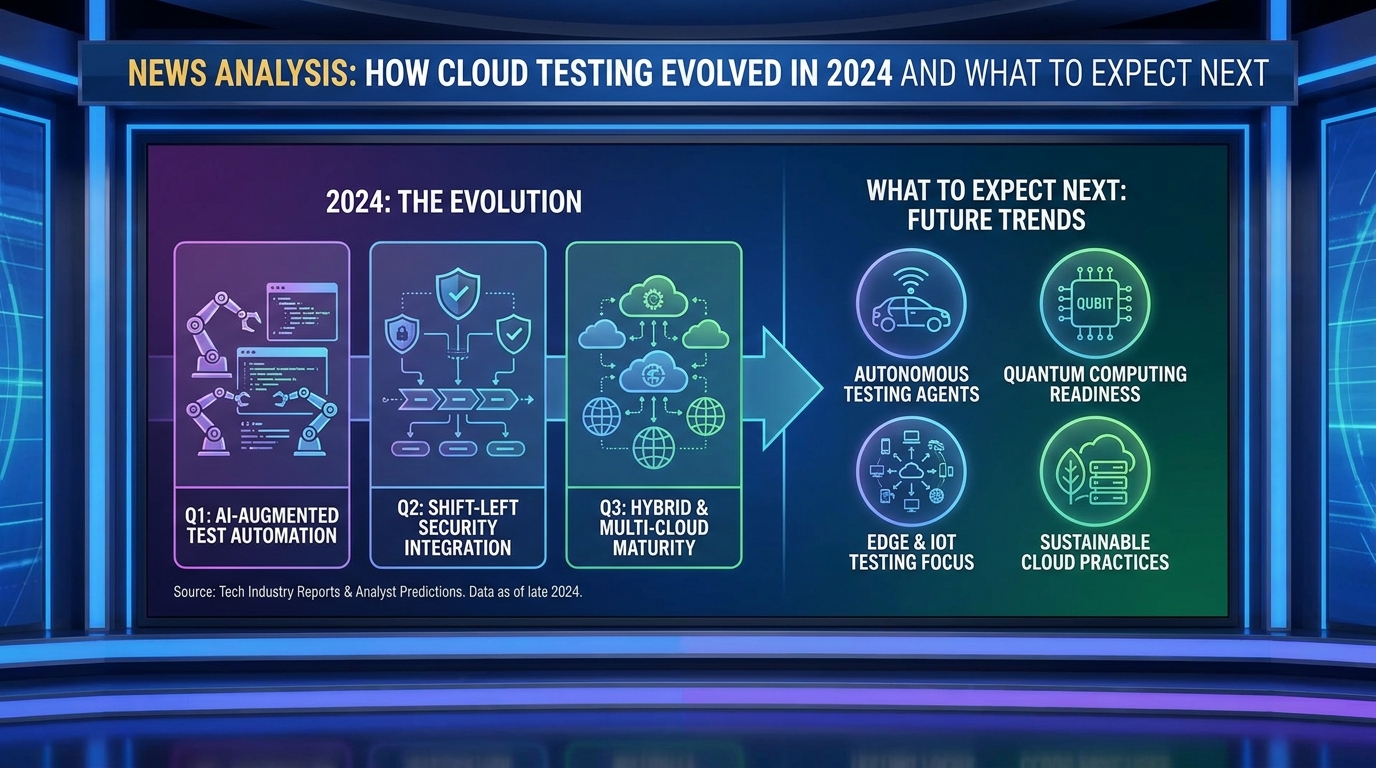
Testing has shifted from a release gate to a continuous signal, which changes how teams are staffed.

Adoption depends on how quickly someone unfamiliar can get a useful result. More automation on top of a confusing tool multiplies the confusion.
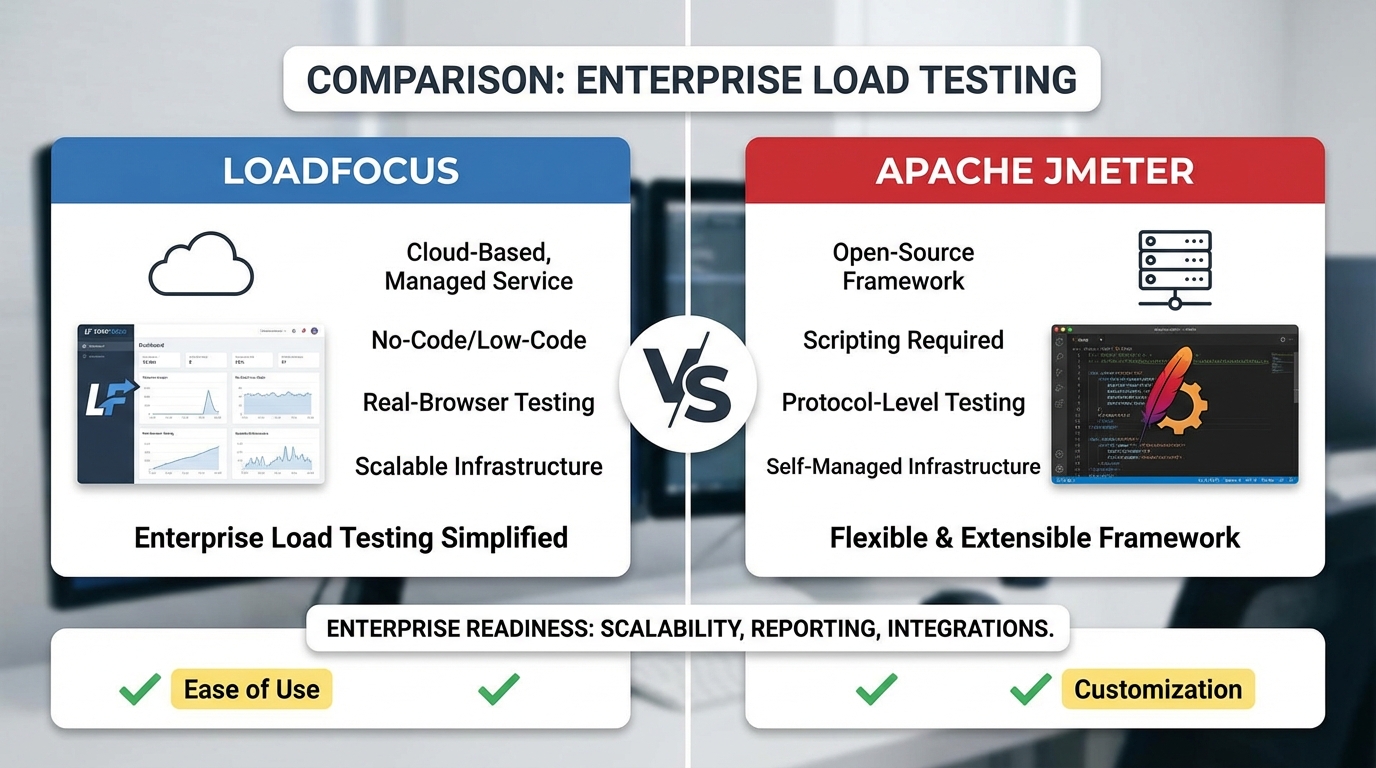
JMeter is free but the running cost is the infrastructure and expertise it needs.
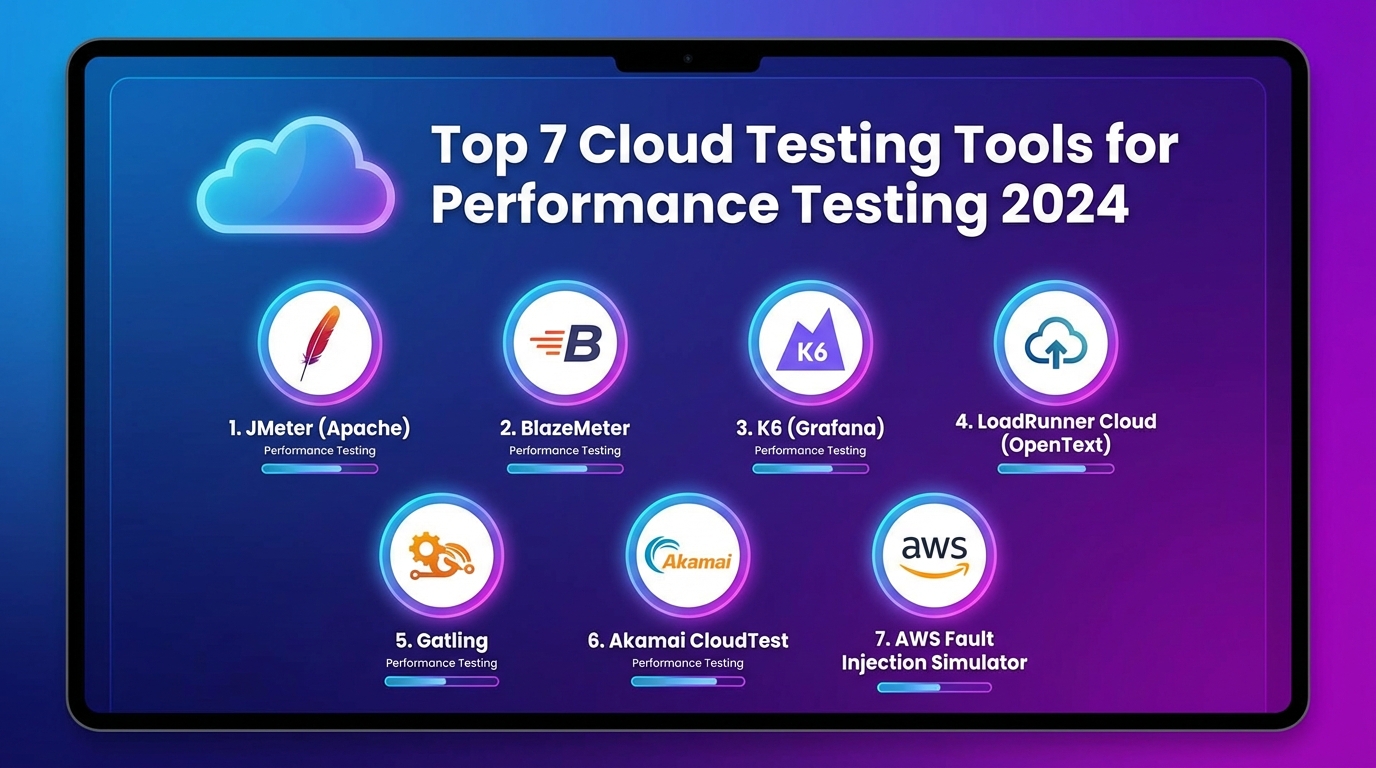
Cloud testing removes the load-generator capacity problem, which is what limits most on-premise tests.

Testing services in isolation misses the failures that only appear when they call each other.

Non-functional requirements are testable numbers: response time, availability, throughput.

Rest Assured suits Java teams who want API tests living beside the rest of the code.

A canary sends a small traffic slice to the new version so failures stay small and reversible.

It needs shared state to be interesting. Stateless endpoints rarely reward it. Failures are intermittent by nature, so run repeatedly rather than once.

CSV data gives each virtual user its own inputs, which is what makes a run realistic.

Code-free load testing lowers the barrier for teams without a dedicated performance engineer.

Contract testing checks that a provider and consumer still agree, without running both together.

Chrome developer tools for mobile: remote USB debugging shows the real device, device mode is for layout, and throttling shows what slow connections do.
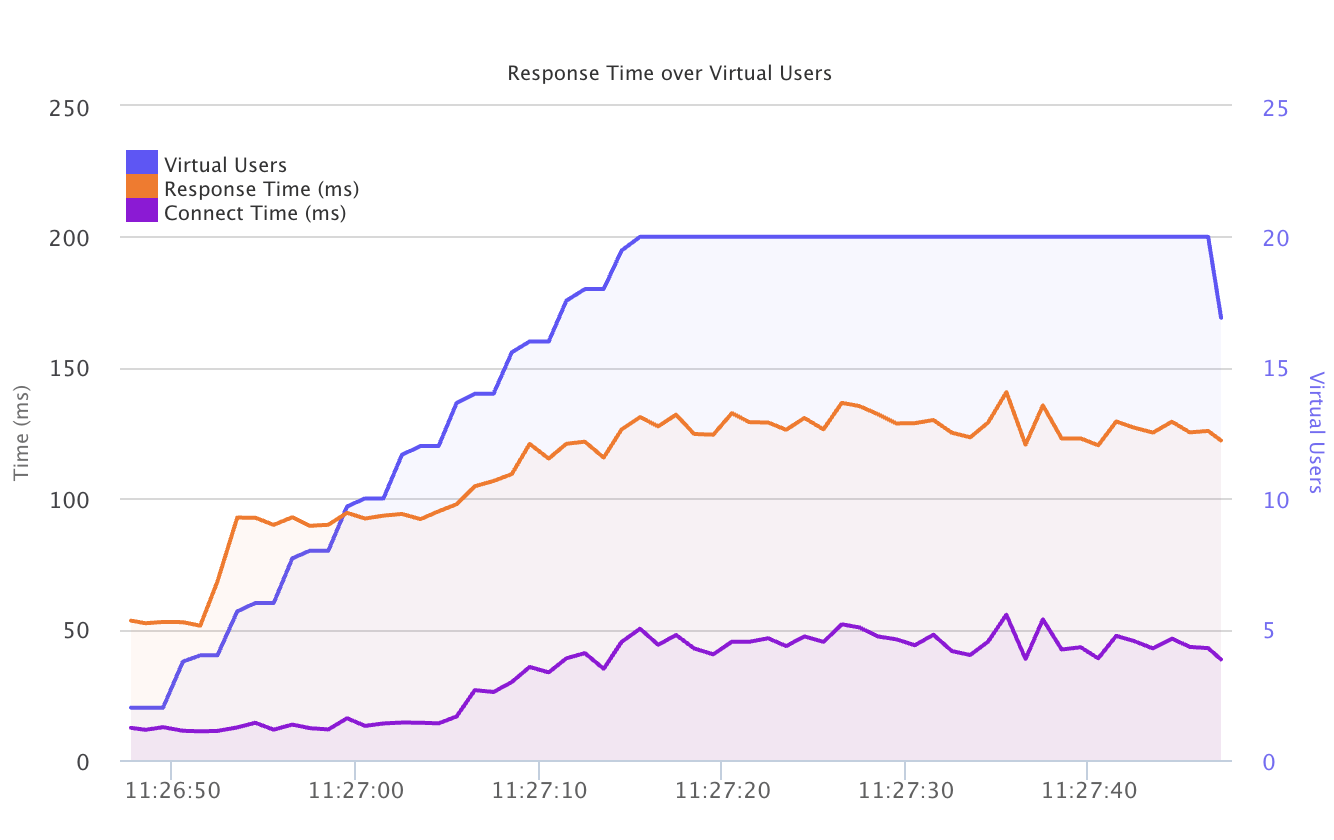
gRPC load testing tools must speak HTTP/2 and protobuf. Compare five options, and test streaming calls separately because they behave differently under load.
Bug tracking tools compared: the workflow matters more than the tool, repository integration keeps issues tied to code, and reporting surfaces repeat bugs.

Android app automation testing tools compared: Appium for cross-platform reuse, Espresso for speed, and why device coverage costs more than the framework.

Mobile app security testing tools: static and dynamic analysis find different problems, insecure storage is the common finding, so test the release build.

Calling the API from Bitbucket Pipelines makes performance a build step rather than a manual task. Gate on a threshold so a regression stops the build.

Penetration testing tools find known issue classes while testers find system-specific ones. Scan regularly, pen test periodically, and get authorisation first.

SAP testing tools for 2026: transaction coverage and test data matter more than the framework, and upgrades drive regression cycles that automation repays.
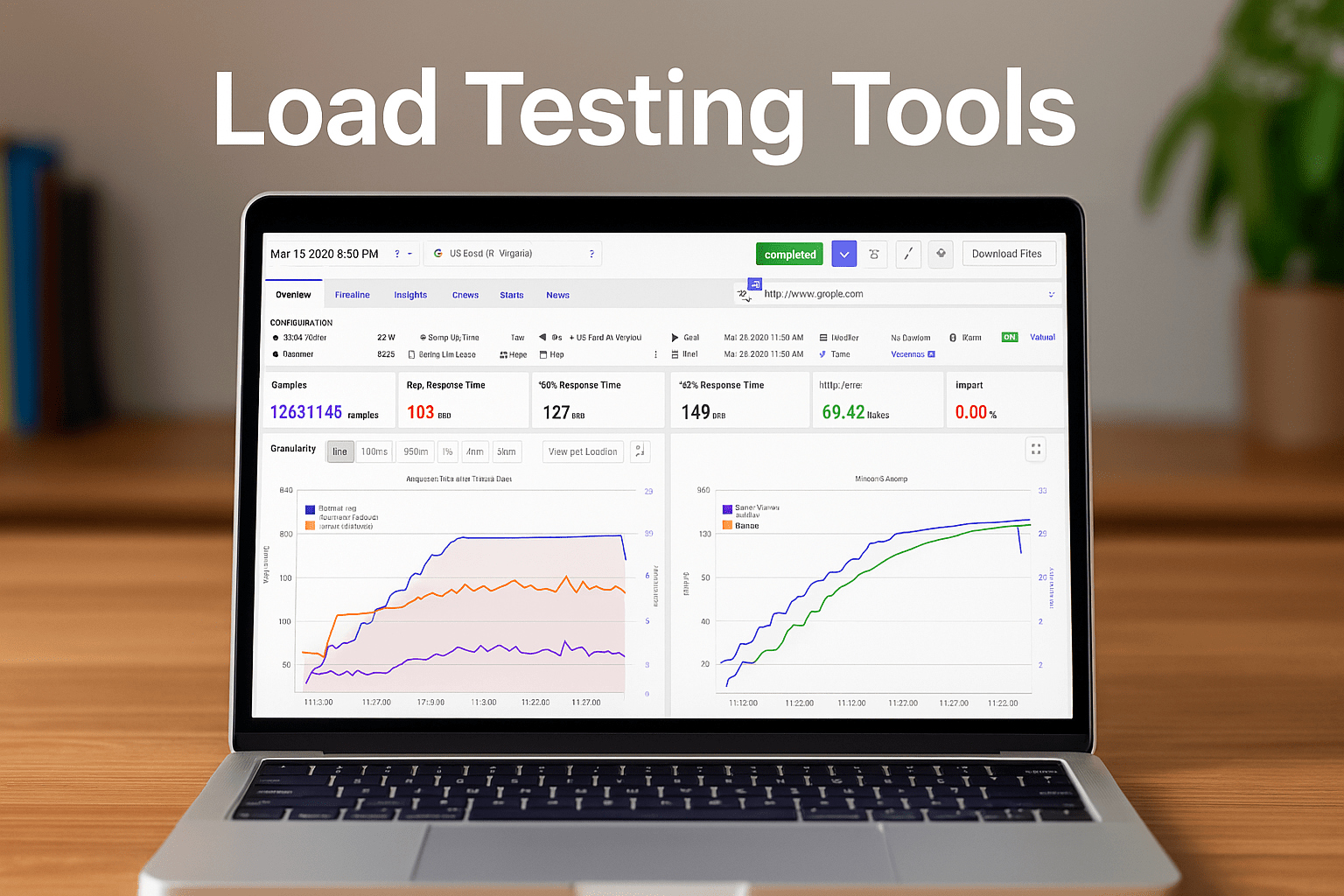
Enterprise load testing tools for 2026 compared on distribution, access control, reporting and CI fit, plus the expertise budget that often exceeds the licence.
Test automation statistics for 2026, and how to read them: useful for direction and framing investment, not for benchmarking or setting your team's targets.

Negative testing checks that a system rejects what it should. Cover invalid, boundary and malformed inputs, and assert on the error returned, not just failure.
Test automation frameworks for 2026: pick one in your team's language, run it headless in CI, and remember test design matters more than framework choice.
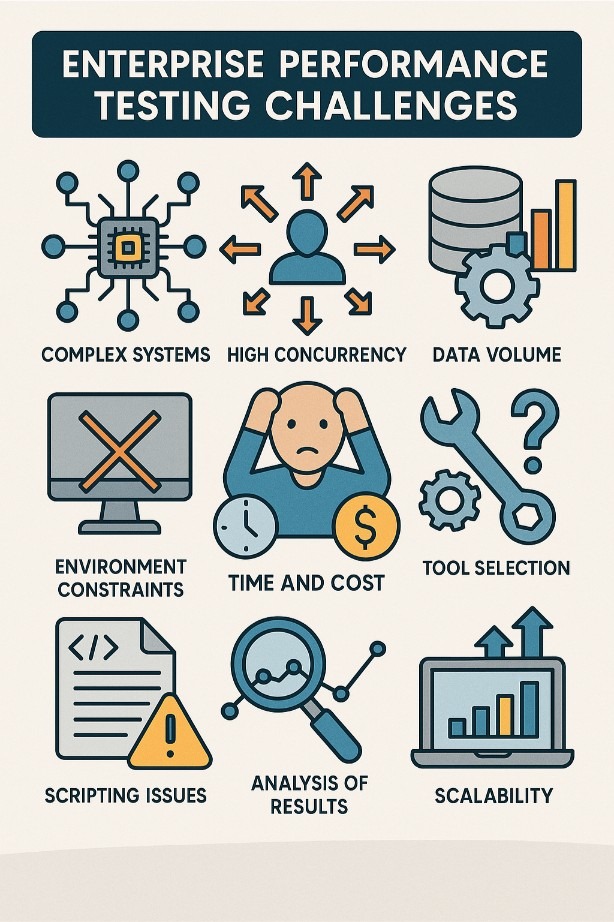
Enterprise performance testing challenges: environment parity, test data and team coordination block releases, and testing late makes findings architectural.

Enterprise testing is dominated by integration and data, not by writing more unit tests.

IT asset management software for 2026: automatic discovery, licence compliance and ticketing integration matter more than the asset database itself.

Network monitoring software reviewed: watch the path rather than just the endpoints, baseline normal traffic first, and use both SNMP and flow data together.

Cloud management platforms compared: a CMP earns its place with multi-cloud or cost governance, and drift handling is where the promises usually break.

Synthetic monitoring runs a scripted journey on a schedule, so you find failures before users report them.

Observability tools for 2026: ask new questions without new instrumentation, start with traces if you choose one pillar, and watch cardinality costs closely.

Redis monitoring tools for 2026: watch memory, evictions and latency, since Redis fails on memory long before CPU. Track the slowlog and alert on evictions.

SaaS affiliate programs that pay well in 2026: recurring commission beats one-off payouts, and cookie windows and attribution decide what you actually earn.

Antivirus software for Windows and Mac compared on performance impact and false positives, since detection rates now cluster closely across the top tools.
Screen capture tools for 2026 compared on annotation, video for timing issues, and where recordings are stored, since screens often hold customer data.

SSL certificate monitoring tools prevent expiry outages. Alert weeks ahead, since renewal and deployment are separate steps, and check the deployed chain too.

APM tools compared for 2026: trace quality is what gets you from alert to cause, and data-based pricing makes your sampling policy matter as much as features.

Caching and image optimisation deliver most of the available gain on WordPress.
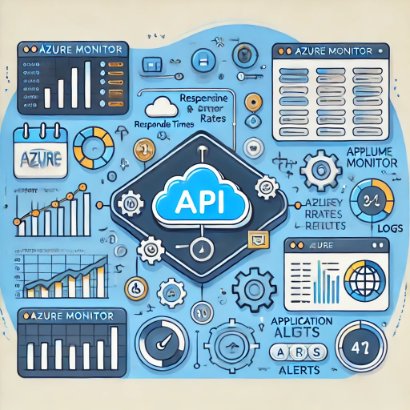
Monitor from outside Azure as well as inside, or you miss what customers experience.

JMeter alternatives for load testing in 2026: k6 and Gatling for code-first teams, hosted tools for teams without a performance engineer, and migration costs.

Domain expiry takes sites down completely and is entirely preventable. Alert weeks ahead, not days, since transfers and payment issues take time.

INP replaced FID and measures responsiveness across the whole visit, not just the first input.
The biggest wins are usually images, requests and caching, in that order.
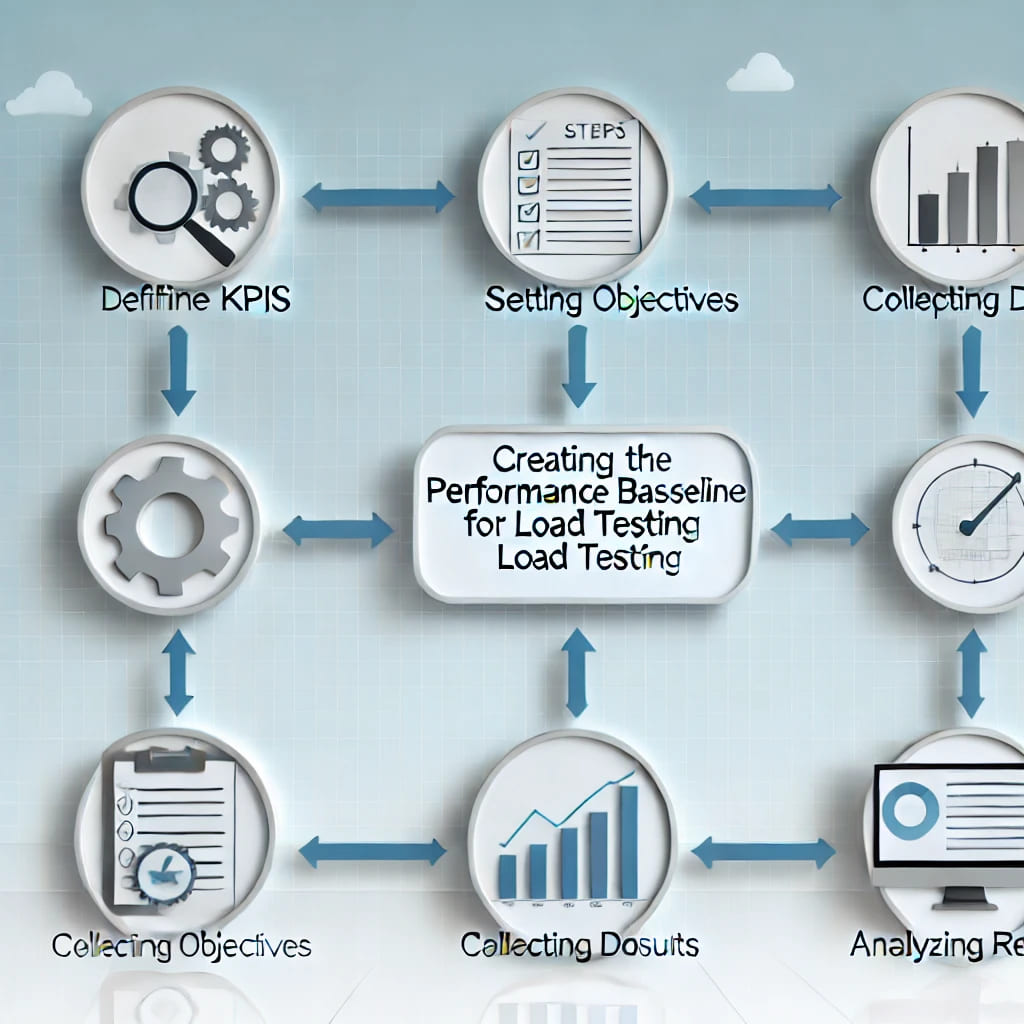
A baseline turns future runs into comparisons instead of isolated numbers. Capture it on a stable build under representative load, then leave it alone.

Three ways to generate unique IDs in JMeter test plans: the __UUID function, the Counter config element and __time, with when to use each.

A workflow is triggered by an event and runs jobs made of steps, which is the whole model.

Playwright drives Chromium, Firefox and WebKit through one API. Auto-waiting removes most of the sleep-based flakiness older frameworks suffer from.

A mock that never fails teaches you nothing. Model timeouts and errors, not just the happy path.

Remove requests that do not contribute to the scenario you are measuring. Run non-GUI. The GUI itself consumes the resources you wanted for load.

Most lessons are about realism: data, think time and environment parity. A result nobody acts on is the same as not testing.

It turns API documentation into something machine-checkable in tests. Start with required fields and types; add constraints once the basics hold.

Measure before optimising. Most slow pages have one dominant cause, not six small ones.

PageSpeed Insights reports both lab and field data, and only the field data affects ranking.

Throughput and response time diverge under load: throughput plateaus while response time climbs. Report both. Either one alone can be made to look good.

A flaky test is worse than no test, because it trains the team to ignore red builds.

Start with the objective: a target user count and an acceptable response time. Run a small test first to validate the setup, then scale up.

Content that answers a real query outranks technically perfect pages about nothing. Site speed and crawlability are prerequisites rather than tactics.

Response time alone hides the problem. Track throughput, error rate and resource use alongside it.
Update the baseline deliberately when performance genuinely improves. Compare full results, not just the summary, since averages hide a worse tail.
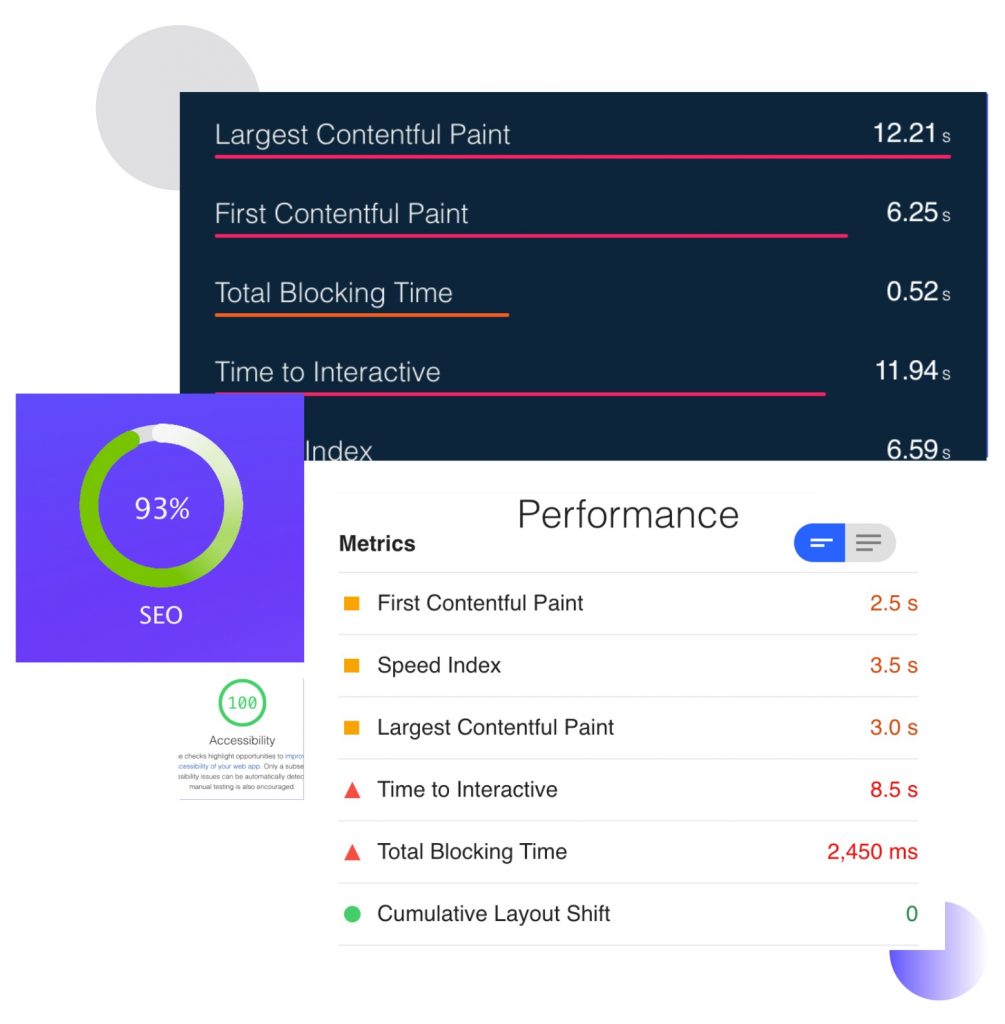
Images are usually the largest thing on a page and the easiest to fix. Modern formats and correct dimensions cut weight without visible quality loss.
Tool sprawl fragments results so no single view is trustworthy. Consolidate on what integrates with your pipeline rather than what demos best.
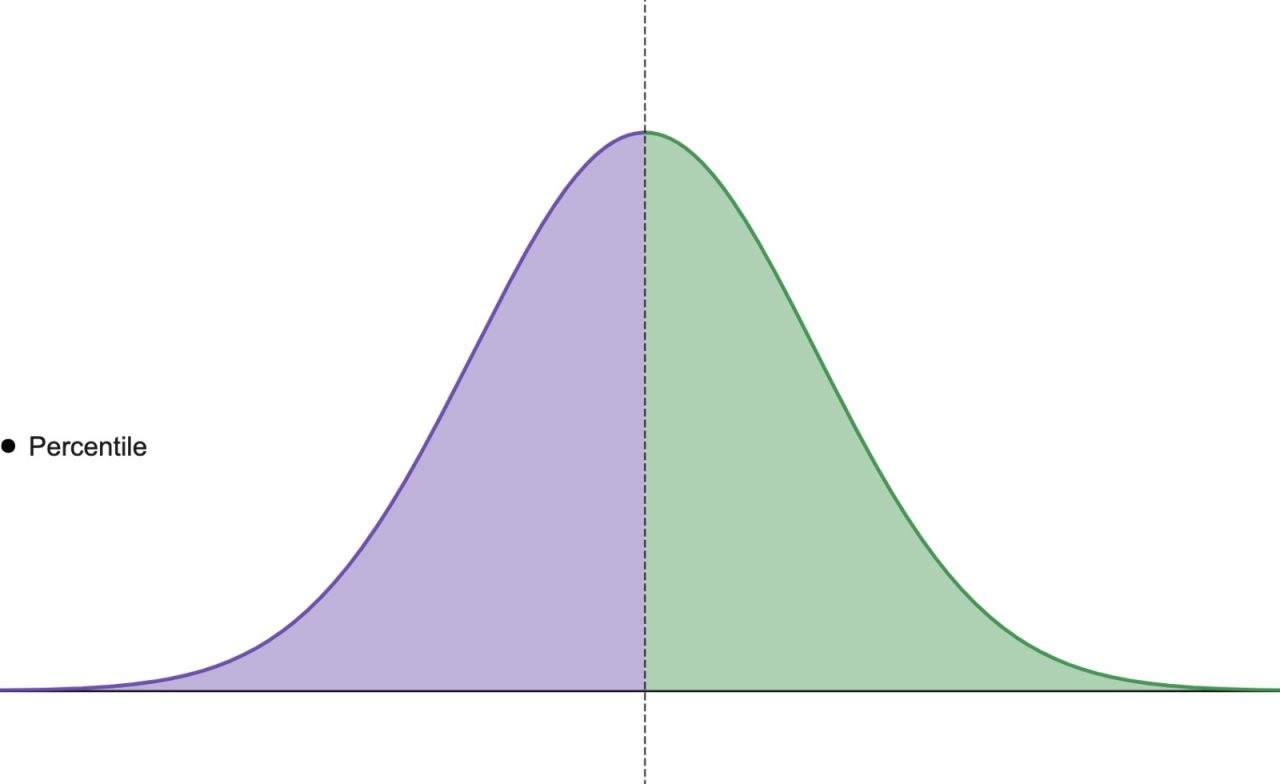
An average hides the slow tail, and the tail is what users complain about. p95 and p99 describe the experience of your least fortunate users.

Depth in one area beats shallow familiarity with every tool. Automation is a skill within testing, not a replacement for knowing what to test.
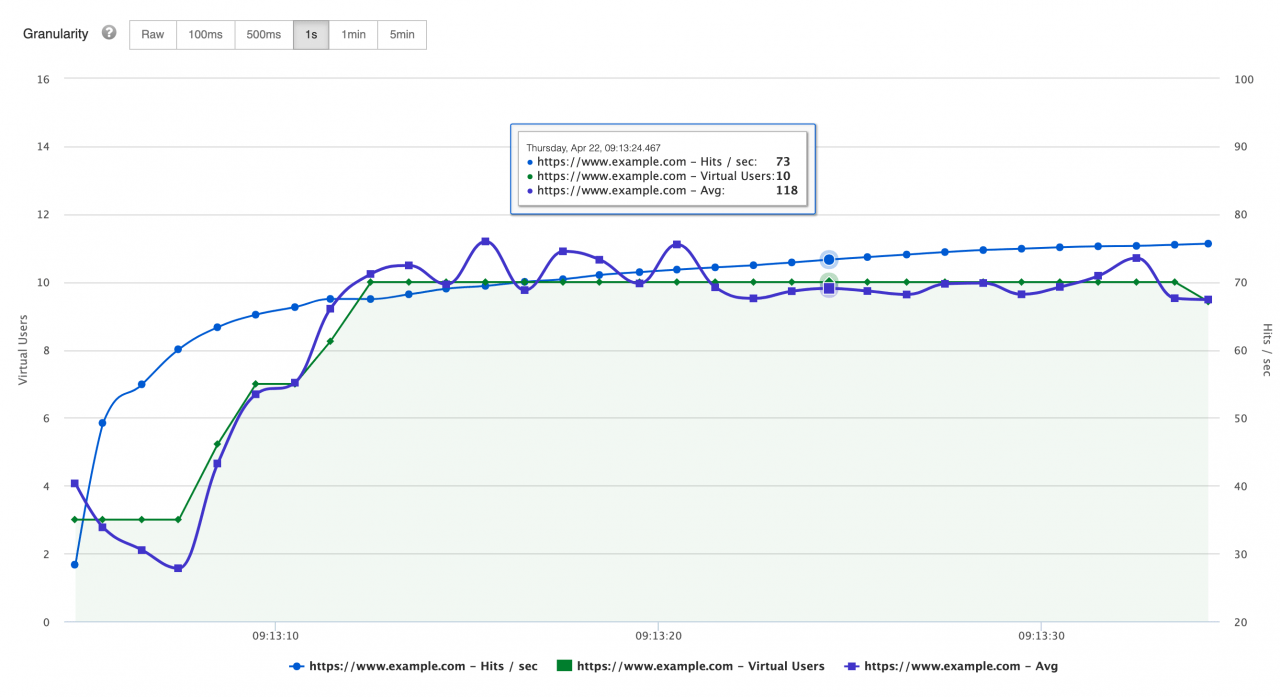
Hits per second counts every request including assets, so it exceeds page views substantially. It shows server workload rather than user activity.
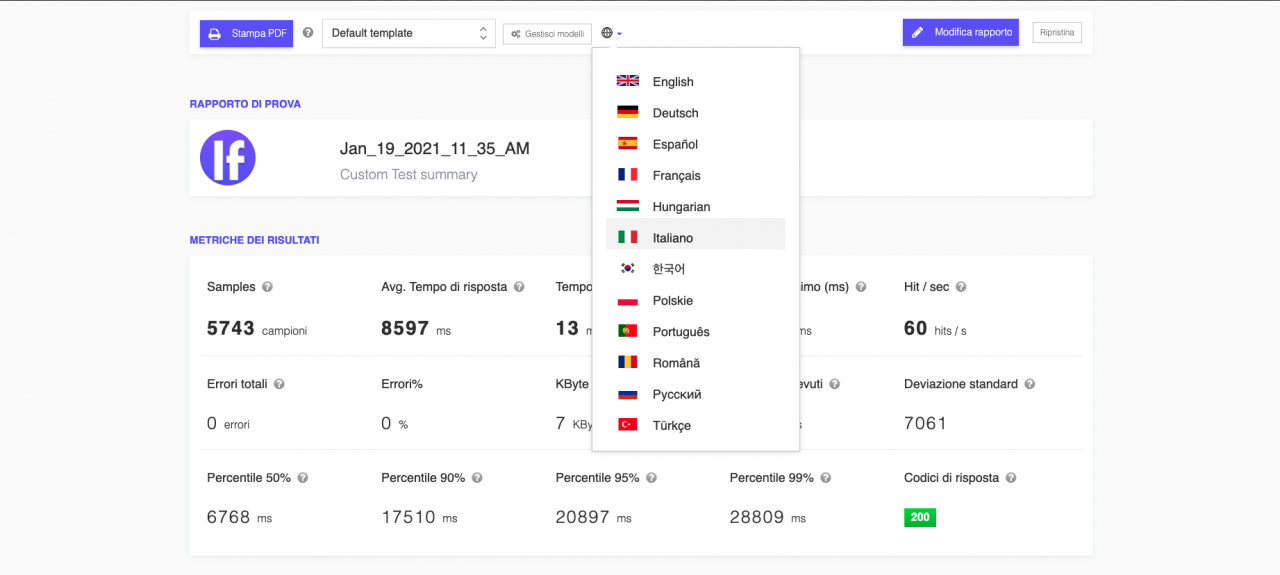
Set the language per report rather than per account when teams are mixed. The numbers are the same either way, so this is about adoption, not accuracy.

Two runs with the same mean can behave completely differently, and this is how you tell. Pair it with percentiles rather than reporting either alone.
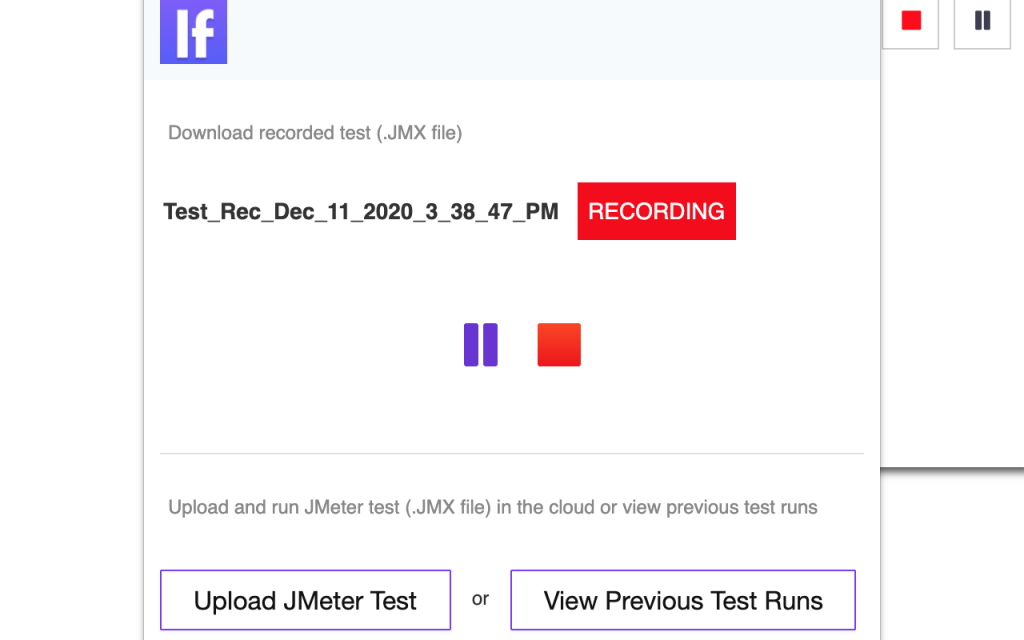
Recording in the browser captures the real request sequence including headers you would otherwise miss.

JMeter is written in Java and needs a JRE. Test plans are XML; in-test scripting uses Groovy (JSR223), Beanshell or JavaScript. What that means for you.

TestCafe runs without WebDriver, which removes most of the setup friction. End to end tests are expensive, so keep them to the journeys that matter.

OpenSTF gives you remote access to real Android devices, which emulators cannot fully replace.
WireMock lets you produce failures a real API will not give you on demand: timeouts, 500s, malformed bodies.

Image comparison catches visual breakage that assertions never check for. Run in a consistent environment; a different OS produces different pixels.

Exchanges fail at the order book and matching engine, not at the marketing pages.

Pixel comparison catches visual regressions that functional tests never assert on. Set a tolerance, or antialiasing and fonts will fail every run.

A screen recording captures the exact sequence that reproduces a bug, which a description rarely does.

The WebDriver Sampler measures real browser rendering, which HTTP samplers cannot see. Use it to measure front-end timing, not to generate volume.

Opening a tab is only half the job; you must switch the driver to the new window handle. Track handles before and after, then switch to the difference.

Appium reaches the Android system buttons through key events rather than element clicks.

Wrap the literal in double quotes instead, which is the simplest fix. Use concat() when the text contains both quote characters.

findElements with By.tagName("a") returns every anchor, including ones that are not visible.

Emulators catch layout and viewport problems quickly and cheaply. Test the viewports in your analytics rather than a generic device list.

Use the Select class for real select elements, and normal clicks for custom widgets.

How to add User Defined Variables in Apache JMeter, reference them with ${name}, override them from the CLI with -J, and keep environments in one place.

Scrolling is done through the JavaScript executor, since WebDriver has no native scroll command.

Page speed is a ranking factor, so a slow site costs you traffic before anyone reads a word.
gzip on NGINX is a few lines of config and usually the cheapest bandwidth win available.

Assert on content as well as status, since a wrong body is still a failure. Keep assertions cheap. Heavy ones distort the timings you are measuring.

Start with a thread group, an HTTP request and a results file: everything else is refinement. Run from a machine that is not the server under test.

Decide what you are measuring and why before configuring anything. Choose the metrics up front, or you will report whatever looks best afterwards.

Agile fails on the ceremonies people skip, not on the ones they perform badly.

Screenshots on failure turn an unhelpful stack trace into something you can diagnose. Name files by test and timestamp or you cannot match them to runs.

A proxy lets you inspect, record or modify the traffic a browser test generates. HTTPS needs the proxy certificate trusted or every request fails.

GET retrieves a resource and should never change server state. It is cacheable and idempotent, which is why it suits reads and not actions.

Methods, status codes and headers carry the meaning, not the body alone. Understanding status codes is the fastest way to debug most web problems.

Distributed testing exists because one machine cannot generate enough load.

HTML5 apps can be debugged with remote browser tooling; native apps need a proxy or device logs.

Realistic thread limits for one JMeter machine, what breaks first (heap, sockets, CPU), and how to go past a few hundred users with cloud runs.

A rising response time with flat throughput means you have found capacity. Report it with response time; either number alone can be made to look good.
Load test websites and APIs from 25 cloud regions, monitor page speed and uptime, and get AI analysis that explains your results in plain English.