Optimizing E-Commerce Checkout Speed: Strategies for Faster Transactions
Key Takeaways
Actionable Lessons for E-Commerce Checkout Speed Under Pressure
Optimizing e-commerce checkout speed during peak load is a continuous, multi-layered effort. Drawing on a recent case study of a leading retailer, targeted backend improvements – including database query tuning, server-side caching, and real-time monitoring – reduced peak checkout times by 66%. This led to a 20% increase in completed transactions and a 10% revenue boost during high-traffic events. These results were achieved through a combination of technical rigor and ongoing performance measurement, not simply by adding server capacity.
- Backend optimization and server-side caching are foundational. Refining database queries and offloading non-essential processes can deliver substantial improvements, especially under heavy traffic.
- Continuous load testing is essential. Regular stress tests help teams identify bottlenecks early, allowing for proactive adjustments before customers are affected. For practical approaches, see our guide to load testing for e-commerce.
- AI-driven analytics and edge computing can further accelerate checkout, but require careful cost-benefit analysis. While advanced tools can pre-load user data and streamline payment processing, smaller retailers should weigh the investment against their specific needs.
- User trust and payment security must remain priorities. Speed gains should never come at the expense of authentication or fraud checks. The right balance between efficiency and assurance is critical.
Teams focused on faster checkouts should also consider integrating load testing results with business KPIs to ensure technical changes support revenue goals. For those evaluating advanced infrastructure, our analysis of edge computing’s impact on cloud load testing provides further detail. Ultimately, sustainable improvements come from combining technical discipline with a strong focus on user experience.
Is Your Infrastructure Ready for Global Traffic Spikes?
Unexpected load surges can disrupt your services. With LoadFocus’s cutting-edge Load Testing solutions, simulate real-world traffic from multiple global locations in a single test. Our advanced engine dynamically upscales and downscales virtual users in real time, delivering comprehensive reports that empower you to identify and resolve performance bottlenecks before they affect your users.
Illustrative Scenario: The Challenge of Checkout Slowdowns During Traffic Surges
The Real Cost of Lagging Checkout During High-Stakes Events
Peak traffic events test every aspect of an e-commerce platform. In a recent flash sale, a major online retailer experienced checkout times that ballooned from a baseline of 4 seconds to over 12 seconds. The result: cart abandonment rates spiked by 15%, and customer support was inundated with complaints about payment failures and timeouts. For a business at scale, these issues translated into millions in lost revenue – sales that were nearly closed, but lost due to friction at the final step.
Why Checkout Speed Became the Top Priority
Leadership quickly recognized that slow, unresponsive checkout was the primary source of customer complaints and lost sales. Each additional second in the process eroded trust and gave shoppers a reason to leave. As a result, e-commerce checkout speed was elevated from a technical metric to a core business KPI. The message was clear: if the platform couldn’t deliver sub-4-second checkouts during peak load, every marketing campaign risked undermining itself.
Key Insight: Checkout slowdowns during peak traffic can trigger a cascade of lost sales and brand damage – often within minutes.
What Drove the Slowdown – and What Came Next
Technical analysis revealed the main culprits: insufficient server-side caching, database query bottlenecks, and a lack of geographic distribution for critical checkout components. Quick fixes during the event proved inadequate, highlighting the need for systemic change. The retailer responded by investing in edge computing, smarter caching, and adopting modern load testing strategies to simulate peak events in advance.
Think your website can handle a traffic spike?
Fair enough, but why leave it to chance? Uncover your website’s true limits with LoadFocus’s cloud-based Load Testing for Web Apps, Websites, and APIs. Avoid the risk of costly downtimes and missed opportunities—find out before your users do!
This scenario is not unique. Retailers of all sizes face the challenge of ensuring their infrastructure, code, and user experience can withstand the demands of online shoppers. Treating checkout speed as a living metric – monitored and stress-tested continuously – is now standard practice among high-performing teams.
As customer expectations rise and sales windows narrow, the cost of ignoring performance bottlenecks increases. Addressing e-commerce checkout speed directly is about securing higher conversion, better retention, and a stronger brand reputation when it matters most.
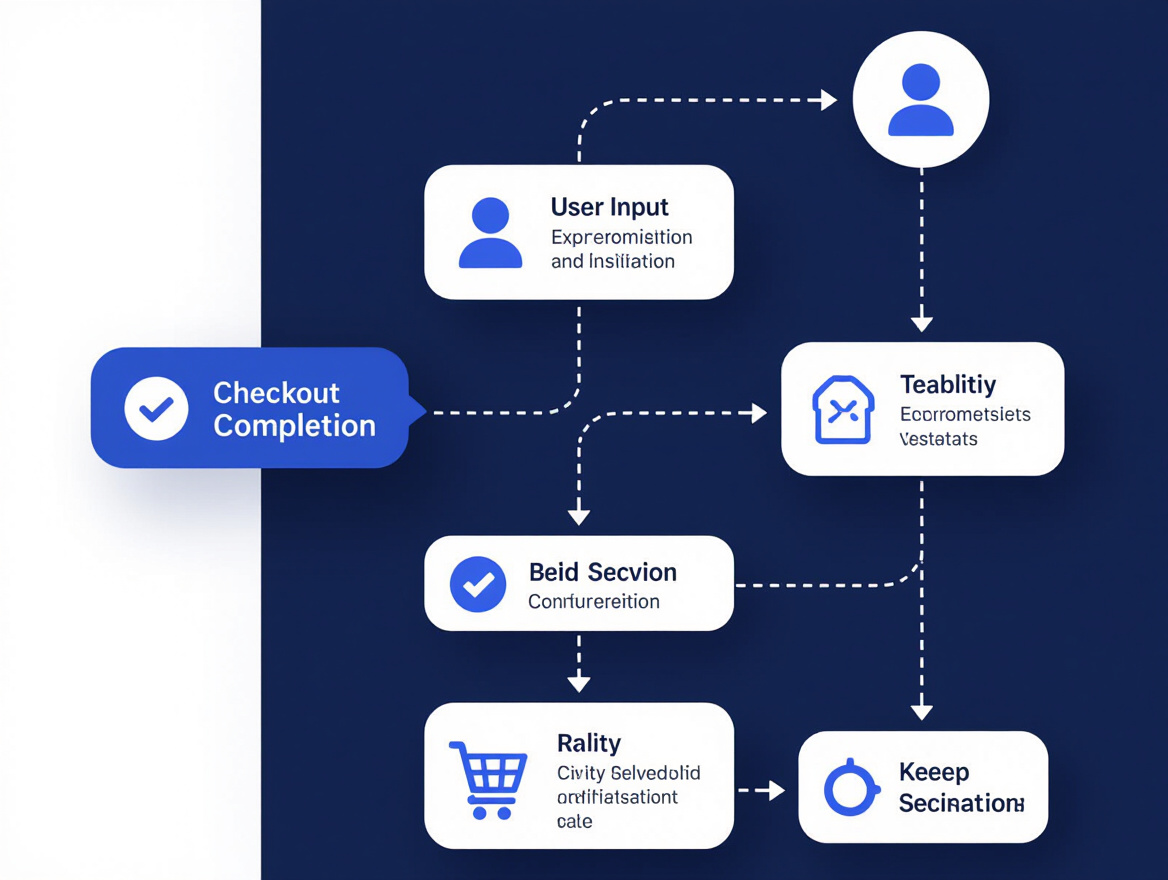
Mapping the Checkout Bottlenecks: Diagnosing the Core Issues
Identifying why e-commerce checkout speed falters under pressure requires systematic investigation. In the featured case, checkout times tripled and cart abandonment spiked by 15% during major events. Systematic load testing uncovered the real pain points – where and why the process failed when it mattered most.
Load Testing for Deep Performance Insights
By simulating realistic peak-traffic scenarios, the team captured granular response times for each checkout step. This approach flagged the origins of slowdowns – whether in backend database queries, payment gateway integrations, or session management routines. For example, payment authorization delays were traced to gateway throttling under concurrent load, while session management bottlenecks compounded the problem. Without this level of insight, underlying architectural issues would have remained hidden.
LoadFocus is an all-in-one Cloud Testing Platform for Websites and APIs for Load Testing, Apache JMeter Load Testing, Page Speed Monitoring and API Monitoring!
| Checkout Step | Pre-Optimization Response Time | Peak Load Impact | Root Cause |
|---|---|---|---|
| Cart Review | 1.5s | Spiked to 5s under load | Uncached product availability queries |
| Shipping Calculation | 2s | 6s delays for international | External API call latency |
| Payment Authorization | 3s | Up to 9s with concurrency | Payment gateway throttling |
| Order Confirmation | 1s | 3s under peak | Session validation deadlocks |
Before/After Examples: Diagnosing Checkout Bottlenecks
| Before | After |
|---|---|
| “Checkout is slow when there’s a lot of traffic. We added more servers but didn’t see much improvement.” | “Load testing identified that payment authorization jumped from 3s to 9s when 100+ users checked out simultaneously. The culprit was payment gateway throttling, not server capacity. We queued requests and reduced peak delays by two-thirds.” |
Specific diagnosis and targeted remedies are what drive measurable improvements in e-commerce checkout speed – not guesswork or generic scaling.
Strategic Approach: Building a Multi-Layered Optimization Plan for E-Commerce Checkout Speed
Solving e-commerce checkout speed challenges requires more than isolated fixes. The most effective teams work from a phased playbook that balances urgent improvements with longer-term infrastructure upgrades. This ensures both immediate gains and sustained performance during peak events.
Drawing from recent optimization guides, successful plans start by targeting high-impact bottlenecks. In the case study, slow database queries and unoptimized server-side scripts caused a 15% spike in cart abandonment during surges. Addressing these issues first dropped average checkout time from 12 seconds to under 4 seconds, with a 20% increase in completed transactions.
Long-term success came from adopting edge computing and content delivery networks to reduce latency for users in different regions, and integrating AI-driven analytics to streamline form population and payment processing. These changes, though more complex, supported scalability and resilience as user loads grew. The roadmap balanced speed, cost, and customer experience – never sacrificing security or usability for raw throughput.
Cross-Functional Collaboration for Checkout Optimization
Fast, reliable checkouts require collaboration across engineering, UX, and business teams. In the case study, engineers shared real-time performance data with business stakeholders, while UX designers mapped buyer journeys to identify friction. Weekly sessions ensured technical proposals were vetted against business priorities and customer feedback. This approach enabled rapid course correction when new bottlenecks emerged, reinforcing that checkout performance is a driver of both loyalty and growth.
By prioritizing high-impact fixes, planning for scalable upgrades, and fostering true cross-functional collaboration, organizations can address e-commerce checkout speed with both urgency and strategic intent.
Implementation Timeline: From Testing to Live Rollout
Improving e-commerce checkout speed requires a structured, low-risk rollout that protects both user experience and operational stability. The retailer in the case study used a phased approach, emphasizing continuous validation, clear communication, and fail-safe rollback mechanisms.
Pilot Testing and A/B Experimentation
The team began with controlled testing on a small cohort, validating the impact of new infrastructure – such as edge servers and AI-powered pre-fill logic – on real checkout sessions. A/B tests compared the legacy and optimized flows, with real-time dashboards tracking metrics like average checkout time and abandonment rate. Tight feedback loops allowed engineers to iterate on caching and backend optimizations. By the end of pilot testing, average checkout times in the test group fell from 12 to under 4 seconds.
Rollback mechanisms were built in. If error rates spiked, the system could instantly revert to the prior stable version, protecting revenue and reputation during high-traffic events. For more on designing dependable experiments, see this breakdown of AI-driven versus scripted load testing approaches.
Phase-Based Execution and Stakeholder Alignment
After validating pilot results, the rollout expanded in phases. Each stage included monitoring for emerging issues and collecting feedback, rather than relying on a single deployment. Key milestones were communicated to all stakeholders through regular updates and live dashboards, enabling rapid detection and resolution of bottlenecks.
Each phase included predefined rollback triggers based on error rates or user complaints. By the final stage, all major checkout optimizations were live, delivering a 66% reduction in average checkout time and a 20% increase in completed transactions during peak periods.
| Phase | Duration | Key Activities | Outcomes |
|---|---|---|---|
| Pilot Testing | 2 weeks | Deploy to select cohort, A/B experiments, monitor impact | Validated 66% faster checkout in test group, no increased error rates |
| Staged Rollout | 3 weeks | Gradually increase user exposure, ongoing monitoring, real-time dashboards | Early detection and rapid fix of minor server-side bug before full-scale impact |
| Full Launch | 1 week | Global deployment, continuous user feedback, rollback readiness | Checkout speed improved for all users, 20% more completed transactions during peak |
| Post-Launch Monitoring | Ongoing | Real-time API and website monitoring, stakeholder reporting, tuning as needed | Sustained performance, proactive fixes, business KPI alignment |
This phased approach minimized disruption and ensured measurable progress at every checkpoint, giving stakeholders confidence that speed gains would not compromise reliability or trust.
The Transformation: Before and After Checkout Speed Improvements
| Metric | Before Optimization | After Optimization | Observed Impact |
|---|---|---|---|
| Average Checkout Time (Peak) | 12 seconds | Under 4 seconds | 66% faster checkout; smoother UX under load |
| Cart Abandonment Rate | 15% spike during peak | Reduced to pre-spike baseline | Fewer lost sales during high-traffic events |
| Completed Transactions | Baseline | 20% increase (peak events) | Higher conversion directly linked to speed gains |
| Revenue (Peak Events) | Baseline | 10% increase | Revenue boost driven by better checkout performance |
| Customer Satisfaction | Frequent complaints of lag | Consistent praise for smooth process | Improved sentiment and loyalty signals |
Impact on E-Commerce KPIs: Conversion, Abandonment, Revenue
E-commerce checkout speed directly affects business-critical metrics. In the featured case, reducing peak checkout times by 66% – from 12 seconds to less than 4 – led to a 20% surge in completed transactions during high-traffic events. Cart abandonment, which had spiked to 15% during slowdowns, returned to baseline as the process smoothed out.
Revenue followed suit, jumping by 10% during peak sale windows. These results reinforce the value of performance-focused development and dependable load testing strategies for e-commerce websites. When every second counts, optimizing checkout speed is the difference between closing the sale and losing it to a competitor.
User Experience: Real Feedback from Customers
Metrics tell part of the story, but user feedback reveals the real impact. Before optimization, customers reported frustration with lag, failed payments, and uncertainty during high-traffic periods. Session recordings showed hurried clicks and frequent exits at the payment step. After optimization, survey responses highlighted the ease and reassurance of a checkout that “just works” – even during major sales. Customers noted feeling “in control” and praised the site for “handling busy times without a hitch.” These qualitative improvements drive loyalty and repeat business.
Before/After Examples: Weak vs. Strong Impact Descriptions
| Before | After |
|---|---|
| “After optimization, checkout was faster and customers seemed happier.” | “Cutting checkout time from 12 to under 4 seconds during holiday sales slashed cart abandonment by double digits and drew specific praise from users for reliability under pressure.” |
The “after” version grounds the outcome with clear numbers and concrete user reactions, making the impact persuasive for both technical and business stakeholders.
Investing in thorough e-commerce checkout speed optimization pays off across business and user experience fronts. The real transformation is seen not just in the metrics, but in the confidence customers express and the competitive edge gained during peak demand.
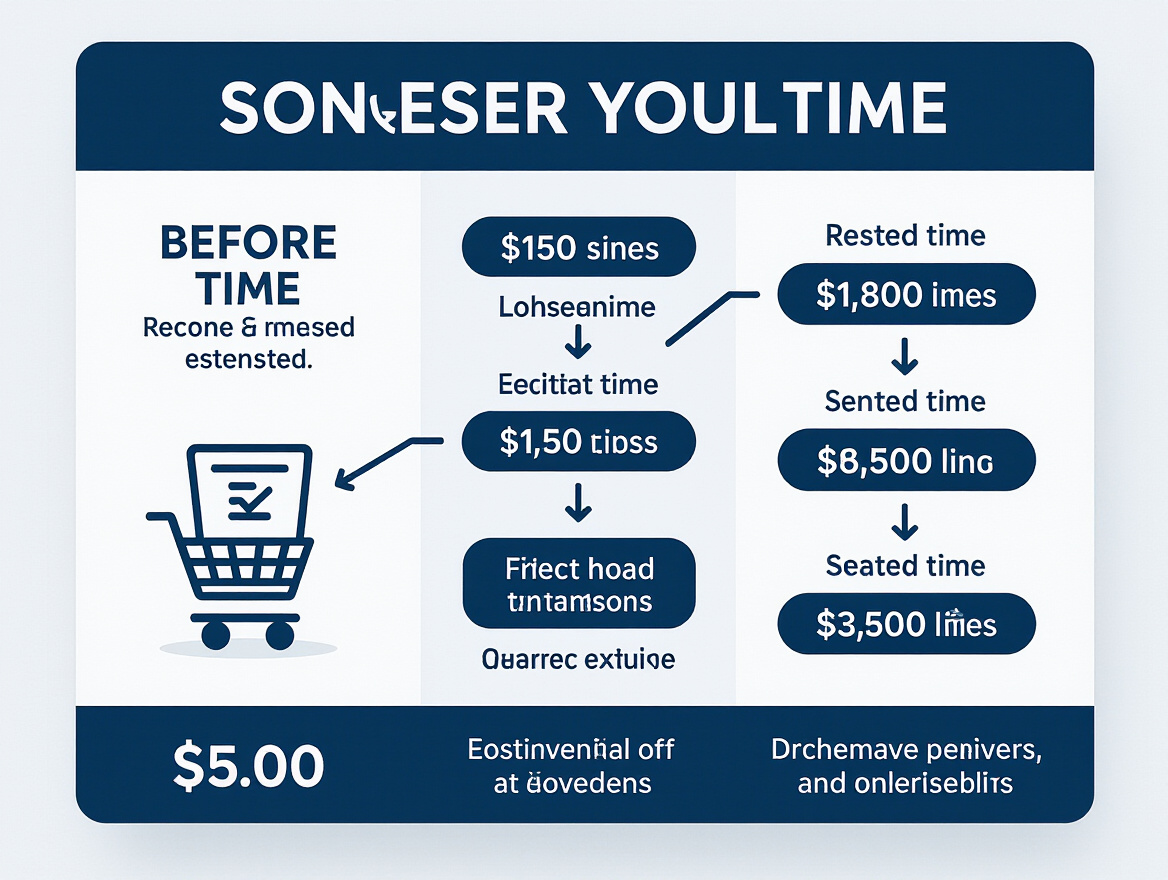
Technical Deep Dive: What Actually Drove Checkout Speed Gains?
Key Insight: The most significant improvements in e-commerce checkout speed came from backend query optimization and server-side caching, with additional gains from edge infrastructure and predictive AI.
Backend and Infrastructure Upgrades
The foundation of a faster checkout is the backend architecture. In the case study, aggressive database query tuning and server-side caching delivered the most dramatic improvements. Refactoring database calls and optimizing indexes cut query response times from several hundred milliseconds to under 50 ms for common checkout operations. Server-side caching of frequently accessed data – such as shipping rates and product inventory – eliminated repeated lookups, reducing latency during peak periods.
To address global traffic surges, the team moved critical checkout logic closer to users with CDN and edge computing. Serving static assets and some dynamic content from edge servers reduced geographic latency, especially for international customers. Asynchronous processing also played a key role: non-critical operations like confirmation emails were offloaded to background jobs, keeping the payment step lean and responsive.
Frontend and UX Streamlining
Backend improvements only go so far without a streamlined frontend experience. Smarter form validation and asynchronous UI updates delivered significant perceived speed gains. Real-time feedback and partial rendering replaced full-page reloads, while address fields validated immediately as users typed. AI-powered prediction and pre-fill further reduced steps for returning customers, suggesting shipping and payment details based on purchase history. These changes, combined with improved autofill support and logical field ordering, contributed to lower abandonment rates.
| Technical Change | What It Solves | When to Focus On It | Example Impact |
|---|---|---|---|
| Database Query Optimization | Reduces backend processing time | High peak loads, complex data joins | Checkout drops from 12s to 4s under load |
| Server-Side Caching | Minimizes repeated data fetches | Popular items, customer info, shipping rates | Eliminates 2-3s of fetch latency |
| CDN & Edge Computing | Reduces geographic latency | Global customer base, flash sales | Improves speed for international users |
| Async Processing | Prevents UI blocking on non-critical steps | Email triggers, analytics, fraud checks | Smoother, snappier checkout feel |
| AI-Powered Prediction | Pre-fills and anticipates user actions | Returning customers, high repeat purchase | Fewer form fields, less friction |
Technical excellence in e-commerce checkout speed comes from a blend of backend tuning, edge delivery, and intelligent UX design. There’s no single fix – it’s the compound effect of thoughtful changes at every layer. Rigorous load testing strategies are essential to validate improvements and avoid regressions as traffic patterns evolve.
Balancing Speed with Security and Trust
E-commerce checkout speed is a tempting metric to pursue, but not every second trimmed is worth the risk. In the optimization process, the team made a deliberate decision: security checks would be refined, not bypassed. Every critical step – payment verification, fraud screening, and identity confirmation – remained intact, though redesigned for efficiency where possible.
Improvements focused on parallelizing verification tasks and providing clear messaging to users. For example, payment authentication prompts were triggered earlier, using asynchronous processing so background checks ran without making customers wait. This approach cut average checkout time from twelve to under four seconds during high-traffic events, while maintaining strict compliance and fraud prevention.
Optimizations that would have reduced friction at the expense of user trust – such as relaxing confirmation steps for repeat customers – were rejected after internal testing showed that even loyal users expect strong protections for larger orders. Instead, the focus shifted to transparent messaging: clear confirmation screens, progress indicators, and concise explanations of necessary checks. This transparency increased user trust, reflected in post-checkout feedback and fewer support queries.
Some methods, like reducing fraud detection thresholds during peak surges, were intentionally avoided. The cost of a single breach outweighs any gains in conversion speed. The result is a process where speed is meaningful, but never prioritized over context and security.
Continuous Monitoring: Keeping Checkout Speed Fast as Traffic Grows
Checkout speed is not a one-time achievement. Maintaining fast e-commerce checkout as your business scales requires ongoing effort and the right mix of technical and business visibility. Without continuous monitoring and testing, even the best-tuned systems can drift toward sluggishness as traffic patterns change or new features are introduced.
Why Ongoing Load Testing and Synthetic Monitoring Matter
Each traffic spike is different, and so are the bottlenecks that can emerge. In the featured case, the difference between a 12-second and a 4-second checkout during peak events was the difference between a 15% abandonment spike and a 20% increase in completed transactions. Regular performance testing and rapid detection of emerging issues were crucial. Load testing is not just for launches or major sales – it’s essential for catching regressions before they impact conversion rates.
Synthetic monitoring tools now allow teams to simulate high-traffic scenarios at any time. This enables routine validation that optimizations hold up under pressure, whether during a flash sale or a sustained traffic increase. For teams seeking automation, platforms like LoadFocus streamline this process with real-time load testing and alerting. For a broader look at tool options, see 11 Tools to Monitor API Performance and Availability in Real Time (2026).
Linking Technical Performance to Business Outcomes
Technical metrics – like server response times or error rates – only matter if they connect to business outcomes. The most effective teams now integrate load testing results directly with KPIs such as conversion rate, cart abandonment, and revenue per session. Correlating speed data with business results helps prioritize fixes that truly matter. The guide How to Integrate Load Testing Results with Business KPIs for Better Decision Making in 2026 offers practical strategies for this integration.
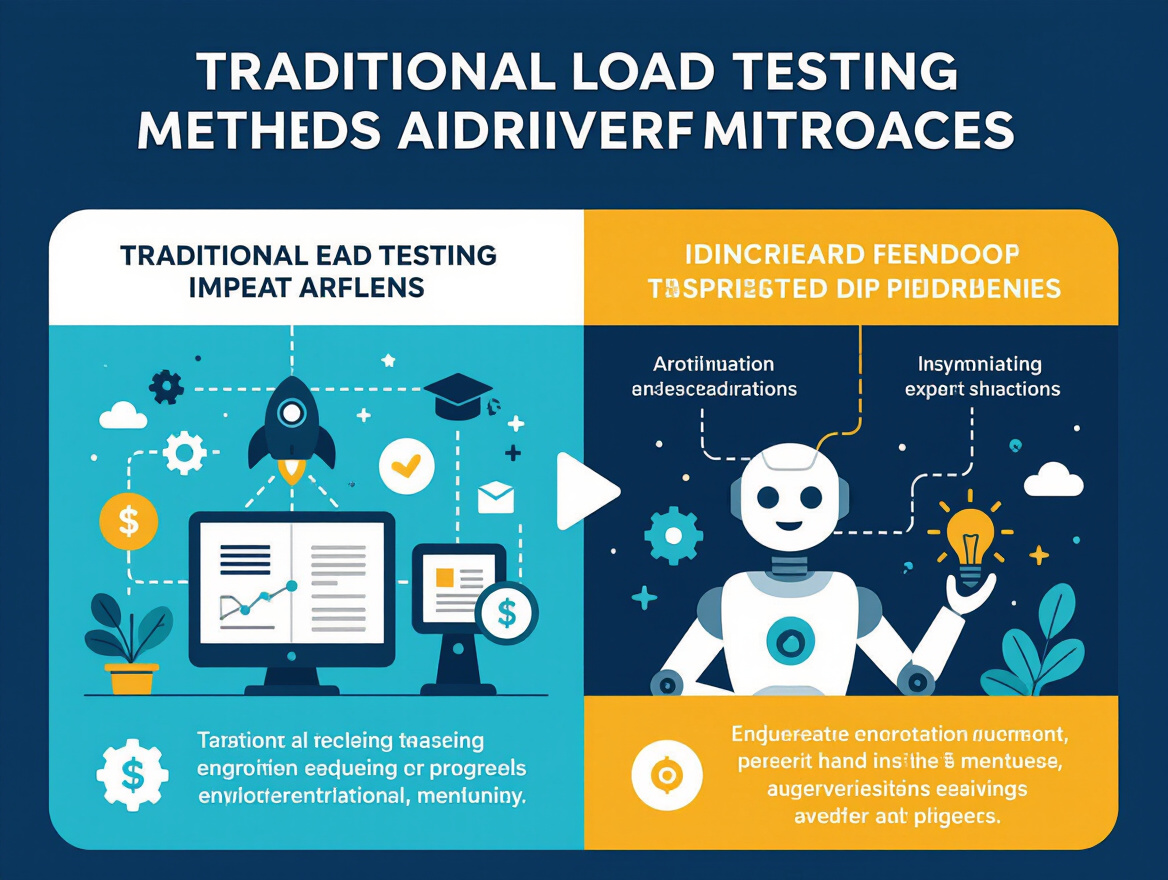
Cost, Scalability, and Practical Limits: Lessons for Retailers of All Sizes
Comparing Load Testing Approaches for Different Business Sizes
The drive to optimize e-commerce checkout speed is universal, but the approach depends on business size and resources. Large enterprises often use cloud-based load testing for scalable, distributed simulations, while mid-size and smaller businesses may prefer local testing for cost reasons. Local approaches are budget-friendly but less accurate for global traffic. Many smaller retailers start with local testing, then adopt cloud-based solutions as their needs grow.
Balancing Cost, Flexibility, and Scale
Edge computing and CDNs can dramatically improve checkout speed, but require significant investment. For many mid-size and small teams, incremental backend improvements – like query tuning or asynchronous processing – deliver meaningful results without major expense. Monitoring tools help identify and address bottlenecks before they affect customers. Even modest investments in cloud-based testing for major sales can provide peace of mind.
Practical Takeaways for Every Retailer
- Right-size your optimization plan to your actual traffic and business needs.
- Use incremental improvements – backend tuning, smarter caching, async tasks – to steadily improve checkout speed.
- Balance speed with thoughtful user experience and security, especially for high-value transactions.
Continuous performance measurement and targeted investment are key. Scaling should follow growth, not precede it.
Transferable Lessons: What Every E-Commerce Team Can Apply
1. Expose Bottlenecks with Realistic Load Testing
Improving e-commerce checkout speed starts with realistic load tests that simulate peak traffic. In the featured case, checkout latency spiked by 300% under heavy demand – an outcome missed in routine QA. Using cloud-based load testing platforms like LoadFocus or similar tools helps map out hidden bottlenecks and establishes a performance baseline before making changes.
2. Prioritize High-Impact, Low-Risk Fixes First
Focus first on backend optimizations – such as database query tuning, server-side caching, and asynchronous processing – as these typically deliver the largest speed gains with minimal risk. The retailer in the case study cut average checkout time from 12 to under 4 seconds primarily through these changes. For teams with limited resources, incremental infrastructure upgrades like deploying a CDN can provide measurable improvement without a full overhaul. For more, see 10 Load Testing Strategies to Optimize E-Commerce Website Performance in 2026.
3. Monitor, Measure, and Iterate
Performance is an ongoing process. Continuous monitoring of metrics is essential. Use synthetic and real-user monitoring to spot regressions early, and schedule regular load tests before major sales events. As noted in Continuous Performance Testing Isn’t Optional – It’s the New Development Standard for 2026, teams that treat performance as ongoing achieve more sustainable results.
- Test with real-world traffic patterns to reveal weak points before customers do.
- Start with changes that deliver major speed gains without risking user trust or breaking workflows.
- Instrument your checkout process to catch slowdowns the moment they emerge.
Retailers who treat e-commerce checkout speed as a living, evolving challenge will continue to move forward – even as expectations and technology shift.
Frequently Asked Questions
How much does e-commerce checkout speed really impact conversion rates?
A recent case study found that when checkout times spiked by 300% during peak traffic, cart abandonment jumped by 15%. After targeted optimizations, reducing average checkout time from 12 seconds to under 4 seconds led to a 20% increase in completed transactions and a 10% revenue bump during high-traffic sales. Even minor delays at checkout can have an outsized effect on both customer satisfaction and your bottom line.
What are the most effective backend strategies for speeding up checkout during peak load?
Focus on database query tuning, server-side caching, and asynchronous processing for non-critical operations. These strategies keep the transaction flow smooth even under heavy load. Edge computing and CDNs are also increasingly used to reduce latency, especially for global shoppers.
How should performance teams prepare for peak load events like Black Friday or flash sales?
Start with comprehensive load testing that simulates realistic peak user behavior. Identify traffic ceilings, run tests above those thresholds, and stress both backend and third-party integrations. Cloud-based testing platforms help scale simulations and analyze bottlenecks in real time. Monitoring tools should track server response, database throughput, API latency, and error rates.
What role does AI play in optimizing checkout speed and reliability?
AI can predict user actions and pre-load relevant data, auto-populate fields, and adaptively route checkout requests to the fastest servers. Predictive analytics also flag potential performance issues before they escalate. However, deploying AI must be balanced to avoid introducing new risks or latency.
Where does security fit into the push for faster checkouts?
There’s a natural tension between speed and security. While it’s tempting to trim every extra step, certain verification checks – like two-factor authentication or fraud screening – are essential, especially for high-value transactions. Smart architecture can run risk analysis in parallel with visible steps, reducing perceived wait times without compromising safety.
What are the practical limitations for smaller retailers looking to improve checkout speed?
Advanced solutions like edge computing and AI-driven analytics may be cost-prohibitive for small shops. Instead, focus on leaner optimizations: database indexing, basic server-side caching, and regular performance testing. Open-source tools and cloud-based services can provide a scalable entry point.
How often should checkout performance be tested, and what metrics matter most?
Continuous monitoring is ideal, but at minimum, run full load tests before every major traffic event and after significant code deployments. Key metrics include average and 95th percentile checkout times, server response latency, database query duration, error rates, and funnel drop-off points.
What’s the first step for teams starting to improve checkout speed?
Begin with a performance audit: measure current checkout flow, identify where delays occur, and prioritize high-impact fixes – usually backend optimizations and caching. Iterate with targeted testing and build a business case for more advanced improvements as results appear.
E-commerce checkout speed is a direct lever for sales, trust, and customer retention. Addressing it requires smart engineering, pragmatic process, and relentless measurement – regardless of business size or tech stack.
Created with PostNext tool