See Where Your Site Breaks Before Your Users Do
What happens when traffic doubles overnight?
A stress test ramps load past your expected peak on purpose.
Errors, timeouts and a rising p95 show up on a graph, not in your support queue.
Stress Test From the Cloud, Not From Your Laptop
One machine cannot generate real stress.
Nothing to install and no script to write for a basic test.
Need JMeter or k6 scripts for multi-step flows?
Load test, stress test or spike test?
Three tests, three questions. Pick the one that matches what you need to know.
Load test: does it hold at expected traffic?
Simulates the concurrent users you plan for and checks that response times and error rates stay inside your targets. The answer is a pass or a fail against known demand.
Stress test: where does it break?
Keeps adding virtual users past the expected peak until response times climb and errors appear. The answer is a number: the ceiling, plus which part of the stack failed first.
Spike test: can it survive a sudden burst?
Jumps from normal load to a very high level in seconds, then drops back. The answer is whether the system recovers on its own once the burst is over.
How to stress test a website for free
Four steps, no install, results in a few minutes.
- Enter your URL
Paste the address of the page or API endpoint you want to push. Public URLs only; private IPs are rejected. - Set users above your peak
Start at your normal peak and ramp well past it. The free plan covers a 25-user run; paid plans go to thousands of users from several regions. - Run from the cloud
Pick a location and start. The test runs from our load generators, so your own connection never limits it. - Read the breaking point
Watch the response-time and error-rate graphs. The point where they spike is your ceiling, and the per-request table shows what failed first.
Website stress test: frequently asked questions
What is a website stress test?
A stress test sends more concurrent traffic to a site or API than it is expected to handle, on purpose, to find the point where it slows down or fails. It answers 'how much is too much', where a load test answers 'does it cope with what we expect'.
Is the stress test really free?
Yes. The free run works without an account and without a card. It is limited to 25 virtual users from one location; larger and longer stress tests need a free account or a paid plan.
How many users should I use to stress test?
Start with your busiest hour and go 2 to 5 times higher. If nothing breaks, keep going. The goal is to find the ceiling, not to confirm that a comfortable number works.
Will a stress test take my website down?
It can, which is the point: you find the limit under controlled conditions. Run it against staging, or against production at a quiet hour with someone watching, and stop the test as soon as you have the number you need.
Can I stress test an API instead of a web page?
Yes. Any public HTTP or HTTPS endpoint works. For requests with headers, authentication or JSON bodies, create a free account or upload a JMeter or k6 script.
Which metrics should I look at?
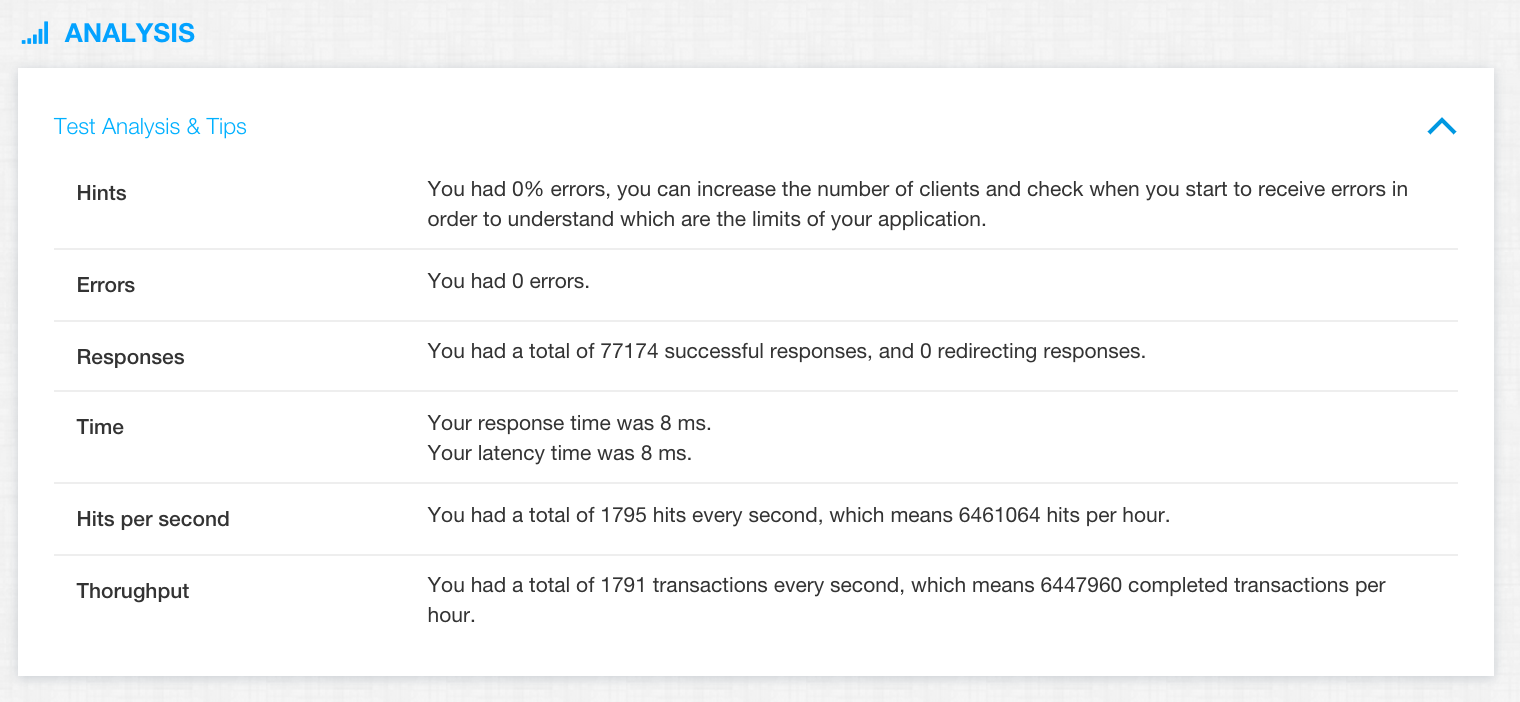
Response time percentiles (p95 and p99), error rate and throughput in requests per second. A ceiling shows up as p95 climbing while throughput flattens and errors start to rise.
Can I run the stress test from a specific country?
The free run uses one cloud region. Signed-in users can pick any of 25+ regions and run the same stress test from several at once.
Is a stress test the same as a DDoS test?
No. A stress test measures capacity with a known, controlled amount of traffic against a site you own. Testing a site you do not own or trying to knock one offline is not allowed.