
Avoid API Rate Limiting: 10 Common Causes
Avoid API rate limiting during load testing with these strategies for API testers.
Website and API monitoring guides cover keeping a site fast and its endpoints answering. You'll find how page speed affects SEO rankings and conversion rate, what PageSpeed Insights and Core Web Vitals report, how to monitor APIs and OAuth endpoints and avoid common mocking mistakes in API tests, and how to set up domain expiration monitoring before a renewal slips.

Avoid API rate limiting during load testing with these strategies for API testers.
Discover how LoadFocus improved API throughput to boost performance and reliability for financial platforms, ensuring faster and smoother operations.
Discover 10 common API performance issues and how to detect them. Actionable tips for API developers and testers to optimize API reliability and speed.
Compare scripted and codeless API load testing tools in 2026. Discover strengths, limitations, and decision criteria to optimize your API's performance.
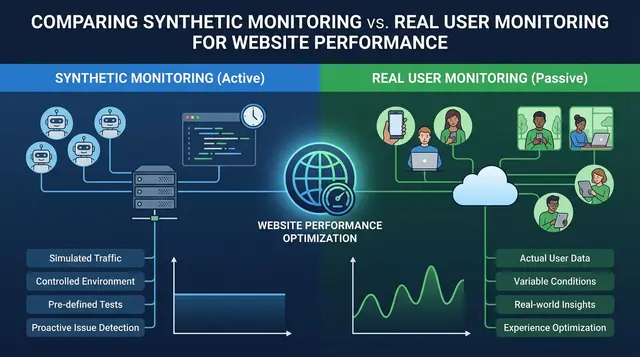
Synthetic monitoring against real user monitoring: what each one sees, where they disagree, and how to decide which belongs in your stack.
A practical comparison of 10 API monitoring tools, what each is genuinely good at, which have real free tiers, and the open source options worth running.

External monitoring catches outages your internal dashboards cannot see, because it fails the same way users do.

OAuth2 makes load testing harder because tokens expire mid-test and refresh adds its own latency.
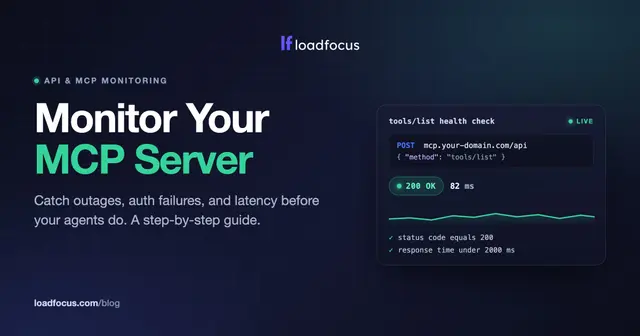
Learn how to monitor an MCP server for uptime, auth, and latency. A step-by-step guide to a JSON-RPC tools/list health check with alerts.
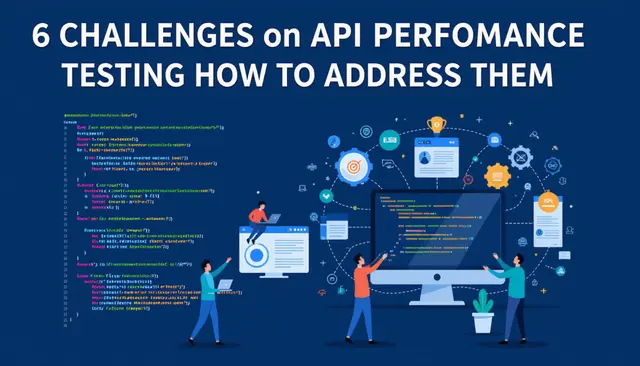
Most API performance problems are not the API: they are authentication, data setup and rate limits.

Test data is the exposure. Production copies in a test environment are the most common leak.

The fix came from finding which dependency dominated the tail, not the average. Re-testing after each change is what showed which one actually worked.
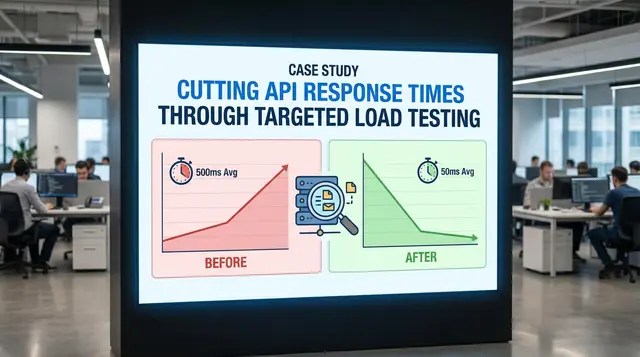
The bottleneck was found by measuring, not by guessing at the obvious candidates. Re-test after each change so you know which one actually mattered.
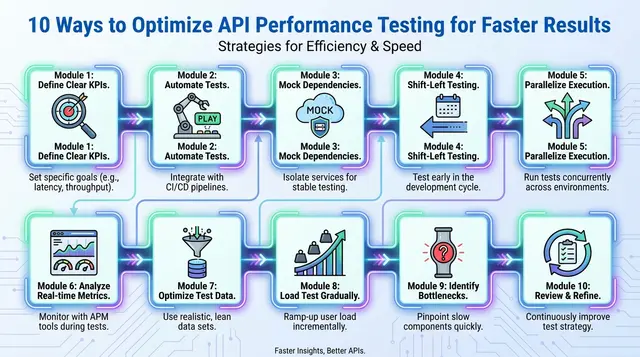
Most API test time goes on setup and data, not on the requests themselves.

Performance engineering is a cycle across the lifecycle, not a test before release.
APM tells you what is slow in production; load testing tells you what will be slow before release.

Be able to explain status code choices, since that is where vague answers show. Knowing when REST is the wrong choice is as useful as defending it.

Monitor what users experience first, then the infrastructure underneath it.
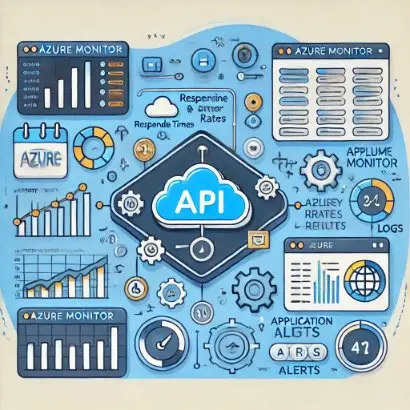
Monitor from outside Azure as well as inside, or you miss what customers experience.

Domain expiry takes sites down completely and is entirely preventable. Alert weeks ahead, not days, since transfers and payment issues take time.

INP replaced FID and measures responsiveness across the whole visit, not just the first input.

Monitor token acquisition end to end, not just that the host responds. Alert on latency as well as errors, since slow tokens time out downstream.
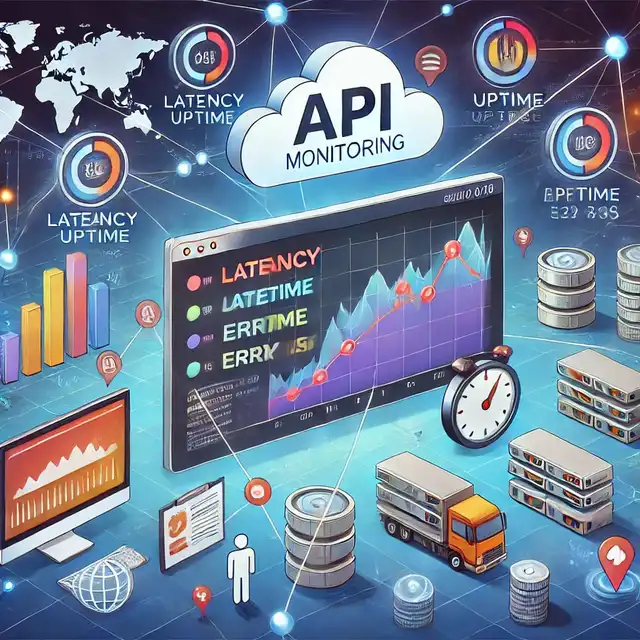
API monitoring catches failures between your services and the customers depending on them.

A mock that never fails teaches you nothing. Model timeouts and errors, not just the happy path.

PageSpeed Insights reports both lab and field data, and only the field data affects ranking.

Content that answers a real query outranks technically perfect pages about nothing. Site speed and crawlability are prerequisites rather than tactics.
Tool sprawl fragments results so no single view is trustworthy. Consolidate on what integrates with your pipeline rather than what demos best.

Hover needs the Actions class; a plain click will not trigger CSS or JS hover states.
Above-the-fold render time matters more than total page load. Measure the change in conversion, not just the change in milliseconds.

ID is fastest and most stable; CSS is the practical default when there is no ID.

UI steps let you script a real journey rather than checking a single URL.

Page speed is a ranking factor, so a slow site costs you traffic before anyone reads a word.

Response times alone cannot tell you whether the server is saturated or merely waiting.
Don’t miss out on the latest testing tips and tricks, tools and news related to software testing.
Already +20,000 members in the list.
Load test websites and APIs from 25 cloud regions, monitor page speed and uptime, and get AI analysis that explains your results in plain English.