Key Takeaways
AI-Driven Script Maintenance Reduces Manual Effort
AI-driven load test script maintenance can significantly reduce the manual updates required by traditional tools. As your application evolves – whether through new user flows, updated endpoints, or changing parameters – AI features in some platforms help automatically adjust scripts to reflect these changes. This simplifies maintenance and allows your team to focus on testing outcomes rather than constant script rewrites. For a detailed comparison of these approaches, see the AI-Driven Load Testing comparison.
No-Code and Low-Code Platforms Speed Up Updates
No-code and low-code load testing platforms – featuring drag-and-drop interfaces and automatic correlation – can accelerate script updates compared to coding-heavy tools like JMeter, as noted in the Tricentis analysis. This is especially valuable for Agile and DevOps teams who need to keep scripts in sync with frequent app updates. Features such as user path recording and built-in variable management make it practical for more team members to participate in script maintenance, not just specialists.
Is Your Infrastructure Ready for Global Traffic Spikes?
Unexpected load surges can disrupt your services. With LoadFocus’s cutting-edge Load Testing solutions, simulate real-world traffic from multiple global locations in a single test. Our advanced engine dynamically upscales and downscales virtual users in real time, delivering comprehensive reports that empower you to identify and resolve performance bottlenecks before they affect your users.
CI/CD Integration Keeps Scripts Current
Embedding load test script maintenance in CI/CD pipelines helps ensure scripts stay up to date and performance risks are flagged early. AI-powered analysis can help identify bottlenecks before they impact users. This integration supports faster release cycles and better collaboration across QA, development, and operations. For a practical example, see this SaaS platform case study.
Choose Tools That Minimize Maintenance Burden
Balancing ease of maintenance, protocol coverage, and automation is essential. Open-source solutions like JMeter offer flexibility and lower cost but typically require more manual script upkeep compared to commercial tools with AI features. Teams should weigh these trade-offs against their resources, tech stack, and the pace of application change to select the right platform for sustainable load test script maintenance.
Why Load Test Script Maintenance Breaks Down – and How AI Helps
The Cost of Outdated Load Test Scripts
Even minor UI tweaks or backend changes can cause load test scripts to fail – or worse, pass while critical performance issues go undetected. Manual script updates often lag behind, especially in Agile and DevOps environments with frequent releases. This can lead to false positives and negatives, forcing teams to sift through noise instead of catching real bottlenecks before users are affected.
Think your website can handle a traffic spike?
Fair enough, but why leave it to chance? Uncover your website’s true limits with LoadFocus’s cloud-based Load Testing for Web Apps, Websites, and APIs. Avoid the risk of costly downtimes and missed opportunities—find out before your users do!
With traditional tools like Apache JMeter, maintaining scripts is tedious and error-prone. Each application change – whether a new API endpoint, altered user flow, or UI adjustment – requires line-by-line script updates. Missing a parameter risks skewed results, and lengthy update times can slow down CI/CD pipelines, undermining rapid, reliable releases (Tricentis load testing tool overview).
Why Traditional Approaches Fall Short
Classic scripting methods struggle to keep pace with continuous integration and deployment. Code changes often outstrip the ability to manually refactor test flows, leaving coverage gaps and wasted effort recoding the same scenarios. Even experienced testers can spend hours re-recording user journeys and updating brittle selectors, all while project deadlines approach.
This challenge is amplified in complex application stacks – such as mobile apps, IoT, or evolving APIs – where even minor updates ripple through user paths and payloads. As a result, teams may limit the scope of their load testing, accept technical debt, or risk releasing untested features.
How AI and Modern Platforms Improve Maintenance
AI-driven maintenance addresses these pain points by automating script updates and parameterization. When your application changes, some platforms can suggest or apply updates automatically, keeping scripts aligned with evolving user flows. This reduces false failures and minimizes time spent on manual work.
LoadFocus is an all-in-one Cloud Testing Platform for Websites and APIs for Load Testing, Apache JMeter Load Testing, Page Speed Monitoring and API Monitoring!
Modern platforms also offer no-code or low-code interfaces, automatic variable correlation, and user path update features. These capabilities can accelerate script maintenance compared to manual scripting (Tricentis overview of load testing tools). Teams can refresh tests after each release cycle without deep technical intervention, supporting continuous performance validation.
Integrations with CI/CD and APM tools further reduce friction, embedding load testing directly into the delivery pipeline. For more on this shift, see how scripted and AI-driven load testing approaches compare.
Platforms that embrace AI and automation help teams stay ahead of both technical debt and release velocity, making load test script maintenance a strategic asset rather than a bottleneck.
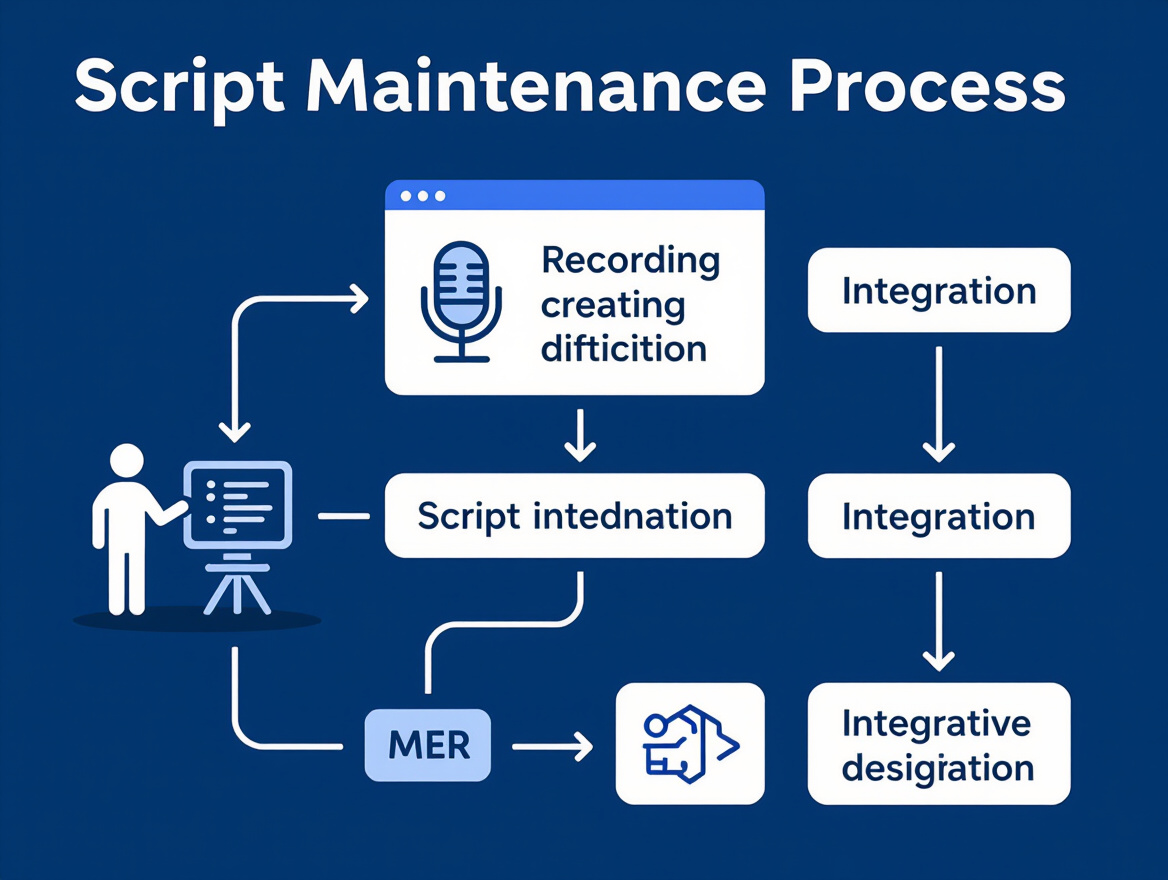
Step 1: Assess Your Current Load Test Script Maintenance Process
Before overhauling your load test script maintenance, assess your current process. Many teams have evolved workflows organically, patching scripts and tools as applications change. The result? Maintenance often becomes a bottleneck, slowing down performance validation and putting release cycles at risk.
Common Maintenance Bottlenecks
Legacy tools like Apache JMeter require significant manual effort. Every code push or UI tweak can trigger a chain reaction: someone must open the script, track down broken steps, adjust parameterizations, and test the changes – all by hand. This manual work is a major source of delays and inconsistencies, especially as user journeys get more complex.
Even small changes in authentication flows, APIs, or page load sequences can require hours of troubleshooting. Teams often encounter these challenges:
- Manual script updates after every code or requirements change, increasing the risk of human error.
- Slow feedback loops when scripts fail silently or become outdated, leading to unreliable test coverage.
- Brittle parameterizations and correlations, causing scripts to break as underlying data or endpoints evolve.
- Siloed expertise – often, only one or two people fully understand how each script works, making scaling and handoff difficult.
If you’re using newer platforms with no-code or low-code scripting, you’ll likely have faster update cycles and fewer errors. Tools like NeoLoad offer drag-and-drop flows, automatic variable correlation, and quick re-record features. These capabilities can dramatically reduce maintenance time, supporting teams who need to adjust scripts rapidly for Agile or CI/CD-driven deployments. For more on simplified test script creation, see this post on test script efficiency.
Teams integrating load testing into their CI/CD pipelines – using platforms that plug directly into build tools and APM solutions – see even greater efficiency and collaboration. This approach enables continuous validation and faster detection of performance regressions, as described in Tricentis’s guide to load testing tools.
Audit Table: Script Maintenance Health
To identify where automation will deliver the most value, audit your current process using the checklist below. Score each item honestly – this is about uncovering opportunities for improvement, not passing a test.
| Check Item | What to Look For | Why It Matters |
|---|---|---|
| Script Update Cycle Time | How long does it take to update a script after an app change? | Long cycles mean maintenance is a bottleneck and prone to error. |
| Manual Coding Steps | Are script edits mostly hand-coded, or can you use recording/drag-and-drop? | Manual steps increase risk and slow down test coverage updates. |
| CI/CD Integration | Is load testing a native part of your deployment pipeline? | Integrated tools catch issues earlier and keep testing in sync with releases. |
| Automation Features | Does your tool suggest script fixes, handle correlations, or auto-update flows? | Automation reduces repetitive work and minimizes maintenance errors. |
| Protocol & Technology Support | Does the tool support new app technologies without custom workarounds? | Broad support keeps your scripts future-proof as your stack evolves. |
| Knowledge Sharing | Can others in your team understand and maintain scripts easily? | Avoid losing expertise and bottlenecking on a single script owner. |
Once you’ve scored your workflow, the problem areas become clear. If manual scripting and slow updates are holding you back, it’s time to evaluate platforms that deliver automation, AI-powered analysis, and smooth pipeline integration. For a detailed comparison of scripted and AI-driven approaches, see this 2026 LoadFocus analysis.
Understanding your current process is the only way to make targeted, lasting improvements – and to ensure your load testing keeps up with the pace of modern development.
Step 2: Choose the Right Load Testing Tool for Script Maintenance
Choosing the right platform is crucial for your load test script maintenance strategy. With Agile and DevOps cycles accelerating, you can’t afford a tool that turns every application tweak into hours of manual script fixes. The latest generation of load testing solutions offers distinct advantages – if you know what to look for.
Key Features to Prioritize
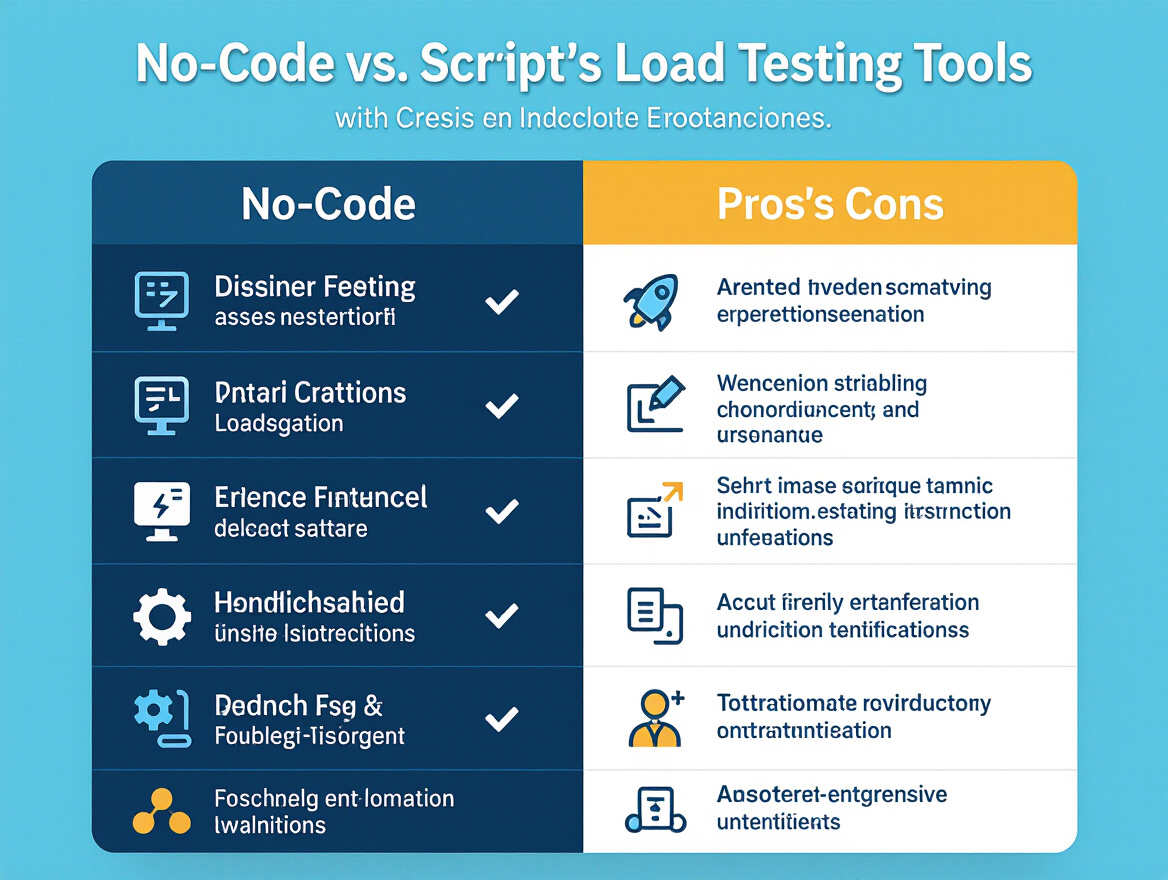
Focus on no-code or low-code scripting and automation. Legacy tools like JMeter require constant hand-editing. Each new parameter, cookie, or user flow means opening up scripts, searching for breakages, and retesting from scratch. Modern platforms, by contrast, offer drag-and-drop design, automatic correlation, and the ability to update user paths with a few clicks or re-recordings. This can speed up script maintenance significantly for teams used to hand-coded approaches (Tricentis guide).
Broad protocol support is another must-have. As stacks evolve, you need to load test web, API, mobile, and even IoT protocols without building custom plugins. Tools like NeoLoad are known for early adoption of emerging standards, reducing friction as your tech stack grows (Best Load Testing Tools 2026).
Don’t overlook integration with CI/CD and APM tools. Smooth plug-ins for pipeline automation let you catch regressions before they hit production, while connections with monitoring platforms surface actionable performance insights during every build. These features keep your load test scripts relevant and reduce drift between testing and reality.
| Feature | What It Enables | Why It Matters |
|---|---|---|
| No-code / Low-code Scripting | Script creation and updates via visual interfaces or recordings | Reduces manual coding, making script maintenance accessible to more team members |
| Automatic Correlation | Detects and handles session variables and dynamic data | Prevents test failures when app logic changes, saving hours of debugging |
| Broad Protocol Support | Ready-to-use support for web, API, mobile, and custom protocols | Ensures tools remain usable as your architecture evolves |
| CI/CD & APM Integration | Automates performance tests in build pipelines; links test data to real-time monitoring | Accelerates feedback and reduces performance surprises after release |
| Automated Script Analysis | Analyzes test outcomes, flags bottlenecks, and suggests optimizations | Enhances efficiency by minimizing manual result review and script tuning |
Comparing Open Source vs. Commercial Tools
The open-source versus commercial debate is not just about cost – it’s about time-to-value and long-term maintainability. JMeter, for instance, remains a staple for teams comfortable with scripting and looking to stretch budgets. Its flexibility is unmatched, and the open ecosystem is a plus. But every application change means more hands-on script work, which slows down teams and introduces risk. For a look at how JMeter fits into cloud-based testing, see this overview of JMeter cloud testing options.
Commercial tools like NeoLoad and others focus on shrinking that maintenance window. They offer advanced no-code interfaces, smart script updating, and out-of-the-box support for modern technologies. These platforms invest heavily in protocol coverage and automation, which becomes critical for organizations scaling tests across multiple apps and teams. As Tricentis research points out, modern commercial tools often enable a significant reduction in test script update effort compared to open-source solutions.
That said, commercial solutions come with added cost, so the tradeoff hinges on your team’s scripting expertise, project velocity, and appetite for ongoing manual effort. If you have strong scripting resources and your stack is stable, open-source may suffice. But if you’re working in a fast-changing environment or want to empower less technical users, commercial platforms often justify their price through maintenance savings alone. For real-world examples of how streamlined test maintenance improves workflows, see this SaaS load testing case study.
Choosing the right tool for load test script maintenance is about more than features or budget. It’s about aligning your maintenance needs, integration goals, and skillsets to a platform that will keep performance testing reliable as your software and teams change.
Step 3: Automate Script Updates – From Recording to Correlation
Load test script maintenance becomes a challenge the moment your application starts to evolve at Agile speed. Traditional scripting tools demand manual parameterization and code tweaks just to keep up. With automation capabilities now embedded in leading load testing platforms, you can simplify the process: record real user journeys, auto-correlate dynamic values, and refresh scripts in sync with app updates. Here’s a practical workflow for proactive script upkeep.
Actionable Playbook: Automated Script Refresh
Staying ahead of application releases is essential for reliable load test coverage. Here’s a workflow for using automated features to refresh your test scripts after each deployment:
- Start with user path recording: Use a record/replay feature – available in modern commercial tools – to capture how real users interact with your updated application. This ensures your scripts match current UI flows, API endpoints, and navigation patterns.
- Use automatic correlation: As you record, let the testing platform identify dynamic values and session tokens automatically. Instead of manually finding and parameterizing correlation points (such as CSRF tokens, user IDs, or time stamps), the tool scans and updates these for you. This is especially useful for single-page apps or complex workflows with frequent variable changes – see this guide to SPA load testing.
- Script refresh with minimal manual input: Once the recording is complete, the platform generates a new or updated script. You review suggested parameterizations, check assertions, and approve script changes. Most tedious code edits and rework are eliminated.
- Integrate into your CI/CD pipeline: Trigger load test script updates as part of your deployment process. With automated maintenance, updated scripts can be validated and run automatically – keeping your performance coverage in sync with each new build. For integration strategies, see the comparison of scripted and AI-driven load testing.
- Continuously review and optimize: Use analytics from each test cycle to identify bottlenecks and areas where scripts might miss new user flows. Many platforms can suggest optimizations or flag unexpected app behavior based on test results, further reducing manual script maintenance.
Tools that support no-code or low-code approaches – such as drag-and-drop script builders and automatic correlation – can reduce maintenance cycles compared to classic script-based tools. This frees your team for deeper analysis and performance tuning rather than just keeping scripts updated (Tricentis: How to Choose the Best Load Testing Tool).
Before/After Example: Manual vs. Automated Script Update
| Before (Manual Script Update) | After (Automated Script Maintenance) |
|---|---|
|
|
The manual workflow is time-consuming and error-prone – every application change risks broken scripts and delayed feedback. In contrast, automated script maintenance streamlines repetitive work, reduces the risk of missed updates, and delivers working scripts much faster. This efficiency is especially important for teams practicing continuous delivery or supporting complex, rapidly evolving applications.
As applications shift toward microservices, frequent UI changes, and new protocols, maintaining your load test scripts manually no longer scales. Automation is not just a convenience – it’s necessary to keep your performance coverage current as your stack evolves.
Step 4: Integrate Load Test Script Maintenance into CI/CD Pipelines
CI/CD Integration Patterns: Best Practices
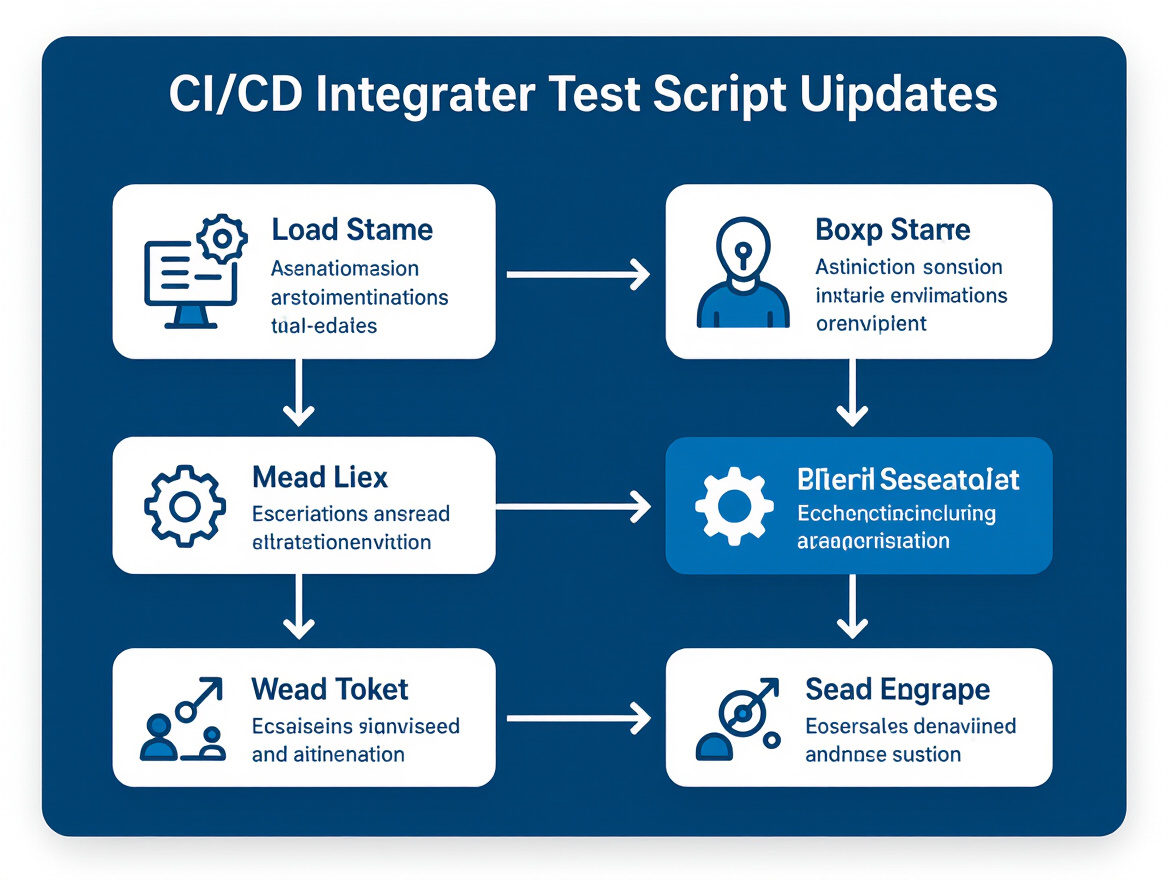
Modern development cycles move quickly, often introducing new features or architectural changes several times per week. If your load test script maintenance process remains manual, broken scripts and outdated scenarios will slow down releases and introduce risk. The solution is to embed automated script checks and updates inside your CI/CD pipeline, so every build triggers not just functional validation, but also real-time performance feedback.
The most effective integration patterns share a few characteristics:
- Automated validation runs on every code change: Every pull request or merge event should trigger a suite of load tests, not just unit or integration checks. This ensures your test scripts evolve with the application, catching issues before they reach production.
- Automated script review and drift detection: Rather than simply running old scripts against new builds, use automation to spot obsolete user paths, deprecated endpoints, or missing correlations. This reduces manual script review time and catches subtle breakages early.
- Artifact generation and reporting within the pipeline: Integrate your load testing tool so that performance metrics, error logs, and suggested script changes are surfaced as build artifacts. This keeps all stakeholders in sync and enables quick triage.
Platforms that support no-code or low-code scripting, automatic correlation, and user path updates are best suited for pipeline integration. As detailed in Tricentis’s best practices for load testing, these features can accelerate test design and script maintenance compared to traditional, script-heavy tools. This speed is essential for organizations practicing continuous delivery.
For a practical look at how modern teams automate and optimize script creation, see this breakdown of simplified load test creation techniques.
Linking to Real-Time Analysis
Integration is only half the story. You also need automated analysis that can surface script issues as soon as they occur. By connecting your pipeline to a cloud testing platform with real-time analytics, you enable continuous monitoring of test results for anomalies, bottlenecks, or script drift.
Here’s how this works in practice: Every time your CI/CD system pushes a new build, it triggers a load test. The analytics engine reviews results instantly, flagging broken user flows, failed logins, or slow response times. If the tool detects a scenario that no longer matches the updated app, it alerts your team – sometimes even suggesting script updates or highlighting which parameters need adjustment. This means you address issues before they impact users, rather than after deployment.
As highlighted in this analysis comparing scripted and AI-driven approaches, automated tools can catch subtle changes that manual review often misses, especially as the number of endpoints and user journeys grows. For teams supporting modern single-page apps or microservices, this level of automation is increasingly important.
The result is continuous feedback on both performance and script validity, so your load test suite better reflects the current state of your application. Teams who adopt this approach often report fewer false positives, less manual rework, and faster feature delivery.
The takeaway: integrating automated load test script maintenance into your CI/CD pipeline isn’t just about keeping tests green. It’s about ensuring that high-velocity development teams can ship confidently, knowing that performance risks and script drift are caught early – long before they become customer-facing problems.
Step 5: Validate Script Quality and Maintainability
After integrating automation into your load testing workflow, the next priority is systematically validating the quality and maintainability of your load test scripts. This step is often overlooked, but in fast-moving Agile and DevOps environments, brittle scripts and outdated flows can quietly undermine performance insights. Automated validation can catch issues that manual reviews miss and help keep your coverage aligned with real-world usage, even as your application evolves.
Traditional script-based tools like JMeter make this process cumbersome. Every UI or API change means combing through scripts to update endpoints, parameters, or user flows by hand. Redundant steps pile up over time, and missing correlation points lead to false negatives or misleading results. Modern tools, especially those with automated features, help you shift from reactive corrections to proactive script health and ongoing load test script maintenance (see Tricentis on load testing tool maintenance).
Automated Script Review Playbook: Checklist for Auditing and Maintaining Scripts
Start by defining a review cadence. In high-velocity CI/CD environments, it makes sense to schedule automated audits after each major release or when user journeys change. With modern cloud testing platforms, you can configure automated script validation to run as part of your pipeline, flagging issues before they reach production.
Key areas where automation can enhance script validation:
- Detecting outdated user flows – Models compare recorded steps to current application behavior, highlighting scripts that reference removed or modified endpoints.
- Parameter coverage analysis – Automated reviews spot hardcoded values, missed parameterization, or session handling inconsistencies, which are common sources of test flakiness.
- Redundancy and inefficiency checks – Tools can flag duplicate requests, unnecessary waits, or steps that don’t contribute to test objectives.
- Script complexity assessment – By analyzing branching and correlation logic, automation helps you identify scripts that have become too convoluted to maintain, suggesting where to refactor or split scenarios.
| Validation Check | What to Inspect | Automation Benefit |
|---|---|---|
| Outdated User Flows | Compare script steps to current app endpoints and flows | Flags scripts that reference removed or changed routes, reducing missed updates |
| Missing Parameterization | Scan for hardcoded values and improper variable use | Suggests parameterization for dynamic data, boosting test realism and reliability |
| Redundant Requests | Identify duplicate HTTP calls or unnecessary looped steps | Eliminates wasted load, helping to focus on meaningful coverage |
| Session and State Validation | Audit correlation of session tokens and stateful data | Reduces failures from expired or mismatched sessions, especially in complex APIs |
| Script Complexity Analysis | Assess branching logic, nested conditions, and correlation chains | Highlights overly complex scripts that should be refactored or modularized |
| Code Coverage Gaps | Match script coverage to documented user journeys and business flows | Identifies missing scenarios, ensuring production-like coverage |
Keeping your test suite up-to-date is especially important when your stack is evolving or you’re expanding coverage to new technologies. Platforms that support protocol updates and no-code script refreshes help you avoid the trap of legacy script debt – a common pain point in teams relying on manual scripting. For practical examples on integrating audits into your workflow, see this comparison of scripted vs AI-driven load testing and how to keep scripts current for complex user journeys.
Regular, automated validation is not just a best practice – it’s essential for maintaining test reliability as your product and user base scale. By embracing automated review, you can shift from reactive corrections to continuous quality assurance, freeing up your team to focus on higher-value engineering work.
Step 6: Troubleshoot Common Pitfalls in Automated Load Test Script Maintenance
Recognize Typical Mistakes and Limitations
Even with advances in automated load test script maintenance, pitfalls remain that can impact reliability and efficiency. Over-reliance on automation can give teams a false sense of coverage – believing that every user path or rare workflow is handled just because scripts were generated from baseline traffic or recordings. In reality, automated tools often generalize from common user flows and may not capture edge cases, complex custom business logic, or one-off integration scenarios.
A frequent stumbling block is protocol mismatches. Not all testing platforms support every protocol, especially as application stacks diversify with IoT, mobile, legacy, and emerging web frameworks. You might find that your tool handles REST and HTTP well but falters when asked to simulate MQTT, WebSockets, or proprietary protocols. This gap can force teams into manual workarounds or hybrid approaches, reducing the benefits of automation.
Manual review is still essential, particularly for high-risk performance tests and scripts that underpin critical customer journeys. Relying exclusively on automated suggestions or synthesized updates leaves blind spots, especially where compliance, security, or multi-step workflows are involved. Pairing automation with targeted human oversight consistently produces more reliable, future-proof test coverage.
Limitations of Automation in Load Test Script Maintenance
Automation can accelerate script updates, catch common regressions, and even handle variable correlation, but it’s not a silver bullet. Human expertise remains crucial when scripts handle unique business logic, third-party integrations, or conditional flows. For example, if your application recalculates billing based on region-specific tax rules, or relies on dynamic authentication tokens, automation may miss the nuanced steps required unless explicitly configured for those scenarios.
Another constraint is integration and protocol coverage. While market leaders such as NeoLoad have expanded compatibility, no tool covers every new protocol or technology out-of-the-box. Open-source options like Apache JMeter offer flexibility for custom scripting but demand more manual upkeep, especially when compared to commercial tools with broader protocol support.
Teams working in complex environments – such as those testing across IoT, mobile, and web simultaneously – may discover that automated maintenance only covers the mainstream scenarios. In these cases, supplementing with manual script enhancements or leveraging a hybrid of automation and low-code tools is often the most pragmatic route. For a deeper dive into how this plays out in real projects, see Scripted vs AI-Driven Load Testing: 2026 Insights.
The bottom line: automation is a powerful accelerant for load test script maintenance, but it doesn’t replace the need for hands-on vigilance – especially as your application evolves and the risk of missed edge cases grows.
Step 7: Evolve Your Load Test Script Maintenance Strategy as Your Stack Grows
As your tech stack evolves – whether that means rolling out new microservices, launching mobile apps, or experimenting with IoT – your load test script maintenance approach needs to adapt. Rigid scripting methods that worked for a legacy monolith will quickly buckle under the demands of rapidly changing architectures and cross-platform user journeys. The goal is to future-proof how you maintain test scripts, supporting new protocols and scaling process efficiency as both systems and teams expand.
Choose Tools That Adapt as Your Stack Changes
The most effective way to reduce future maintenance headaches is to choose a load testing platform that supports a broad spectrum of protocols and technologies out of the box. Leading tools like NeoLoad have reputations for quickly adopting support for new standards, making it possible to test everything from HTTP/2 to MQTT without building custom plugins or workarounds. This breadth of coverage is essential when your roadmap includes IoT devices, mobile clients, or emerging frameworks. For a comparison of leading enterprise tools and their protocol coverage, see this best load testing tools enterprise comparison guide.
For teams focused on continuous performance assurance, smooth integration with CI/CD and monitoring tools is just as critical. Modern platforms are built to hook directly into your pipelines, so you can validate scripts and catch breaking changes as new features are deployed. For practical steps, see the LoadFocus guide on simplified test script creation for future-proof efficiency.
Plan for Regular Reviews and Script Refactoring
No script is truly “set and forget.” As user flows, APIs, and tech stacks evolve, scheduled reviews should become part of your regular process. Build checkpoints to revisit scripts whenever major releases go live, integrations are swapped, or user behavior shifts. Automated maintenance can help by detecting changes and updating scripts, but human review is still essential for complex journeys or edge cases. For more on using automation to accelerate this work, see LoadFocus’s breakdown of scripted versus AI-driven load testing approaches.
Balance Automation With Flexibility for Complex Needs
While low-code and no-code tools reduce manual labor, enterprise scenarios often require a balance. Some situations call for the flexibility of code – such as custom authentication flows or legacy system integrations. The best strategy is to automate where possible, but retain the option to inject custom logic when edge cases arise. Open-source tools like JMeter still have their place, especially when budgets are tight or protocol support is less of a concern, but be aware that this can increase your script maintenance overhead compared to next-generation platforms (see Tricentis analysis).
Best Load Testing Tools for Maintenance Efficiency
When evaluating tools for future-proof script maintenance, prioritize platforms that combine no-code scripting with broad protocol support and smooth CI/CD integration. NeoLoad consistently ranks highly for these factors, making it a solid choice for teams expecting rapid change (Tricentis guide, RadView comparison). These tools support quick updates through recording and automatic correlation, keeping maintenance cycles short even as tech stacks expand.
Maintaining flexibility, scheduling regular reviews, and choosing adaptable platforms together create a strategy that scales with your ambitions – no matter where your stack heads next.
Step 8: Benchmark and Continuously Improve Load Test Script Maintenance
Quantify Maintenance and Accuracy Gains
Continuous improvement in load test script maintenance starts by making the effort visible. When you adopt automated strategies and modern cloud-based testing platforms, it’s important to set up metrics that capture both maintenance workload and the real impact of your process changes.
Track maintenance time per test cycle, script coverage across user journeys and endpoints, and how quickly your team can adapt scripts when the application changes. This data establishes your baseline and helps you measure gains as your tooling and process evolve. For those using cloud-based benchmarking tools like LoadFocus, built-in analytics make it easier to spot bottlenecks and improvement areas in your performance testing workflow.
Surface Trends with Analytics
Modern load testing platforms aren’t just about reducing manual script updates. Their analytics capabilities can identify which scripts require the most frequent updates, where parameterization breaks down, and which types of application changes most commonly trigger maintenance effort. This visibility is crucial for focusing your optimization – not every script or test path deserves the same level of attention.
Consider automating a regular retrospective. For example, after each release cycle, review test cycle speed and script accuracy. Use analytics to highlight the ratio of automatically updated versus manually maintained scripts. If you’re using a modern platform with no-code or low-code support, this should reveal an increasing share of automated maintenance over time, especially as your CI/CD integration matures. For more detail on how these approaches compare, see this comparison of scripted and AI-driven load testing approaches.
Iterate and Optimize
Don’t treat your maintenance workflow as static. Use your metrics and analytics insights to adjust which tools, practices, and integrations you rely on. If script coverage lags or certain test cycles slow down, experiment with features like user path recording or smarter variable correlation, as discussed in recent industry reviews of leading load testing tools.
Regular benchmarking pays off: higher script accuracy and faster turnaround mean your performance tests stay aligned with the pace of development – without ballooning maintenance costs.
Summary Checklist
Your Practical Load Test Script Maintenance Action Plan
- Audit your current script maintenance workflows to pinpoint bottlenecks, manual steps, and recurring pain points.
- Select a load testing tool with advanced automation, script update features, and built-in integration options. For examples of tools that accelerate test maintenance, see this comparison of leading platforms.
- Automate recording, correlation, and updates of load test scripts using platform features, reducing manual effort as your application changes.
- Embed script checks into your CI/CD pipeline to keep performance validation continuous and catch issues early, supporting Agile delivery goals.
- Use automation for ongoing script validation, result analysis, and health audits, freeing your team from tedious maintenance cycles.
- Watch for edge cases where automation falls short and supplement with targeted manual review – especially for complex user flows or new protocols.
- Plan regular upgrades for your tools and processes as your tech stack, protocols, and user behaviors evolve. See how this plays out in practice with these strategies for single page applications.
- Continuously benchmark and refine your maintenance approach – track cycle times, failure rates, and team effort to drive ongoing improvement. For benchmarking tips, see this guide to AI-powered load testing benchmarks.
Turn this checklist into a living process to keep your load test script maintenance efficient, reliable, and aligned with your team’s changing needs.
Frequently Asked Questions
How do I keep load test scripts current as my application changes?
Load test script maintenance becomes challenging when your application evolves rapidly, especially in Agile or DevOps environments. To keep scripts aligned with new features and user flows, use no-code or low-code tools that support drag-and-drop updates and quick script recording. These platforms often provide automatic correlation and user path update features, allowing you to refresh scripts quickly. If you’re relying on traditional tools, expect more manual updates – every UI or API change could mean extra scripting work. For a step-by-step approach, see this guide on data-driven load testing scripts.
What role does automation play in script maintenance?
Automation can analyze test results, identify changes in application behavior, and even suggest script optimizations. Some platforms automate parameterization or update values for dynamic variables, minimizing manual errors. While not all tools offer full automated script generation, features like automatic correlation and test analysis are increasingly common in modern solutions. For more on this trend, see this comparison of scripted versus AI-driven load testing.
How should I choose a load testing tool for easier script maintenance?
Prioritize platforms that reduce manual coding – look for automatic correlation, user path recording, and broad protocol support. Integration with CI/CD and APM tools is also essential for continuous performance validation and faster feedback. For enterprise needs, some commercial solutions offer significantly faster script maintenance than script-based tools. For a comprehensive overview, the Tricentis load testing tool guide breaks down the pros and cons of leading options.
What are best practices for integrating load testing with CI/CD?
Connect your load testing platform to the same pipeline as your build and deployment tools. This enables continuous performance testing on every code change, catching bottlenecks early. Use platforms that provide real-time insights and can trigger tests automatically. For practical integration examples, see this guide to optimizing load testing for single page applications.
What’s the difference between load testing and stress testing?
Load testing simulates normal to peak user activity to ensure your application performs reliably under expected conditions. Stress testing intentionally exceeds those limits, revealing how the system fails and recovers. Both require accurate, up-to-date scripts, but load testing focuses more on typical user journeys, while stress testing pushes the application to its edge cases.
Are open-source tools like JMeter still relevant?
Yes, especially for teams with strong scripting expertise and tight budgets. JMeter remains widely used for its flexibility, but expect higher manual maintenance and fewer automation features than with newer platforms. Commercial solutions may offer features that significantly reduce routine upkeep, which is vital for teams looking to minimize script maintenance overhead.
Composed with PostNext app