Key takeaways
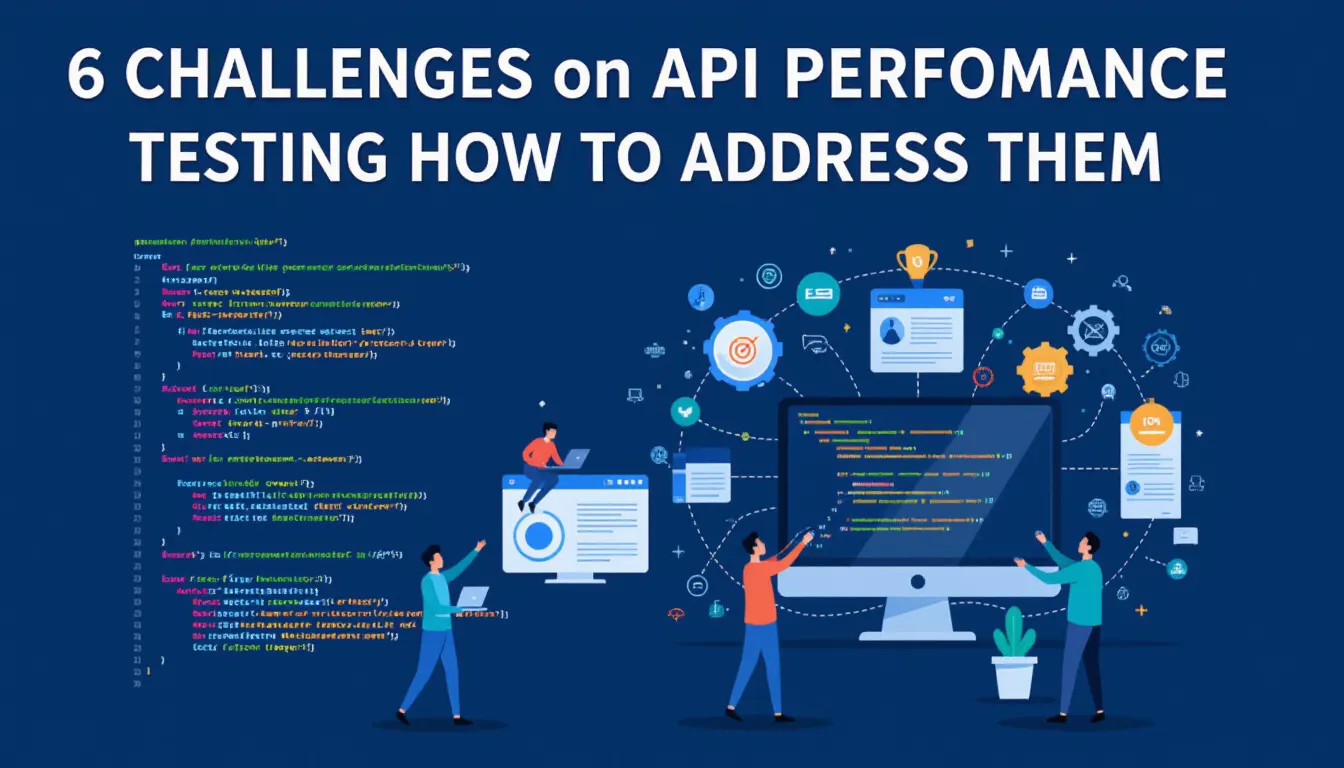
- The six problems that cause the most rework in API performance tests are dependencies, test data, authentication and rate limits, the load model, metrics, and CI integration.
- Each one has a concrete fix: stub or isolate what you do not own, generate data, keep token requests out of the timed samples, model arrival rate, read percentiles and error rate, and gate the pipeline on thresholds.
- Fix the challenge that blocks your releases first. A ranked short list beats an exhaustive one.
API performance testing is hard for reasons that have little to do with the API’s own code. The six challenges below are the ones teams meet first, each with the fix that usually works. This article is general guidance, not a case study: every number in it is arithmetic or comes from a source named in the text.
What are the main challenges in API performance testing?
| Challenge | What goes wrong | The fix in one line |
|---|---|---|
| Dependencies | The API calls services you do not control, so results mix their speed with yours | Stub or isolate third parties, test each service on its own first |
| Test data | Every virtual user sends the same ID, so caches hide the real cost | Generate varied, realistic data and keep personal data out |
| Authentication and rate limits | The load test is throttled or measures the token server | Fetch tokens outside the timed requests, use test limits you control |
| Load model | Tests hold a fixed number of users, so load drops when the API slows | Model arrival rate (requests per second), not only virtual users |
| Metrics | An average hides the slow tail | Report percentiles, error rate and throughput together |
| Tools and CI | Tests run by hand, so regressions ship | Run a short test per build with pass/fail thresholds |
How do I handle dependencies and microservice sprawl?
Test what you own, and isolate what you do not. A call to a payment provider, an email service or a partner API adds their latency, their rate limits and sometimes their invoice to your test. Replace third parties with a stub that answers with a recorded response and a realistic delay, and test each internal service separately before you test the whole chain, so a slow result points at one service instead of five.
A chain also multiplies delay: if one request fans out to four sequential calls of 80 ms each, the caller waits at least 320 ms before any of its own work. Trace which calls run in sequence and which can run in parallel before you decide what to optimise. The guide to load testing microservices covers the service-by-service approach.
How should I manage test data for API performance tests?
Use varied, generated data, not one record repeated. If every virtual user requests /users/1, the database and the cache serve one row from memory and the API looks faster than it is in production. Feed each virtual user different IDs, payload sizes and search terms from a CSV file or a generator, and size the data set so reads do not all hit the same cache entries.
Keep personal data out of it. Copying a production database into a test environment puts real customer records into logs, traces and result files. Generated data, or production data that has been properly anonymised, avoids that. Generated data also lets you create the awkward cases on purpose: very long strings, empty fields, large arrays.
How do I deal with authentication and rate limits in a load test?
Get the token before the timed requests, and know what limits apply. When every virtual user logs in before each call, a good part of your result describes the authorization server, not the API. Fetch tokens once in a setup step, or from a pre-generated list, and send them in a header on the measured requests. The step-by-step version for JMeter is in how to test OAuth secured APIs with JMeter.
Rate limits are a related trap. A test that hits a production-grade limiter returns a stream of 429 responses, and the error rate then measures the limiter, not capacity. Test against an environment with limits you control, or an allowlisted test client, and run a separate test that checks the limiter does its job. That second test matters for security too: OWASP lists missing or poorly set limits on requests, payload sizes and execution time as API4:2023, Unrestricted Resource Consumption in its API Security Top 10 (owasp.org, 2023 edition). See what causes API rate limiting for how limits show up in results.
Why does my API test show a different load than I configured?
Because many tests use a closed model. With a fixed number of virtual users, each user waits for its response before sending the next request, so when the API slows down the request rate falls with it, exactly when you wanted pressure. Grafana’s k6 documentation describes this closed model and the open alternative, where iterations start at a set rate regardless of how long earlier ones take (the constant-arrival-rate and ramping-arrival-rate executors), and notes that the closed model is unreliable when you need to hold a specific request rate (grafana.com/docs/k6, October 2026).
A rule of thumb that follows from that: use a fixed number of users to model people working through a session, and an arrival rate to model traffic from many independent callers, which is what most public APIs receive. Also test in an environment close to production. A smaller database or one instance behind a load balancer will cap out earlier or later than the real thing, and the result will say so only if you record the differences.
Which metrics matter for API performance testing?
Response time percentiles, error rate and throughput, read together. An average can look fine while one in a hundred callers waits ten times longer, so report p50, p95 and p99. Here is the arithmetic: 98 requests at 200 ms and 2 requests at 2,000 ms average 236 ms, while p99 is 2,000 ms. See why percentiles beat averages.
Error rate belongs next to latency, because a fast failure is still a failure, and a result that excludes errors can look better than the truth. Throughput is the third leg: how throughput and response time relate explains why latency climbs once throughput reaches the system’s limit. For targets, do not copy a number from an article. Take the latency your clients tolerate or your own agreement promises, and set the threshold there.
How do I fit API performance tests into CI/CD?
Run a short, repeatable test on every build and fail it on thresholds. A full-scale test takes time and capacity, so keep that for pre-release or a schedule. The per-build test is small: a few minutes, a fixed load, and a pass/fail rule such as “p95 under 500 ms and errors under 1 percent” (choose your own numbers). A tool that returns a verdict to the pipeline stops regressions without anyone reading a chart. CI/CD best practices covers the pipeline side.
Choose tools for the protocols and workflow you have. Apache JMeter and k6 are open source and scriptable, Postman collections are convenient for functional checks, and a hosted platform saves you from running load generators yourself. Whatever you pick, store the scripts with the code, so they change with the API.
How can LoadFocus help with these challenges?
LoadFocus runs JMeter and k6 scripts, plus no-code tests, from 25 cloud regions, with up to 20,000 concurrent virtual users per test on paid plans. It reports response time, latency, hits and throughput per second, standard deviation and the 50th, 90th and 99th percentiles, and errors charted against virtual users. You can set pass/fail thresholds on p95 and p99 response time, error rate and minimum throughput; a GitHub Action, a verdict API and a Jenkins plugin carry the verdict into a pipeline (loadfocus.com/load-testing, October 2026). Between load tests, API monitoring runs checks on a schedule from several locations, with assertions on status code, response body, headers and response time, and supports OAuth bearer tokens and chained requests (loadfocus.com/api-monitoring, October 2026). To start, see load testing with LoadFocus.
Frequently Asked Questions
What are the biggest API performance testing challenges?
Dependencies you do not control, unrealistic test data, authentication and rate limits, a load model that eases off when the API slows, averages that hide the slow tail, and tests that never run in CI. The table near the top of this article pairs each with a fix.
How many virtual users do I need to test an API?
It depends on your real traffic, so there is no standard number. Estimate peak requests per second from logs or analytics, then test at that rate, at 1.5 to 2 times that rate, and until the API fails to see where it breaks. An arrival-rate test states that rate directly.
Which metrics should I report when benchmarking an API?
Response time at p50, p95 and p99, error rate, and throughput, measured under a stated load. Add CPU, memory and database metrics from the servers to explain a change.
Should performance testing include security checks?
A separate check, yes. Test that rate limits and resource limits hold under load, which OWASP lists as a top API risk, but do not mix a scanner into a timed load test: it changes the traffic you are measuring.
How do I choose a tool for API performance tests?
List your protocols, your team’s language, and where the tests must run (a laptop, CI, the cloud). JMeter and k6 are free and scriptable; hosted platforms add load generators in several regions and reporting. Pick one that can fail a build on a threshold.
Sources
- OWASP API Security Top 10 2023, API4: Unrestricted Resource Consumption
- Grafana k6 documentation, open and closed models
- LoadFocus load testing and API monitoring pages (October 2026)
Crafted with PostNext app