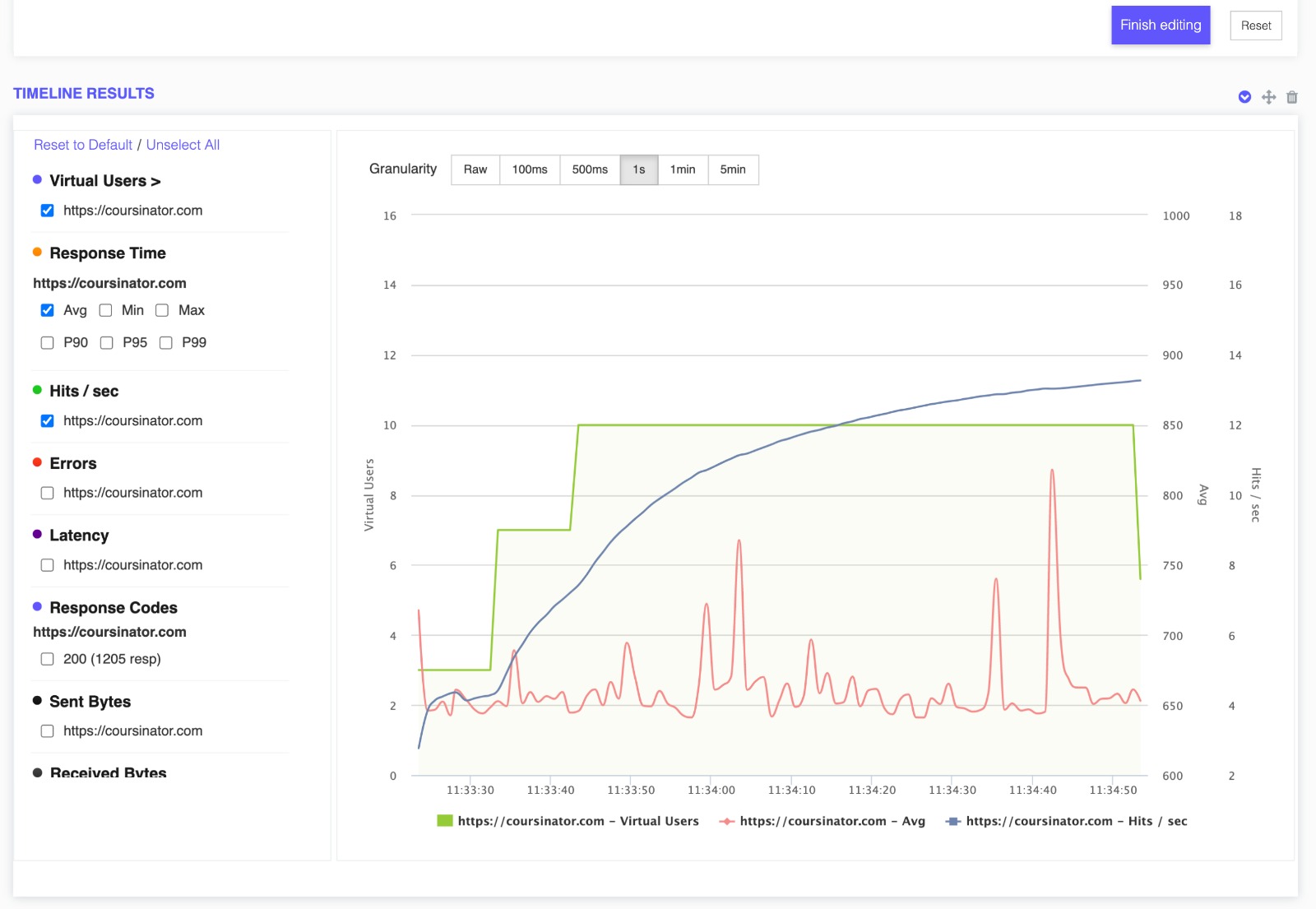
Generate Test Reports with Custom Logos

Using an automated reporting tool doesn’t mean that your load testing reports should look like some generic template.

Boost your brand awareness by branding your testing reports with your own logo.
Upload your own logo in the test report or upload the logo of the website your are generating the report for.
Get Started
whitelabel reports brand logo

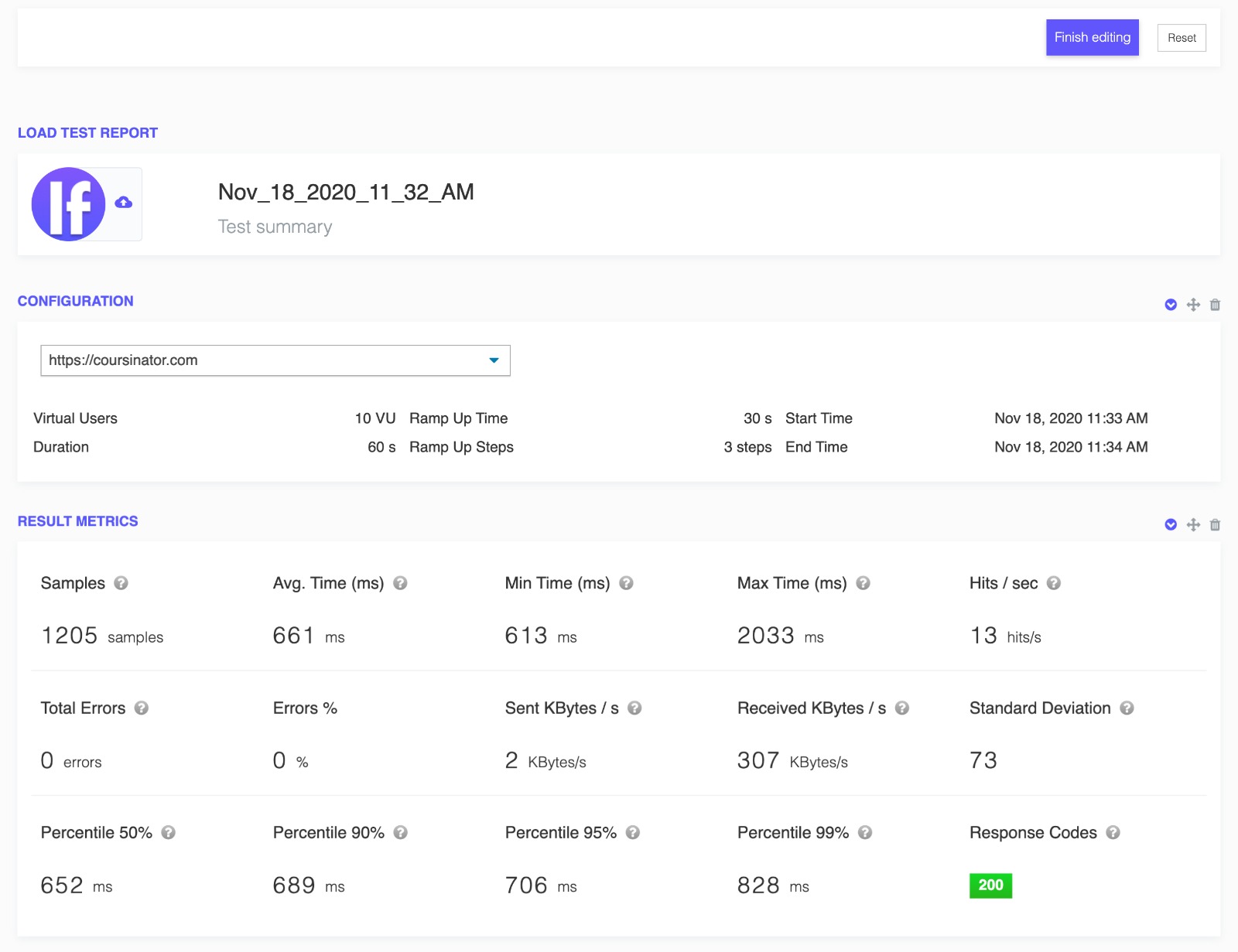
Preset report templates

Take full ownership of your testing reports
Create multiple presets for your templates, so you can easily switch between them when needed.
Load the report and apply the right reporting template.
Whitelabel reports will ensure your clients interact with your brand at every level of reporting, all the way down to the code.
Get Started
whitelabel reports test presets

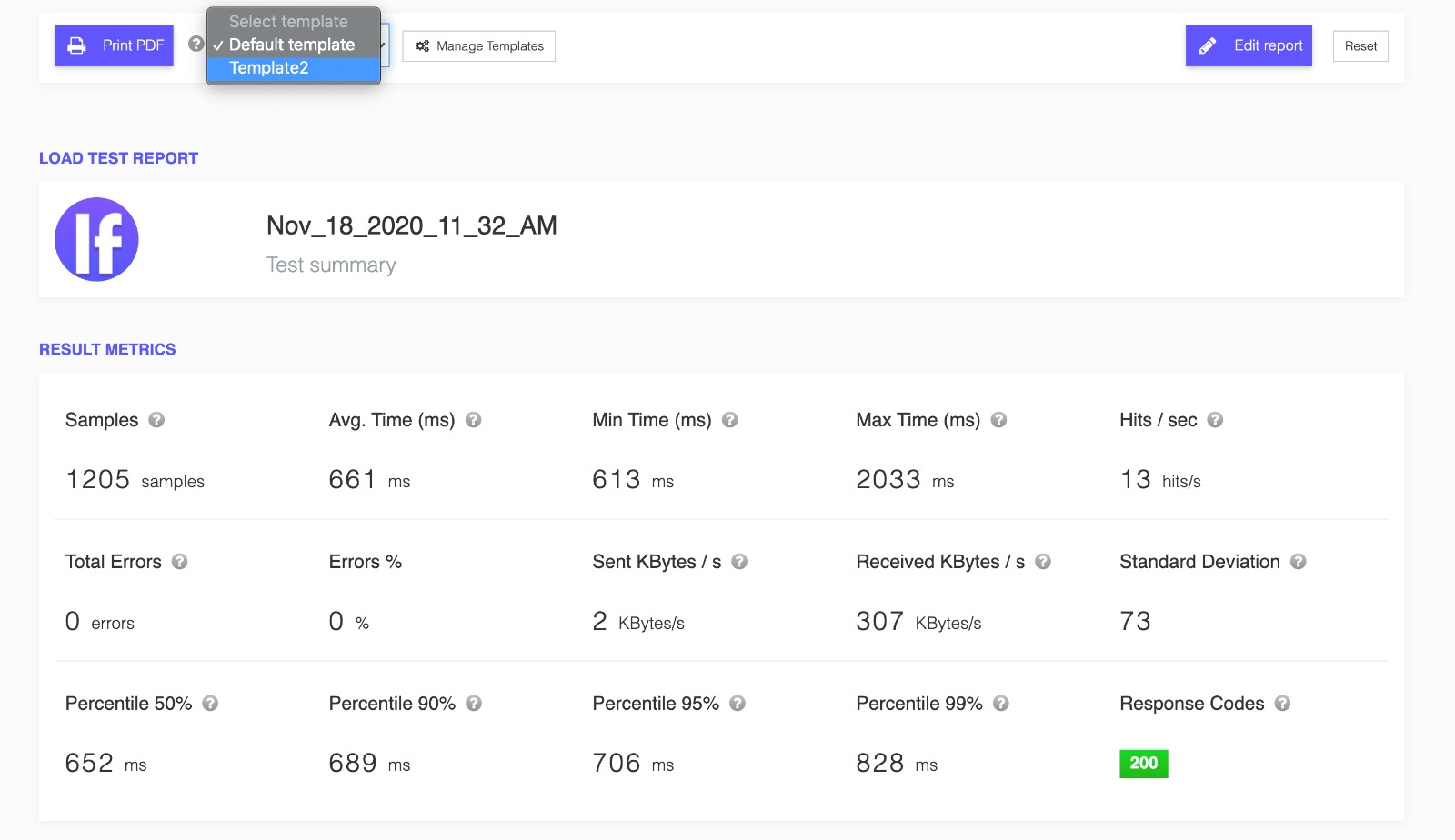
Customize your test reports

Easily drag and drop to reorder items in your test report in edit mode

Show or hide items and charts in the test report, everything at a click of a button.
Get Started
whitelabel reports test print report pdf

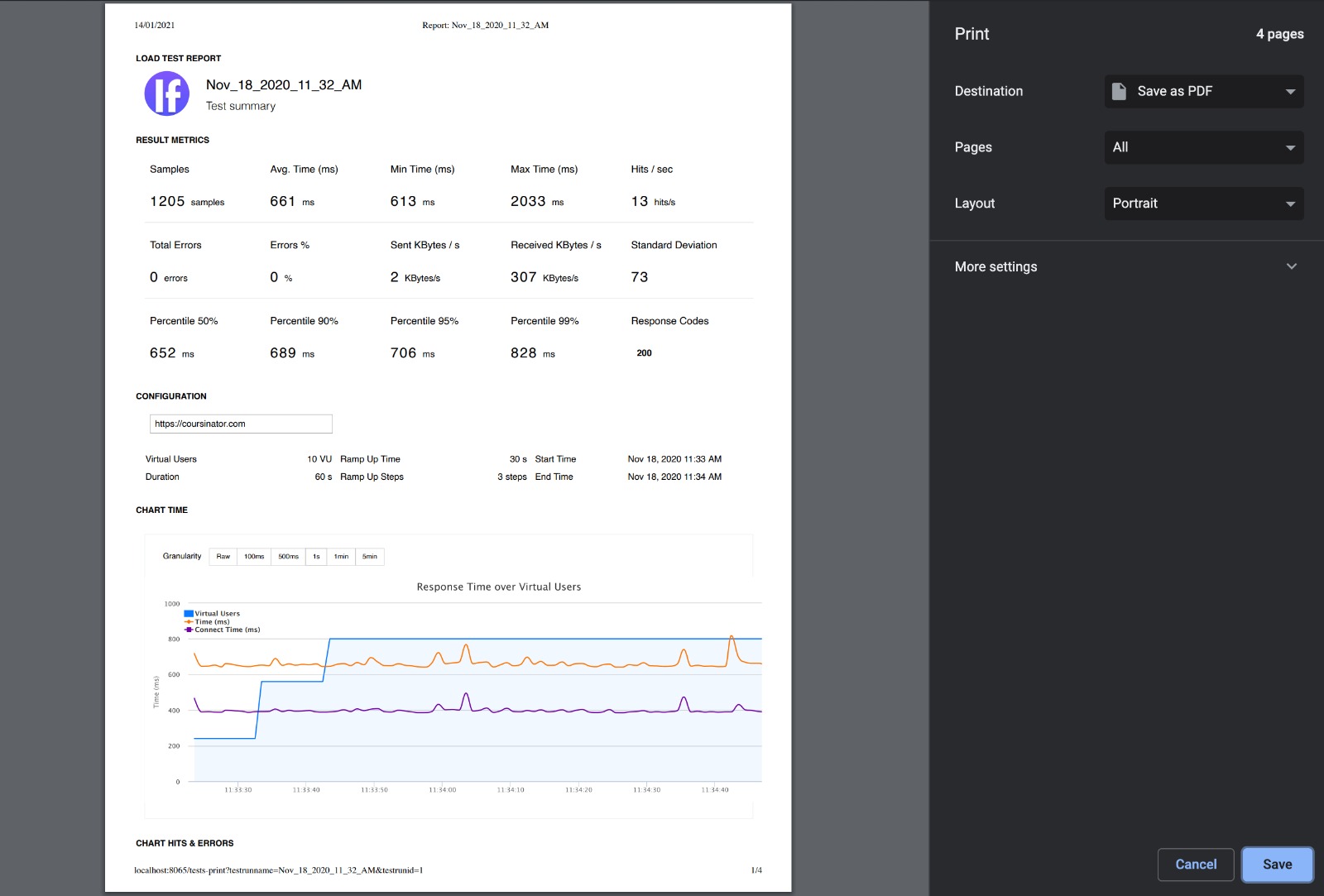
Multi Language Test Reports

Switch to any of the supported languages for a better understanding.

Print the PDF test reports and share with your team and customers in their own language .
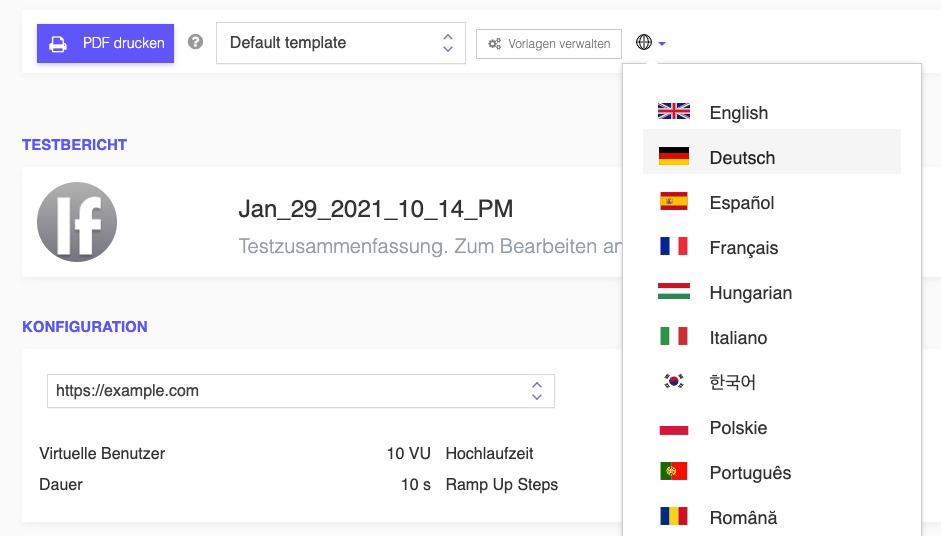
Get Started
multi-language whitelabel reports test print report pdf

Outgrown your testing tools?

Load test websites and APIs from 25+ cloud regions, monitor page speed and uptime, and get AI analysis that explains your results in plain English.Start for free
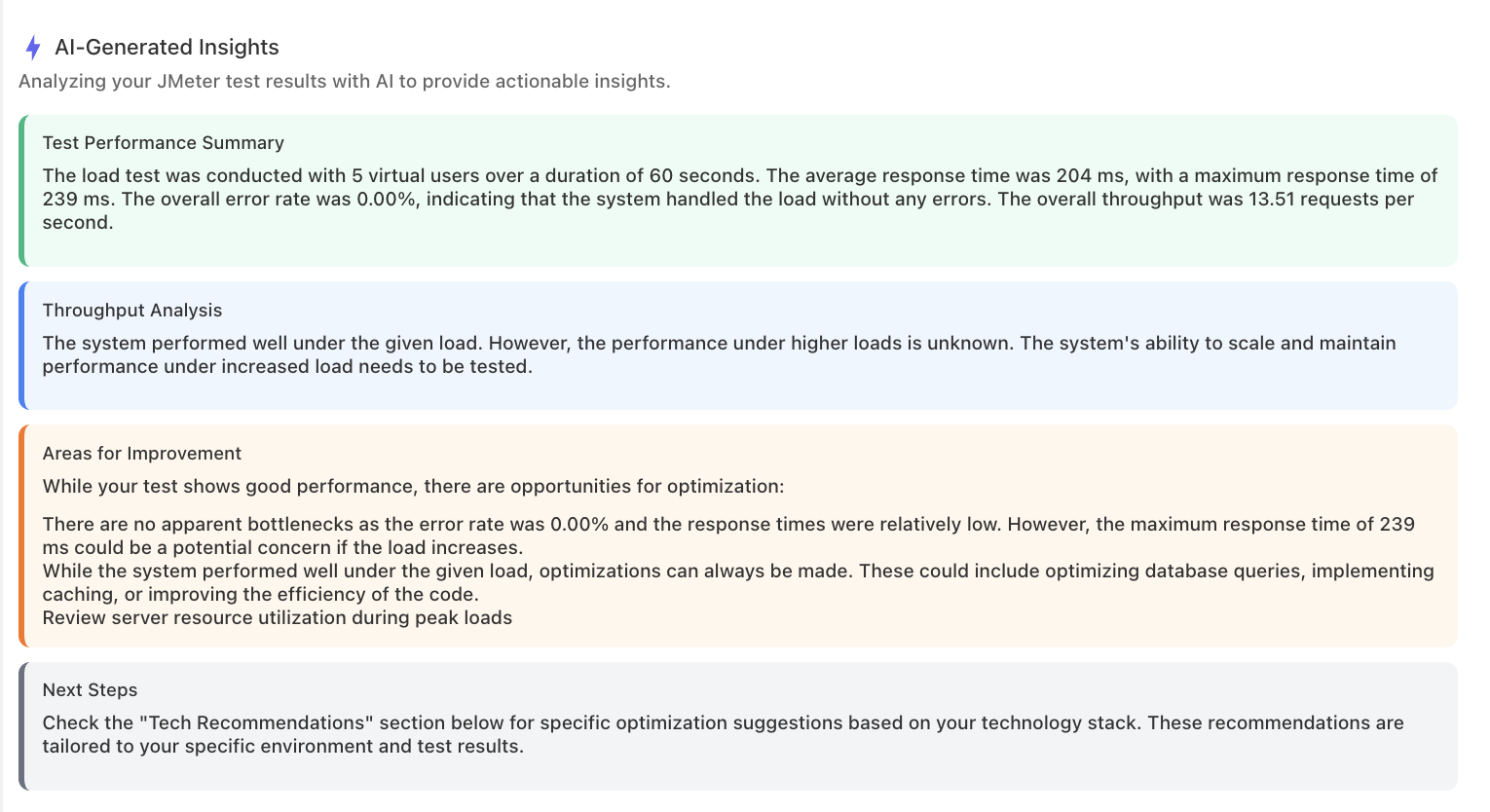
AI analysis of a load test result: performance summary, throughput analysis, and recommended improvements in plain English

We'll help you get started

Browse use cases, getting started videos, tutorials, and our showcase to find what you need to succeed with LoadFocus, and as a business.

Learn

Browse our documentation covering everything from use cases to getting started guided and videos.

Explore

Tools to make your testing development and overall experience much better.

Learn more. Read on our blog.

Frequently asked questions

What can I change on a report?

The logo, which charts and metrics appear, and the order they appear in. Items drag into place, anything unwanted can be hidden, and the result downloads as a PDF.

Can I save a layout and reuse it?

Yes. Save an arrangement as a report template and apply it to later reports, so a recurring client report does not have to be rebuilt every time.

Whose logo goes on it?

Either. Agencies usually put their own logo on the report, and some prefer the client's logo on that client's audit. Both work, by uploading the image on the report itself.

Can reports be produced in another language?

Yes. Switch the report to any supported language before printing, so a report going to a client's local team arrives in the language that team reads.

Who is this for?

Agencies and consultants delivering performance work to clients, who would rather not hand over a generic template carrying someone else's brand. The underlying test is the same one you already ran.
×