





What is Treo?
Treo is a focused web performance monitoring product built around Google Lighthouse and Core Web Vitals (CWV). It runs scheduled Lighthouse audits, surfaces field data from the Chrome User Experience Report (CrUX) where available, and correlates lab metrics against real-user signals so engineering teams can prioritise CWV regressions that actually affect users.
Treo sits firmly in the page-speed niche. It is widely used by performance-engineering teams who want a clean dashboard for tracking LCP, INP, CLS and Lighthouse scores over time, with budgets and trend alerts. It does not attempt to cover load testing, API monitoring, or end-to-end synthetic flows.
When Treo is the right tool
Treo is a sensible choice when your performance workflow looks like this:
- Pure Core Web Vitals tracking. Lighthouse-led, CrUX-informed monitoring is what Treo does best.
- Performance budgets and regression alerts. Per-metric thresholds with historical context for engineering teams.
- Single-platform Lighthouse history. Long-running audit trails without rolling your own Lighthouse CI infrastructure.
If you only ever need to answer "are our Core Web Vitals trending the right way?" Treo is purpose-built for that question.
Where Treo stops being enough
Performance work rarely stays inside CWV scope. Common gaps:
- No load testing. Treo cannot simulate concurrent users; CWV-perfect pages can still collapse under traffic.
- No API monitoring. Backend latency on checkout, login or third-party calls is invisible to Lighthouse-only tooling.
- No multi-step synthetic flows. Funnel checks (login → cart → checkout) need a separate tool.
- Tooling fragmentation. Many teams end up running Treo plus k6/JMeter plus a separate uptime/API monitor — three bills, three dashboards.
LoadFocus vs Treo — feature comparison
How LoadFocus compares against a typical Treo subscription. Pricing accurate as of May 2026.
| Feature | LoadFocus | Treo |
|---|---|---|
| Cost | Free tier; from $29/mo | Subscription, plan-dependent |
| Core Web Vitals monitoring | Yes (Lighthouse + CrUX) | Yes (specialty) |
| Load testing | Yes (up to 12,500 VUs) | No |
| API monitoring | Yes | No |
| Multi-step synthetic flows | Yes | Limited |
| Global test locations | 25+ worldwide | Lighthouse standard set |
| Scheduled monitoring | From every minute | Yes |
| Alerts (email, Slack, webhooks) | Yes | Yes |
| CI/CD integration | Yes (API + GitHub Action) | API available |
FAQ
Is LoadFocus a direct replacement for Treo?
For Core Web Vitals tracking yes — LoadFocus runs Lighthouse audits with CrUX context and budget alerts. The bigger win is consolidation: load testing and API monitoring live on the same account, so you cut two extra vendors.
Can LoadFocus measure field data, not just lab data?
Yes. LoadFocus combines scheduled Lighthouse runs (lab) with CrUX field data where available, the same pairing engineering teams expect from a CWV-grade tool.
What about load testing — can it run alongside CWV monitoring?
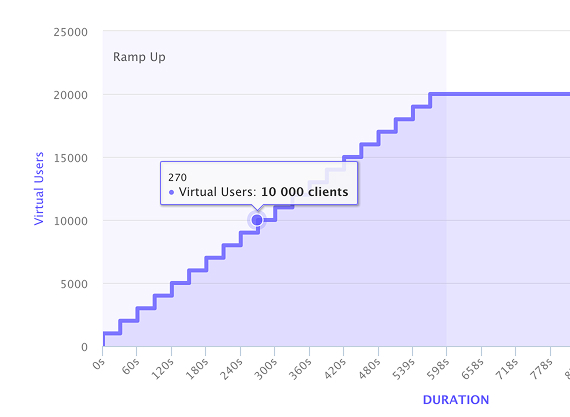
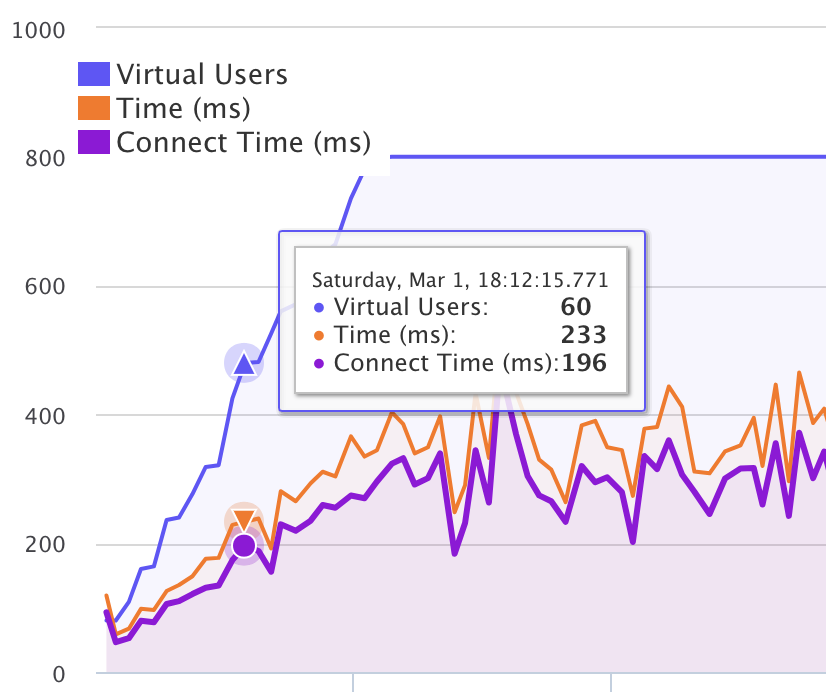
Yes. The same account runs distributed load tests (up to 12,500 virtual users) so you can verify CWV holds up under traffic, not just on a cold page render.
How does the pricing compare?
Treo is subscription-based with plan-dependent quotas. LoadFocus starts at $29/month for page speed monitoring and includes load + API monitoring on the same account, which usually replaces two separate tools.
Can we migrate our existing audits?
Yes. Lighthouse JSON exports and CWV history can be reproduced inside LoadFocus; teams typically run both for a sprint, then cut over once dashboards match.
How long does setup take?
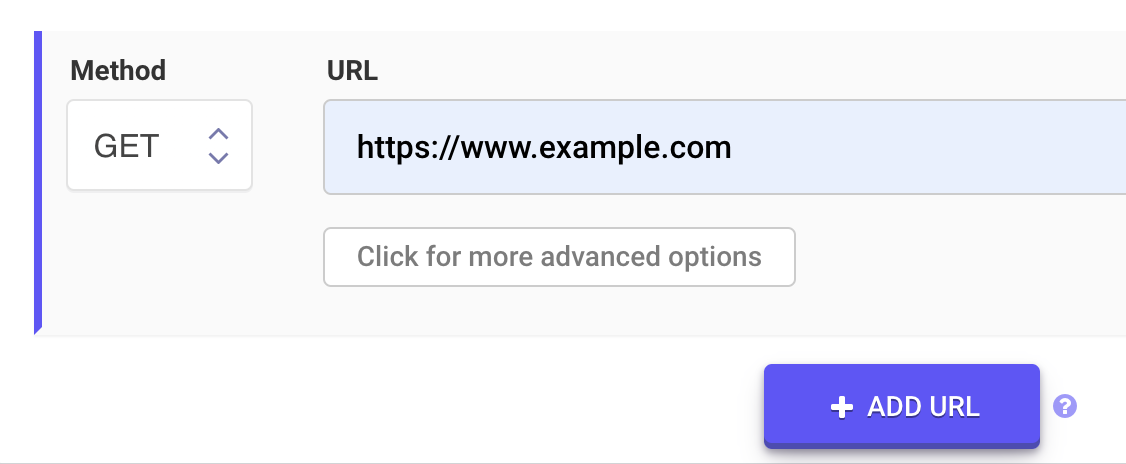
A few minutes per URL. Add a target page, pick a cadence and locations, set CWV budgets, and audits start running immediately.
Try LoadFocus free
If you're using Treo today and want load testing or API monitoring on the same account, LoadFocus consolidates the toolchain. Sign up at loadfocus.com/signup — no credit card required — and run your first CWV audit alongside your existing Treo dashboard. Decide after.