





What is HttpWatch?
HttpWatch is a long-running browser plugin from Simtec for HTTP/HTTPS request analysis, captures every network request, response headers, timings, cookies, and lets you debug page load issues in Chrome and Edge on Windows (version 16.x). Originally Internet-Explorer-era technology (2001+), it's still maintained and used by web debuggers who need request-level granularity inside a real browser session. Where it falls short for modern web-perf teams: browser-plugin-only (no cloud execution), no Core Web Vitals scoring, no scheduled monitoring, no load testing, no multi-region coverage, and no alerts when production page-perf regresses.
When HttpWatch is the right pick
- You're debugging a specific HTTP-level issue (auth headers, cookie flow, request order) inside your own browser session.
- You need to inspect every request/response detail in a particular user's session. HttpWatch's depth here is hard to match.
- You're an enterprise debugger comfortable with a desktop tool + per-seat licensing.
Where HttpWatch leaves gaps
- No cloud execution. HttpWatch runs in your local browser. Production-quality monitoring requires running checks from cloud locations on schedule. HttpWatch can't do this.
- No Core Web Vitals scoring. HttpWatch shows network waterfall but not Google's LCP/INP/CLS metrics.
- No scheduled / continuous monitoring. Each session is manual. No alerts when production regresses overnight.
- No load testing. HttpWatch debugs one session; it doesn't simulate concurrent users.
- Per-seat licensing. Pricing model designed for individual debugger seats, doesn't scale to monitoring an entire site.
- Windows only. HttpWatch is built for Chrome and Edge on Windows, so macOS and Linux users need another tool.
LoadFocus vs. HttpWatch: comparison
| Feature | LoadFocus | HttpWatch |
|---|---|---|
| Cloud execution (multi-region) | 25 cloud regions | No (browser plugin) |
| Core Web Vitals (LCP/INP/CLS) | Yes. Lighthouse-based | No |
| Scheduled monitoring | Yes, hourly/daily | No |
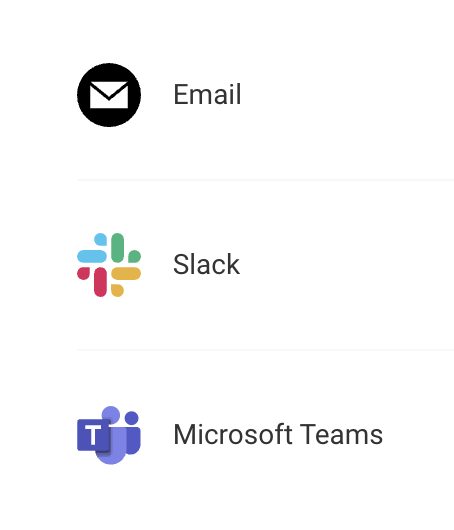
| Alerts on regression | Yes, email, Slack or Microsoft Teams | No |
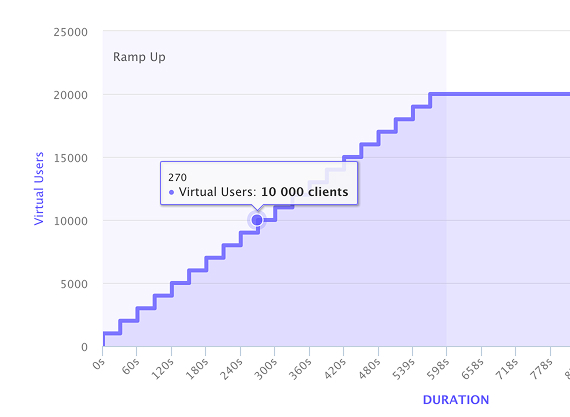
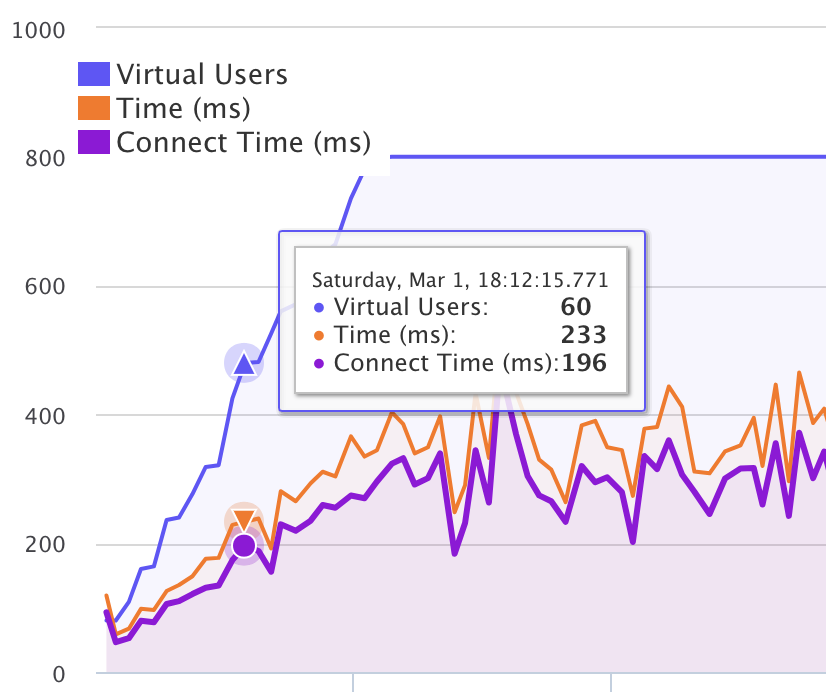
| Load testing | Yes. JMeter + k6 | No |
| Network waterfall depth | Lighthouse network requests table (no waterfall chart) | Per-request superior |
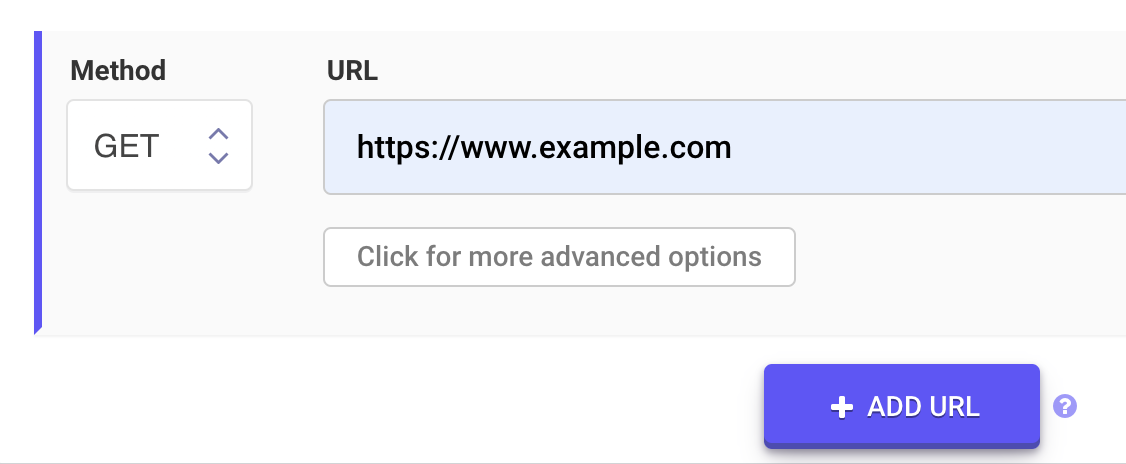
| API monitoring | Yes, with assertions (multistep on paid plans) | No |
| Pricing model | SaaS subscription | Per-seat license |
| Free tier | Yes, 1 page speed test a month | Free Basic edition (full detail only for popular sites such as google.com) |
When LoadFocus is the right pick
- You need continuous monitoring of production page perf, not ad-hoc browser debugging.
- Your SEO/SRE work demands Core Web Vitals tracking: Google's actual ranking signals.
- You want multi-region coverage from where your real users are.
- You need load testing alongside page-speed monitoring on the same platform.
- You want alerts when production regresses, not manual browser sessions.
Migrating from HttpWatch
- Identify what HttpWatch was used for. If it was production monitoring, replace with LoadFocus scheduled tests. If it was ad-hoc debugging, keep HttpWatch (or use Chrome DevTools, also free).
- Set up scheduled LoadFocus speed tests on critical URLs from multiple regions.
- Add API monitoring for any backend endpoints you were tracking with HttpWatch's request-level inspection.
- Wire alerts to email, Slack or Microsoft Teams for regression notification.
- Keep HttpWatch (or Chrome DevTools) for one-off debugging sessions where you need request-level depth in your own browser.
FAQ: LoadFocus vs HttpWatch
Can LoadFocus replace HttpWatch entirely?
For production monitoring + Core Web Vitals + load testing, yes. For ad-hoc per-session debugging in your browser, no, that's HttpWatch's strength (Chrome DevTools also covers most of this).
Does LoadFocus show network waterfall like HttpWatch?
Not as a waterfall chart. Every LoadFocus speed test keeps the full Lighthouse report, which lists each network request with its size and timing, the render-blocking resources and the LCP breakdown. For per-request detail such as DNS, connect and SSL time, cookies and headers inside your own session, HttpWatch or Chrome DevTools goes further.
Is LoadFocus cheaper than HttpWatch?
Different pricing models. HttpWatch: a one-time per-user license. Professional for a single user is $625, including 1 year of maintenance; a four-user team license is $2,365 and a ten-user team $5,670. Prices from the HttpWatch pricing page, checked October 2026. LoadFocus: SaaS subscription from $39/mo ($29/mo billed yearly) with no per-seat. For a team of two or more, the HttpWatch licenses cost more up front than two years of LoadFocus, but they are a one-time purchase rather than a recurring bill.
Does LoadFocus run in my browser?
No. LoadFocus is cloud-hosted and runs Lighthouse in headless Chrome from AWS regions. You access results via a web dashboard. HttpWatch installs in your local browser as a plugin.
What about HAR file export?
LoadFocus page speed tests do not export HAR files; each run keeps the full Lighthouse report, which you can save as JSON or HTML. HAR files are useful in the other direction: record a session in your browser and turn it into a load test with the free HAR to JMeter or HAR to k6 converter.
Can I monitor authenticated pages?
Yes. Page speed monitors can send Basic Auth, a Bearer token or one custom header, such as a Cookie header copied from a logged-in session, with every request the audit makes. The header value is masked in the stored results.
Get started with LoadFocus
Sign up free and run your first scheduled website speed test or API monitor, production-grade web-perf monitoring without per-seat licensing.