





What is Cronitor?
Cronitor is a monitoring tool focused on cron jobs, scheduled tasks, and uptime. It started in 2014 as a way to confirm that backend cron jobs ran successfully, by sending a heartbeat ping to Cronitor at the start and end of each job, and grew into a full uptime + scheduled-task monitoring product. Cronitor is best known for its cron heartbeat protocol, simple integration (curl + Cronitor URL), and DevOps-friendly pricing: a free Hacker plan with 5 monitors, then pay-as-you-go at $2 per monitor plus $5 per user a month.
Today Cronitor offers three product lines: Cron Jobs (heartbeat monitoring for scheduled tasks), Uptime (HTTP/HTTPS endpoint checks), and Status Pages (public dashboards). All three integrate well with PagerDuty, Slack, and Opsgenie for alerting.
When Cronitor is the right tool
Cronitor is excellent, and well-priced, when these conditions match:
- You run a lot of cron jobs and need to know when they fail silently. Cronitor's heartbeat model is purpose-built for this. A failed cron job that never pings produces an alert; a cron that runs but exits non-zero (passed via the heartbeat URL's exit code) also alerts.
- Your monitoring needs are uptime + scheduled-task only. If "is the endpoint up?" + "did the nightly batch run?" covers what you need, Cronitor is purpose-built for that and priced accordingly.
- You want a status page bundled in. Cronitor's status pages are simple to set up and included in mid-tier plans.
- You're a small team or solo developer. The free Hacker plan covers 5 monitors, and paid usage is pay-as-you-go at $2 per monitor plus $5 per user a month, so one monitor with one user costs about $7/month.
Where Cronitor alone leaves gaps
Cronitor is purpose-built; that focus is also its limit:
- No page speed monitoring. Cronitor checks if a URL responds. It doesn't measure Core Web Vitals (LCP, INP, CLS), waterfall timings, render times, or visual completeness. For SEO-driven page speed work, Cronitor doesn't help.
- No load testing. Cronitor verifies a service is up. It doesn't simulate concurrent users to validate that the service stays up under traffic. For pre-launch capacity validation, you need a separate tool.
- No JMeter or k6 script execution. Cronitor can't run your existing performance test scripts.
- API monitoring is basic. Cronitor's HTTP checks confirm status codes and response times. Multi-step API workflows (login → token → call → assert response shape) require a more capable API monitoring tool.
- Fewer locations. Cronitor checks from 12+ locations on 5 continents, which covers most needs. LoadFocus runs from 25 cloud regions, so you can test from places such as Cape Town, Jakarta or São Paulo directly.
LoadFocus vs Cronitor: feature comparison
The table below compares LoadFocus against Cronitor's combined Cron + Uptime offering. Cronitor prices from the Cronitor pricing page (cronitor.io/pricing), checked October 2026.
| Feature | LoadFocus | Cronitor |
|---|---|---|
| Entry-tier pricing | Free; API monitoring from $19/mo ($15.80/mo billed yearly) | Free (Hacker, 5 monitors); then $2/monitor + $5/user per month |
| Page speed monitoring (CWV) | Yes, Lighthouse-based from 25 regions (separate plan from $39/mo) | No |
| Cron job heartbeat monitoring | Yes, dedicated heartbeat checks with schedule and grace period | Yes (purpose-built) |
| HTTP/HTTPS uptime checks | Yes. 1-minute minimum frequency (paid plans) | Yes. 30s minimum frequency |
| Multi-step API monitoring | Yes, on paid plans (login → token → call workflows) | No (single-request only) |
| Load testing | Yes. JMeter + k6 + custom | No |
| Cloud test locations | 25 cloud regions (up to 6 per check, 22 on Professional) | 12+ locations on 5 continents |
| Status pages | Yes, built-in on every plan | Yes, built-in |
| Slack/PagerDuty/Opsgenie alerts | Yes (PagerDuty and Opsgenie on paid plans) | Yes |
| Free tier with cloud execution | Yes, 10 checks and 10,000 runs a month | Yes, Hacker plan (5 monitors, 1 basic status page) |
| SSL certificate expiry monitoring | Yes, every plan including free (14, 7, 3-day warnings) | Yes |
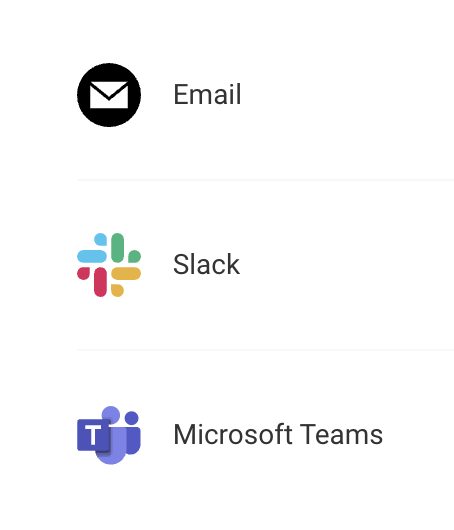
| Alert channels | Email, Slack, Microsoft Teams, webhooks, Discord; PagerDuty and Opsgenie on paid plans; per-channel routing | Email, Slack, PagerDuty, webhooks |
When LoadFocus is the right alternative for Cronitor users
You need page speed in addition to uptime
Cronitor confirms your site responds. LoadFocus also tells you how fast it loads, measured against Core Web Vitals thresholds Google uses for ranking. If SEO performance matters to your business, uptime alone isn't enough.
Your API monitoring needs more than single-request checks
Real-world API monitoring rarely fits a single GET. You need to log in, exchange a token, call the protected endpoint, and assert the response shape. LoadFocus runs this as one multistep check on paid plans; Cronitor checks one request at a time.
You want to validate capacity before launch
Uptime monitoring tells you when something breaks. Load testing tells you whether it will break under traffic. LoadFocus runs JMeter and k6 scripts at scale, same account, same dashboard as your monitoring data.
You need geographic coverage
LoadFocus runs checks from 25 cloud regions, against Cronitor's 12+ locations. For products with users far from the US and Europe, that lets you check whether your site is fast in Lagos as well as London.
You want one tool instead of three
Many teams using Cronitor end up bolting on a separate page-speed tool (Calibre, SpeedCurve) and a separate load-test tool (k6 Cloud, BlazeMeter). LoadFocus consolidates all three into one platform, one account, one bill, one dashboard.
Migration: from Cronitor to LoadFocus
Migrating uptime/HTTP checks from Cronitor to LoadFocus takes minutes per endpoint:
- Sign up at loadfocus.com/signup.
- Open API Monitoring in the dashboard.
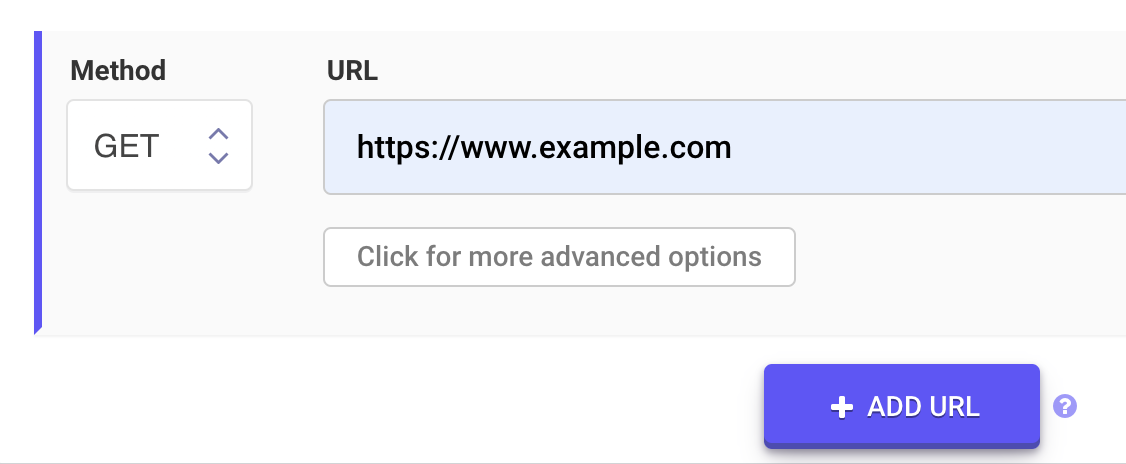
- For each Cronitor uptime check, create a LoadFocus check with the same URL, expected status, and frequency.
- Copy your Cronitor alert routing (Slack channel, PagerDuty service) to the LoadFocus integration.
- Run both in parallel for a week, then sunset Cronitor.
Both tools cover cron-job heartbeat monitoring. LoadFocus cron job monitoring gives each job a ping URL, an interval or cron schedule and a grace period, and alerts when the ping does not arrive, the same dead man's switch model Cronitor uses. Cronitor goes deeper on job-level telemetry; LoadFocus bundles the heartbeats with API monitoring, load testing and page speed on one account.
FAQ: LoadFocus vs Cronitor
Is LoadFocus cheaper than Cronitor?
It depends on scope. Both have a free plan: Cronitor's Hacker plan covers 5 monitors, 1 basic status page and 1 user, and the LoadFocus free plan covers 10 API checks and 10,000 runs a month. Past that, Cronitor charges $2 per monitor plus $5 per user a month, so 10 monitors and 2 users come to about $30/month. LoadFocus API monitoring Starter is $19/month ($15.80 billed yearly) for 25 checks, with multistep checks; page speed monitoring is a separate plan from $39/month ($29/month billed yearly).
Does LoadFocus replace Cronitor's cron heartbeat monitoring?
Yes. "Alert me when this scheduled job didn't run" is exactly what LoadFocus cron job monitoring does: each backup, ETL run or queue worker gets a ping URL, you set an interval or cron schedule plus a grace period, and a missed ping raises an alert through email, Slack or webhooks (PagerDuty and Opsgenie on paid plans). It works from any language, platform or scheduler, and it is on the free plan.
Can LoadFocus run my existing Cronitor uptime checks?
Yes, any HTTP/HTTPS endpoint Cronitor monitors, LoadFocus monitors. Configure URL + expected status code + frequency in the LoadFocus dashboard. Multi-step workflows (login → token → call) are also supported.
How does the alerting compare?
Both tools support Slack, PagerDuty, Opsgenie, webhooks and email; on LoadFocus, PagerDuty and Opsgenie are on paid plans. To cut noise, LoadFocus retries a failed API check once before counting it, can alert only when a set number of locations fail the same run, and lets browser checks wait for up to 5 consecutive failures.
What about Cronitor's status pages?
Both tools include one, so this is not a deciding factor. LoadFocus bundles a public status page on every plan including the free tier, with components driven by your monitors, incidents and scheduled maintenance, and a custom domain on paid plans. Cronitor's are equally quick to set up and included in mid-tier plans.
Can I export LoadFocus data to my existing observability stack?
Partly. Alerts go to email, Slack, webhooks, PagerDuty, Opsgenie or Discord, so incidents land where your team already works. There is no Prometheus or InfluxDB export for monitoring data. LoadFocus load tests are the exception: they stream metrics to Datadog, New Relic, Dynatrace, Azure Application Insights or any OpenTelemetry backend.
Try LoadFocus free
If you use Cronitor for uptime and want to add page speed monitoring, multistep API checks or load testing, LoadFocus puts all three on one account with a free plan to start. Sign up at loadfocus.com/signup and move your first uptime check in under five minutes.