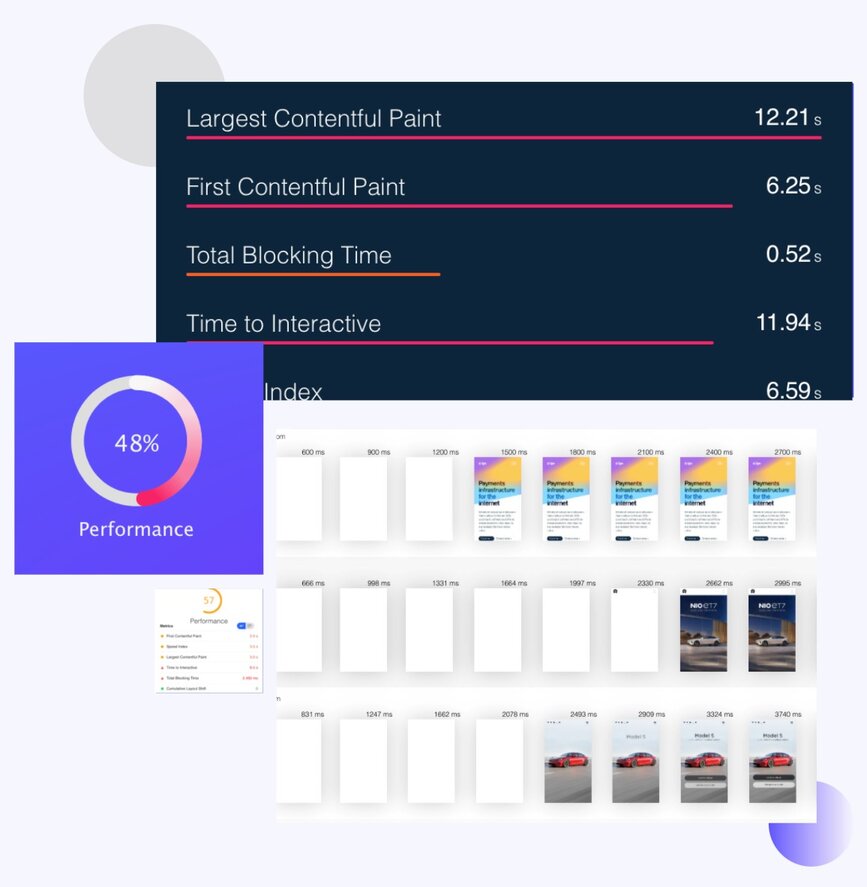
- Basic Performance Metrics
- Single Location Test
- Desktop Device Only
- Limited Insights
Boost Your Website Speed
Is your site loading slow?
Slow websites can harm SEO and deter potential customers.
Identify Performance Hitches
Analyze performance metrics, watch render videos, and detect scripts slowing you down.
Solutions for a Swift Website
Use our Website Speed Test tool for actionable advice on enhancing site speed, UX, and SEO.
The Perks of Speed Recommendations
Why prioritize website speed insights?
Swift sites rank better on Google and ensure user satisfaction.
Custom-tailored Speed Guidelines
Gain page speed insights specific to your website's unique requirements and bottlenecks.
Benefits Beyond Speed
Harness our recommendations to enhance user retention, SEO, and overall brand reputation.
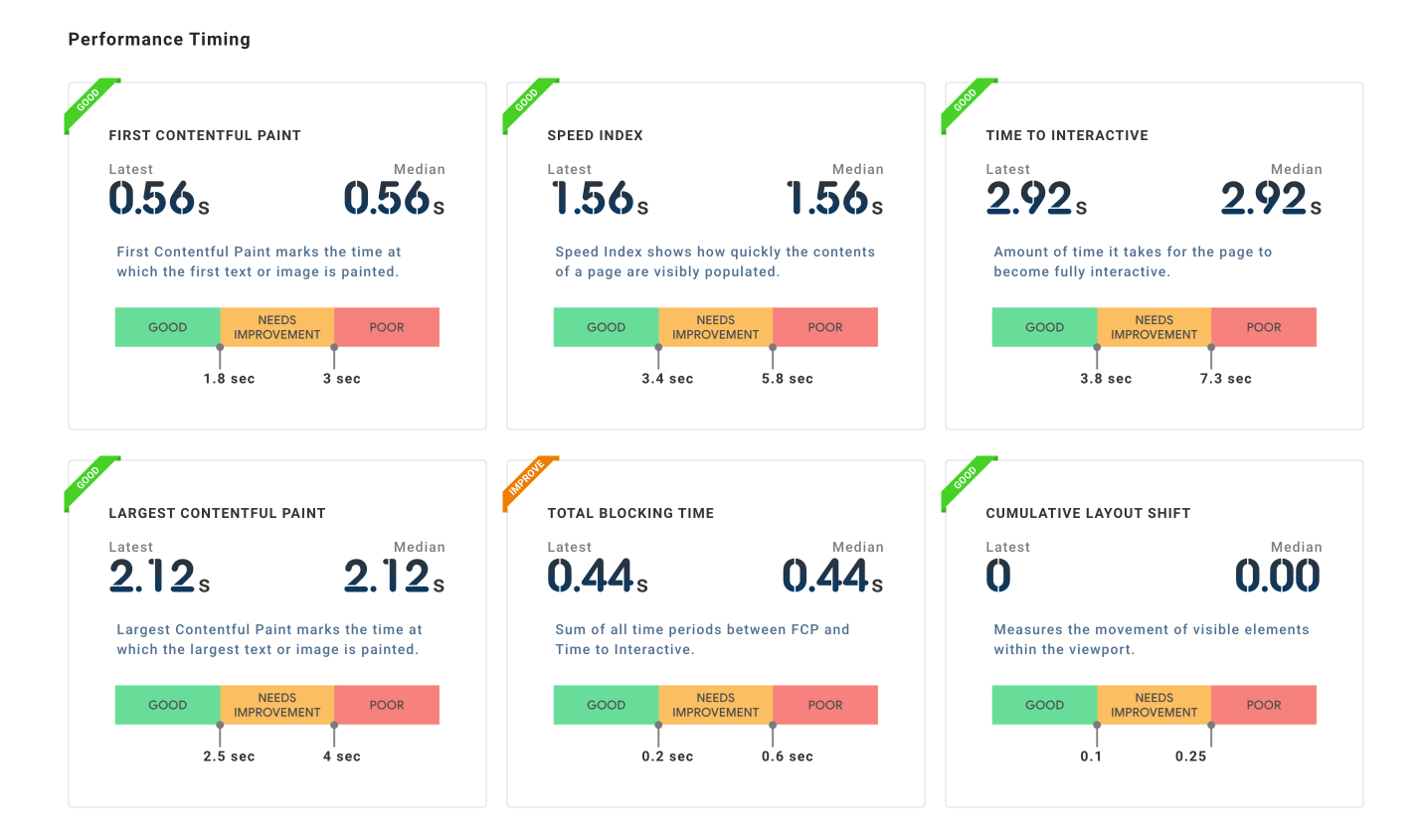
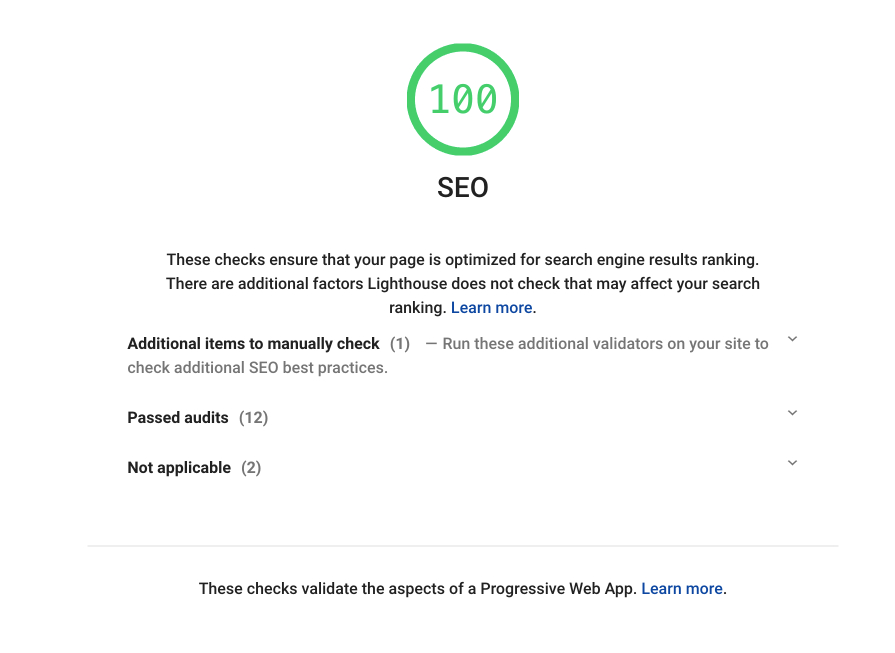
Master Google's Web Vitals for SEO
The key to soaring SEO rankings?
60% of top-performing sites excel in Core Web Vitals. Discover using Page Speed Insights.
The Trinity of Web Vitals
Shine in Largest Contentful Paint, First Input Delay, and Cumulative Layout Shift for SEO prowess.
Measure & Master with Precision
Use our tool powered by Google's APIs to pinpoint and enhance your site's real-world performance.
Choose LoadFocus for Stellar Speed Tests 🚀
Desire crystal-clear insights?
85% users prefer us over other tools for accuracy and insights on all performance metrics.
Comprehensive Metrics
Beyond standard lab tests, LoadFocus reveals essential Google metrics that are integral for understanding how a website is truly performing in terms of SEO and user experience.
User-Friendly Interface
Even those without technical expertise can quickly understand their site's performance and pinpoint areas of improvement.
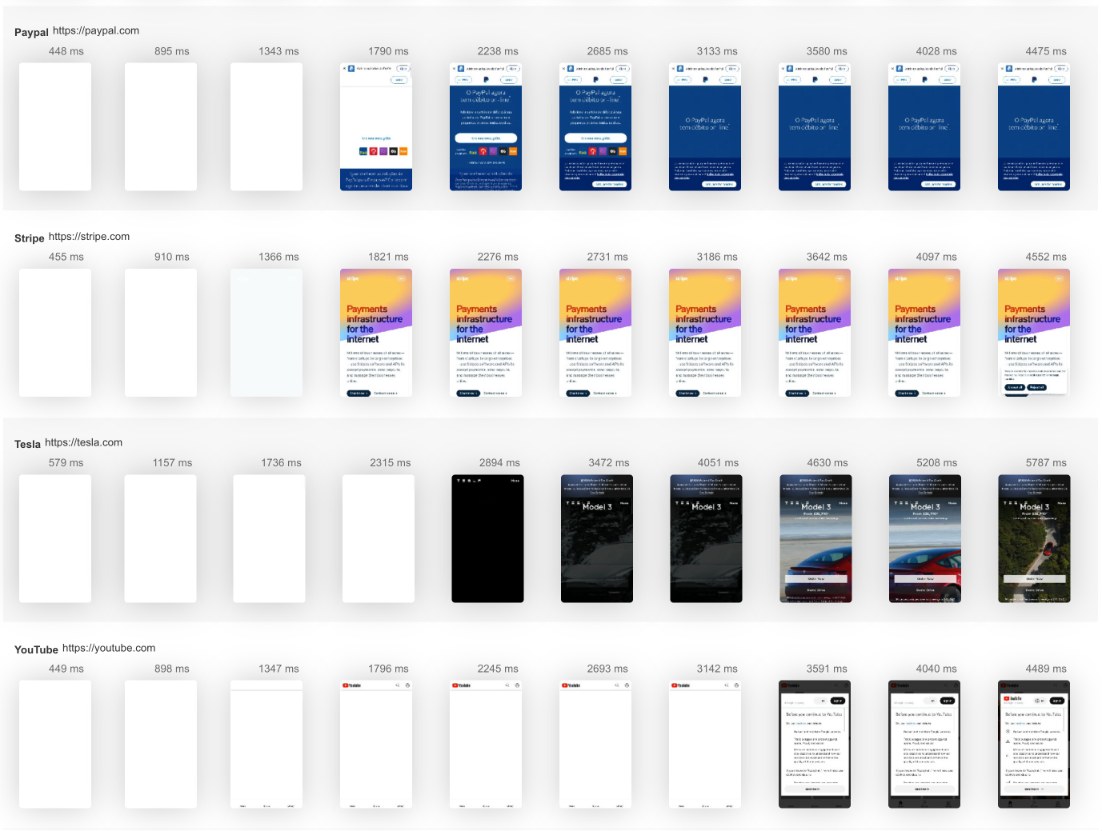

Unlock Global Insights 🌍
Puzzled about global performance variations?
70% of businesses leverage LoadFocus to gauge site speeds from multiple worldwide locations.
Geographically Diverse Test Locations
LoadFocus allows testing from diverse global locations, ensuring you understand your website's behavior in different regions.
Optimize for a Global Audience
Tailor your website's performance to cater to visitors from across the world, ensuring consistency and reliability.
How LoadFocus website speed test compares
Most page-speed tools cover the basics. LoadFocus adds what they leave on the table, global testing regions, history charts, regression alerts, and CI/CD hooks, without a paywall.
| Feature | LoadFocus | PageSpeed Insights | GTmetrix | WebPageTest |
|---|---|---|---|---|
| Free tier (no signup) | Yes | Yes | Limited | Yes |
| Test from 25 global regions | Yes | , | , | Yes |
| Lighthouse scores | Yes | Yes | Yes | Yes |
| Core Web Vitals (LCP, INP, CLS) | Yes | Yes | Yes | Yes |
| History + comparison over time | Yes | , | Yes | , |
| Email alerts on score regression | Yes | , | Yes | , |
What page speed metrics matter, and why
Your speed test surfaces several numbers. The ones that move SEO + user experience:
Largest Contentful Paint (LCP)
How fast the main content of your page loads. Good: under 2.5 seconds. Slow LCP correlates with bounce rate and lost conversions.
Cumulative Layout Shift (CLS)
Measures unexpected visual shifts during page load, buttons jumping, content moving as images arrive. Good: under 0.1.
Interaction to Next Paint (INP)
Measures responsiveness, how quickly the page reacts to clicks, taps, and key presses. Replaced FID in March 2024. Good: under 200 ms.
Time to First Byte (TTFB)
How quickly your server responds to the request. Slow TTFB caps how fast LCP can ever be. Good: under 800 ms.
Website speed testing FAQ
What is a website speed test?
A website speed test measures how fast a page loads and becomes interactive from a real user's perspective. It typically runs Lighthouse against your URL from a controlled browser, captures Core Web Vitals (LCP, INP, CLS), and surfaces opportunities to make the page faster.
What's a good page speed score?
Lighthouse Performance score of 90 or higher is good. Core Web Vitals: LCP under 2.5 seconds, INP under 200 ms, CLS under 0.1. Sites passing these thresholds tend to rank higher and convert better than those that don't.
How often should I test my website's speed?
For static marketing pages, weekly is enough. For frequently-changing apps, run a check on every deploy via CI. LoadFocus monitoring runs the test on a schedule and alerts on regressions, so you don't have to remember.
What's the difference between lab data and field data?
Lab data (Lighthouse, LoadFocus) measures performance in a controlled environment, same device, same network. Field data (Chrome User Experience Report) is what real users actually experience. Lab catches regressions before deploy; field tells the truth about your real-user mix.
Why does my site fail Core Web Vitals?
The usual suspects: oversized images, render-blocking JavaScript, unsized images causing layout shift, slow server response (TTFB), and heavy third-party scripts. The speed test report tells you exactly which apply to your page.
Does page speed affect Google rankings?
Yes. Core Web Vitals are part of Google's page experience signal. Pages passing CWV thresholds get a ranking advantage in competitive queries. They also have lower bounce rates and higher conversion, so the SEO and UX wins compound.
Works with the rest of LoadFocus
The free speed test is a one-off check. Scheduled monitoring, Core Web Vitals tools and cloud load testing live in the same account.
Page Speed Monitoring · Core Web Vitals Checker · Core Web Vitals Optimization · Free Load Testing Tool