Free Base64 Encode and Decode Tool
Encode text to Base64 or decode Base64 back to text instantly in your browser. UTF-8 safe, nothing is uploaded, free and no signup.
Runs entirely in your browser. Nothing is sent to a server.
What is Base64 encoding?
Base64 represents binary or text data using only 64 printable ASCII characters (A to Z, a to z, 0 to 9, plus and slash). It is used whenever data has to travel through a channel that only handles text reliably, such as embedding an image in CSS, sending binary content inside JSON, or putting credentials in an HTTP Authorization header. Encoding to Base64 makes the data about a third larger, so it is a transport format, not compression or encryption.
How to use this Base64 tool
Paste your text in the Input box, then click Encode to turn it into Base64, or Decode to turn Base64 back into readable text. The result appears in the Output box, ready to copy. The tool is UTF-8 safe, so accents, emoji, and non-Latin characters round-trip correctly. Everything runs in your browser, so nothing you paste is uploaded.
Base64 FAQ
Is Base64 encryption? No. Base64 is reversible by anyone and provides no security. Never use it to protect passwords or secrets.
Why does my decoded text look wrong? The input may not be valid Base64, or it may be Base64url, which uses minus and underscore instead of plus and slash. Remove stray spaces and check the character set.
Is my data safe? Yes. This tool runs entirely in your browser and never sends your input anywhere.
Outgrown your testing tools?
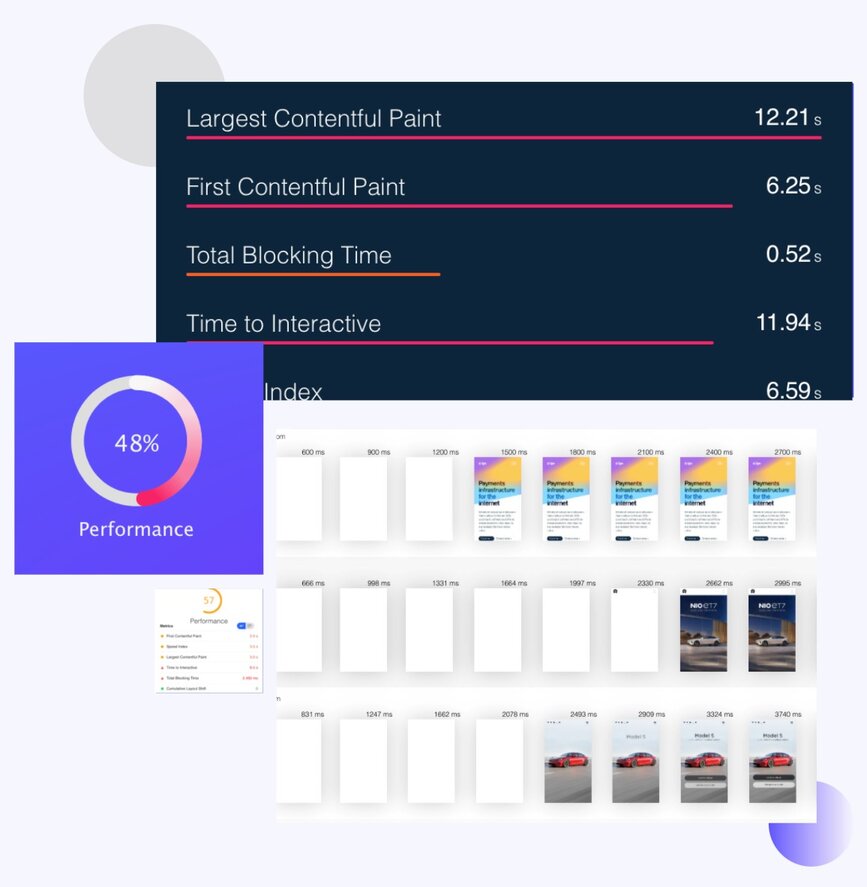
Load test websites and APIs from 25 cloud regions, monitor page speed and uptime, and get AI analysis that explains your results in plain English.Start for free→