Know Your API's Real Capacity
How many requests per second can your API serve before latency climbs?
An API load test sends many parallel requests and measures each one.
Slow database queries, rate limits and connection pools show up immediately.
Test Real Requests, Not Just a Ping
The free run hits any public endpoint with concurrent users.
Chain requests to model a real login-then-fetch flow.
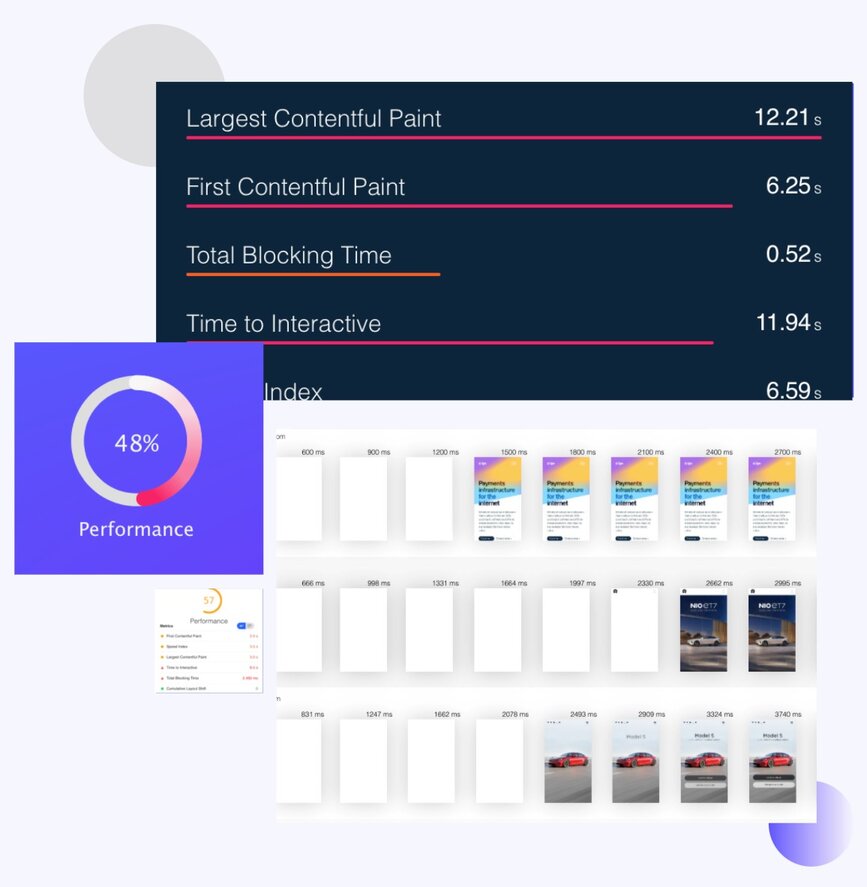
Every run keeps a per-request breakdown and a timeline.
What an API load test should measure
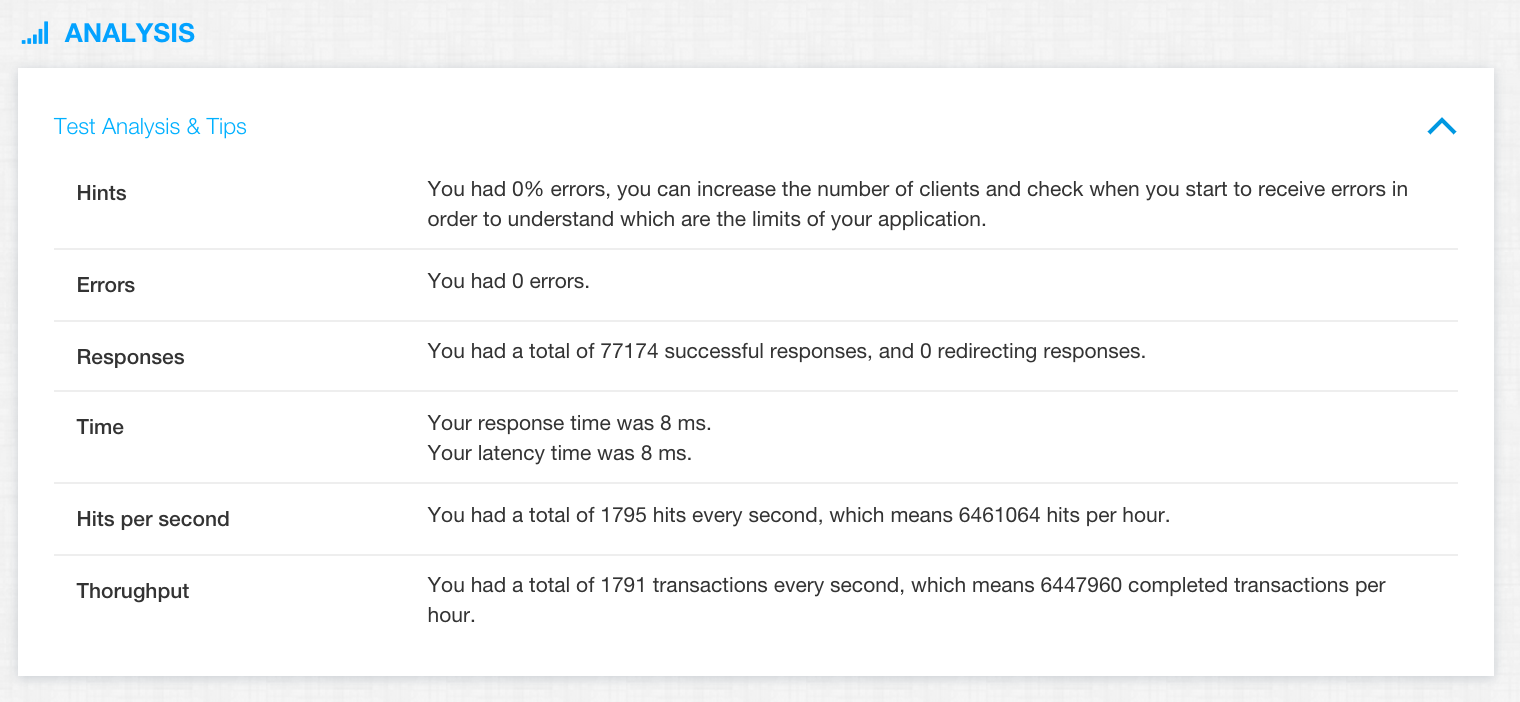
Three numbers tell most of the story. Read them together, not one at a time.
Latency: p95 and p99, not the average
The average hides the slow tail. A p99 of two seconds means one call in a hundred waits two seconds, which is what your users notice and what your timeouts trip on.
Throughput: requests per second
The number of requests the API completes each second under load. When adding users no longer raises it, you have found the capacity of the slowest component behind the endpoint.
Error rate: 5xx, timeouts and rejected connections
Errors that only appear under load point at exhausted pools, rate limiters and upstream dependencies. Group them by status code and by endpoint to see which one breaks first.
How to load test an API for free
Four steps, no install, results in a few minutes.
- Enter the endpoint URL
Paste the public URL of the endpoint. GET endpoints work directly in the free run; other methods and bodies are set in the full app. - Choose users and duration
Pick how many concurrent virtual users to simulate and for how long. The free plan covers a 25-user run; paid plans go to thousands from several regions. - Run it from the cloud
Start the test and let the load generators do the work. Your own network is never the bottleneck. - Read latency, throughput and errors
The results show p95 and p99 latency, requests per second and errors by status code, so you can tell a slow endpoint from a failing one.
API load testing: frequently asked questions
What is API load testing?
API load testing sends many concurrent requests to an endpoint and measures how latency, throughput and error rate change as the load grows. It shows the capacity of the API and the point where it starts to degrade.
Is the API load test free?
Yes. The free run works without an account or card and is limited to 25 virtual users from one location. Larger tests, more regions and request configuration need a free account or a paid plan.
Can I send POST requests with a JSON body?
The free run on this page sends GET requests to a public URL. Sign in to set the method, headers, authentication and body, or upload a JMeter or k6 script that already does.
How do I load test an API that needs authentication?
Add the token or API key as a header in the full app, or use a JMeter or k6 script that logs in first and reuses the session. Do not put secrets in the URL of a free run.
What is a good p95 latency for an API?
It depends on the caller. As a rule of thumb, under 200 ms for endpoints behind a user interface and under 1 second for background jobs. What matters more is that p95 stays flat as you add users.
Can I test a GraphQL or SOAP endpoint?
Yes. Both are HTTP under the hood. GraphQL queries and SOAP envelopes are sent as request bodies, which you configure in the full app or in a script.
Can I run the same test from several regions?
Signed-in users can run one test from up to 25+ cloud regions at once and compare latency per region. The free run uses a single region.
Can I fail my CI pipeline when the API is too slow?
Yes. Set pass/fail thresholds on a test (p95, p99, error rate, minimum throughput) and read the verdict from the API or the GitHub Action to block a deploy.