





What is wrk?
wrk is an open-source HTTP benchmarking tool written in C by Will Glozer. It's a single binary, multi-threaded, and uses Lua for scripting custom request patterns. wrk is widely used by infrastructure engineers for high-RPS HTTP benchmarks where the goal is "how fast can this endpoint handle requests?", a typical use case is API tuning, server config validation, or comparing reverse-proxy configurations under load.
wrk runs from one machine, so the test capacity is bounded by that machine's CPU and network. For tests beyond a few thousand RPS from one server, you'd typically distribute it across multiple wrk instances manually or move to a tool with native distributed execution.
When wrk is the right tool
wrk fits these scenarios well:
- Single-machine HTTP benchmarks. When you want to know "how many requests per second can this endpoint handle from one origin", wrk is purpose-built and very fast.
- Local server tuning. Adjusting NGINX/HAProxy/server configs and measuring RPS impact iteratively.
- CI command-line benchmarks. Wrap wrk in a shell script, parse its text output, and assert on RPS thresholds.
- Lua-scripted custom request patterns. wrk's Lua scripting supports custom request bodies, headers, and dynamic data without rebuilding the binary.
Where wrk stops being enough
wrk's CLI-only, single-machine design is its strength and its limit. Once you need anything beyond "benchmark this endpoint from this machine", gaps appear:
- Single-machine capacity limit. Network and CPU on one machine cap your VU/RPS counts. Distributed tests require manual orchestration of multiple wrk instances.
- No GUI, no historical view. wrk prints results to stdout. Trending, comparing runs, and sharing results with stakeholders requires custom tooling.
- No geographic distribution. Tests run from wherever you launch wrk. Multi-region load (to detect regional latency differences) requires self-managing servers in each region.
- No API monitoring or page speed monitoring. wrk is purely an HTTP benchmark tool. Continuous monitoring needs separate tools.
- Lua scripting has a learning curve. Lua's syntax and the wrk-specific API can take time for teams without Lua experience.
LoadFocus vs wrk: feature comparison
The table below compares LoadFocus against wrk in typical usage. wrk is open-source (free); the comparison is on capability, not cost.
| Feature | LoadFocus | wrk |
|---|---|---|
| Cost | Free tier; load testing from $19/mo | Free (open-source) |
| Deployment model | Cloud SaaS | Self-hosted CLI |
| Web UI | Yes | No (terminal only) |
| Distributed execution | Yes (managed cloud) | Manual (multi-instance setup) |
| Geographic test coverage | 25+ cloud regions | Wherever you run it |
| Max throughput | Up to 12,500 VUs | Bounded by single machine |
| JMeter (.jmx) script support | Yes (native) | No |
| k6 (.js) script support | Yes (native) | No |
| Lua scripting | No | Yes (specialty) |
| Historical results + trend graphs | Yes | No |
| CI/CD integration | Yes (CLI + GitHub Action) | Manual (shell + parsing) |
| AI-generated analysis | Yes (all plans) | No |
| Page speed monitoring | Yes | No |
| API monitoring | Yes | No |
When LoadFocus is the right upgrade from wrk
wrk is excellent for what it's designed for. The decision to move to LoadFocus comes down to whether you need anything beyond single-machine HTTP benchmarking.
You need load from multiple geographic regions
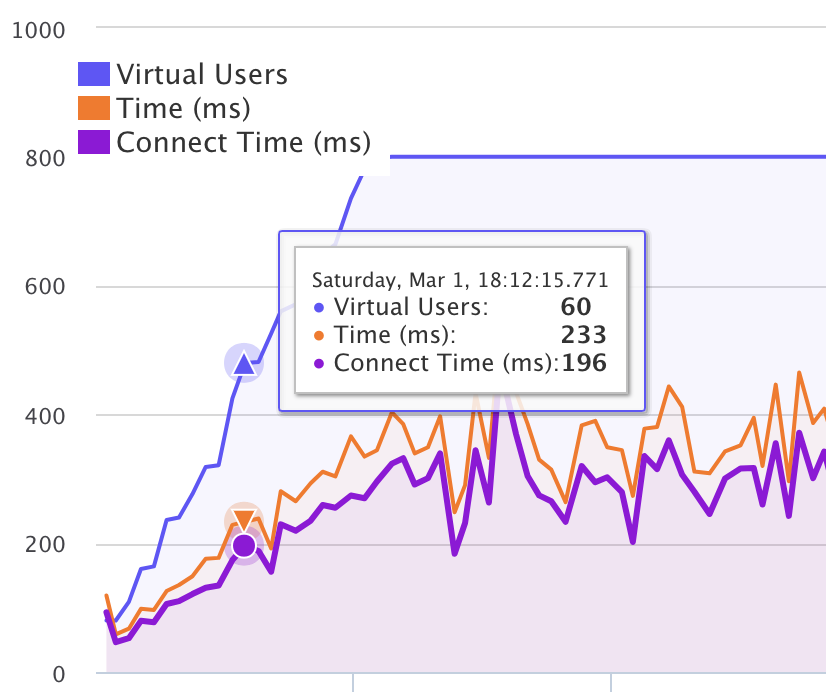
Single-machine wrk tests measure latency from your one launch point. Real-world users hit your service from many regions; LoadFocus runs the same test from 25+ regions and surfaces regional differences.
You need to scale beyond a single machine's capacity
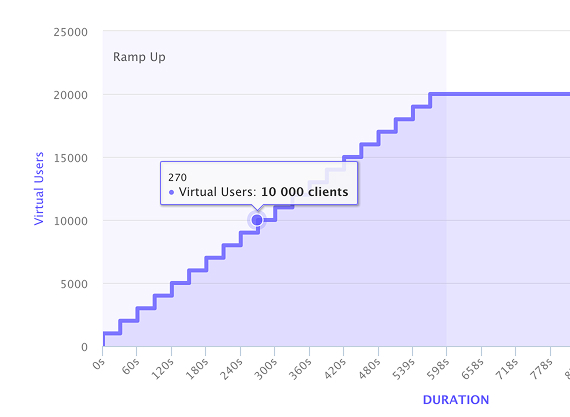
For 5,000+ concurrent users (or high RPS targets), one wrk instance hits CPU/network ceilings. LoadFocus runs distributed tests transparently, you don't manage the agent fleet.
You want a UI, history, and stakeholder-shareable reports
wrk's stdout output is engineer-friendly. For QA leads, product managers, and SRE teams who want to scroll a dashboard and compare runs over time, LoadFocus's UI fills the gap.
You want first-class CI integration
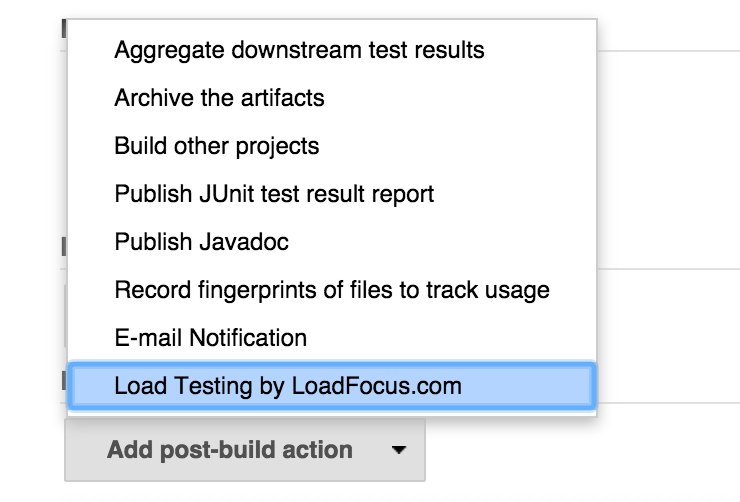
wrk in CI requires shell-wrapping, output parsing, and threshold assertion. LoadFocus's CLI and GitHub Action handle this natively, including PR-comment integration with regression diffs.
You want to consolidate load + page speed + API monitoring
wrk does HTTP benchmarking. For teams also doing CWV monitoring or scheduled API uptime checks, multiple tools become multiple subscriptions and dashboards.
Migration from wrk
- Sign up at loadfocus.com/signup.
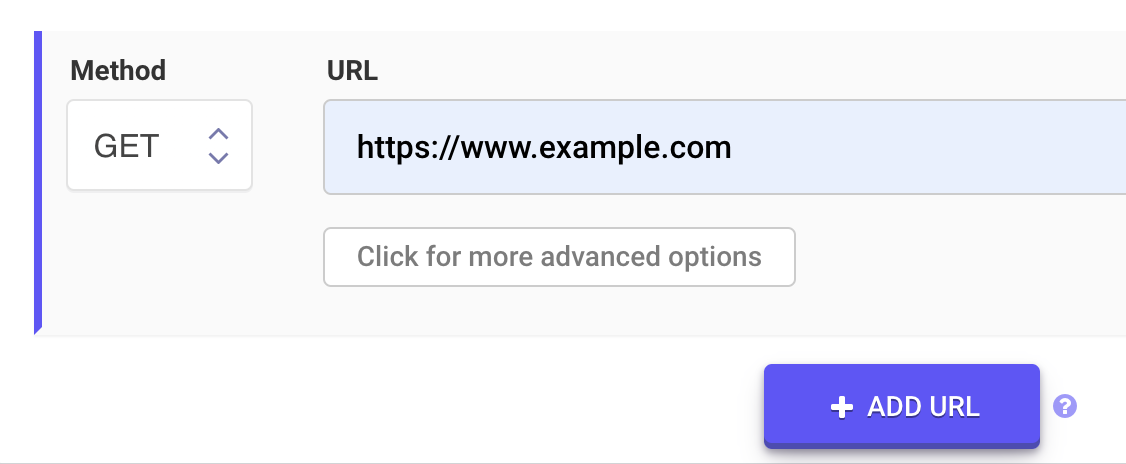
- Translate your wrk command to a JMeter or k6 script. For simple GET tests, k6 is closest to wrk's mental model:
http.get('https://example.com'). - Upload the .js (k6) or .jmx (JMeter) script to LoadFocus.
- Configure VU count and duration to match your wrk parameters.
- Run from one or more regions. Compare RPS results to your local wrk runs to validate.
Many teams keep wrk for quick local benchmarks and add LoadFocus for distributed/scheduled tests. The two coexist well.
FAQ: LoadFocus vs wrk
Is wrk faster than LoadFocus?
For single-machine HTTP benchmarks, wrk is among the fastest tools available. LoadFocus's strength isn't raw single-machine speed, it's distributed cloud execution, UI, history, and integration. For peak RPS from one machine, wrk wins; for everything else, LoadFocus is the right tool.
Can LoadFocus run my wrk Lua scripts?
No. wrk's Lua scripting is specific to wrk's API. The closest LoadFocus equivalent is k6 (JavaScript), which provides similar dynamic-data and custom-request capabilities.
How does pricing compare?
wrk is open-source (free). LoadFocus starts at $19/month with a free tier. The cost comparison depends on whether you value the UI, history, distributed execution, and integrations enough to pay for them.
Can I use both tools in parallel?
Yes. Many infrastructure teams keep wrk for quick local server-config benchmarks and use LoadFocus for distributed/scheduled load tests with stakeholder-friendly reports.
Does LoadFocus benchmark RPS as accurately as wrk?
Both tools measure RPS, latency percentiles, and throughput. For raw HTTP benchmarking from one origin, wrk's measurement is closer to the metal. LoadFocus's measurements include the cloud-region network paths, which is what you usually want when measuring real-world performance.
Try LoadFocus free
If wrk has hit a ceiling, single-machine capacity, no geographic distribution, no historical reports, no CI integration. LoadFocus extends the wrk model into a managed cloud platform. Sign up for a free tier at loadfocus.com/signup, no credit card, and run your first cloud HTTP load test in under 5 minutes.