





Why LoadFocus is a valid Browsertime Alternative?
LoadFocus stands out as a formidable alternative to Browsertime by offering a more user-friendly interface and enhanced performance metrics. While Browsertime focuses on script-based testing, LoadFocus delivers an extensive suite of features for continuous performance monitoring, ensuring your website meets the highest speed standards.
Enhanced Performance Monitoring
Real-World Testing Scenarios
LoadFocus simulates real-user conditions, providing insights into Core Web Vitals such as First Contentful Paint (FCP) and Largest Contentful Paint (LCP). This approach allows you to identify and rectify performance issues that might not be evident in static tests, ultimately improving your website's rendering speed.
Comprehensive Reporting
With detailed performance reports, LoadFocus highlights slow-loading resources and potential optimization areas. This enables you to implement changes effectively, thereby accelerating page load times and enhancing user experience.
Integration with Development Workflows
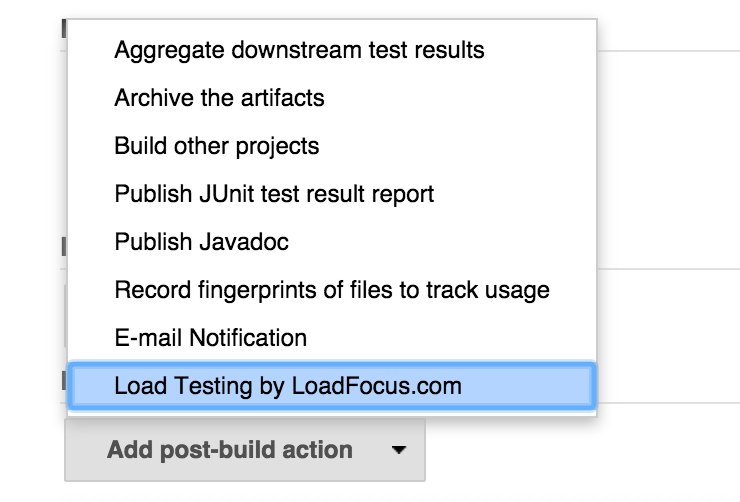
LoadFocus seamlessly integrates into CI/CD workflows, allowing for ongoing performance assessments and prompt optimizations with each deployment. This capability is essential for maintaining optimal speed in a fast-paced development environment.
Flexible Pricing and Scalable Solutions
LoadFocus offers various pricing plans tailored to fit different team sizes and budgets, making it a cost-effective choice compared to Browsertime, which may require more technical overhead and resources. This scalability is ideal for continuous performance improvements.
Key Features of LoadFocus for Page Speed Monitoring
Customizable Test Settings
Run tests on multiple URLs at once from various global locations, and choose between different device types. Schedule tests to keep an eye on your site’s performance consistently.
Key Performance Indicators
Monitor essential metrics, including Core Web Vitals and Lighthouse scores, to ensure your website meets user expectations and performance benchmarks. Set thresholds to receive alerts for any drops in performance.
Notification and Alert System
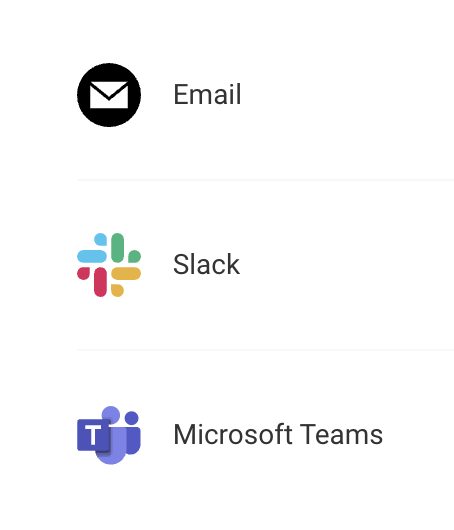
Stay updated with real-time notifications via email or chat integrations like Slack and Microsoft Teams, ensuring your team is always aware of performance changes.
Historical Performance Data
Access historical testing data to analyze trends, spot recurring issues, and evaluate the effectiveness of optimization efforts over time. This data is crucial for informed decision-making.
This overview illustrates how LoadFocus not only serves as a reliable Browsertime alternative but also enhances website speed testing with actionable insights. For more information, visit LoadFocus.
FAQ on LoadFocus vs Browsertime
What advantages does LoadFocus offer over Browsertime in speed testing?
LoadFocus provides a more intuitive interface and comprehensive reporting, allowing users to easily identify and address performance bottlenecks.
Can LoadFocus help improve specific performance metrics?
Yes, LoadFocus analyzes Core Web Vitals and provides actionable recommendations for improvement, unlike Browsertime's more technical approach.
Is LoadFocus suitable for ongoing performance tracking?
Definitely! Its integration with CI/CD pipelines makes LoadFocus ideal for continuous monitoring and optimization in development workflows.
What makes LoadFocus a budget-friendly option?
LoadFocus offers flexible pricing plans designed for various team sizes, making it a cost-effective alternative to Browsertime’s more resource-intensive setup.