
Google’s Best-Kept Secret: How Page Speed Insights Can Skyrocket Your Rankings!
PageSpeed Insights reports both lab and field data, and only the field data affects ranking.
Newest first. 300 load testing, JMeter, test automation and monitoring guides, plus tool comparisons. Browse by topic from the blog home.

PageSpeed Insights reports both lab and field data, and only the field data affects ranking.

Keep the pipeline fast. A suite people skip because it is slow provides no safety at all.

Throughput and response time diverge under load: throughput plateaus while response time climbs. Report both. Either one alone can be made to look good.

A flaky test is worse than no test, because it trains the team to ignore red builds.
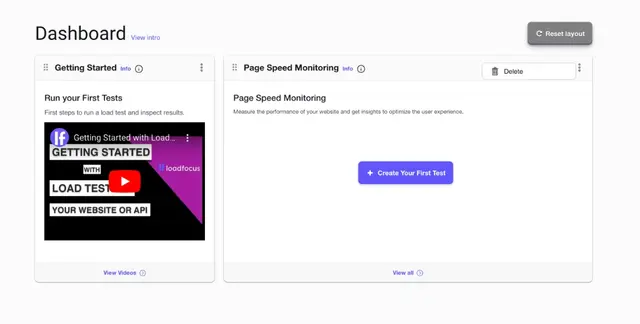
A dashboard is only useful if it shows the few numbers you act on. Arrange widgets around a question you ask often rather than around what is available.

Start with the objective: a target user count and an acceptable response time. Run a small test first to validate the setup, then scale up.

Content that answers a real query outranks technically perfect pages about nothing. Site speed and crawlability are prerequisites rather than tactics.

CPU utilisation shows whether the server is working or waiting, which changes the diagnosis.

Response time alone hides the problem. Track throughput, error rate and resource use alongside it.

Users judge speed in the first couple of seconds, and most sites lose them there. Measure before assuming; the obvious culprit is often not the cause.

Notes capture why a run looked the way it did, which raw metrics never record. Write the note at the time. The context is gone within a week.

Update the baseline deliberately when performance genuinely improves. Compare full results, not just the summary, since averages hide a worse tail.

Test OAuth-secured APIs in JMeter: fetch the token once, extract it with a JSON extractor, reuse it in a header manager, keep it out of timed samples.
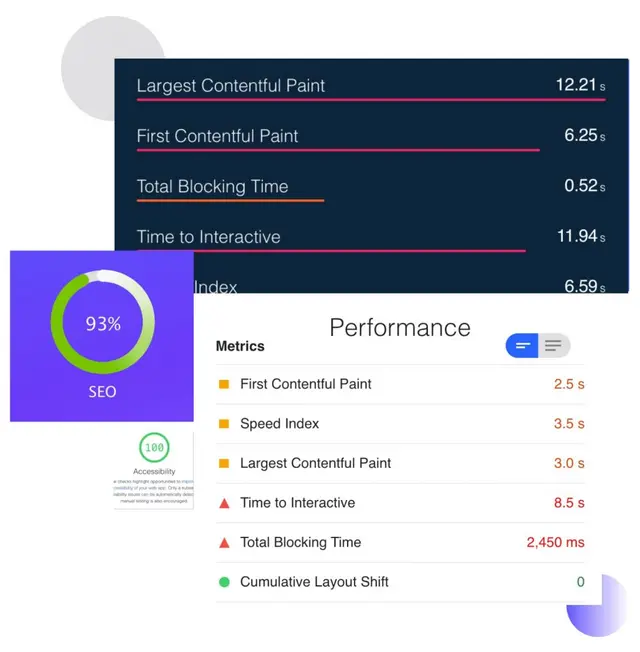
Images are usually the largest thing on a page and the easiest to fix. Modern formats and correct dimensions cut weight without visible quality loss.
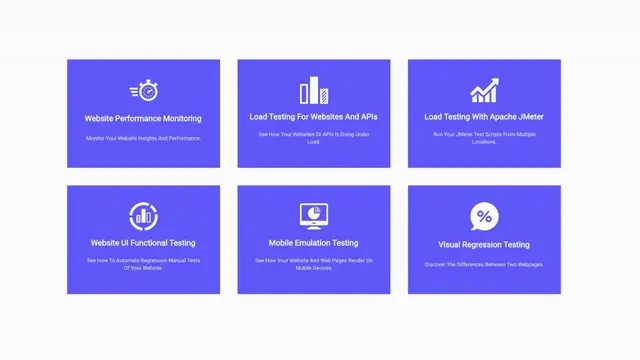
Tool sprawl fragments results so no single view is trustworthy. Consolidate on what integrates with your pipeline rather than what demos best.

A CSV data set gives each virtual user different inputs, which is what makes a test realistic.
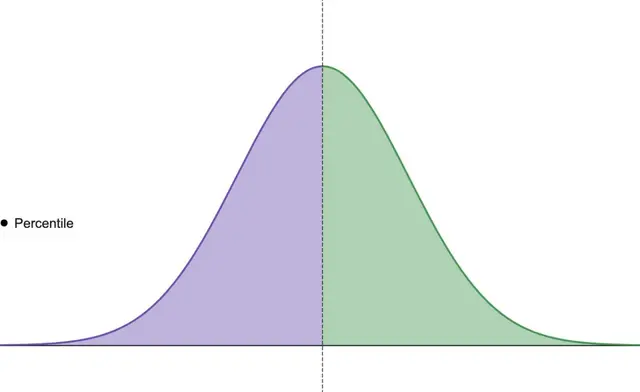
An average hides the slow tail, and the tail is what users complain about. p95 and p99 describe the experience of your least fortunate users.

Scheduled checks turn Core Web Vitals from an occasional audit into a trend you can act on.
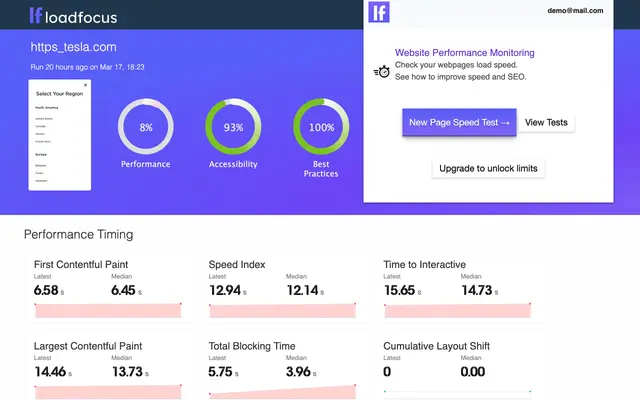
SEO monitoring catches silent breakage: a noindex shipped by accident, or a redirect chain.

An alias saves typing the full JMeter path on every launch. Point the alias at the version you actually intend to run if several are installed.

Depth in one area beats shallow familiarity with every tool. Automation is a skill within testing, not a replacement for knowing what to test.
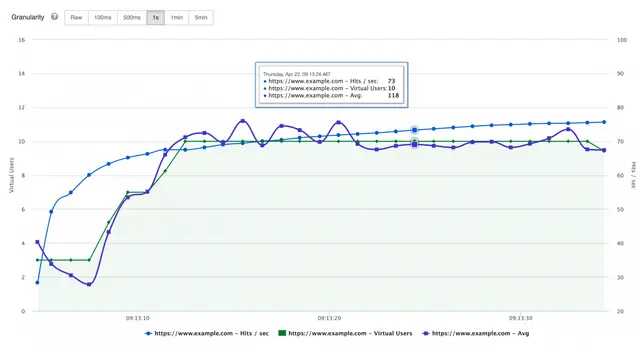
Hits per second counts every request including assets, so it exceeds page views substantially. It shows server workload rather than user activity.
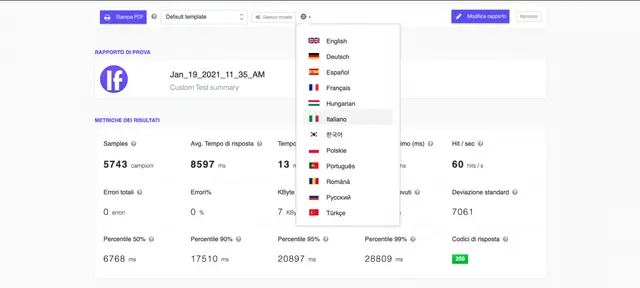
Set the language per report rather than per account when teams are mixed. The numbers are the same either way, so this is about adoption, not accuracy.

Load test the endpoints your clients actually call, weighted the way they call them. Assert on the response body as well as the status code.
Don’t miss out on the latest testing tips and tricks, tools and news related to software testing.
Already +20,000 members in the list.
Load test websites and APIs from 25 cloud regions, monitor page speed and uptime, and get AI analysis that explains your results in plain English.