

Key takeaways
- Emulators catch layout and viewport problems quickly and cheaply.
- They do not reproduce real network or CPU conditions, so confirm on a device before shipping.
- Test the viewports in your analytics rather than a generic device list.
Mobile Emulation service from LoadFocus allows you to understand how your websites and web pages render on mobile devices, in case you are keen on building mobile-first, fully responsive web sites.
With Mobile Emulation service from LoadFocus you can load your websites and web pages in mobile emulators and inspect screenshots to find potential rendering issues, invalid HTML, missing images, wrong CSS.
It’s very easy to schedule daily runs and inspect rendered images on all devices in just a few seconds. Just select the desired mobile emulators and load your site across different screen sizes and resolutions.
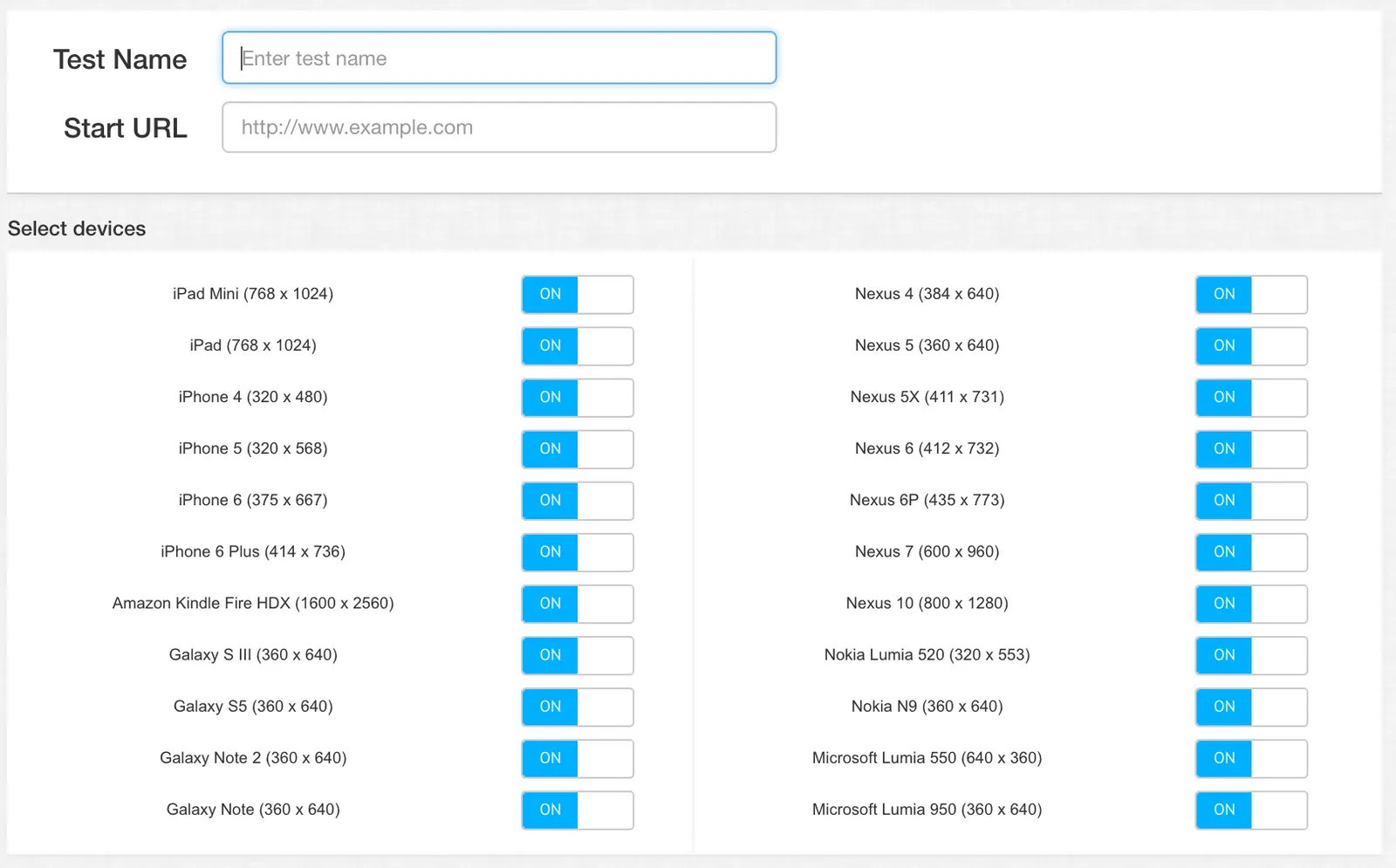
LoadFocus Mobile Emulation service allows you to test your web apps and websites on all popular smartphones and tablets and we constantly add the new ones.
Easy to use and lightweight interface makes testing fast and easy, also you to set your favourite devices and websites, so that you can run or schedule multiple tests with only a few clicks.
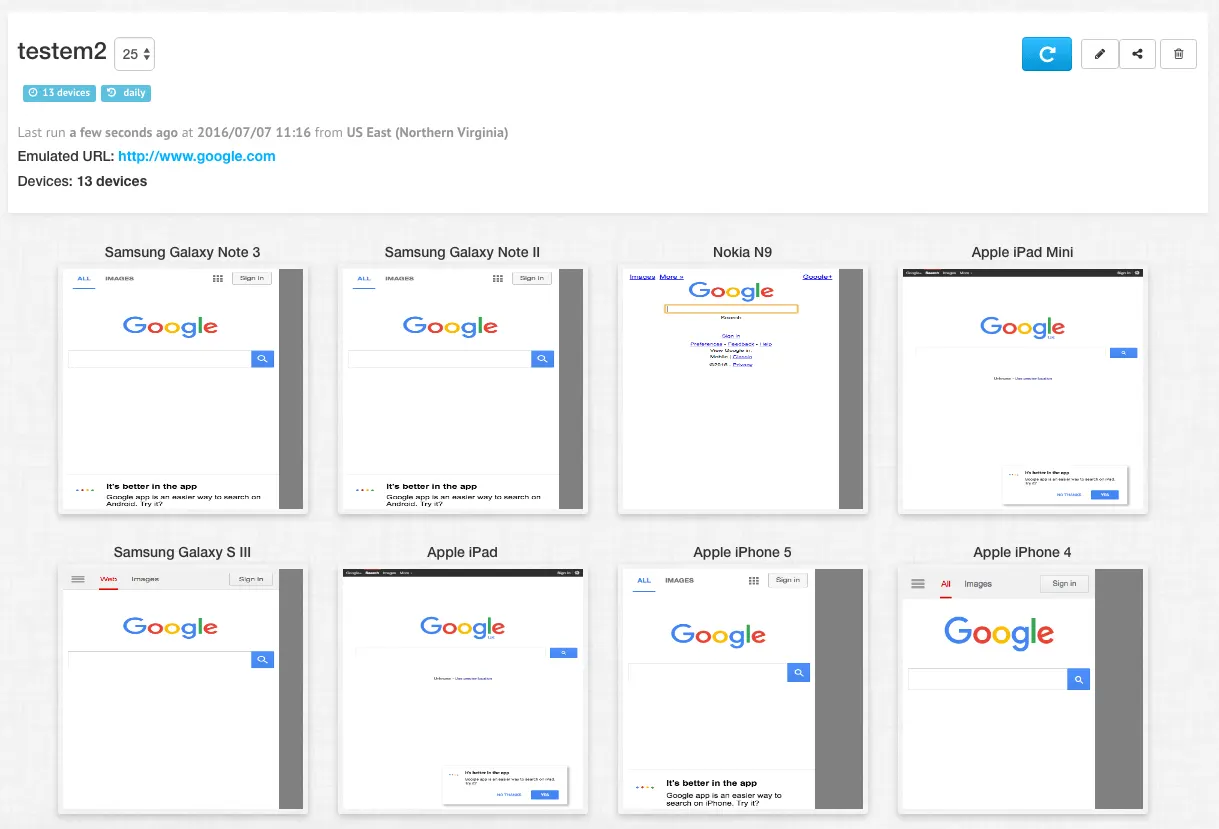
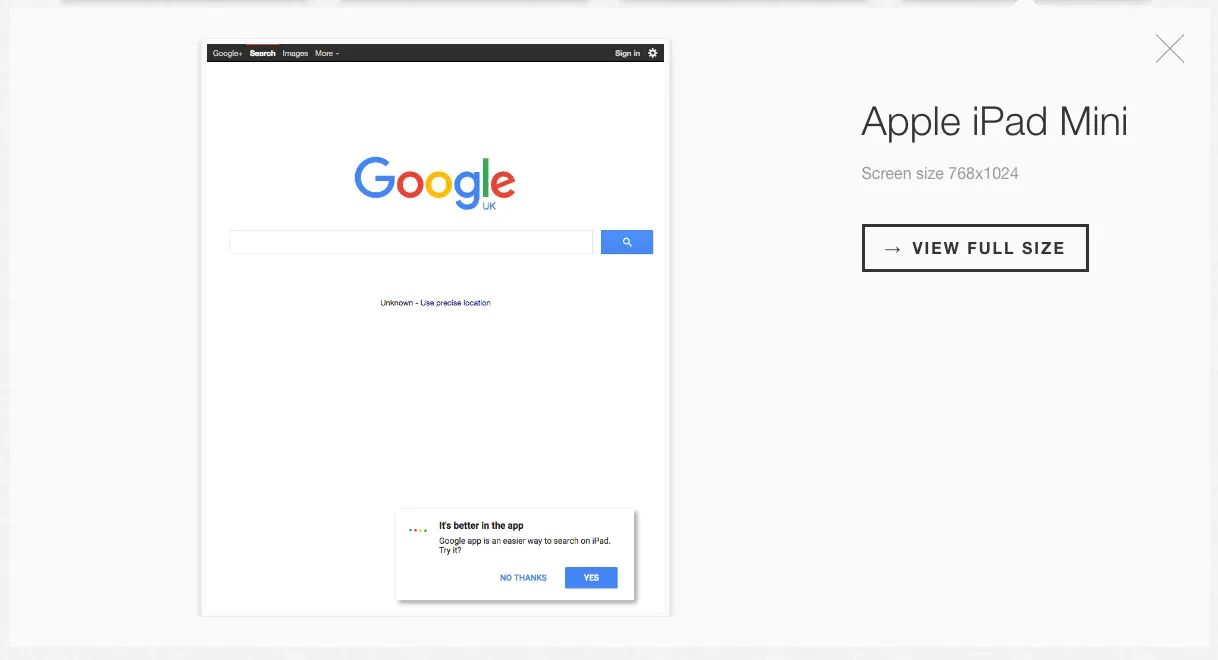
Mobile Emulation allows you to see your websites like they are rendered in mobile devices, check how easy is to simulate a wide range of devices and their capabilities.
Mobile Emulation is far easier than switching to a real smartphone or tablet. It could save hours of effort.
LoadFocus.com is a All-In-One Cloud Testing Platform for Load Testing and Performance Testing, Website Speed Testing, Automated Website Testing for Websites, Mobile Applications and API Endpoints.
Frequently Asked Questions
What are emulators good for?
Layout and viewport problems, quickly and cheaply. You can check how a page renders across many screen sizes without owning any of the devices.
What do they miss?
Real network and CPU conditions. A page that renders correctly in an emulator can still be unusable on a mid-range phone, so confirm on a device before shipping.
Which viewports should I test?
The ones in your analytics. A generic device list wastes effort on screens your visitors do not use and omits the ones they do.