Expert Tips for Effective OAuth2 Load Testing
Simulate Real OAuth2 Token Flows
To achieve accurate results in OAuth2 load testing, it’s essential to replicate the actual token flows your API uses in production. Relying on static tokens bypasses the authorization server, concealing potential bottlenecks in token generation and validation. By simulating these flows, you expose latency and errors that could otherwise go unnoticed until production. As Jane Doe, a senior API security analyst, notes, “Load testing without proper OAuth2 token simulation is like stress-testing a car without the engine running – it doesn’t reflect true operational conditions.”
Automate Token Management in Test Scripts
Automating token retrieval and renewal within your test scripts is now standard practice. Modern load testing tools support built-in OAuth2 logic, allowing you to schedule token acquisition, handle refresh tokens, and maintain valid sessions across many virtual users. This automation reduces manual errors and ensures your tests reflect real-world authentication patterns. For a step-by-step walkthrough, see our Guide to Performance Testing APIs with OAuth2 Authentication.
Is Your Infrastructure Ready for Global Traffic Spikes?
Unexpected load surges can disrupt your services. With LoadFocus’s cutting-edge Load Testing solutions, simulate real-world traffic from multiple global locations in a single test. Our advanced engine dynamically upscales and downscales virtual users in real time, delivering comprehensive reports that empower you to identify and resolve performance bottlenecks before they affect your users.
Monitor Both API and Authorization Server
Performance issues can originate from either your API endpoints or the OAuth2 authorization server. Track metrics on both sides during every test run. If you notice latency spikes, monitoring only the API won’t reveal whether the root cause is token issuance, refresh, or business logic. Our case study on distributed load testing demonstrates why dual monitoring is critical.
Prioritize Security During Testing
Never overlook token and credential security in your test environment. Keep secrets out of logs, use secure storage for test configurations, and rotate credentials regularly. Even in non-production settings, a leak can expose sensitive data or create security risks. For more on this, see our opinion piece on performance testing and security standards.
By focusing on these essentials, you’ll uncover issues that are often missed and ensure your API stack is resilient under load.
Think your website can handle a traffic spike?
Fair enough, but why leave it to chance? Uncover your website’s true limits with LoadFocus’s cloud-based Load Testing for Web Apps, Websites, and APIs. Avoid the risk of costly downtimes and missed opportunities—find out before your users do!
Common Missteps in OAuth2 Load Testing
Overlooking Authentication Flows
It’s common for teams to complete API load testing with promising metrics – only to realize later that they skipped simulating OAuth2 authentication flows. This oversight leads to misleading results and can cause production failures. If the authentication layer isn’t tested under load, APIs may appear strong in pre-production but falter under real-world traffic.
Frequent Pitfalls
Teams often make several mistakes when testing APIs secured with OAuth2. The most frequent is using static access tokens: acquiring a token once and reusing it for all requests. This approach ignores the real token lifecycle, such as expiration and refresh. Others bypass the authorization server, mock authentication responses, or disable auth checks to simplify test setup. Skipping token expiration logic is another common shortcut, preventing the test from simulating what happens when tokens expire and need to be refreshed.
These missteps undermine the realism of your test scenarios. Proper OAuth2 simulation is necessary to reveal real-world bottlenecks.
Why Realistic OAuth2 Simulation Matters
Running load tests without authenticating like a real client yields incomplete insights. API servers may appear to handle high request volumes, but this doesn’t account for the additional load from authentication logic. OAuth2 token generation, validation, and refresh introduce latency and resource demands that are absent in unsecured scenarios. Authentication servers can become bottlenecks as API traffic scales.
LoadFocus is an all-in-one Cloud Testing Platform for Websites and APIs for Load Testing, Apache JMeter Load Testing, Page Speed Monitoring and API Monitoring!
Even advanced cloud testing platforms will only surface issues if tests reflect production authentication flows. Skipping OAuth2 simulation can produce false positives – your API might look healthy, but only because it isn’t facing the same demands as in production.
Real-World Impact: Latency, Security, and Reliability
Misconfigured OAuth2 load testing leads to practical problems: latency spikes, unpredictable token expiration, and request failures often surface under real load but remain hidden if authentication isn’t exercised during tests. Security risks also increase if teams reuse tokens or expose client secrets in scripts.
Skipping or mishandling OAuth2 in load testing undermines reliability and can leave critical vulnerabilities unaddressed. Accurate OAuth2 load testing is the only way to determine if your system is ready for production traffic under secure access controls.
Step 1: Assess and Document Your API’s OAuth2 Flow
Effective OAuth2 load testing begins with a clear understanding of your API’s authentication and authorization mechanisms. Before scripting, identify which OAuth2 grant types your API uses, how tokens are managed, and the required credentials and scopes for each operation. Skipping this groundwork almost guarantees inaccurate test results.
Key Insight: The accuracy of your OAuth2 load testing depends on replicating the exact token flows and lifecycles your API uses in production.
Identifying OAuth2 Grant Types
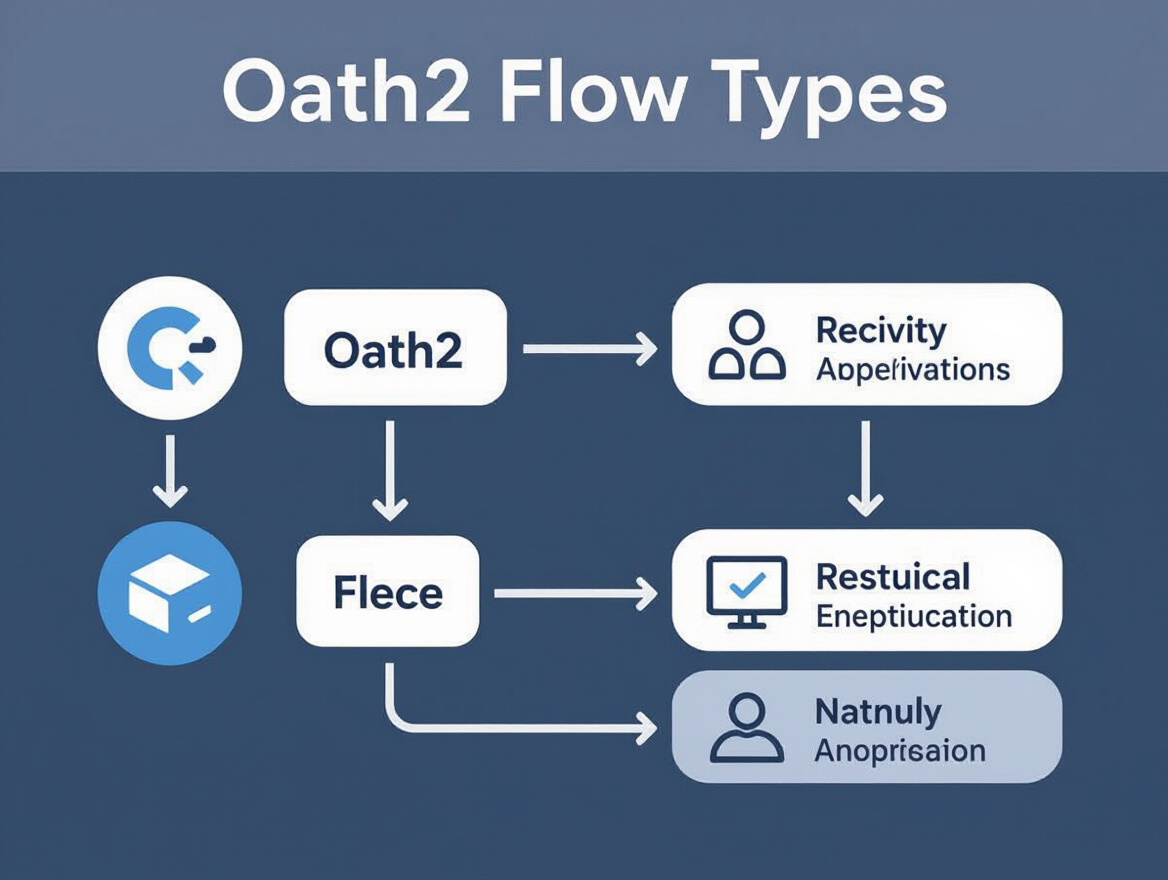
Review your API documentation or codebase to determine which OAuth2 flows are implemented. Common grant types include Authorization Code (for user-facing apps), Client Credentials (for machine-to-machine communication), and Refresh Token (for session renewal). Some APIs support multiple flows for different endpoints or user journeys. For technical details, see the Guide to Performance Testing APIs with OAuth2 Authentication.
Documenting Token Lifecycles and Credential Requirements
Understanding the token lifecycle is crucial. Tokens have expiration times, refresh strategies, and sometimes rotation or revocation logic. Neglecting to simulate token expiry and refresh during long-running tests means missing a key source of latency and potential bottlenecks. Improper token management can lead to misleading metrics or test failures.
For each API operation you intend to test, document:
- Required OAuth2 endpoints (authorization, token, refresh, etc.)
- Client credentials (client ID, client secret) and management approach
- Scope requirements for each endpoint or action
- Token expiration, refresh, and revocation policies
This documentation guides test script development and troubleshooting when results differ from production behavior.
| Flow Type | Where Used | Key Setup Details |
|---|---|---|
| Authorization Code | User-facing apps (web/mobile) | Requires user interaction or consent, supports refresh tokens, needs redirect URI and client secrets |
| Client Credentials | Machine-to-machine APIs, backend services | Direct token request using client ID/secret, no user context, typically short-lived tokens |
| Refresh Token | Long-lived sessions, background tasks | Used with Authorization Code or other flows, needs persistent storage for refresh tokens, triggers additional token requests under load |
| Device Code | IoT devices, smart TVs | User enters code on separate device, flow may introduce additional delay during load tests |
Mapping OAuth2 Flows to Test Cases
Each API operation should be mapped to its corresponding OAuth2 flow. For example, public endpoints may not require authentication, while sensitive endpoints like payment or profile updates typically use Authorization Code or Client Credentials. Failing to match flows correctly leads to unrealistic test coverage and can mask areas where authentication latency or token exhaustion impact user experience.
For realistic load simulation, include scenarios such as token expiry, concurrent requests with different tokens, and spikes in authorization server traffic. If your API uses microservices or an API gateway, ensure those authorization endpoints are included in your testing plan. For more on distributed setups, review the case study on reducing API latency through distributed load testing.
Thorough documentation at this stage is your best insurance against wasted effort and surprises during OAuth2 load testing.
Step 2: Choose a Load Testing Tool with OAuth2 Support
Choosing the right tool for OAuth2 load testing means finding one that accurately reproduces the entire OAuth2 token flow your API expects. Look for tools with built-in OAuth2 request modules, support for scripting complex flows, and the ability to scale as your test scenario requires.
Native OAuth2 support simplifies test design. Instead of manually injecting tokens or creating pre-test scripts, you benefit from automated token handling – requesting and refreshing tokens as needed. This is especially important since OAuth2 is the dominant authorization framework in enterprise APIs. For configuration details, see the Guide to Performance Testing APIs with OAuth2 Authentication.
Comparing Load Testing Tools for OAuth2
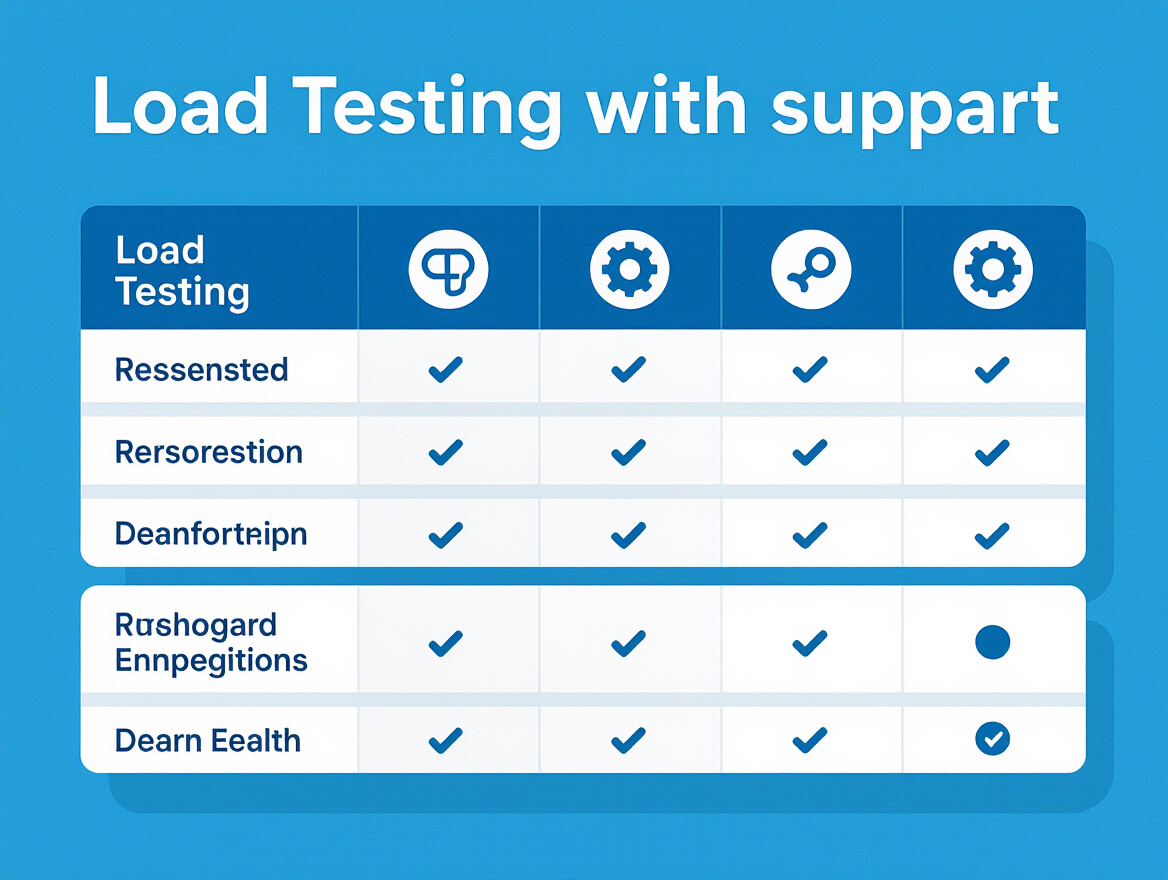
| Tool Name | OAuth2 Support | Scripting Required | Integration Notes |
|---|---|---|---|
| JMeter | Via OAuth2 plugin or custom scripting | Yes, for token flow | Highly flexible; can simulate most OAuth2 flows, but managing token refresh logic requires Groovy/JavaScript scripting. See this JMeter OAuth guide. |
| k6 | Native OAuth2 support in scripts | Yes, JavaScript | Offers programmatic token handling; integrates with CI/CD tools for automated runs. Supports client credentials and authorization code flows. |
| LoadFocus | Built-in OAuth2 authentication module | No (codeless for common flows) | Cloud-first platform; handles token acquisition and renewal automatically for supported OAuth2 setups, minimizing manual configuration and reducing risk of expired tokens during tests. See how LoadFocus streamlines OAuth2 testing. |
| Gatling | Scripting-based OAuth2 support | Yes, Scala/Java | Requires scripting for token requests and refresh logic. Comprehensive but less codeless options compared to LoadFocus. |
Platforms like LoadFocus stand out by offering codeless OAuth2 test configuration for frequent flows, including token renewal and multi-user simulation. This enables teams to spend less time scripting and more time analyzing results. For distributed microservices or large-scale API deployments, cloud-based tools with built-in OAuth2 support are especially valuable.
The right tool matches your API’s OAuth2 complexity and your team’s technical skillset. Flexible tools like JMeter and k6 offer power at the cost of more scripting, while LoadFocus’s integrated approach minimizes manual effort and reduces the risk of token errors.
Step 3: Script OAuth2 Token Acquisition and Renewal
For accurate OAuth2 load testing, move beyond static tokens and script the full authentication flow. Hardcoding a single access token or reusing it for all users doesn’t exercise the authorization server or expose how your API handles expired or invalid tokens. Proper scripting is the difference between uncovering real bottlenecks and missing critical issues.
Key Insight: Load testing scripts must dynamically acquire and refresh OAuth2 tokens to accurately reflect real user behavior and surface authentication-related performance issues.
Why Static Tokens Undermine Testing
Using a single, hardcoded token in long-duration load tests means the authorization server isn’t being tested. This approach hides how your API copes with expired or invalid tokens, resulting in artificially optimistic metrics and missed production-grade failures.
Before/After: Token Handling in Load Test Scripts
| Before | After |
|---|---|
# Pseudocode for load test script
access_token = "eyJhbGci...static_token"
for each user:
 send_request(api_url, headers={"Authorization": "Bearer " + access_token})
Problems: Every virtual user shares a single token. No refresh or expiration logic. No load on the authorization endpoint. |
# Pseudocode for load test script
for each user:
 access_token, refresh_token = request_token(client_id, client_secret)
 for each request:
 if token_expired(access_token):
 access_token = refresh_access_token(refresh_token)
 send_request(api_url, headers={"Authorization": "Bearer " + access_token})
Improvements: Each user gets a unique token. Script requests new tokens and handles expiration. Authorization server is exercised under load. |
The “after” version simulates real client authentication patterns and exposes both the API and authorization server to meaningful, production-like load. This approach also surfaces edge cases, such as rate limits or failures during token renewal, that static-token scripts miss.
Actionable Playbook: Dynamic Token Handling
To implement dynamic OAuth2 token management in your load test scripts:
- Identify your OAuth2 flow – usually Client Credentials or Authorization Code. Know the endpoints and parameters your API expects. For details, see the JMeter OAuth guide.
- Script token acquisition as a separate HTTP request step. In JMeter, use a “HTTP Request” sampler at the start of each user thread. In k6, trigger a token request inside your virtual user function. LoadFocus allows parameterized token requests in scenario configuration.
- Handle token expiration and refresh by tracking the token’s validity period. When the token is about to expire, trigger a refresh or repeat the original flow. This is essential for long-running tests, where expired tokens would otherwise cause authorization errors.
- Ensure unique tokens per user. Parameterize client credentials or use data-driven techniques (such as CSV data sets in JMeter) so each virtual user cycles their own tokens. This prevents shared authentication state and creates realistic concurrency.
- Secure your credentials within the test environment. Never log tokens or secrets in plain text, especially in cloud environments.
Dynamic token handling adds complexity but is essential for valid results. Proper scripting surfaces authentication-related latency spikes, authorization server bottlenecks, and subtle races around token expiry – issues that static tokens conceal. For a deeper look at automated load tests with dynamic authentication, see this guide to automated microservices load testing.
Step 4: Parameterize and Secure Test Credentials
Ensure Unique Sessions for Every Virtual User
A realistic OAuth2 load testing scenario requires each simulated user to maintain their own authenticated session. Client credentials and secrets should never be hardcoded or reused across users. Parameterizing credentials – using data files or environment variables – forces your test to reflect unique session flows, triggering real token generation and validation for each user.
Importing a CSV file with unique client IDs and secrets for each test user is a common approach. Tools like JMeter support this natively (see walkthrough on configuring JMeter tests with CSV data). This method assigns a distinct identity to every thread or virtual user, making your load test more representative of real-world traffic.
Best Practices: Storing and Passing Secrets Securely
Keep test credentials and secrets out of scripts and version control. Use environment variables or dedicated secret management tools to handle sensitive data. Many cloud-based platforms integrate with secret stores or allow environment variable injection at runtime. Store secrets in encrypted vaults, not plaintext files. When scripting OAuth2 token acquisition, ensure secrets are only read into memory when needed and avoid writing them to disk or logs. For more on security, see this breakdown of performance testing security standards.
Common Pitfalls: Credential Leakage
- Embedding secrets in scripts – Anyone with repository access can exfiltrate credentials.
- Logging credentials or tokens – Verbose debugging can unintentionally output sensitive data to shared logs.
- Reusing tokens across users – This undermines test realism by bypassing token issuance and refresh logic.
Avoiding these mistakes is critical for both test validity and operational security. Always validate that your load testing strategy keeps credentials isolated and secure, and audit your workflow to catch leaks before they reach production.
Step 5: Monitor Both API and Authorization Server Metrics
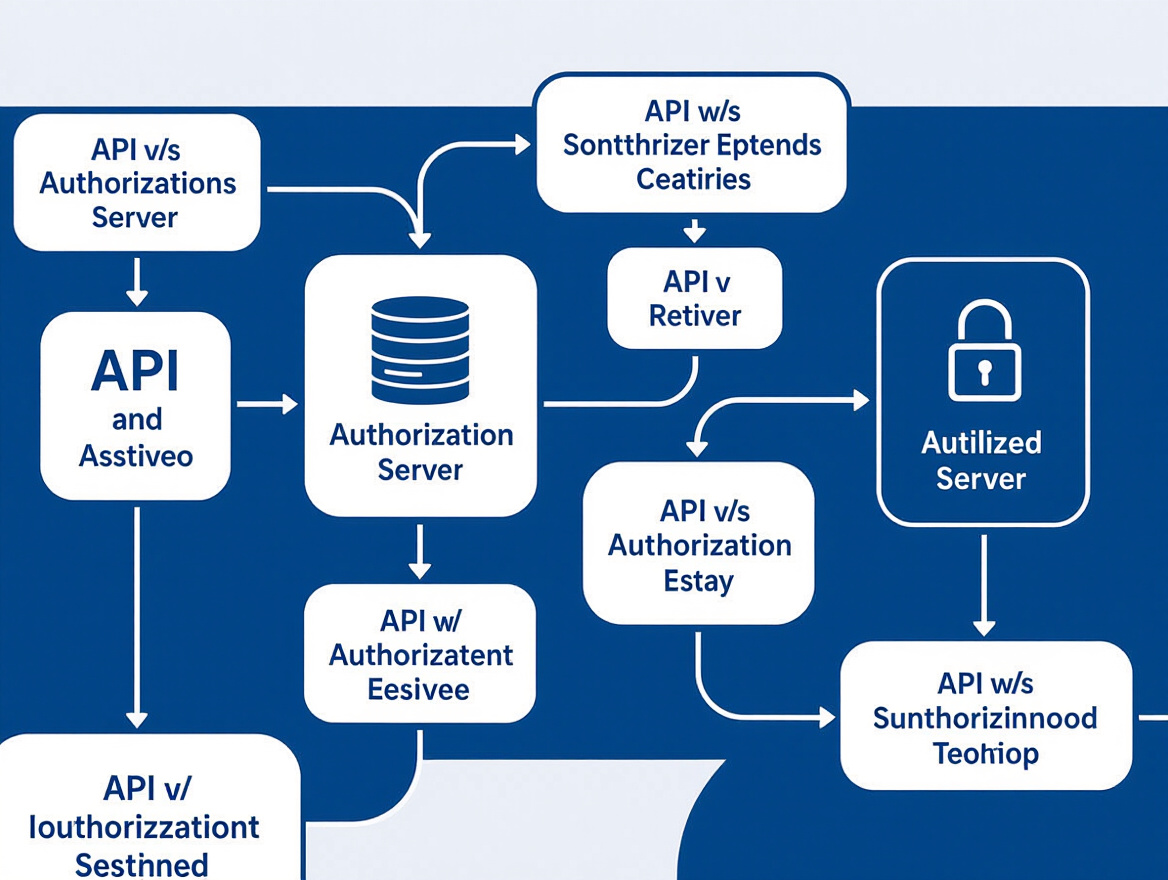
Effective OAuth2 load testing requires monitoring both the API under test and the OAuth2 authorization server. Skipping this step can lead to wasted troubleshooting and missed bottlenecks.
When your load scripts simulate real OAuth2 flows, each API request is linked to backend calls for token issuance, validation, or refresh. If response times spike, layered monitoring helps you determine whether the API or authorization server is the source of the problem.
| Metric | What It Measures | Why It Matters |
|---|---|---|
| API Response Time | Time taken for the API under test to respond to requests | Reveals end-user experience and the cumulative effect of all backend dependencies |
| API Error Rate | Frequency of HTTP 4xx/5xx responses from the API | Highlights failing endpoints or backend misconfigurations |
| Token Issuance Latency | Time required to obtain or refresh an OAuth2 token | Identifies bottlenecks at the authorization server that may not affect the API directly |
| Authorization Server Health | CPU, memory, and connection pool usage at the auth server | Tracks whether the server is struggling under load, risking failures or degraded performance |
| Token Validation Failure Rate | Number of requests rejected due to expired or invalid tokens | Pinpoints issues with token lifecycle management in your test setup or the server itself |
Leading platforms provide dedicated API monitoring and AI-powered analysis tools that surface these metrics in real time. By correlating spikes in API response times with increases in token issuance latency or authorization server CPU usage, you can attribute performance degradations to the correct layer. This avoids finger-pointing between API and security teams and enables targeted optimizations.
Key Insight: If you only monitor API endpoints during OAuth2 load testing, you risk missing the root cause of latency lurking in the authorization server itself.
Interpreting OAuth2-Related Bottlenecks
Teams new to OAuth2 load testing are often surprised to find that performance issues originate with the authorization server, not the API endpoints. For example, if your tests simulate the Authorization Code flow for every virtual user, the auth server must handle a surge of token requests and validations. A spike in token issuance latency – even if API response times remain stable – suggests the server is straining, possibly due to limited resources or suboptimal database access. This is especially relevant in microservices architectures, where the auth server may be shared across multiple APIs.
Correlating your metrics is essential. If API errors rise alongside increased token issuance times, the auth server is likely the chokepoint. Conversely, if the auth server remains healthy but API response times degrade, the issue lies elsewhere. For a practical walkthrough, see this guide to solving API performance testing challenges.
Building monitoring into your OAuth2 load testing routine helps you spend less time guessing and more time fixing. For advanced scenarios – like distributed load across microservices or troubleshooting sudden latency spikes – LoadFocus case studies provide step-by-step breakdowns for attributing slowdowns to the correct system.
Step 6: Reproduce Real-World Token Usage Patterns
When load testing APIs secured with OAuth2, using static or pre-generated tokens may seem convenient but rarely surfaces the bottlenecks or failures users experience. Real-world user behavior involves tokens with varying lifetimes, dynamic scopes, and unpredictable refresh patterns. Simulating this variability is essential to expose the full performance profile of your API and authorization infrastructure.
Static tokens can make your OAuth2 load testing results look artificially clean, bypassing the token acquisition and validation workload that occurs under actual load. In contrast, scripting token requests and modeling realistic session expirations will highlight authentication delays, rate limits, and cache misses – issues that only surface under genuine user simulation.
How to Model Real-World Token Behavior
- Vary token lifetimes: Script a mix of short-lived and longer-lived tokens to reflect your production environment.
- Rotate scopes: Assign different permission sets to virtual users to test diverse access patterns and uncover scope-related bugs.
- Simulate refresh cycles: Incorporate token renewal logic, especially for long test runs or workflows that require persistent access. This reveals bottlenecks in the refresh token endpoint.
- Parameterize token requests: Each virtual user should act as a unique session to prevent skewed results.
Modern load testing platforms and open-source tools with OAuth2 support can automate these patterns. For hands-on configuration, see our API performance testing with OAuth2 authentication guide.
Note: Building full OAuth2 simulation into your test suite increases setup time and may require additional infrastructure. You’ll need to handle secure client credential storage and possibly spin up dedicated authorization servers for high-scale tests. This upfront investment pays off by surfacing real-world issues, but it’s important to weigh complexity against your immediate goals.
Before/After: Static vs Dynamic Token Load Tests
| Before: Static Tokens | After: Dynamic, Scripted Tokens | |
|---|---|---|
| Test Setup | Upload a single pre-generated OAuth2 token. All virtual users reuse it. No token refresh or expiration logic. | Each virtual user scripts its own token acquisition. Tokens expire at different times; refresh logic triggers automatically. |
| Observed Results | API endpoints show consistent response times. No errors related to token expiration or refresh. Authorization server load is zero. | API response times fluctuate as tokens expire and refresh. Occasional 401/403 errors surface. Authorization server metrics reveal spikes under heavy load. |
| Reliability | Misses hidden latency from token validation. Overlooks API failures triggered by expired or invalid tokens. Underestimates authorization server stress. | Surfaces authentication bottlenecks and error handling gaps. Provides a true snapshot of system performance under real-world security constraints. |
The “before” scenario simplifies setup but gives a misleading sense of stability. The “after” version, by reproducing real user session patterns, uncovers issues that matter in production. For more on designing realistic test cases, see tips to optimize your API performance testing and avoid common pitfalls.
Step 7: Address Security Risks During OAuth2 Load Testing
Security Considerations in OAuth2 Load Testing
When ramping up traffic with OAuth2 load testing, you introduce security risks that can’t be ignored. Even in isolated environments, client credentials and access tokens may represent real or privileged access. Mishandling these can lead to unauthorized data access or compliance violations.
Controlling Access to Secrets and Tokens
Never hardcode credentials or scatter them across test scripts. Use encrypted environment variables or secure vault integrations. Test data should be scrubbed of personal information, and only role-scoped, minimally-privileged test accounts should be used. When using tools like JMeter, Gatling, or cloud platforms, restrict access to vaults and token stores to only those users and CI/CD agents who need it.
Tokens can be intercepted or mistakenly logged if scripts echo responses or store results insecurely. For practical guidance, see Performance Testing Security: A 2026 Imperative.
Mimic Production Security for Meaningful Results
Test environments must mirror production security controls. If your load tests run with open CORS rules, relaxed firewall policies, or elevated permissions, your results won’t be valid. Enforce production-grade security: rotate secrets, enforce token expiry, and ensure all traffic flows through the same API gateway or authentication proxy as in production.
Simulating full OAuth2 flows, including token refresh and expiration, uncovers issues that static tokens miss. Authorization server bottlenecks and token validation overhead only become visible when security controls are in place.
Compliance, Auditability, and Traceability
Regulated industries must go further. Maintain audit logs of who accessed secrets, when, and for what purpose. Rotate test credentials frequently, and ensure expired tokens are invalidated and not reused. These practices are foundational for compliance with standards like GDPR, HIPAA, or SOC 2, especially as more organizations blend real user data into performance workflows.
Prioritizing security in OAuth2 load testing keeps your organization’s risk profile in check and produces results you can trust. For more best practices, revisit Performance Testing Security: A 2026 Imperative.
Step 8: Troubleshoot Common OAuth2 Load Testing Issues
Error Patterns and Solutions
Even experienced testers encounter recurring OAuth2 issues during API load scenarios. The most common are expired tokens, random 401s, authorization server overloads, and mismatched scopes. Each can undermine your test results and system readiness.
- Expired or Invalid Tokens: If tests start failing with 401 responses after running smoothly, expired tokens are often the cause. Review token expiry claims and logs for token reuse. The fix is to script token renewal into your test logic so each virtual user fetches a fresh token before expiration.
- Unexpected 401s or 403s: These usually signal token expiration or misconfigured scopes. Double-check the scope parameter in OAuth2 requests and confirm test users have the necessary permissions. If varying scope per user, parameterize these values in scripts.
- Authorization Server Overload: Under heavy load, failed token requests or long response times from the authorization server may occur. These are often due to rate limits or capacity bottlenecks. Solutions include staggering token requests, increasing server resources, or using token caching strategies (with caution, as caching can mask real issues). For more on diagnosing these bottlenecks, see our post on API performance testing challenges.
- Misconfigured Scopes: If tokens are accepted but requests are denied, verify granted scopes against the API’s documentation. Scope mismatches often arise when endpoints change or new permissions are introduced.
Always confirm that your scripts reflect the API’s latest authentication requirements. Tools like JMeter support dynamic token acquisition and parameterization. Monitor both the API and authorization server to spot hidden bottlenecks and avoid misleading results.
Watch for authorization server rate limiting: bursts of failed token requests often indicate your test is overwhelming the auth endpoint, not the business API. If this occurs, reduce the request rate, add ramp-up periods, or coordinate with your identity provider to temporarily raise limits during testing. Addressing these issues ensures your OAuth2 load testing results are meaningful and your APIs are resilient under pressure.
Summary Checklist
Before starting OAuth2 load testing, ensure you’ve addressed every critical configuration and verification item. This concise audit table helps you catch common missteps that can undermine your results. Skipping even one step risks producing misleading metrics or missing bottlenecks that only appear under realistic authentication load. Use this table as a systematic review to ensure nothing essential is missed.
| Check Item | What to Look For | Why It Matters |
|---|---|---|
| Document OAuth2 Flow | Identify if API uses Authorization Code, Client Credentials, or another flow | Testing the correct flow ensures token management matches real-world usage |
| Script Token Acquisition | Automate token requests and handle refresh logic | Simulates real user sessions and surfaces latency from token generation |
| Parameterize Tokens | Ensure each virtual user gets a unique token | Prevents artificial bottlenecks and avoids reusing tokens, which skews results |
| Secure Credentials | Safeguard client secrets and tokens in test configs | Reduces risk of credential leaks during automated testing |
| Monitor Auth Server | Track both API and authorization server metrics | Reveals if token issuance performance is a bottleneck |
| Replicate Token Expiry | Simulate token expiration and refresh under load | Uncovers hidden issues missed by static or cached tokens |
A step-by-step checklist like this aligns your test setup with best practices in OAuth2 load testing and minimizes the risk of costly mistakes. Use it as your final gate before running any large-scale test.
Frequently Asked Questions
Which load testing tools support OAuth2 authentication?
Most leading load testing tools now offer built-in OAuth2 support. Options like JMeter, Gatling, and LoadRunner can be configured for OAuth2 token acquisition, renewal, and injection into API requests. Platforms such as LoadFocus provide cloud-based load testing with OAuth2 flows integrated, streamlining setup for both simple and complex scenarios. For a practical walkthrough, see how to load test RESTful APIs with LoadFocus.
How do I set up OAuth2 load testing for my API?
Start by documenting which OAuth2 flow your API uses – most commonly, Authorization Code or Client Credentials. Then, configure your test scripts to request and renew tokens dynamically. This involves scripting the token endpoint call, passing client credentials, and storing tokens for use in subsequent API requests. Advanced tools allow you to automate token refresh and handle expiration, ensuring your simulated users behave like real clients. For step-by-step guidance, the API performance testing with OAuth2 guide offers detailed instructions.
What security steps should I follow during OAuth2 load testing?
Safeguard client credentials and tokens in your test environments. Never hardcode secrets in scripts or expose them in logs. Use environment variables or secure vaults to manage sensitive data. Restrict access to your test data and recycle tokens regularly. For more, check out performance testing security standards for 2026.
Why do my OAuth2 load tests return inconsistent results?
Inconsistent results often stem from reusing tokens across virtual users, not handling token expiry properly, or encountering bottlenecks in the authorization server. Each virtual user should request its own token to accurately reflect real traffic. Latency during token generation can also skew metrics – always monitor both your API and authorization server performance to pinpoint bottlenecks.
How can I troubleshoot authentication failures during tests?
First, verify that your token request scripts are configured with valid credentials and correct endpoints. Inspect logs for error codes from the authorization server – 401 or 403 errors often indicate scope or permission issues. If tokens are expiring during the test, add token refresh logic to your scripts. For persistent issues, review your API gateway or OAuth2 server configuration and consult your identity provider’s documentation.
What are the main pitfalls to avoid in OAuth2 load testing?
Avoid using static tokens, hardcoding credentials, and neglecting to monitor the authorization server. Ensure each virtual user simulates a unique session, automate token renewal, and keep secrets secure. Failing to do so can result in misleading test results and security risks.
How do I balance test complexity with accuracy?
Simulating full OAuth2 flows adds realism but increases setup time and resource consumption. If your goal is to uncover authentication bottlenecks, prioritize dynamic token handling and real-world session patterns. For simpler tests, be aware that shortcuts like token caching may mask issues related to token issuance performance.
Effective OAuth2 load testing demands careful scripting, attention to security, and ongoing monitoring. By replicating real-world token usage and addressing setup pitfalls, you can achieve accurate and meaningful performance results.
Drafted using PostNext planner