Expert Guide: Building Effective Load Testing Strategies for E-Commerce
Why E-Commerce Demands Specialized Load Testing
E-commerce platforms face unique performance challenges. Traffic patterns are volatile, with sudden surges during flash sales, promotions, or holidays. Relying on generic load testing – such as steady user simulations or basic server throughput checks – misses the mark. If your tests don’t mirror real shopping scenarios, you risk missing critical issues that can lead to lost revenue and damaged brand reputation during peak events.
What Sets Effective Load Testing Strategies Apart?
- Business Alignment: Start with clear, business-driven objectives. Define expected concurrent users, peak transaction rates, and target response times. Testing should focus on what matters for your bottom line.
- Realistic User Scenarios: Simulate actual user behavior – browsing, cart updates, purchases, API calls, and background processes. Modern e-commerce stacks add complexity, making realistic scenarios essential.
- Scalability and Flexibility: Your strategy must adapt to unpredictable surges, whether for local campaigns or global sales. Cloud-based platforms enable rapid scaling of test users and environments.
- Actionable Insights: Go beyond pass/fail metrics. Gather detailed data to pinpoint bottlenecks, identify failures under stress, and prioritize fixes that improve the shopper experience.
Key Insight: Load testing strategies that reflect business goals and real user behavior are essential for protecting revenue and reputation during high-stakes e-commerce events.
The Risks of Superficial Load Testing
Superficial or misaligned load testing can create a false sense of security. Using generic scripts or unrealistic environments may overlook critical vulnerabilities. For example, when a global retailer neglected to simulate peak event traffic, their site crashed under real demand, resulting in lost revenue and customer trust. Late-discovered performance issues often require expensive, last-minute fixes – sometimes after customers have already abandoned their carts.
Is Your Infrastructure Ready for Global Traffic Spikes?
Unexpected load surges can disrupt your services. With LoadFocus’s cutting-edge Load Testing solutions, simulate real-world traffic from multiple global locations in a single test. Our advanced engine dynamically upscales and downscales virtual users in real time, delivering comprehensive reports that empower you to identify and resolve performance bottlenecks before they affect your users.
E-commerce teams cannot afford to treat load testing as a checkbox. A strategic, continuous approach – focused on business-driven, scenario-based testing – sets high-performing stores apart.
Comparison Table: 10 Essential Load Testing Strategies
Choosing the right load testing strategies is crucial for e-commerce performance, especially during high-traffic events. The table below summarizes ten key approaches, outlining their strengths, limitations, best use cases, and typical pricing models. Use this as a reference to match strategies to your needs and budget.
| Name | Key Strength | Key Limitation | Best For | Pricing Model |
|---|---|---|---|---|
| Business-Centric Objective Setting | Aligns testing with business goals and user expectations | Requires collaboration with stakeholders | Sites with defined KPIs and traffic targets | Included in consulting or internal planning |
| Simulating Realistic User Behavior | Reveals true user experience | Complex to script diverse workloads | E-commerce platforms with varied user actions | Part of advanced load testing tools |
| Shift-Left Load Testing | Identifies issues early in development | May require workflow changes | Agile and DevOps teams | Pay-per-use cloud tools or CI/CD suites |
| Cloud-Based Load Testing | Scalable and cost-efficient | Potential data privacy concerns | Large-scale or unpredictable loads | Subscriptions or pay-as-you-go |
| Combining Load, Stress, Soak, and Spike Tests | Comprehensive view of system limits | Resource intensive; more planning required | Critical sales events or infrastructure upgrades | Bundled in enterprise testing plans |
| API Load Testing | Targets backend bottlenecks | Doesn’t reflect frontend issues | API-driven architectures | Tool-dependent; usage-based pricing |
| AI-Driven Automation | Speeds test creation and anomaly detection | May miss edge cases without review | Teams needing rapid iteration | Premium feature in modern platforms |
| Production-Like Environment Replication | Most accurate results | Challenging and costly to mirror production | Mission-critical launches | Custom setup; internal resource cost |
| Continuous Monitoring & Analysis | Enables ongoing optimization | Requires disciplined review | Sites with frequent releases | Subscription-based monitoring tools |
| Integration with Website Monitoring | Links load testing to user experience | Integrations can be complex with legacy systems | Comprehensive performance management | Add-on or bundled service |
Often, the best approach blends several of these strategies. By weighing strengths and limitations – such as the scalability of cloud-based platforms versus the accuracy of production-like replication – you can tailor a plan that supports your business goals and protects your brand.
Think your website can handle a traffic spike?
Fair enough, but why leave it to chance? Uncover your website’s true limits with LoadFocus’s cloud-based Load Testing for Web Apps, Websites, and APIs. Avoid the risk of costly downtimes and missed opportunities—find out before your users do!
1. Define Business-Centric Load Testing Objectives
Effective load testing strategies begin with objectives tied directly to business outcomes. Too often, teams focus on technical metrics – CPU utilization or server response times – without considering the events and user journeys that drive revenue or trust. This can result in tests that look successful on dashboards but miss risks in critical sales flows.
Every e-commerce business faces high-stakes moments: Black Friday surges, flash sales, or product launches that attract thousands of shoppers. If your load tests aren’t built around these scenarios, you’re making assumptions. Quantifiable, business-aligned goals – such as supporting a specific number of simultaneous shoppers during checkout – ensure your testing targets what matters most.
Translating Business Goals into Test Metrics
Translate business objectives into measurable test parameters. For example, “zero downtime on Black Friday” becomes targets for concurrency, transaction success rates, and acceptable response times for each critical user journey. This approach simulates real-world usage patterns that reflect how your platform generates revenue.
- Concurrency targets: Simulate the actual number of users expected during peak events.
- Critical flows: Prioritize journeys that impact sales or retention – checkout, registration, product search, and payment.
- Event-driven scenarios: Include edge cases like sudden flash sales or marketing campaigns that can rapidly increase traffic.
Pitfall: Overlooking Peak Event Requirements
One common mistake is ignoring peak event requirements because they’re rare. Yet these are the moments when failures are most damaging. Treat every planned campaign or anticipated surge as a unique test case, not an exception.
LoadFocus is an all-in-one Cloud Testing Platform for Websites and APIs for Load Testing, Apache JMeter Load Testing, Page Speed Monitoring and API Monitoring!
2. Simulate Realistic User Behavior and Mixed Workloads
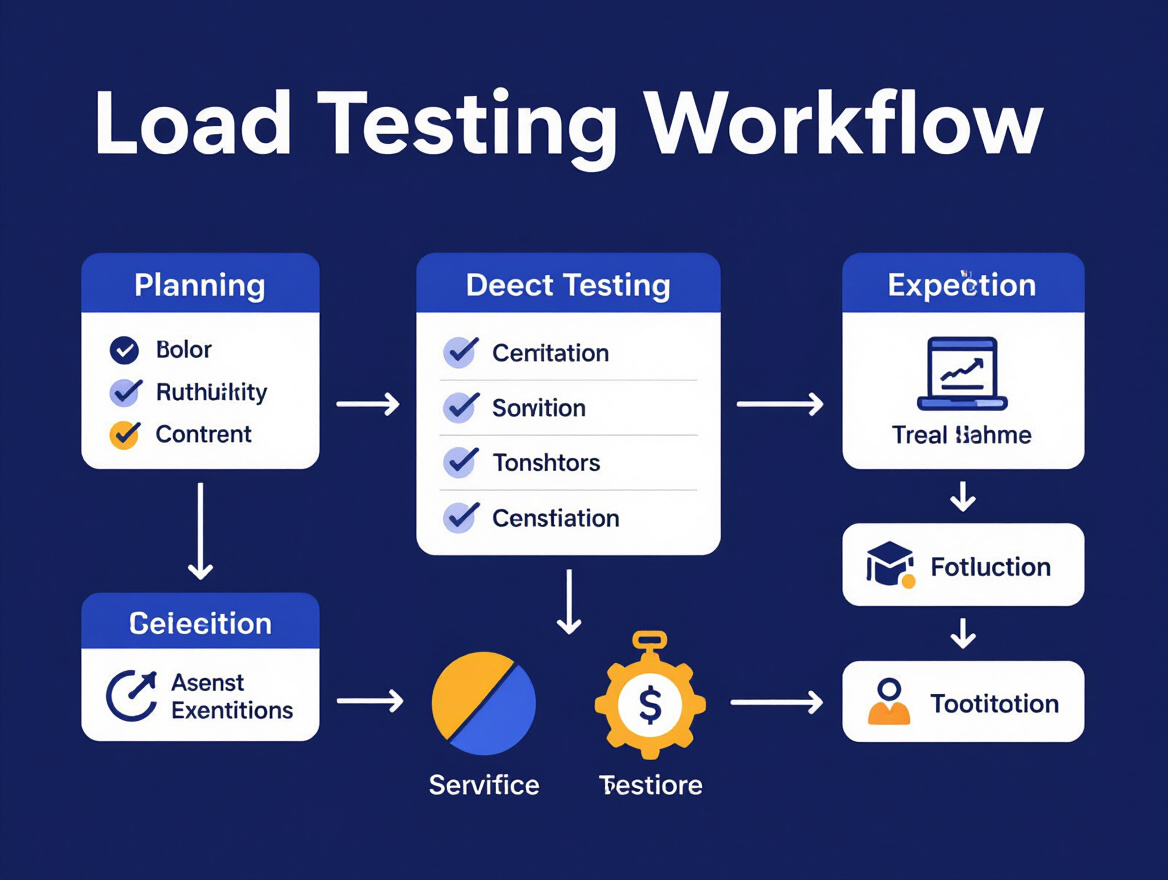
Effective load testing strategies for e-commerce require more than repetitive requests. Real users browse, search, add and remove items, and sometimes abandon sessions. Simulating this mixed workload is the only way to uncover bottlenecks that matter in production.
Design Multi-Step Scenarios for Realism
Map actual user journeys, not just endpoints. A typical flow might include landing on the homepage, searching, filtering, comparing, adding to cart, and checking out. Each step stresses different system components. Mixing API and browser-based testing captures both server response speed and client-side rendering issues.
| Before: Scripted, Repetitive Requests | After: Realistic, Mixed User Flows |
|---|---|
|
|
The “before” example produces numbers, but they’re disconnected from how customers actually shop. The “after” scenario surfaces problems tied to realistic usage, such as session handling or slowdowns during checkout.
Balance Protocol-Based and Browser-Based Load Tests
Protocol-based tests are efficient for high-volume traffic and stress checks, but they don’t reveal client-side issues. Browser-based tests uncover problems like JavaScript errors or slow third-party scripts. The most effective strategies combine both, adjusting the mix based on your goals.
Limitation: Scripting and Data Setup Complexity
Creating realistic multi-step scenarios requires more effort – scripting interactions, managing dynamic data, and keeping test data in sync with production. However, this investment pays off by finding issues that could otherwise impact revenue during peak sales.
3. Shift-Left Load Testing: Embed Early and Test Continuously
Load testing strategies have evolved beyond late-stage checks. Leading e-commerce teams now embed load tests into CI/CD pipelines, catching slowdowns before they reach production. This approach safeguards both reputation and revenue.
Traditional performance testing happens after development, making fixes costly. Shift-left load testing runs automatically with every build or sprint, providing continuous feedback on how new code affects system capacity and response times. Late-stage surprises become far less likely.
- Integrate load testing tools into your CI/CD pipeline for automated testing on every build or deployment.
- Automate and schedule frequent tests to catch regressions early.
- Create realistic scenarios that match real user behavior.
- Monitor and act on feedback to shorten the distance between detection and resolution.
Setting up automated, continuous load testing requires upfront investment, but the alternative – firefighting outages post-deployment – is far more costly.
4. Use Cloud-Based Load Testing Tools for Scale and Flexibility
On-Demand Scale and Real-World Simulation
Cloud-based load testing tools have changed how teams approach load testing strategies. You can now provision test environments quickly, simulate thousands of users from multiple locations, and mirror real-world surges with less effort. Platforms like LoadFocus allow distributed tests on demand, eliminating hardware headaches.
Simplified Setup, Lower Overhead
Cloud tools reduce operational burden – no need for dedicated servers or complex configurations. Define your test parameters and let the platform handle the rest. This enables even small teams to run sophisticated scenarios.
Cloud platforms also support continuous load testing integrated into Agile workflows. Real-time analytics and AI-powered reporting help identify bottlenecks quickly.
Consider Compliance and Data Residency
Cloud-based platforms may introduce data residency or regulatory challenges, depending on how test data is managed. If your application processes sensitive data or operates in regions with strict laws, review each tool’s approach before integration.
For most teams, the benefits of speed and scale outweigh these concerns. Cloud-based load testing is now a cornerstone of modern strategies.
5. Combine Load, Stress, Soak, and Spike Testing
Layering load, stress, soak, and spike testing provides a complete view of system behavior. Each method uncovers unique risks:
| Test Type | Primary Goal | Typical Use Case | Risk if Omitted |
|---|---|---|---|
| Load Testing | Validate performance under expected load | Black Friday traffic, daily peaks | Missed bottlenecks during normal usage |
| Stress Testing | Find breaking points by exceeding capacity | Sudden surges, viral campaigns | Unseen crash points under spikes |
| Soak Testing | Assess long-term stability | Extended sales, overnight jobs | Hidden memory leaks, gradual slowdowns |
| Spike Testing | Test resilience to rapid bursts | Flash sales, push notifications | Timeouts, failed transactions |
Standard load testing checks steady traffic. Stress testing exposes failure points. Soak testing reveals issues over time. Spike testing simulates sudden bursts. Omitting any method can leave you exposed to specific failures during critical periods.
When to Sequence Different Tests
Build a layered test plan by mapping business risks and sequencing tests accordingly. Start with load testing, then add stress, soak, and spike scenarios to cover all bases. This approach requires more planning but delivers confidence during high-stakes events.
6. Prioritize API Load Testing for Modern Architectures
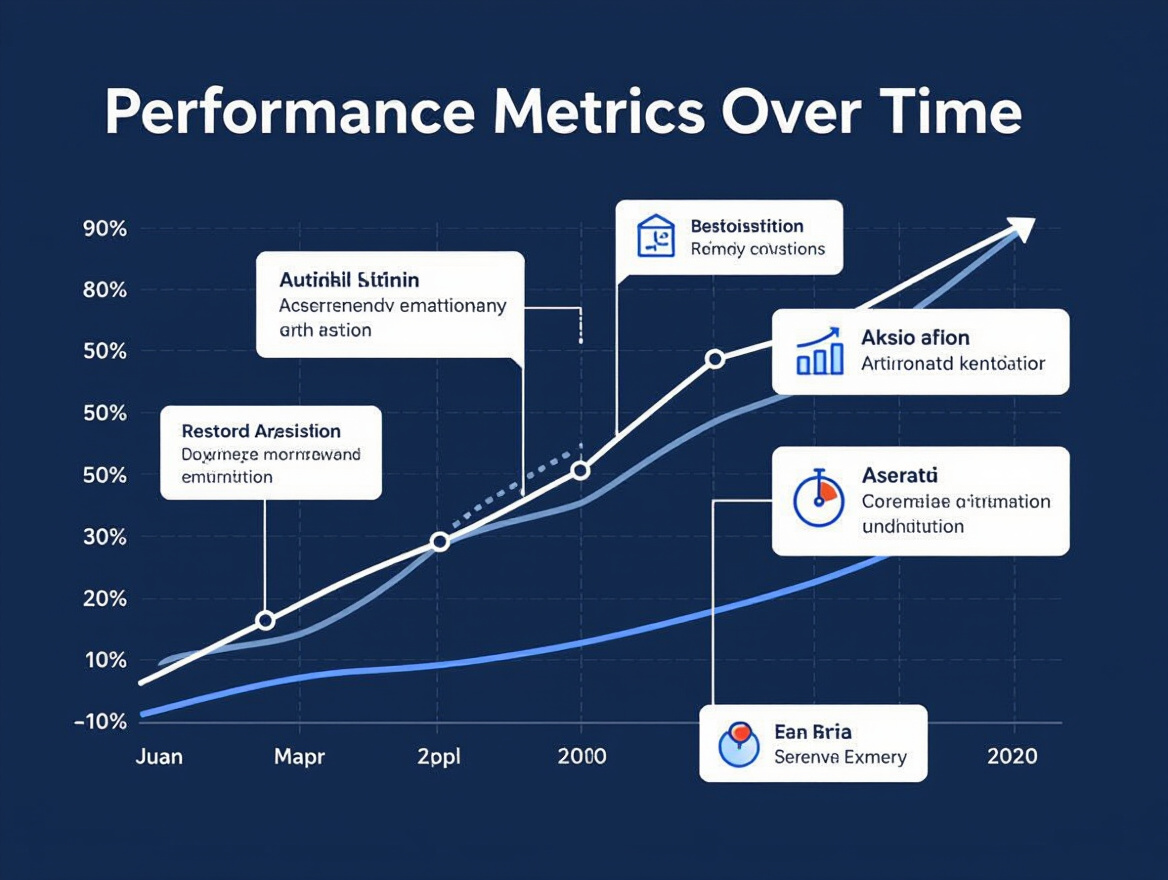
APIs are now the primary performance chokepoints in e-commerce. As platforms shift to microservices and headless architectures, the reliability of each API directly impacts the customer experience. When an API stalls, so does the entire site.
Why API Endpoints Matter
Modern platforms are fragmented into services exposed via APIs. Every call is a potential source of latency or failure. Third-party APIs add further risk – if a payment or shipping provider slows down, your conversion rate suffers. Effective load testing strategies must include both internal and external APIs.
Designing Effective API Load Tests
Model realistic traffic: simulate the mix of calls representing actual user flows. For internal APIs, test at projected peak scales. For third-party APIs, respect published rate limits and use contract testing to verify expected responses.
- Connect monitoring tools to capture latency, error rates, and throughput.
- Set thresholds for acceptable performance based on business goals.
- Automate regression tests to flag changes before production.
For third-party APIs, use stubs or sandboxes to avoid breaking rate limits. Monitor provider status endpoints for early warnings of upstream issues.
API Load Testing Challenges
Rate limiting is a major challenge – testing too aggressively can trigger throttling or bans. Always calibrate tests to respect limits, and negotiate higher quotas for planned test windows if needed. Contract testing ensures APIs return expected payloads and error codes, especially under stress. Integrate monitoring to capture granular metrics and pinpoint bottlenecks quickly.
Since you rarely have full visibility into third-party APIs, build resilience into your architecture with fallbacks and circuit breakers for non-essential APIs.
7. Use AI-Driven Automation for Smarter Load Testing
AI-powered automation is reshaping load testing strategies. Modern cloud tools can auto-generate test scripts, detect anomalies in real time, and surface hidden bottlenecks. For e-commerce sites, these advances help teams respond rapidly to performance threats.
AI can analyze application traffic and user behavior to propose test cases that reflect real-world usage, adapting as your site evolves. During live tests, AI systems flag latency spikes or error clusters instantly, enabling faster investigation.
When to Trust AI – and When to Validate Manually
While AI improves coverage and anomaly detection, expert validation remains essential. Treat AI-detected anomalies as prompts for investigation, not definitive verdicts. Always review critical user journeys and business-impacting issues with experienced engineers.
8. Replicate Production-Like Environments for Accurate Results
Why Production Parity Matters
Effective load testing strategies require test environments that closely mirror production – not just in software, but also hardware, network topology, and data flows. Testing on scaled-down infrastructure or with placeholder data can lead to misleading results and missed issues.
Risks of Mismatched Environments
Common pitfalls include using lower-powered hardware, ignoring security settings, or simulating unrealistic traffic. These shortcuts can result in tests that pass in staging but fail in production, especially during high-traffic events.
Resource Intensity: A Real Limitation
Replicating production is resource-intensive, but the cost of not doing so can be far greater. Weigh the short-term effort against long-term reliability and business continuity.
9. Monitor, Analyze, and Visualize Load Test Results for Actionable Insights
Go Beyond Raw Data
Raw response times and throughput charts are only useful if they lead to action. Effective load testing strategies translate technical metrics into clear, actionable business insights. Dashboards should spotlight trends, highlight anomalies, and make root causes easy to spot.
Track metrics that matter: error rates during sales events, server CPU usage during API-heavy transactions, and latency spikes. Modern tools provide real-time dashboards and anomaly detection for rapid response.
Dashboards and Visualizations
Strong visualizations – heatmaps, time series graphs, and correlation plots – help teams prioritize fixes. Focus reports on metrics that directly impact user experience or business KPIs.
What to Track – and Why
| Metric | What It Reveals | Common Issues Detected | Recommended Response |
|---|---|---|---|
| Response Time (avg, p95, p99) | Speed and consistency under load | Slow checkout, cart abandonment | Optimize queries, review caching |
| Error Rate (%) | Reliability as load increases | API failures, payment disruptions | Fix endpoints, increase resilience |
| Throughput (requests/sec) | System’s ability to process volume | Backend saturation | Profile bottlenecks, adjust resources |
| CPU & Memory Utilization | Resource exhaustion and scaling limits | Resource leaks, overloaded servers | Optimize code, upgrade hardware |
| Latency Spikes | Intermittent delays | Database contention, network issues | Investigate dependencies, review caching |
Avoid overwhelming teams with data – focus on findings that impact business outcomes and provide recommended next steps.
10. Integrate Load Testing with Website Monitoring for Continuous Optimization
Unified Feedback Loop
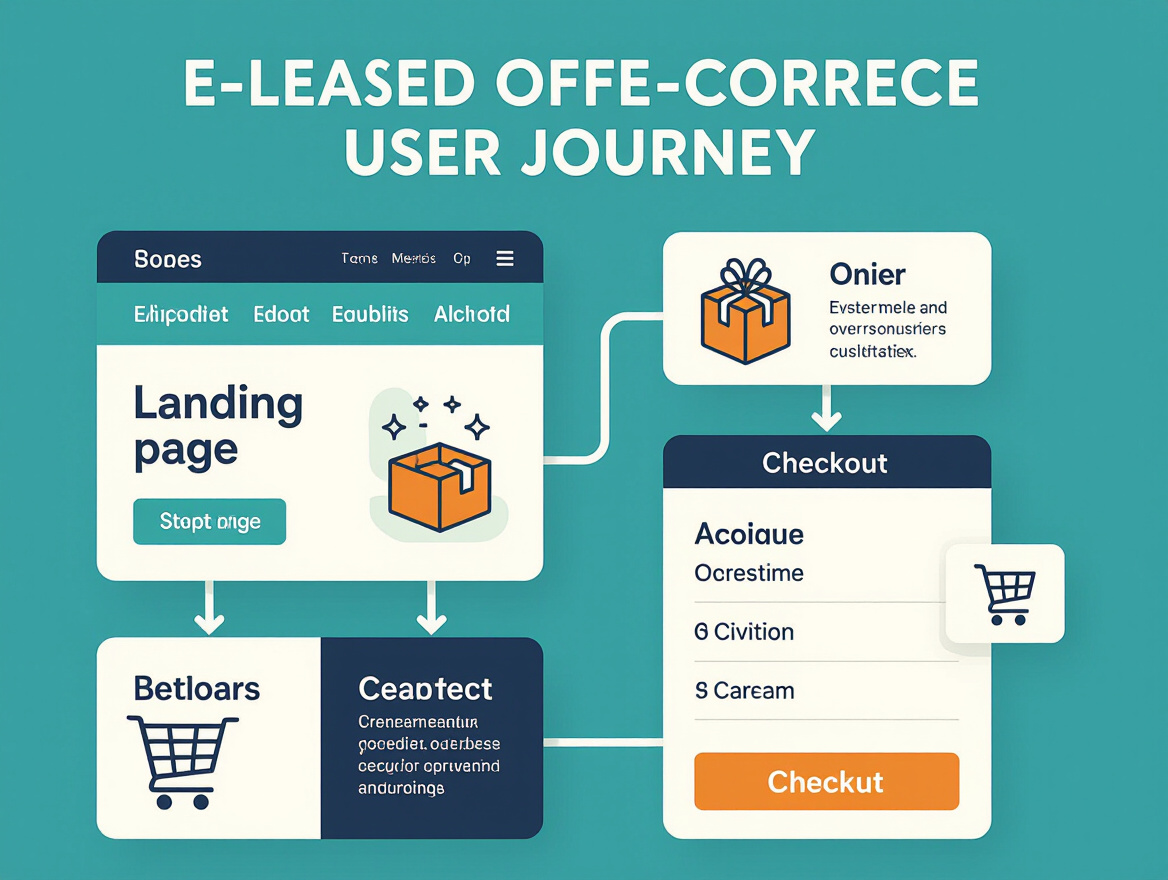
Pairing continuous website monitoring with periodic load testing creates a feedback loop that’s especially valuable for e-commerce. Load tests simulate high-traffic scenarios, while ongoing monitoring tracks real user interactions, catching subtle issues that scripted tests may miss.
Why Both Matter
E-commerce environments are dynamic. Promotions and new launches shift traffic patterns. Load testing anticipates peaks, but only monitoring captures day-to-day realities. Combining both enables rapid response and continuous tuning.
Limitations to Consider
Integration between load testing and monitoring tools is not always smooth. Evaluate integration capabilities early to avoid fragmented workflows. With the right setup, this feedback loop becomes a core part of ongoing optimization.
How to Choose the Right Load Testing Strategies for Your E-Commerce Site
Start with Your Business Context
The most effective load testing strategies begin with your business reality. Assess your traffic profile, tech stack, and engineering maturity. Budget matters, but underinvesting here can lead to costly outages during peak sales.
Decision Framework
- Define business goals and risk tolerance. Are you preparing for a global launch or steady growth? High-revenue brands need more rigorous testing.
- Map your technical architecture. API-driven platforms benefit from API and spike testing; traditional sites may focus on protocol and browser-based tests.
- Assess organizational maturity. Advanced teams should embed load testing early; startups may begin with post-release monitoring.
- Balance realism with constraints. Mirror production where possible, but acknowledge perfect replication is rare. Simulate mixed workloads for credible results.
- Invest in the right tooling. Prioritize integration and reporting features. Cloud platforms offer scalability and real-time insights.
Sample Mapping: E-Commerce Scenarios and Strategy Mix
| Business Scenario | Recommended Strategies | Key Considerations |
|---|---|---|
| Startup, monolithic site, small team | Protocol-based load testing, post-deploy monitoring | Focus on core user journeys; prioritize quick feedback |
| Mid-size retailer, seasonal peaks | Browser-based load testing, stress and spike testing | Simulate surges; test cart and checkout flows |
| API-driven marketplace, DevOps maturity | API load testing, shift-left integration, soak testing | Continuous testing in CI/CD; monitor long-term stability |
| Global brand, high concurrency | Multi-layer load testing, AI-powered anomaly detection, real-time monitoring | High risk of reputational damage; invest in scalable automation |
Choosing load testing strategies is contextual. Align your testing depth and frequency with your risk profile, architecture, and growth plans. Modern tools make it easier to scale as your needs evolve.
Frequently Asked Questions
What’s the difference between load testing and other types of performance testing?
Load testing measures how your system responds under expected user loads. Stress testing pushes systems beyond limits to find breaking points. Soak testing checks stability over time, and spike testing evaluates reactions to sudden bursts. Each plays a distinct role in understanding system behavior.
How do I set realistic goals for load testing strategies in e-commerce?
Tie load testing objectives to business outcomes: expected user concurrency, key transaction volumes, and response times. Use marketing forecasts and historical analytics to set accurate targets.
Why is simulating real user behavior important?
Generic traffic rarely reflects production. Effective load testing strategies model actual user journeys – browsing, searching, purchasing, and background jobs – to uncover bottlenecks that matter.
How often should we run load tests on our e-commerce site?
Aim for continuous load testing integrated into your development pipeline. Test before major code changes, migrations, or marketing events to catch issues early.
Is API load testing necessary for e-commerce?
Yes. Modern e-commerce relies on APIs and microservices. If your API layer slows or fails under load, customers experience delays or errors – even if the main site appears fine.
How can I make load tests reflect production as closely as possible?
Mirror data volume, server configurations, and network conditions. For critical launches, run pre-release tests against a full-scale staging environment and monitor closely once live.
What are common mistakes with load testing strategies?
- Testing too late in the cycle, missing early fixes
- Ignoring back-end APIs or third-party services
- Failing to simulate realistic, mixed user behavior
- Underestimating differences between test and production environments
- Not acting on test results
Should load testing strategies include stress, soak, and spike testing?
Yes. Load testing checks normal and peak conditions, while stress, soak, and spike tests reveal how your stack handles extremes and prolonged usage – critical for e-commerce during high-stakes events.
Effective load testing strategies are a core part of building a resilient, revenue-protecting e-commerce platform. The right approach combines early planning, realistic scenarios, continuous integration, and the right technology to meet evolving demands.
Created with PostNext tool