
Key takeaways
- UI steps let you script a real journey rather than checking a single URL.
- Build the scenario in the order a user would follow, then run it to confirm each step resolves.
- Keep scenarios short. A long chain fails often and tells you little about where.
With Automated Website Testing Service from LoadFocus.com you can easily automated your manual tests.
Just go to New Website Test page inside LoadFocus.com and click on the Step Action dropdown.
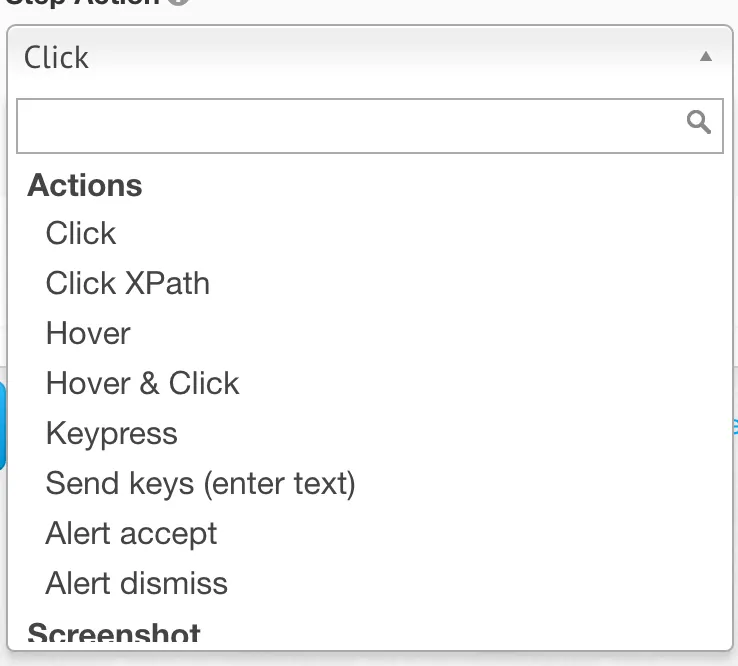
Choose the desired Step Action for your Automated Website Test
- search for the desired the step action (Actions, ScreenShots, Navigation and Assertions)
- add the step to your test by clicking on the action from the dropdown
- make the step Required to fail the whole test if this step fails (
- if don’t make the step Required, all other steps will continue to execute even if current step failed
- test status will not take this step into consideration
- add the necessary CSS or XPATH selectors for your desired Step Action (more details on how to locate web elements)
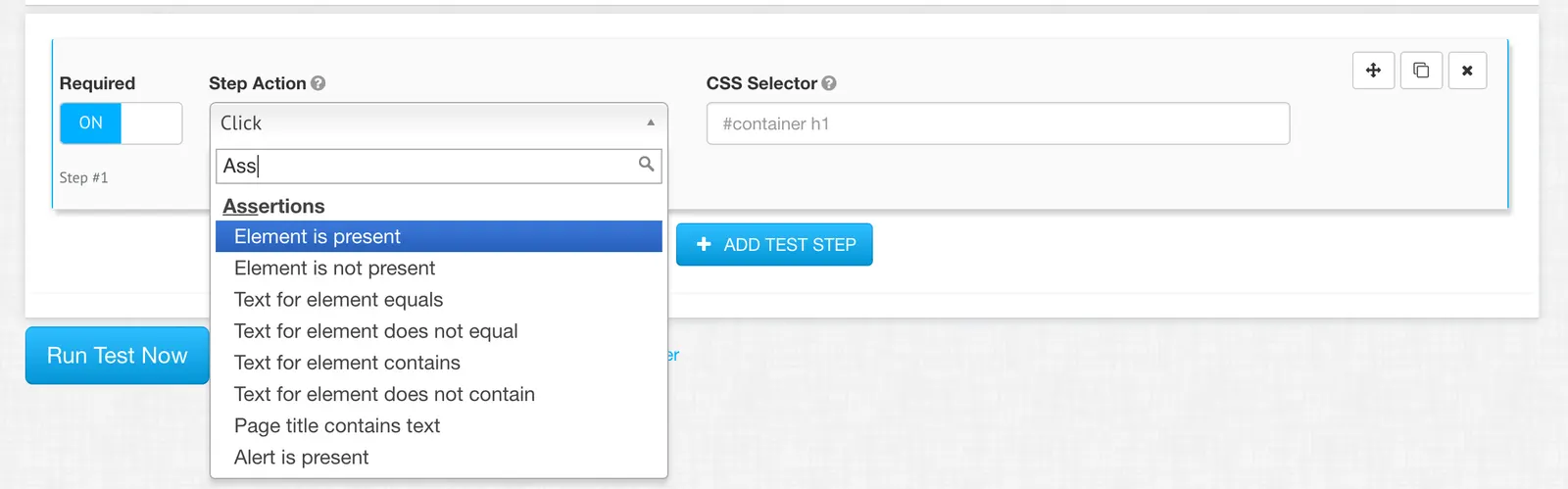
Add more steps to complete your test scenario
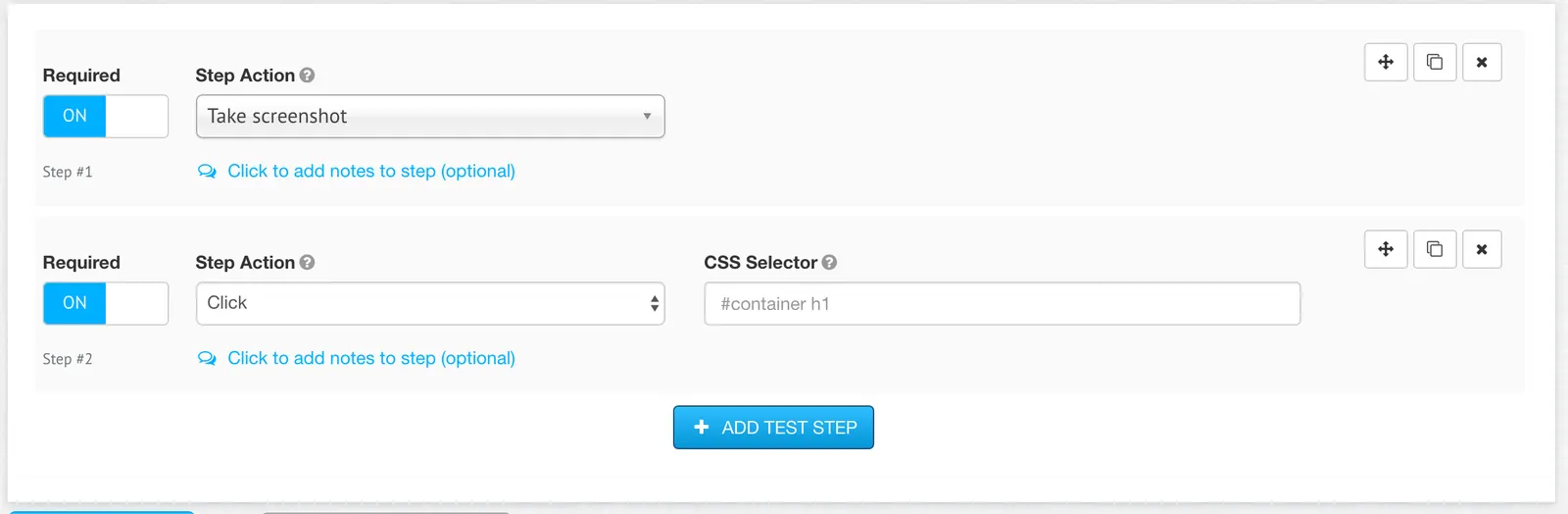
Execute the created Automated Website Test or Save for Later.

Check how easy is to automate the manual steps of your UI functional test with Automated Website Testing Service from LoadFocus.com.
Frequently Asked Questions
What does adding UI steps let me test?
A real journey rather than a single URL. You pick step actions such as navigation, assertions and screenshots, and chain them into the sequence a visitor would follow.
How should I build the scenario?
In the order a user would take, then run it to confirm each step resolves before adding the next. Building the whole chain first makes a failure hard to attribute.
How long should a scenario be?
Short. A long chain fails more often and tells you less about where the problem is, so several focused tests beat one that covers everything.