Notes for Load Test Results
Easily Add Notes for Load Test Results.
Adding/Removing Notes to Tests
Share Notes to your Test Results
Better Understanding of Results
Adding Comments to Test Results
Multiple Types of Load Tests
Easily add/remove notes and comments for each test run.
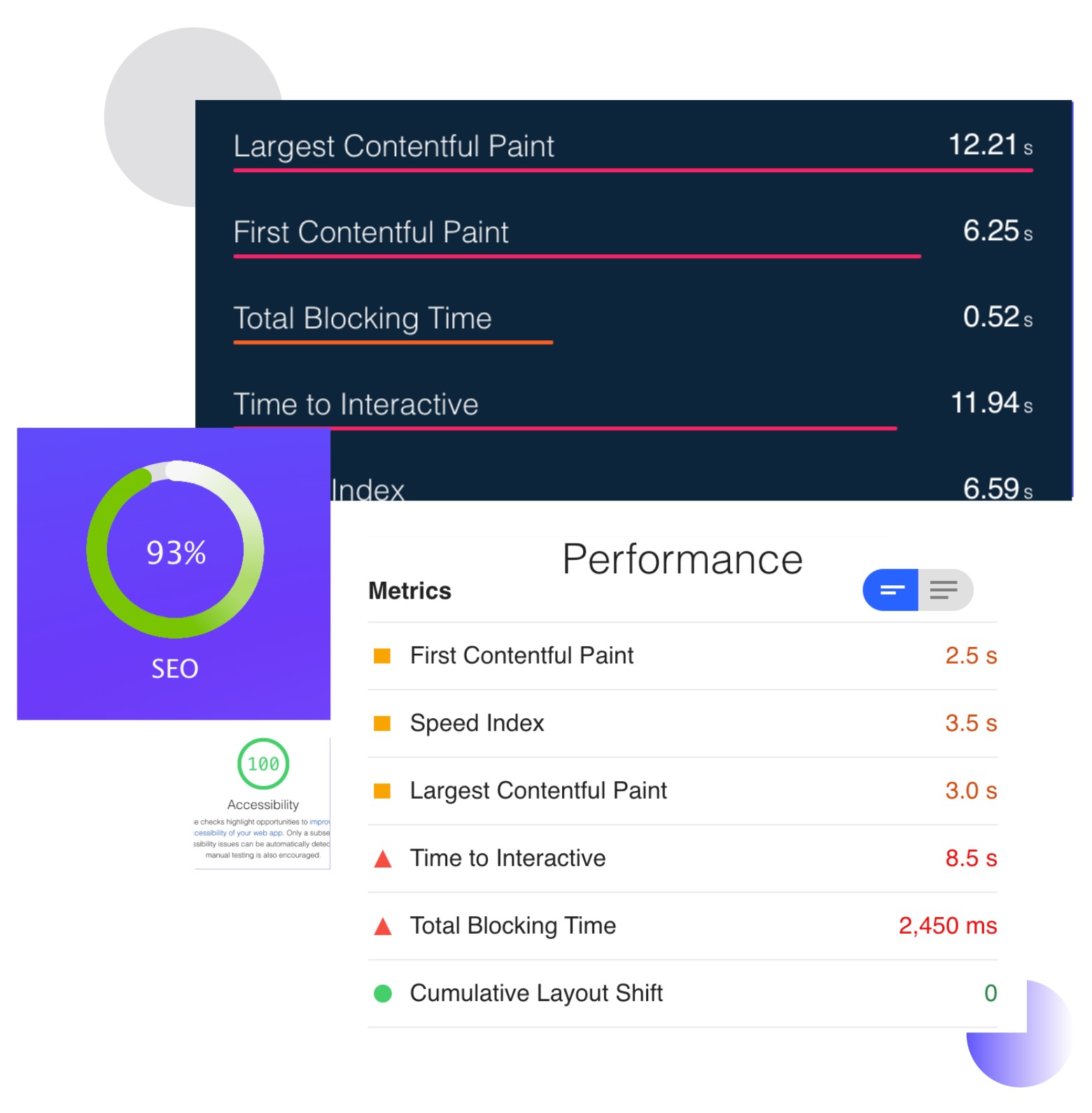
Make your test results talk to you
Add notes/comments to test results
Better understand each test run with notes/comments functionality.You can add notes/comments to your test plans which will display in the results dashboard when you view the test results.
Run tests from multiple locations.
Run tests from multiple locations.
Get Started
Adding/Editing Notes
Go to the results of a load test, and click the Notes tab, from there click Add Note button and you can add a note title and description.
Get StartedThe note is attached to the test name under the current test run id. To Edit a note, simply click the Edit icon next to an already added note to open the modal which allows to make changes to the current note.
Removing Notes
Click on the Remove Note button next to an already added note in order to remove the note. All removed notes will be deleted forever.
Get StartedAll notes are visible in the PDF reports for each test result, by removing them from the dashboard, will make them unavailable also from the reports.
You deserve better testing services
AI搭載のload test分析がすべての有料プランに含まれています。ウェブサイトの負荷テスト、ページ速度の測定、APIの監視を、結果をわかりやすく説明するAIインサイトと共に実行できます。Start Testing Now→